(7% discount is applied at checkout)
Cart is empty
Your go-to destination for cutting-edge server products
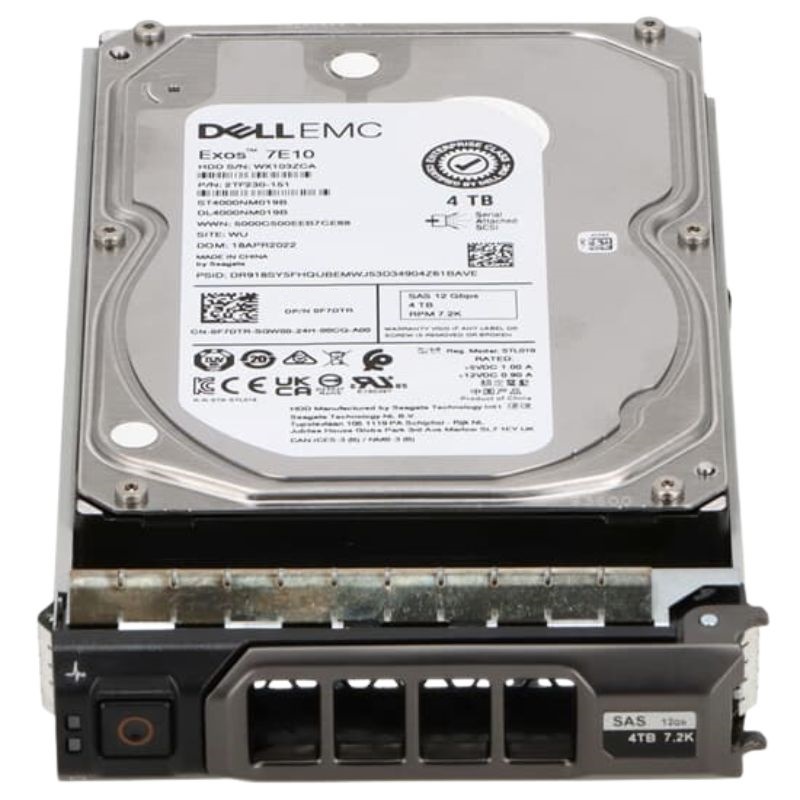


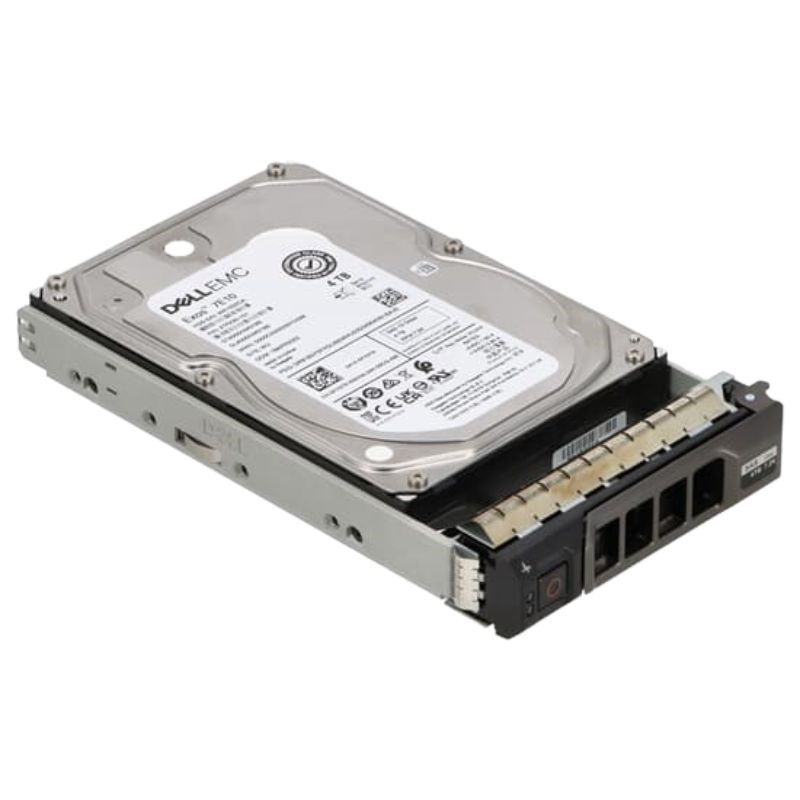
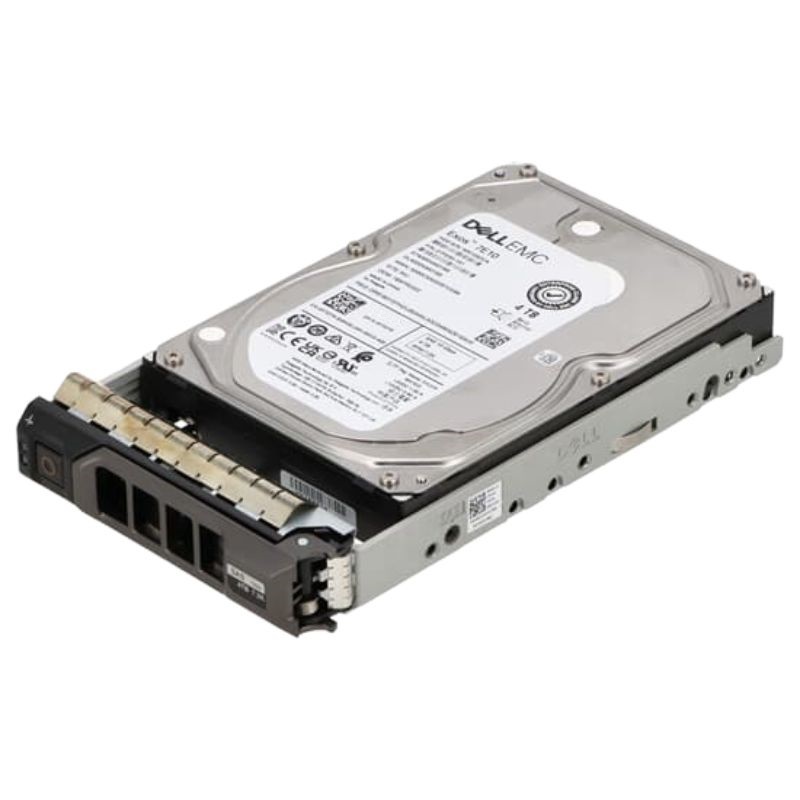
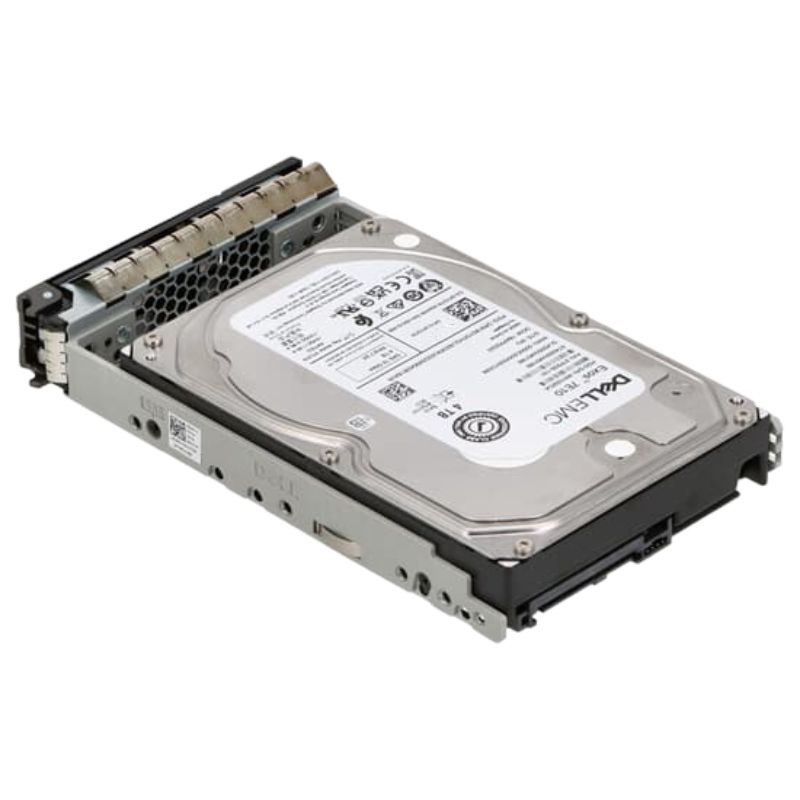
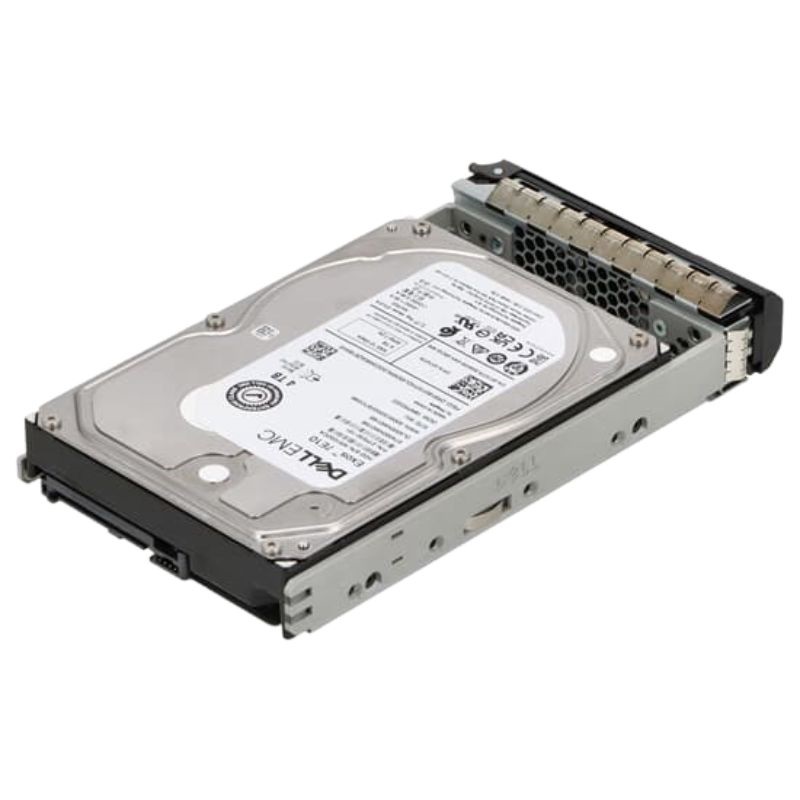
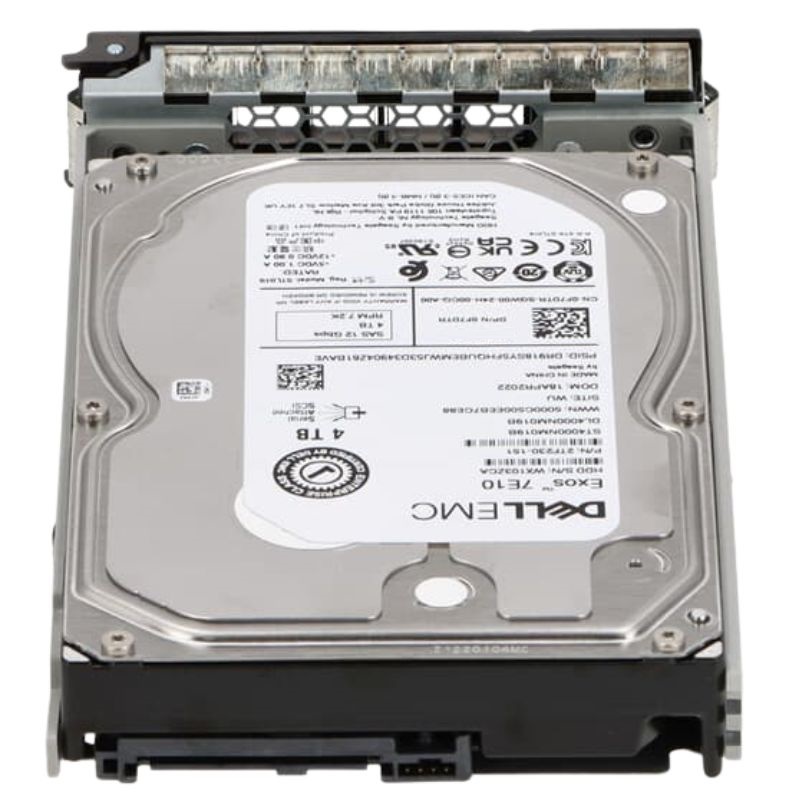
Dell 400-BKJQ Near Line SAS 12GBPS 4TB 7.2K 512n 3.5inch Hot-Plug Hard Disk Drive. New Sealed in Box (NIB) with 1-Year Warranty
The Dell 400-BKJQ belongs to Dell’s enterprise-grade storage family, offering a robust 4TB capacity in a 3.5-inch hot-plug design. With 12Gbps SAS interface and 512n advanced format, this nearline hard drive ensures seamless data accessibility, enhanced reliability, and scalability for demanding IT infrastructures.
Built for Dell’s wide server portfolio, this nearline SAS drive supports multiple generations of PowerEdge rack, tower, and Power Vault storage systems. Its flexibility ensures seamless deployment in data centers of varying scales.
This category focuses on the 400-BKJQ Dell Near Line SAS 12Gbps 4TB 7,200 RPM 512n 3.5-inch hot-plug hard disk drive and closely related Near Line SAS enterprise HDDs. Products in this category are purpose-built for high-capacity storage tiers within data centers, hybrid storage arrays, backup appliances, and content-archive nodes where sustained throughput, reliable long-term capacity, and predictable latency are required. The 400-BKJQ drive is representative of modern nearline drives that balance cost-per-gigabyte with SAS-class performance and enterprise-grade reliability.
The hallmark feature of drives in this category is the 12Gbps SAS (Serial Attached SCSI) interface. A 12Gbps SAS link provides a high-bandwidth connection to enterprise controllers and RAID cards, enabling multiple concurrent I/O streams with lower protocol overhead than SATA in multi-initiator environments. The 400-BKJQ's 12Gbps interface supports faster sequential transfers and improved responsiveness for mixed workloads when paired with compatible SAS backplanes and HBAs.
With a 4TB capacity in a 3.5-inch form factor, this drive type is designed to maximize raw storage per bay. The 3.5-inch mechanical form allows larger platters and higher areal density than 2.5-inch drives, delivering a lower cost-per-terabyte ideal for bulk storage, cold datasets, and nearline tiers. Typical 4TB nearline drives are optimized for sustained sequential reads/writes, making them excellent choices for archival, media storage, and large VM datastores.
The 7,200 RPM spindle speed represents a balance between performance and power consumption. A 7.2k spindle provides improved random and sequential IOPS versus slower nearline disks (e.g., 5.4k) while remaining more energy-efficient than 10k or 15k enterprise drives. The specified 512n sector size (native 512-byte sectors) is relevant for compatibility and some legacy systems—drives with 512n preserve classic sector addressing and may avoid host-side translation that can sometimes impact performance.
Hot-plug support is critical for enterprise operations that require drive replacement without downtime. Drives in this category are engineered for front-accessible trays and backplanes supporting hot-swap operations, enabling rapid replacement during maintenance windows. Combined with SMART monitoring and firmware optimized for RAID, these drives are suitable for cluster environments, NAS units, and SAN arrays.
Near line SAS HDDs such as the 400-BKJQ typically deliver strong sustained sequential throughput, which is essential for streaming large files, backup windows, and restoring large VM images. When measured under ideal conditions on a 12Gbps SAS connection, throughput rates are often constrained by platter density and internal caching behavior, but remain high enough for bulk transfer operations in enterprise storage pools.
Random IOPS for 7.2K mechanical drives will be lower than for SSDs and higher-RPM drives, but their performance remains predictable for workloads characterized by large block sequential operations or low-intensity random accesses. For mixed workloads, placing frequently accessed blocks on SSD caches or higher-performance drives while using 4TB nearline drives for colder data is a common architecture to optimize cost and performance.
Enterprise SAS controllers and multi-queue drivers improve the effective latency of mechanical drives by allowing parallelized request handling. The SAS protocol's advantage in multipath and dual-port configurations means the 400-BKJQ integrates well into arrays where failover and path redundancy reduce perceived latency during controller-level failovers or maintenance tasks.
The 400-BKJQ model is OEM-compatible with a range of Dell PowerEdge servers and Dell EMC storage enclosures that support Near Line SAS drives. It is often validated in pre-configured racks and systems that require enterprise-grade firmware and compatibility with Dell’s drive firmware signatures for health monitoring and warranty validation.
While OEM firmware may be targeted to Dell platforms, standard SAS electrical and protocol compatibility means these 12Gbps drives will function in third-party SAS enclosures, JBODs, and controllers that accept 3.5-inch SAS drives. Users should ensure that HBA firmware and enclosure backplanes support 12Gbps links and mixed rotational-speed drive populations if mixing with other drive types.
Most modern operating systems (Linux distributions, Windows Server, VMware ESXi) handle SAS HDDs as block devices. For advanced features—SMART telemetry, temperature reporting, and vendor-specific reliability metrics—ensure the use of vendor tools or LSI/Dell utility packages that surface drive health in enterprise monitoring systems.
Nearline SAS drives are optimized for datasets that are accessed less frequently but still need reliable availability. Use them for long-term archives, compliance data, and large file repositories where cost per TB matters more than ultra-low latency.
Enterprise-grade nearline drives typically list MTBF (mean time between failures) numbers and annualized failure rates (AFR) that reflect their design for continuous operation. These values are useful when architecting redundancy levels and when comparing drives across capacity points. Always consult product datasheets for vendor-specific MTBF ratings and other reliability metrics.
When building RAID groups with 4TB nearline drives, plan for rebuild times and the increased risk exposure during rebuilds. Use RAID levels that provide sufficient redundancy (RAID6 or erasure coding alternatives) for large-capacity drives to reduce the likelihood of a second failure during rebuild. Consider mixing in SSD read caches or write-back caches to improve random I/O performance without sacrificing density.
When decommissioning or redeploying drives, use secure erase tools endorsed by the drive vendor or the storage appliance manufacturer. SAS enterprise drives often support device-level secure erase commands; alternatively, logical block-level overwrites or cryptographic erase techniques (on drives that support encryption) ensure compliance with data disposition policies.
SAS drives typically exceed SATA nearline drives in robustness under multi-initiator environments and in features like dual-port connectivity, better error recovery controls, and enterprise firmware tuning. While SATA offers similar capacities at possibly lower MSRP, SAS retains advantages in resilience and performance consistency in SAN deployments.
SSDs deliver vastly superior IOPS and latency but at a dramatically higher cost per GB. Hybrid arrays combine SSD tiers for hot data with SAS nearline HDDs for bulk capacity, offering optimized TCO while maintaining acceptable application performance. Evaluate the access patterns and cost constraints to choose the appropriate tier mix.
Drives with 10k or 15k RPM are faster for small-block random workloads but are significantly more expensive per TB and consume more power. For capacity-heavy tiers, 7.2k nearline drives often provide better ROI.
Typical failure indicators include increasing reallocated sector counts, rising read/write error rates, prolonged seek times, or erratic SMART warnings. Performance degradation during rebuilds or unexplained timeouts often points to an I/O path issue, enclosure backplane problem, or a failing drive.
Enterprise drives are typically rated for specific operating temperature ranges and humidity levels. Maintain recommended environmental controls to prevent premature mechanical and electronic wear. For high-density racks, ensure that inlet air temperatures meet manufacturer guidance and calculate additional cooling as density rises.
Follow local regulations for e-waste disposal and data destruction. Many vendors provide recycling and trade-in programs for decommissioned drives to ensure both environmental compliance and secure data handling.
Yes, SAS is designed for backward compatibility at the electrical and protocol layers. However, performance will be limited to the maximum supported speed of the legacy controller. Additionally, when mixing speeds, ensure that firmware and backplane support negotiation to avoid link instability.
Purchasing OEM-labeled drives often simplifies RMA and compatibility assurances with server vendors. Third-party or refurbished drives can provide cost savings but require additional diligence on firmware, SMART history, and warranty coverage. When procuring at scale, request burn-in results, firm compatibility statements, and sample drives for testing under representative loads.
Build lifecycle plans that account for drive replacement windows, firmware update schedules, and capacity refresh cycles. Stagger purchases to avoid mass simultaneous replacements and maintain spare inventory for critical systems to reduce Mean Time To Repair (MTTR).
A backup appliance configured with multiple RAID6 vdevs using 4TB nearline SAS drives provides cost-effective storage for daily snapshots and long-term retention policies. Deduplication appliances can further increase effective capacity utilization while the 12Gbps bus reduces performance constraints during parallel restore sessions.
A media company storing petabytes of video content places primary copies on an SSD tier for active projects and migrates completed assets to nearline 4TB pools. The 400-BKJQ-class drives give predictable throughput for streaming archive files to edit bays while keeping per-TB costs lower than all-SSD solutions.


 Contact Us
 Information
 Catalog
 Solid State Drives (SSD)
 Network Switches
 Hard Disk Drives
 HBA & Controllers
 PC & Servers
 PC & Server Memory
 CPU & Processors
 Network Routers
 Power Supplies
 Tape Drives & Libraries
 Network Devices
 Computer & Network Cables