(7% discount is applied at checkout)
Cart is empty
Your go-to destination for cutting-edge server products
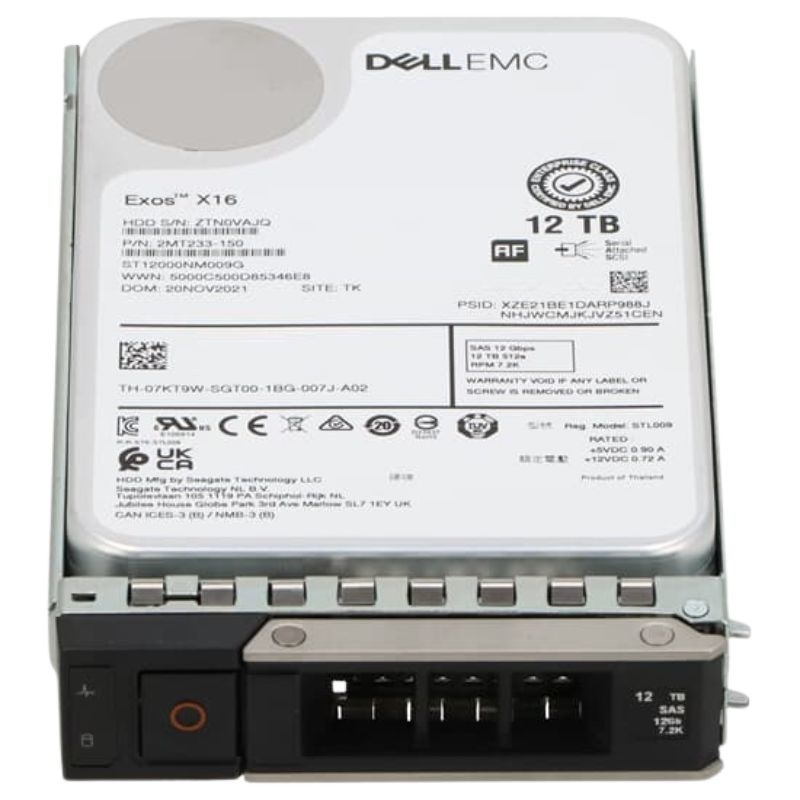


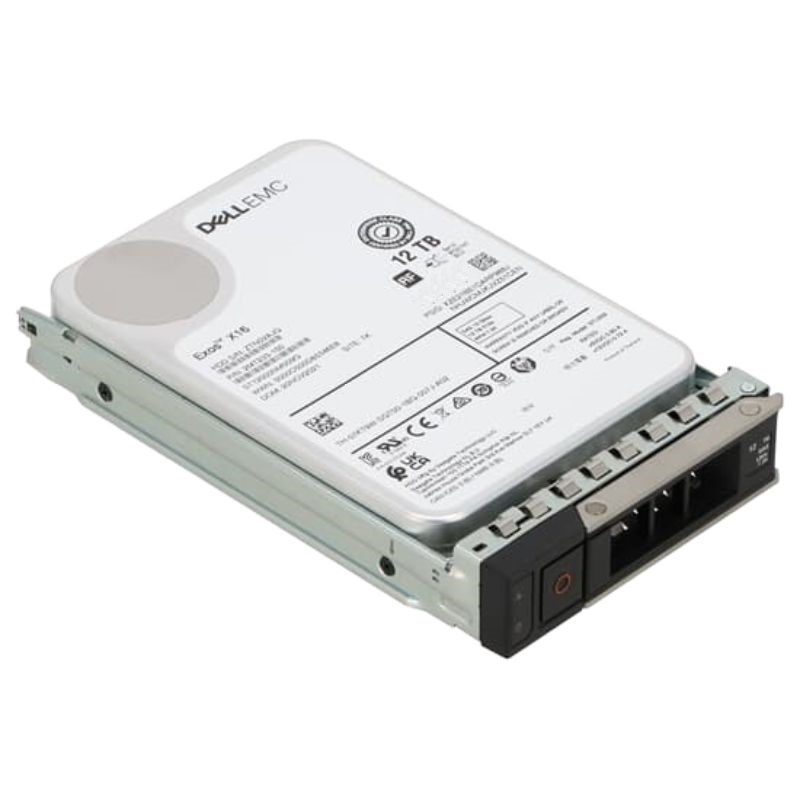
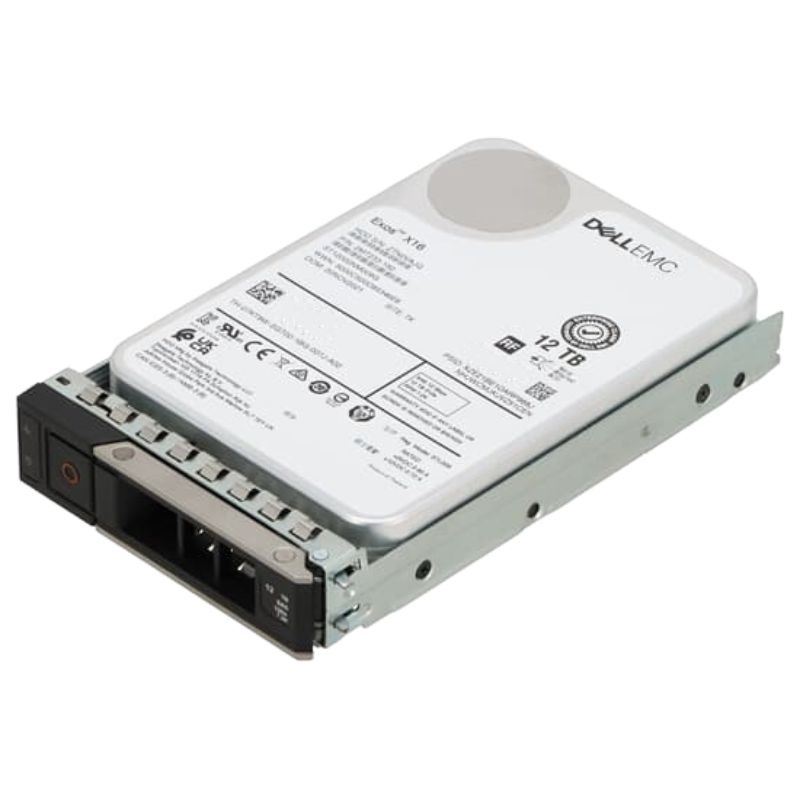
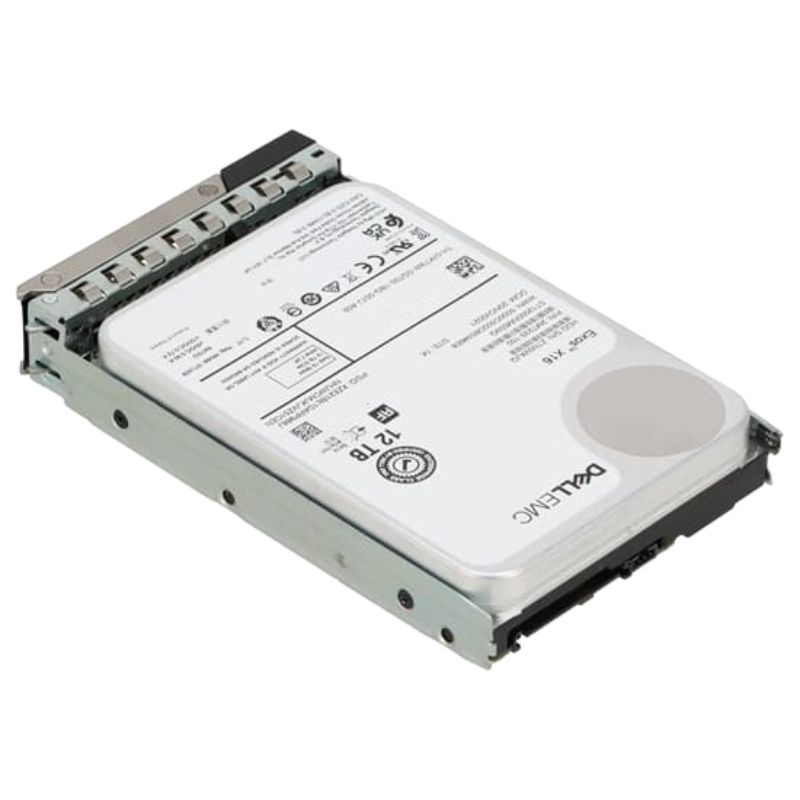
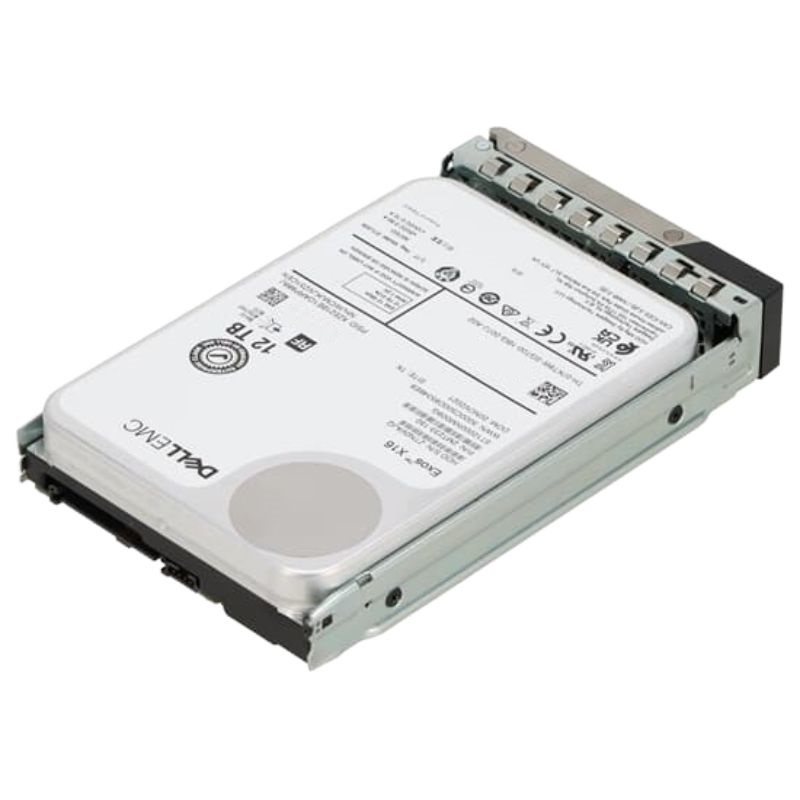
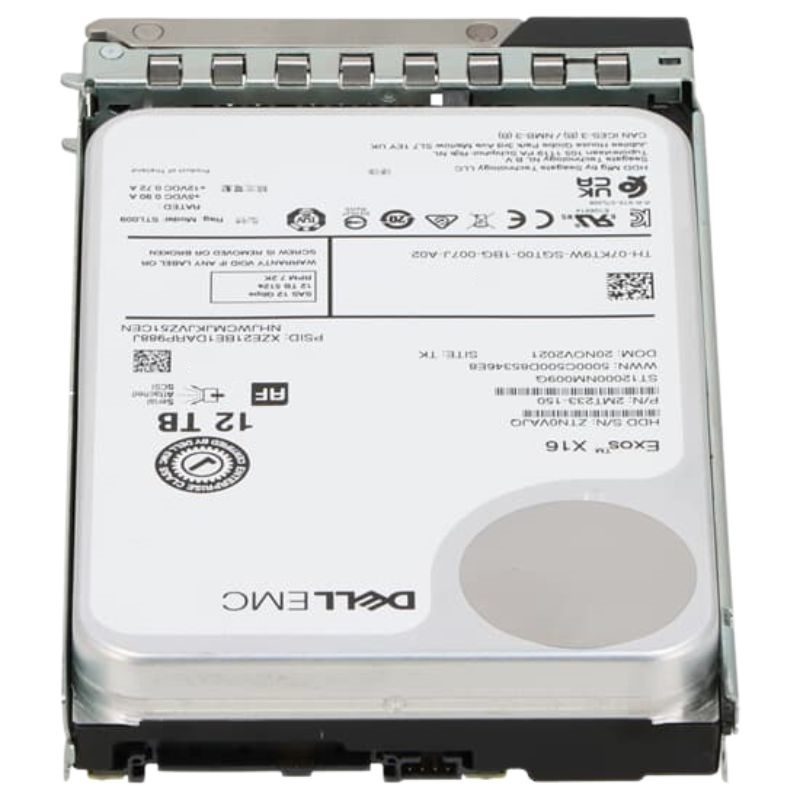
Dell 400-BPCZ SAS-12GBPS 12TB 7.2K 512e 3.5inch Hot Plug Hard Disk Drive. New Sealed in Box (NIB) with 1 Year Warranty
The Dell 400-BPCZ is a high-performance enterprise-class 12TB SAS 12Gbps 3.5-inch hard disk drive with tray, engineered to deliver reliable storage solutions for demanding data environments. With robust compatibility across multiple Dell PowerEdge servers, this HDD ensures seamless integration into existing IT ecosystems.
The 400-BPCZ Dell SAS-12GBPS 12TB 7.2K 512e 3.5inch Hot Plug Hard Disk Drive category groups enterprise-class 3.5" SAS (Serial Attached SCSI) drives designed for Dell PowerEdge platforms and compatible storage enclosures. These drives combine high capacity (12TB), a reliable 7,200 RPM spindle speed, and 12Gbps SAS interface bandwidth with 512e sector emulation — making them ideal for mixed workload environments where density, predictable performance, and data integrity matter.
The 12Gbps SAS interface delivers low-latency, enterprise-grade connectivity suited for SAN/NAS arrays and direct-attach configurations. Compared with SATA, SAS provides dual-port options (depending on drive model), port multipliers, and better error handling — important when drives are used behind enterprise RAID controllers or in multi-path configurations.
A 12TB capacity in a 3.5" form factor balances storage density and serviceability. Large-capacity spinning drives lower $/TB for bulk and archive layers in tiered storage architectures, allowing data centers to consolidate cold or warm data on fewer physical drives while maintaining straightforward hot-swap replacement.
With a 7,200 RPM rotational speed, these HDDs prioritize sustained sequential throughput and moderate random IOPS — a sweet spot for backup, archive, virtualization storage tiers, and large object repositories. The 512e (512-byte emulation with 4K physical sector) supports legacy software expecting 512-byte logical sectors while leveraging higher-density 4K sector packaging internally.
Hot-plug drive support allows replacement or upgrade without shutting down the host server — critical for 24/7 services. Dell-branded or Dell-certified 3.5" hot-plug drives fit into chassis backplanes or drive caddies (sleds) used in PowerEdge servers and modular arrays, minimizing downtime during maintenance windows.
The 400-BPCZ model (Dell OEM reference) is commonly listed as a factory-supported drive for specific PowerEdge servers and Dell storage shelves. Dell-certified drives often carry firmware tuned to the vendor's backplane and RAID controllers — buying genuine Dell units reduces the risk of firmware mismatch, backwards compatibility issues, or controller warnings.
While these drives are optimized for Dell systems, they will often operate in third-party SAS controllers and arrays that accept standard 12Gbps SAS 3.5" drives. Always check the HCL (Hardware Compatibility List) of your server or controller firmware for supported part numbers and firmware versions before mass deployment.
Enterprise HDDs expose comprehensive S.M.A.R.T. metrics and may include vendor-specific telemetry (e.g., drive health counters, internal temperature sensors, and event logs). Dell drives often ship with firmware that returns Dell-specific identifiers to controllers, which helps management tools 400-BPCZ to monitor drive health and lifecycle.
Maintain firmware parity across arrays where recommended. Firmware updates can resolve compatibility issues with RAID controllers, improve performance in specific scenarios, and correct known reliability issues. However, avoid blind bulk updates during peak production; test firmware on a subset of drives or a staging environment first.
When deploying 12TB drives in RAID, consider rebuild times (which can be long at large capacities) and the resulting exposure window. Use RAID levels appropriate to your redundancy needs (RAID6, RAID10) and ensure your controller supports background consistency checks and priority rebuild settings. For very large volumes, consider enabling background scrubbing and monitor rebuild progress to avoid performance surprises.
Dense racks with many 3.5" drives 400-BPCZ generate heat. Confirm your server or storage chassis has sufficient airflow and that drive bays don’t obstruct cooling channels. Monitor drive temperatures using management tools and follow environmental guidelines for operating temperature and humidity.
Calculate peak spin-up draw and steady-state power per drive when designing power distribution. In large enclosures, aggregate power consumption can impact UPS sizing and rack PDUs. Some enterprise drives include staggered spin-up features to reduce inrush current — check your controller's capability to sequence drive spin-up.
Some enterprise drives support self-encrypting drive (SED) features or require controller-level encryption. If data protection or compliance (e.g., GDPR, HIPAA) is a priority, choose drives and controllers that support encryption and secure-erase functions to sanitize media before deployment or decommissioning.
Plan secure disposal or repurposing. Use vendor-recommended secure erase utilities or cryptographic erase for SEDs, and follow industry best practices for physical destruction when required by policy. Maintain chain-of-custody documentation for drives containing sensitive data.
Purchase price is only one element of TCO. Consider administrative overhead, expected failure rates, warranty service level, energy cost per drive, rack space, and the operational cost of longer rebuilds. In large fleets, a small reduction in drive annual failure rate or power draw yields significant cumulative savings.
SATA drives can be less expensive per TB but lack SAS enterprise features such as dual-port connectivity and advanced error handling. Use SAS if you need higher reliability, multipath redundancy, or vendor-certified integration with enterprise controllers.
10K and 15K 400-BPCZ drives offer much higher random IOPS at the cost of lower capacity and higher power use. For heavily transactional databases or latency-sensitive workloads, these higher RPM drives or SSDs are preferable. For capacity-centric, sequential workloads, 7.2K drives remain cost-effective.
SSDs provide significantly higher IOPS and lower latency but at a much higher $/TB. Many modern data centers adopt hybrid approaches: SSDs as cache or tier 0, with 12TB 7.2K SAS drives forming the capacity tier for bulk data.
Symptoms like drive frequently dropping offline, 400-BPCZ controller errors, or inconsistent SMART reporting can result from poor backplane contact, faulty drive sleds, or mismatched firmware. Re-seating the drive, inspecting drive bay connectors, and trying the drive in a different bay help isolate the problem.
Growth in reallocated sector count or pending sectors is often an early sign of drive degradation. Monitor these SMART attributes and replace drives before they cross critical thresholds to avoid data loss and extended rebuild periods.
Persistently high drive temperatures accelerate wear and may trigger thermal throttling. Verify chassis fans, airflow paths, and ambient rack temperature. In noisy or high-vibration environments, use anti-vibration mounts when available and ensure drives are properly seated.
When migrating data from older drives to new 400-BPCZ 12TB SAS drives or hybrid SSD tiers, plan for staged migration with integrity checks. Use storage management tools that support non-disruptive data movement, or perform host-level replication. Validate backups before any destructive migration steps.
Drives slated for return should be wiped according to vendor requirements. If reusing drives in non-sensitive contexts, consider reinitializing and running long endurance tests. For vendor RMA, retain purchase documentation and serial numbers to speed processing.


 Contact Us
 Information
 Catalog
 Solid State Drives (SSD)
 Network Switches
 Hard Disk Drives
 HBA & Controllers
 PC & Servers
 PC & Server Memory
 CPU & Processors
 Network Routers
 Power Supplies
 Tape Drives & Libraries
 Network Devices
 Computer & Network Cables