(7% discount is applied at checkout)
Cart is empty
Your go-to destination for cutting-edge server products
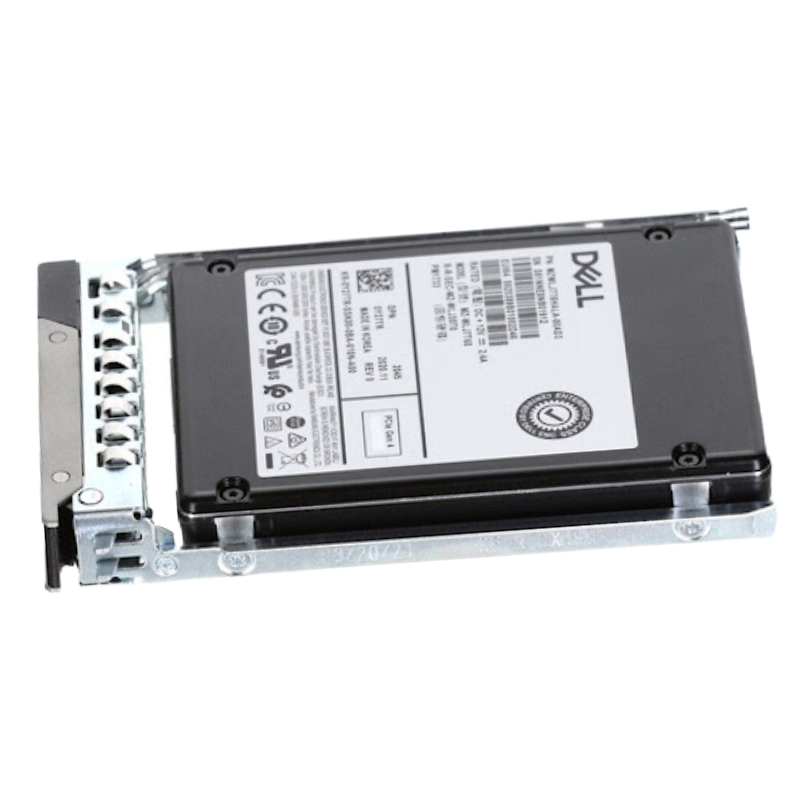


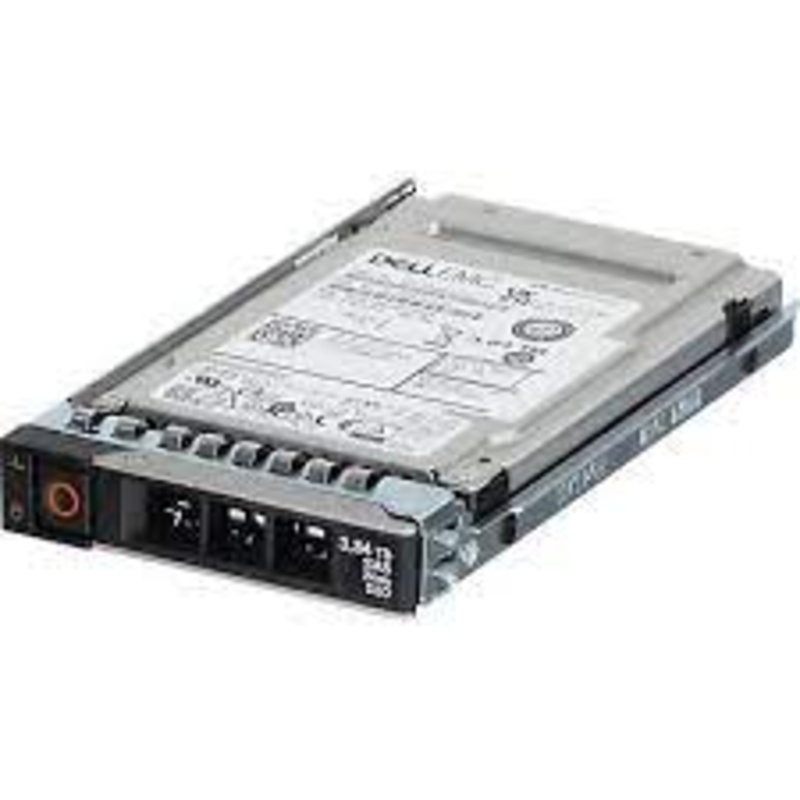
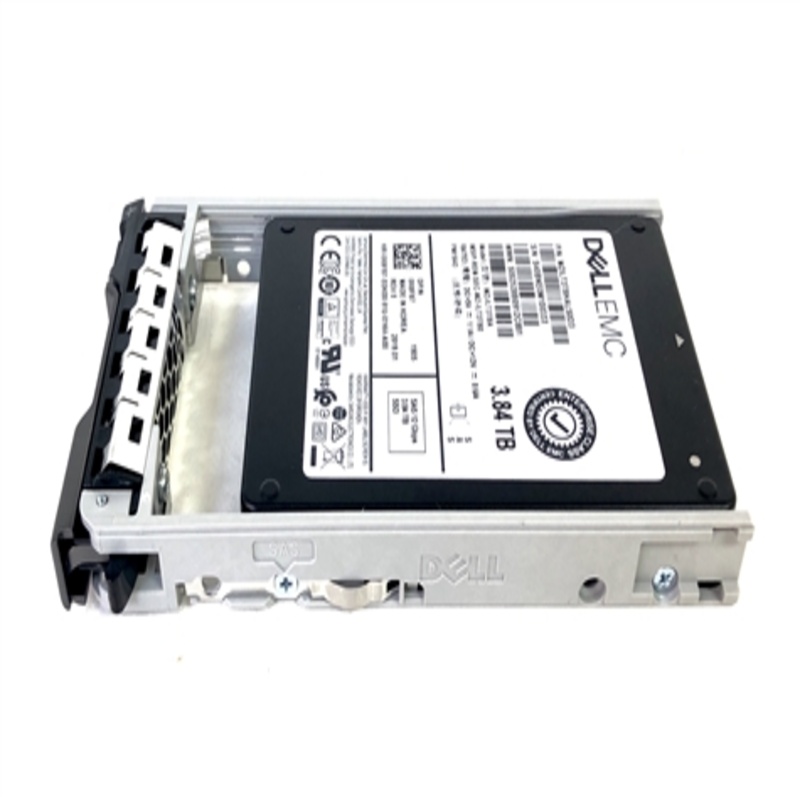
Dell 21CT4 3.84TB SAS 12GBPS Read Intensive MLC 2.5inch Hot Plug SSD. Excellent Refurbished with 1 year replacement warranty
Discover the Dell 21CT4 Solid State Drive (SSD) designed for superior performance and reliability in Dell PowerEdge servers.
This SSD is compatible with various Dell PowerEdge models, including:
Designed for enterprise storage tiers where consistent read performance, low latency, and sustained throughput are essential, the Dell 21CT4 3.84TB SAS 12Gbps Read Intensive MLC 2.5-inch Hot Plug SSD represents a balance of capacity, durability and cost-efficiency. Engineered to fit modern server and storage arrays, this drive targets workloads that are read-dominant—such as virtualization boot storms, database indexing, content delivery, analytics read caching, and high-concurrency file serving—while offering enterprise-class manageability and integration with Dell PowerEdge servers and SAN/NAS arrays. Buyers evaluating this category should consider the interplay between solid-state responsiveness, multi-level cell (MLC) endurance characteristics, SAS 12Gbps connectivity, and the hot-plug physical form factor that supports uninterrupted operations during maintenance.
The SAS 12Gbps interface is critical for maximizing the drive’s achievable throughput within enterprise arrays. Unlike SATA, SAS provides higher reliability features, full-duplex communication, and more robust error handling suitable for multi-pathing and dual-controller SAN configurations. In practice, this means sustained read operations in clustered databases or virtualized environments are less likely to be constrained by link-level limitations, enabling higher IOPS and better latency profiles when paired with an appropriate storage controller and HBA.
Compatibility with industry-standard SAS controllers and Dell-branded HBAs ensures that the Dell 21CT4 SSD can be integrated into existing server and storage ecosystems without extensive reconfiguration. Support for multi-path I/O, enterprise SCSI command sets, and advanced error recovery make these drives suitable for RAID deployments and large-scale SANs. Administrators should verify firmware compatibility with their specific array models to leverage features such as predictive failure analytics, secure erasure, and power-loss data protection.
Read-intensive MLC NAND technology delivers a practical compromise between density and durability. While not as write-endurance-capable as SLC, read-intensive MLC is optimized for environments where the read:write ratio heavily favors reads. This makes it cost-effective for large-scale caching tiers, read-replica stores, and archival performance layers where frequent writes are limited. Procurement teams should align their endurance planning around workload patterns—provisioning appropriate spare capacity and monitoring programmed/host writes to avoid premature wear.
Endurance metrics for read-intensive MLC SSDs typically specify drive writes per day (DWPD) or total bytes written (TBW) over warranty periods. When planning deployments, consider realistic write amplification from the host and any background tasks such as garbage collection or metadata journaling. Implementing conservative over-provisioning and aligning RAID stripe sizes to the drive’s native block geometry will reduce write churn and extend the useful service life of each SSD in this category.
Organizations implementing Dell 21CT4 SSDs should expect low-latency random reads, strong sequential read bandwidth, and stable performance under heavy, read-dominant mixed workloads. Real-world benchmark results will vary based on controller, queue depth, RAID levels, and background tasks, but general expectations are that optimized server configurations will see notable reductions in application response times compared to mechanical drives and improved concurrency handling over SATA-based flash solutions.
Random I/O performance is a primary advantage of enterprise-class SSDs; the Dell 21CT4 family is tuned to deliver fast 4K and 8K random reads, which directly translates into faster database query responses, quicker VM boot times, and snappier metadata operations for file systems. Administrators should measure tail latency as a critical KPI because the overall user experience and SLA compliance hinge on worst-case response times as much as mean throughput.
For large sequential reads—such as backup reads, analytics scan workloads, and media streaming—SAS 12Gbps provides ample bandwidth. When the SSDs in this category are used for read staging or tiered storage, the aggregate sequential throughput supports faster snapshot restores and reduced job windows for read-heavy bulk operations. It’s beneficial to pair these drives with controllers that support command queuing and caching algorithms to further optimize sustained transfers.
This SSD category excels in multiple enterprise scenarios: virtual desktop infrastructure (VDI) boot and login storms, read-replica database servers, analytics query caches, web content delivery nodes, and metadata- or index-serving clusters. Because the drives are read-optimized, they are less ideal for write-intensive logging layers or heavy swap/paging nodes unless accompanied by write-friendly caching layers or hybrid arrays that place writes on higher-endurance media.
VDI deployments often suffer from boot storms and unpredictable read spikes. Integrating Dell 21CT4 SSDs into the storage tier used for virtual machine images and linked clones reduces login times and improves concurrent user density per host. Because these drives provide consistent read IOPS with low latency, they reduce the need for over-provisioning compute resources solely to mask storage bottlenecks.
Read-heavy database replicas and OLAP query engines benefit from the strong random and sequential read characteristics. By using the Dell 3.84TB read-intensive MLC drives as primary storage for read replicas, organizations can offload heavy analytical queries from transactional clusters, maintain near-line performance for analytics, and shorten time-to-insight for business intelligence tasks.
Web servers and content delivery nodes that serve static assets—images, scripts, and cached content—gain direct benefits from deployed read-optimized SSDs. Faster serves and reduced server CPU idle times from I/O waits result in improved page load times and better user satisfaction, particularly in high-concurrency scenarios where repeated reads dominate the workload profile.
The 2.5-inch form factor is a mainstream choice for enterprise servers and storage shelves, delivering high-density rack designs and compatibility with Dell’s hot-swap bays and sleds. The hot-plug capability ensures drives can be replaced without interrupting running services—a mission-critical feature for environments that require high availability. Integration with Dell’s hardware management stack often enables remote drive replacement planning and predictive failure alerts tied to lifecycle thresholds.
Hot-plug support paired with drive health telemetry reduces MTTR (mean time to recovery) and simplifies maintenance windows. Administrators can schedule non-disruptive replacements and firmware updates while preserving data accessibility. Intelligent storage arrays allow for pre-failure migration of data off a drive identified as degraded, ensuring continued performance during maintenance operations.
Because 2.5-inch SSDs occupy less depth than many 3.5-inch drives, dense server designs can host more drives per U with lower power consumption and heat generation. Capacity planning should consider drive density alongside array-level features such as deduplication, compression and thin provisioning which can significantly alter effective usable capacity for read-oriented datasets.
Monitoring metrics such as reallocated sectors, uncorrectable error rates, temperature, percentage used, and media health can reveal trends long before an operational failure. Dell management suites often consolidate this telemetry, enabling centralized alerting and integration with orchestration tools. Administrators should configure thresholds and alerting policies to prioritize actionable events and avoid alert fatigue.
When applying firmware updates, always follow a validated change control process: test on non-production arrays, schedule updates during planned maintenance windows, and verify rollback procedures. Some firmware updates adjust error recovery timers or background tasks that can temporarily change performance characteristics; therefore staged rollouts help mitigate risk across production clusters.
Enterprise SSDs like the Dell 21CT4 incorporate features designed to protect data during unexpected power loss, including power-loss protection capacitors or firmware-level safeguards that ensure write operations reach persistent media. Combined with the SAS protocol’s robust error recovery, these drives are built to preserve data integrity and reduce the incidence of silent data corruption when deployed within enterprise-grade controllers and RAID subsystems.
Using these SSDs in RAID configurations greatly improves availability, but rebuild strategies must be carefully selected. SSDs exhibit very different rebuild behavior than HDDs: higher sustained throughput can accelerate rebuilds, yet simultaneous rebuild operations across multiple SSDs can stress controllers and backplanes. Admins should leverage RAID controllers capable of SSD-aware rebuild throttling and test rebuild times for realistic recovery planning.
Advanced ECC (error-correcting code) and internal drive-level integrity checks mitigate media bit errors. End-to-end data protection is best achieved when the drive’s internal ECC, the SAS fabric’s checks, and array-level data integrity features (such as checksums) work together. For mission-critical datasets, combine these drives with storage arrays that implement checksum-based corruption detection and automated repair mechanisms.
SSD performance and longevity are influenced by operating temperature, power cycling patterns, and ambient airflow. Organizations should ensure proper cooling, avoid thermal throttling scenarios, and follow vendor-recommended environmental ranges. Additionally, consistent power management policies reduce unnecessary power state transitions which can cause extra wear or transient performance variability.
Most SSDs implement thermal throttling to protect media from overheating. While throttling preserves drive health, it can impact peak performance during sustained high-load periods. Proper rack airflow, fan policies, and drive placement mitigate thermal events. Monitoring temperature spikes and correlating them with workload patterns helps architects optimize placement and cooling to maintain consistent I/O characteristics.
Compared to spinning disks, SSDs offer lower active power per IOPS, which can reduce rack-level power draw and cooling costs. When evaluating total cost of ownership, include not only initial acquisition but also operational savings from lower energy use, improved application density, reduced licensing needs (when faster storage reduces server counts), and potentially extended hardware refresh cycles.
When drives reach their end-of-life, follow secure erasure protocols and regulatory requirements for data destruction. Use vendor-supplied secure erase tools or FIPS-compliant methods where required. Document disposal procedures and maintain chain-of-custody records for drives that contained regulated or sensitive data.
Before full-scale rollout, validate workloads under realistic concurrency and data set sizes. Test for tail latency, rebuild scenarios, and multi-tenant interference. Include synthetic benchmarks as well as application-level stress testing to reveal nuances in latency distribution and sustained throughput behavior.
Many enterprises find the best value by combining read-intensive MLC SSDs with higher-endurance write-optimized media in hybrid architectures. Use automated tiering to place hot read data on the Dell 21CT4 drives while directing frequent writes to more durable SSDs or NVMe-based caches. This approach maximizes cost-efficiency while maintaining application SLAs.
Enterprise SSDs often include security features such as hardware encryption, secure erase capabilities, and firmware lockdown options. Assess whether the Dell 21CT4 family supports TCG Opal or other encryption standards and whether your storage controller can manage encryption keys centrally. Secure erase functions are essential for redeploying or decommissioning drives without leaving recoverable remnants of sensitive data.
Hardware-based encryption reduces CPU overhead and protects data at rest. However, secure key management is equally important—integrate drive encryption with your enterprise key management system and enforce policies that handle key rotation, revocation, and recovery in a controlled manner.
For regulated industries, document encryption and secure erase procedures, retention policies, and chain-of-custody for storage devices. Audit trails generated by storage management platforms simplify compliance reporting and demonstrate due diligence in data protection practices.


 Contact Us
 Information
 Catalog
 Solid State Drives (SSD)
 Network Switches
 Hard Disk Drives
 HBA & Controllers
 PC & Servers
 PC & Server Memory
 CPU & Processors
 Network Routers
 Power Supplies
 Tape Drives & Libraries
 Network Devices
 Computer & Network Cables