(7% discount is applied at checkout)
Cart is empty
Your go-to destination for cutting-edge server products
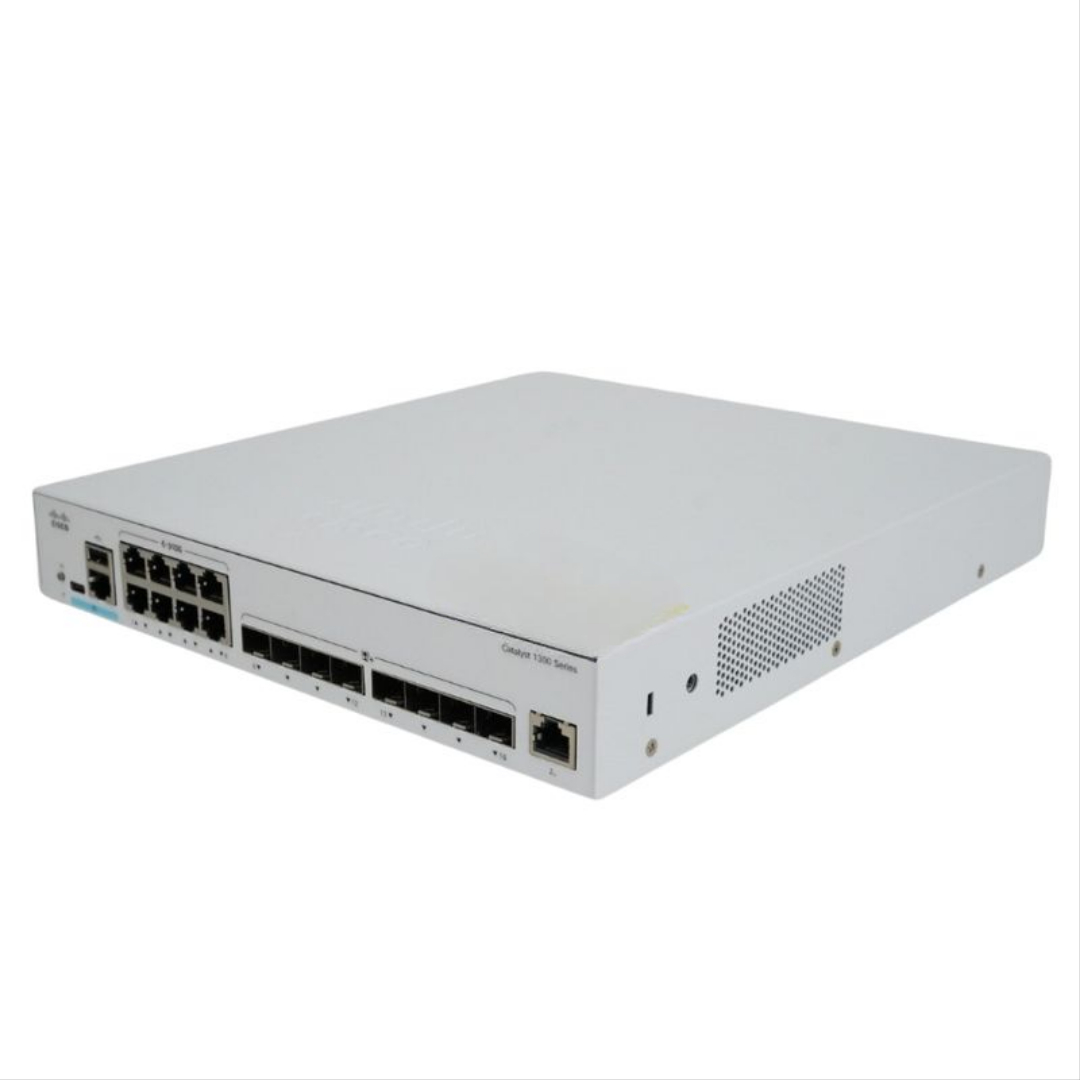


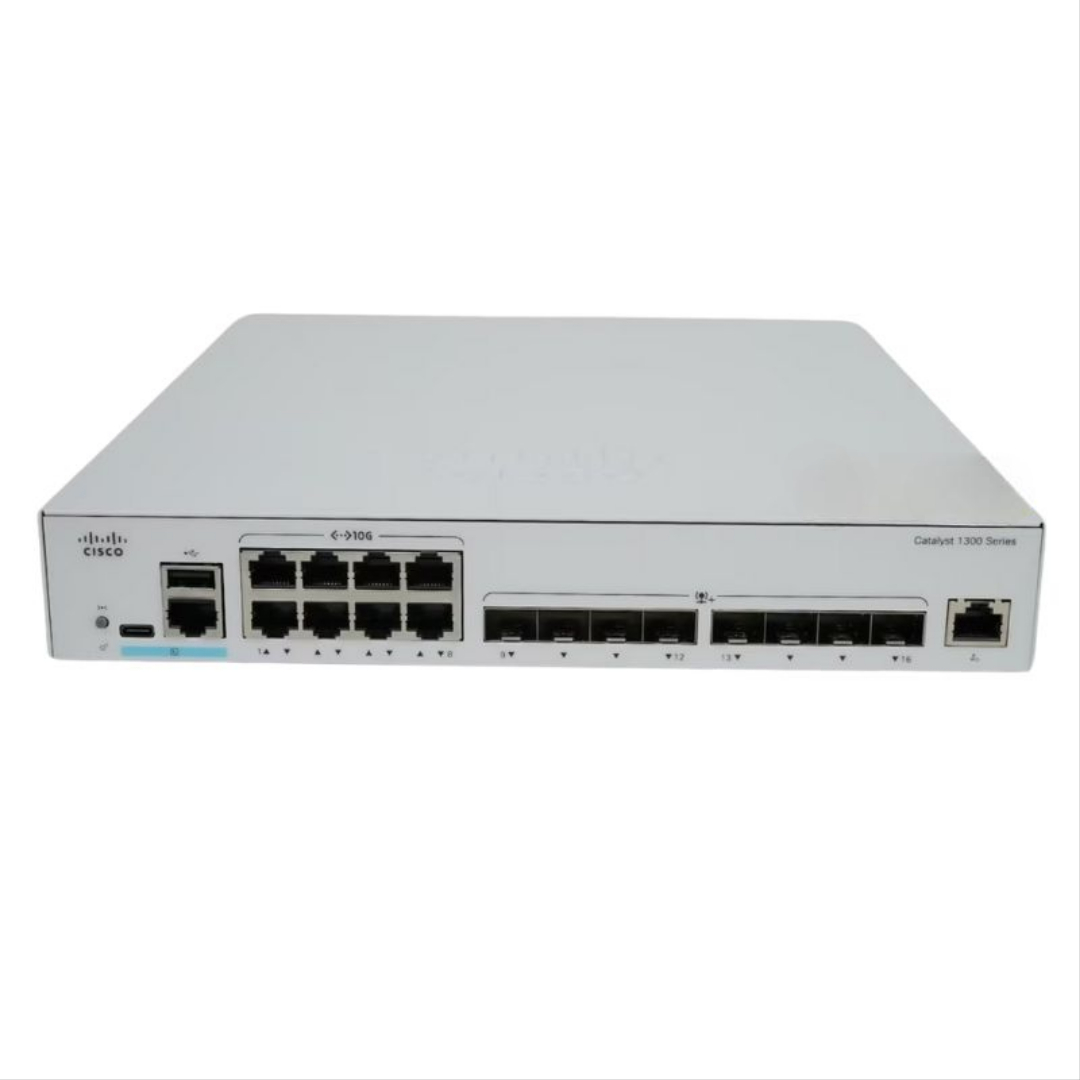
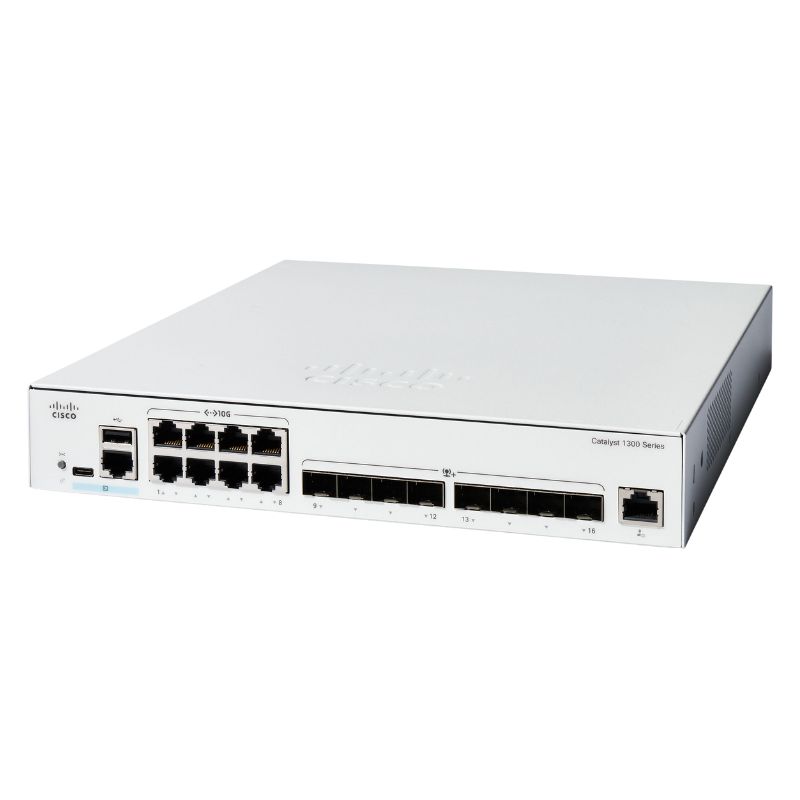
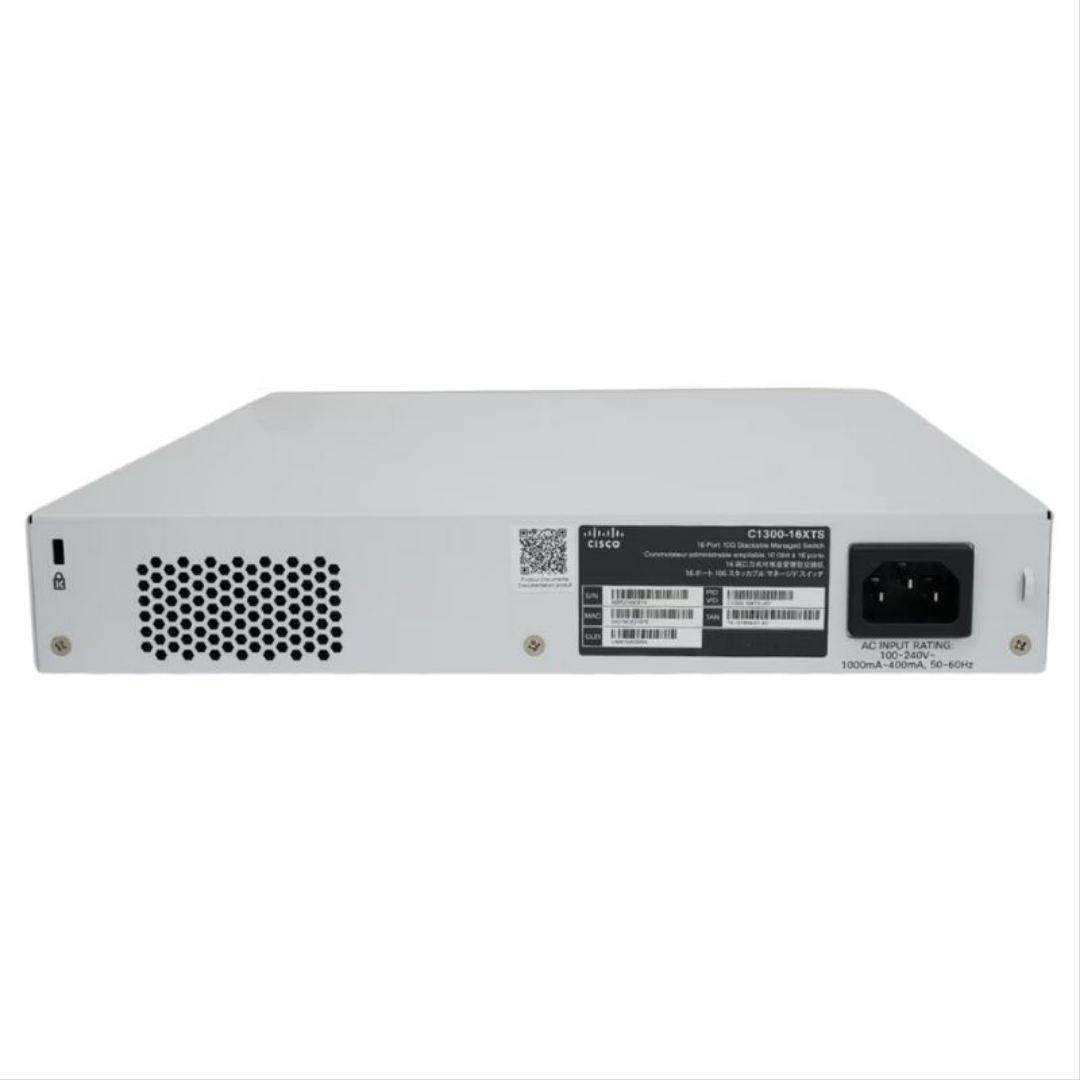
Cisco C1300-16XTS Catalyst 1300 16 Ports (8-port 10ge - 8-port Sfp+) Gigabit Switch. Excellent Refurbished with 1 year replacement warranty
| SKU/MPN | Warranty | Price | Condition | You save |
|---|---|---|---|---|
| C1300-16XTS | 1 Year Warranty | $2,475.00 | Factory-Sealed New in Original Box (FSB) | You save: $866.25 (26%) |
| C1300-16XTS | 1 Year Warranty | $940.00 | Excellent Refurbished | You save: $329.00 (26%) |
The Cisco C1300-16XTS Ethernet Switch is a high-performance networking solution engineered for modern enterprise and data center environments. Designed to deliver ultra-fast connectivity, advanced routing, and secure management, this switch ensures reliable and scalable network operations.
The Cisco C1300-16XTS Catalyst 1300 16 ports (8-port 10GE and 8-port SFP+) gigabit switch occupies a critical niche for small to medium-sized businesses and enterprise branch offices that need a simple-to-manage, high-performance 10 Gigabit aggregation and access platform. Designed for reliability, security, and affordability, the Catalyst 1300 family brings enterprise-grade switching to SMB and branch footprints with consistent policy, streamlined management, and ample performance headroom to support modern applications, Wi‑Fi backhaul, and server uplinks. This C1300-16XTS variant blends 8 copper 10GBase‑T ports and 8 SFP+ fiber ports, delivering flexible media choices to fit mixed cabling environments while maintaining a unified operational model for day‑to‑day network tasks.
Within the Catalyst 1300 and 1300X series, Cisco emphasizes ease of use and centralized administration through the Cisco Business Dashboard and mobile app, reducing ongoing operational complexity without sacrificing feature depth. The positioning underscores a “critical building block” philosophy: an access and aggregation switch that joins user access, AP uplinks, and server/storage connectivity with pervasive visibility and security features. For organizations advancing cloud adoption, enforcing segmentation, or rolling out high-density Wi‑Fi, the C1300-16XTS supplies the throughput and port flexibility to anchor the edge—while staying approachable for smaller IT teams.
The Cisco C1300-16XTS is a 16‑port Layer 3 smart managed switch in a rack‑mountable enclosure, comprising 8 x 10GBase‑T copper ports and 8 x 10 Gigabit SFP+ ports. It delivers a switching capacity of 320 Gbps and a forwarding rate of approximately 238.1 Mpps (64‑byte packets), enabling sustained 10G traffic patterns across mixed workloads. The platform supports VLAN scales up to 4093 VLAN IDs, multiple MSTP instances, RPvST+ instances, link aggregation groups and ports, and a broad set of ACL rules to meet common segmentation and control needs. With features like IGMP multicast groups and IPv4 static route capacities, it is well‑suited for voice/video distribution, application segmentation, and branch routing tasks within a compact footprint.
For performance and component details commonly cited for this model, the C1300‑16XTS features 8 x 10G copper and 8 x SFP+ ports, with a dual‑core ARM CPU around 1.4 GHz and 512 MB flash. That hardware pairing aligns with edge Layer 3 and policy enforcement roles, supporting higher throughput while maintaining responsiveness. The published switching capacity of 320.0 Gbps and forwarding rate near 238.09 Mpps make it a dependable choice for 10G aggregation in SMB and branch settings that need low‑latency connections to servers, APs, and uplink routers.
A hybrid 8 x 10GBase‑T plus 8 x SFP+ design future‑proofs cabling choices. Copper 10GBase‑T ports simplify direct connectivity to servers, workstations, and uplink devices using existing twisted pair runs and standard RJ45 connectors, while SFP+ enables fiber modules for longer runs, inter‑closet links, and connections to upstream aggregation or core switches that require optical media. This split helps organizations phase upgrades without a full recable, deliver cost control through copper where feasible, and ensure coverage for longer distances or electrically noisy environments via fiber.
The 320 Gbps switching capacity and approximately 238.1 Mpps forwarding rate are indicative of a fabric engineered for consistent 10G operation across multiple simultaneous flows. These metrics directly support consolidated server access, multi‑AP backhaul, and high‑volume file transfers with low contention and steady throughput. Environments with demanding workloads—backup windows, virtualization clusters, or data ingestion—benefit from sufficient headroom to avoid bottlenecks and reduce latency during peak periods.
The C1300-16XTS makes sense in branch offices and SMB headquarters where 10G uplinks between distribution and access tiers are becoming standard. It can operate as a compact distribution switch aggregating multiple 1G/2.5G/10G access lines from APs and desktops, then uplinking to core or edge routers via SFP+. Alternatively, it can serve as a top‑of‑rack (ToR) or end‑of‑row (EoR) switch in small server rooms, bringing 10G to virtualization nodes, NAS, and backup targets—while copper ports reduce transceiver costs and SFP+ accommodates fiber‑connected devices or longer runs. Cisco’s positioning of the 1300/1300X series for SMB and branch networks underscores these practical, mixed‑media deployments.
In high‑density Wi‑Fi deployments, multiple access points feeding 2.5G/5G or 10G uplinks can be aggregated into the C1300‑16XTS, then forwarded to upstream firewalls or SD‑WAN appliances. The switch’s VLAN, ACL, and IGMP capabilities support segmentation for guest networks and optimization for multicast video or IPTV. For organizations rolling out IP cameras and collaboration endpoints, 10G aggregation helps mitigate oversubscription and ensures smooth video streaming and large file sharing, while fiber SFP+ ports allow clean, resilient links back to a core or MDF location.
The Catalyst 1300 series is described by Cisco as affordable and simple‑to‑use for branch and SMB networks, with management via Cisco Business Dashboard and mobile app. This approach reduces operational overhead and helps smaller teams adopt best practices like centralized monitoring, standard templates, and streamlined firmware maintenance. In branches where consistent policy and visibility are required but deep enterprise feature sets would be overkill, the C1300‑16XTS offers an appropriate balance of capabilities and simplicity.
For compact server rooms, the mix of 10GBase‑T and SFP+ lets you connect virtualization hosts and NAS appliances directly on copper while uplinking to an optical aggregation layer. When backup jobs, replication, or analytics batch workloads drive bursts, the 320 Gbps fabric ensures the edge switch is not the choke point. Layer 3 capabilities and ACLs provide basic routing and policy control intra‑rack and toward upstream devices, supporting segmented server VLANs and controlled east‑west traffic paths without requiring a bigger chassis or a full distribution layer redesign.
Cisco’s documentation highlights management through the Cisco Business Dashboard and mobile app for the Catalyst 1300 series, aimed at providing a simple, reliable experience across switch portfolios. That centralization is valuable for teams that need to standardize configurations, performance monitoring, and updates across distributed sites. It also enables templated rollouts for consistent VLANs, QoS, and security policies at multiple branches, reducing manual effort and the risk of configuration drift.
Smart managed Layer 3 functionality on the C1300‑16XTS complements this experience, allowing basic routing, ACL enforcement, and VLAN segmentation to be implemented without full enterprise complexity. This keeps the learning curve gentle while enabling practical network designs: segmented staff and guest networks, isolated server subnets, and filtered multicast domains. The platform’s capacity for ACL rules and VLAN IDs supports policy granularity that aligns with SMB compliance requirements and everyday operational needs.
With support for up to 4093 VLAN IDs, multiple MSTP and RPvST+ instances, and IGMP multicast groups, the C1300‑16XTS makes it straightforward to implement segmentation and control broadcast/multicast domains. This is particularly helpful in environments with IPTV, digital signage, or collaborative tools that use multicast streams, or where guest networks must be cleanly separated. The switch’s link aggregation capabilities also aid in building higher‑bandwidth, resilient uplinks to distribution/core or to servers that support NIC teaming.
For multi‑site organizations, the Cisco Business Dashboard and mobile app facilitate standardized policies and updates, allowing IT administrators to push consistent configurations, monitor health, and rapidly adapt to changing needs. As the Catalyst 1300/X series is designed for SMB and branch office networks, this management fabric is part of the product’s value proposition—reducing complexity and time spent on per‑device maintenance while enabling a reliable experience across the switch portfolio.
Layer 3 smart management brings practical security tools like ACLs for filtering traffic between VLANs and toward upstream devices. Combined with VLAN segmentation, organizations can enforce least privilege at the edge, separating sensitive workloads, guest access, and IoT devices. RPvST+ and MSTP instances help prevent loops and ensure stable topologies, which is a core foundation of secure network operation. These capabilities, coupled with centralized management, allow SMBs and branch offices to maintain a security baseline consistent with enterprise standards.
In environments with mixed applications—VoIP, Wi‑Fi, video conferencing, file sharing—policy enforcement at the switch helps maintain predictable performance and stops unauthorized lateral movement. IGMP controls help ensure multicast traffic is only delivered where needed, reducing noise and the surface for misuse. Link aggregation with proper policy can further increase resilience while limiting potential points of failure, aiding incident containment and recovery in edge networks.
The C1300‑16XTS supports a substantial number of ACL rules, enabling granular control of inter‑VLAN traffic and uplink filtering. This helps implement practical segmentation policies: restricting management subnets, limiting server subnet access, and controlling guest network pathing. By leveraging ACLs alongside VLANs and routing, the switch becomes a policy enforcement point that complements upstream firewalls and endpoint security, creating layered defense at the edge.
RPvST+ and MSTP support allow flexible topology design with rapid convergence and multiple spanning tree instances, aligning with segmented VLAN architectures. These capabilities reduce the risk of broadcast storms and loops in dynamic edge environments, supporting high availability and predictable traffic flows. For SMBs with growing footprints, such controls enable incremental expansion without jeopardizing stability.
When designing networks around the C1300‑16XTS, consider the balance between copper and fiber runs, cabling grade for 10GBase‑T, and the uplink strategy to distribution/core. In many SMB branches, copper 10G links to servers and AP aggregators will be cost‑effective, while SFP+ uplinks to the MDF or core maintain clean inter‑closet spans. The 320 Gbps fabric supplies adequate headroom for bursts, but capacity planning should still account for concurrent high‑volume flows such as backups, sync operations, and large media transfers.
QoS policies, VLAN segmentation, and ACL design should be mapped to application priorities and compliance needs. High‑priority collaboration and voice can be grouped and shaped, while guest traffic is isolated and rate‑limited if necessary. Multicast domains can be bounded to target endpoints only, minimizing unnecessary load. With centralized management via Cisco Business Dashboard, administrators can replicate these patterns across sites, ensuring consistent user experiences and easier troubleshooting.
The presence of 8 SFP+ ports offers flexibility in selecting optics (SR/LR) or DAC/AOC cables depending on distance and cost considerations. For copper 10GBase‑T, verify cable quality (Cat6a or better for 10G distances) and assess environmental electrical noise. Mixed media deployments can reduce cost where short runs allow copper while preserving fiber for longer or critical links. This strategy aligns well with SMB budgets and the need to phase upgrades over time.
Link aggregation groups enable higher‑bandwidth and resilient uplinks to core/distribution or to critical servers. When combined with spanning tree design and VLAN segmentation, aggregated uplinks maintain throughput under failure scenarios and reduce single points of congestion. Planning for dedicated uplinks per critical VLAN can also isolate failure domains and facilitate targeted troubleshooting. The C1300‑16XTS accommodates these designs with its LAG capacities and multiple spanning tree instances.
Cisco positions the Catalyst 1300 and 1300X series as affordable and simple‑to‑use switches for SMB and branch offices, managed through Cisco Business Dashboard. Within this series, different models provide varying port counts, power options, and media mixes. The C1300‑16XTS specifically offers a balanced 16‑port 10G configuration with 8 copper and 8 SFP+ ports, tailored for environments that need both low‑cost direct 10G and optical uplinks. The choice within the family hinges on required port density, PoE needs (for access layer devices), and uplink design.
In contexts where pure copper or pure fiber configurations are desired, other series variants may align better. However, the hybrid nature of the C1300‑16XTS is ideal for mixed environments that are common in SMB branches—short copper runs to servers and AP stacks, with SFP+ to upstream closets or core. Its Layer 3 smart features and centralized management keep operational overhead low compared to more complex enterprise platforms, maintaining accessibility for smaller teams.
With Cisco Business Dashboard and mobile app management across the Catalyst 1300/1300X series, administrators can apply the same monitoring, configuration templates, and operational procedures regardless of individual model. This reduces complexity when deploying multiple switches across a branch footprint and ensures policy and firmware standardization. For SMBs without large NOC teams, such consistency supports reliable operations across evolving network topologies.


 Contact Us
 Information
 Catalog
 Solid State Drives (SSD)
 Network Switches
 Hard Disk Drives
 HBA & Controllers
 PC & Servers
 PC & Server Memory
 CPU & Processors
 Network Routers
 Power Supplies
 Tape Drives & Libraries
 Network Devices
 Computer & Network Cables