(7% discount is applied at checkout)
Cart is empty
Your go-to destination for cutting-edge server products
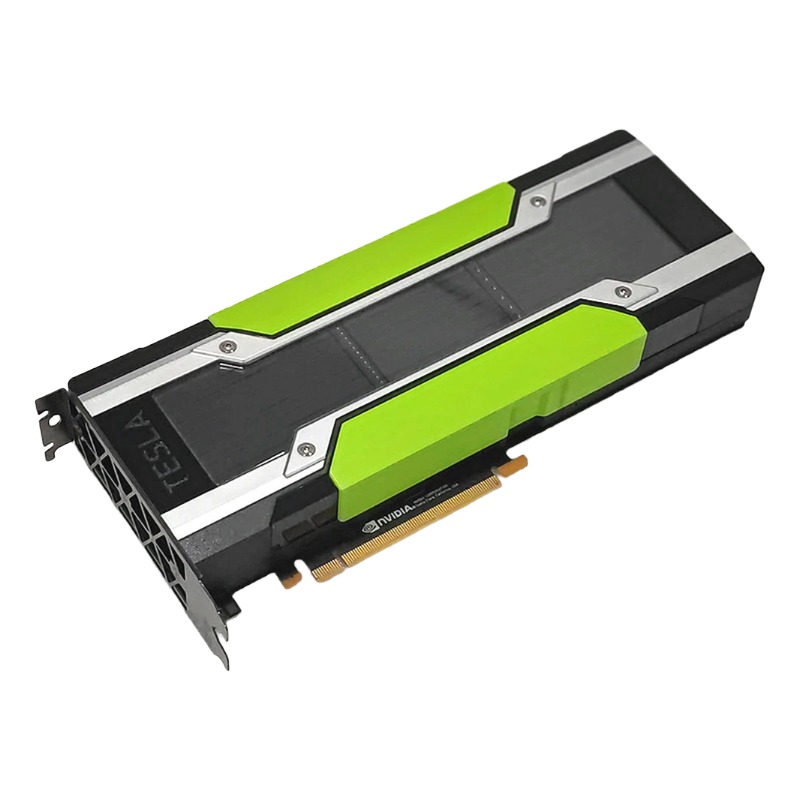


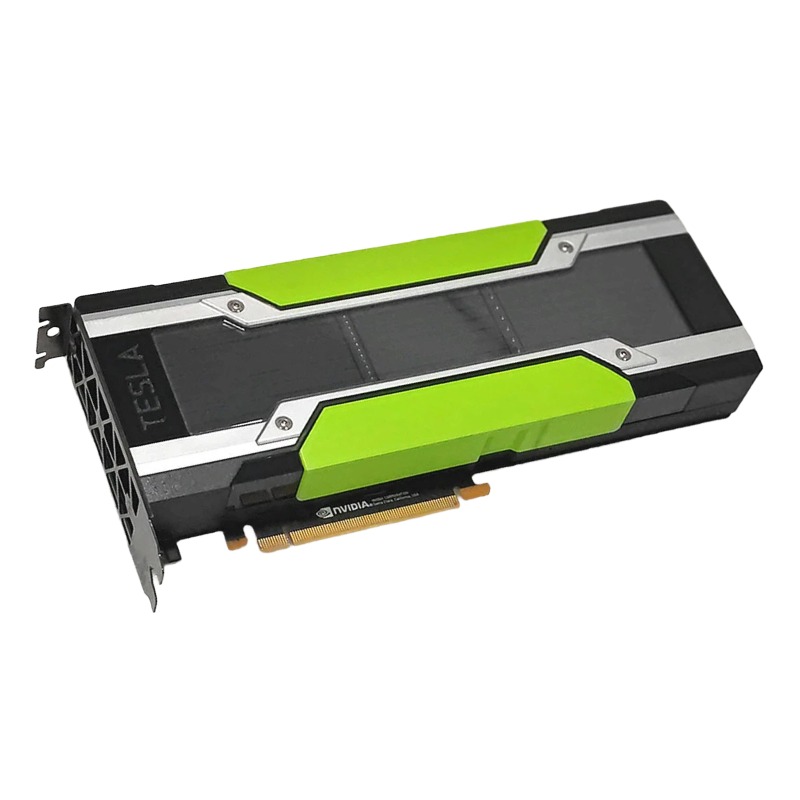
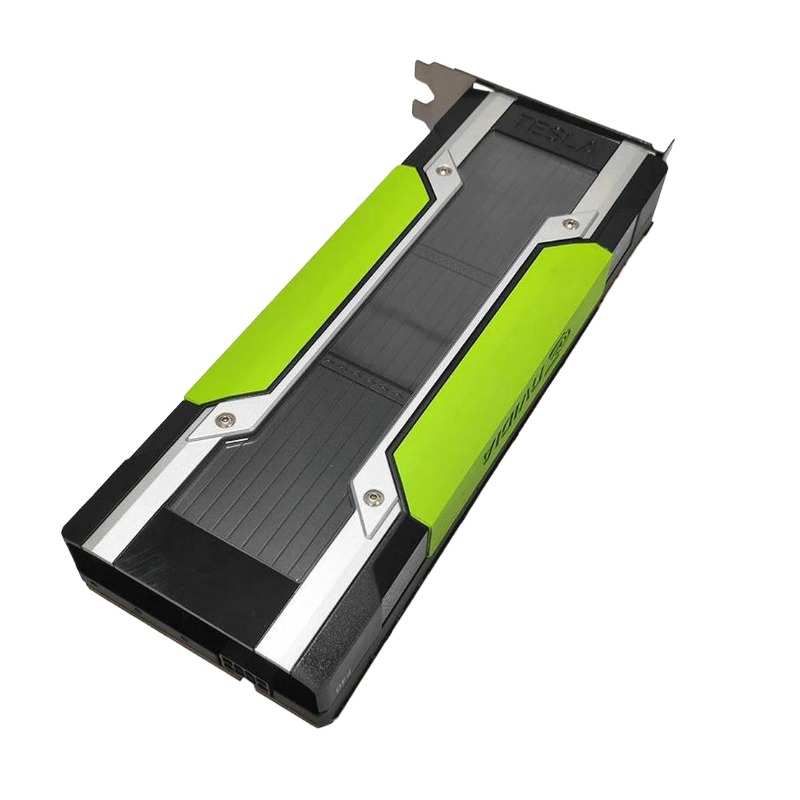
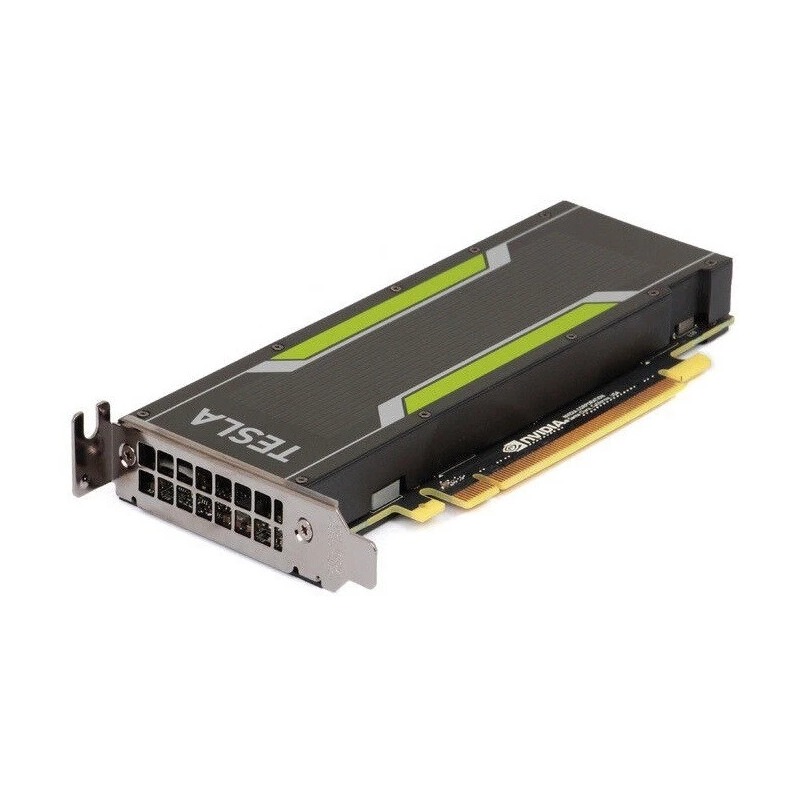
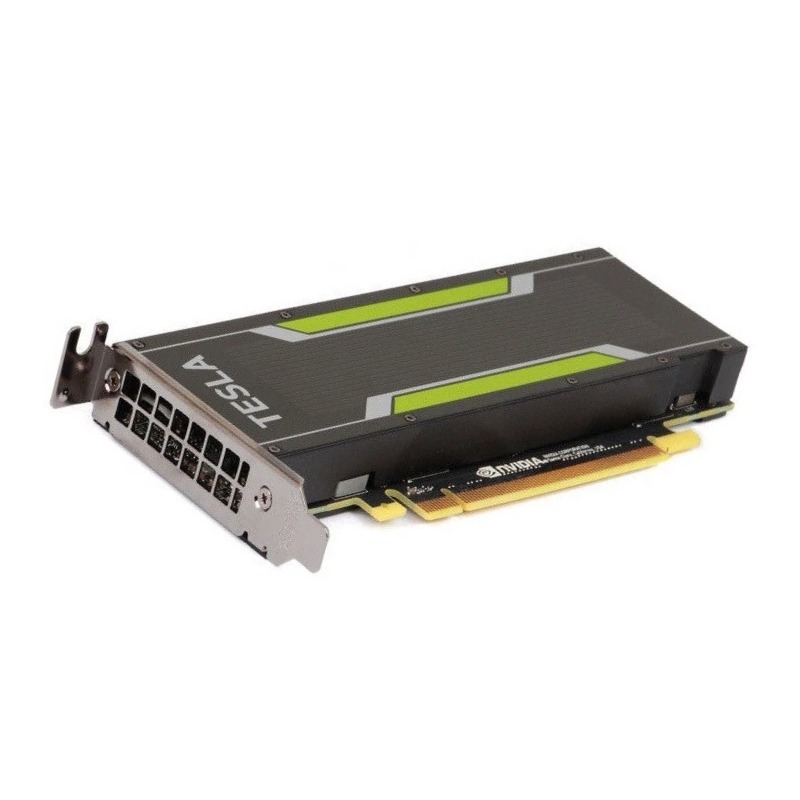
Cisco UCSC-GPU-P100-16G Nvidia Tesla P100 16GB GDDR5 GPU Graphics Card. Excellent Refurbished with 1 year replacement warranty
This category encompasses the Cisco UCSC-GPU-P100-16G, powered by the NVIDIA Tesla P100 GPU with 16 GB of high-bandwidth GDDR5 memory, and related subcategory items, modules, and compatible parts. These GPUs are tailored for data center, AI, HPC (high performance computing), virtualization and deep learning workloads, offering high throughput, double precision performance, and compute density in server chassis configurations. Products listed under this category may include add-in cards, blade modules, mezzanine modules, cooling kits, power adapters, interconnect cables, and firmware bundles specific to the UCSC-GPU-P100-16G platform.
GPU Model: NVIDIA Tesla P100 (Pascal) 16 GB GDDR5The defining attributes of the Cisco UCSC-GPU-P100-16G / Tesla P100 16 GB category include:
Vendors in this category often provide full compatibility details, power draw specifications, thermal design power (TDP), cooling requirements, and integration instructions specific to Cisco UCS servers (for example UCS C-series or Blade systems). The modules may be designed to plug into proprietary GPU slots, mezzanine connectors, or risers in the UCS chassis.
The core items in this subcategory are the GPU modules or cards themselves. A typical listing will present the UCS-qualified GPU card (such as UCSC-GPU-P100-16G) or a standalone Tesla P100 16 GB card compatible with UCS systems. Key technical details include the interface (e.g. PCIe x16, mezzanine connector), clock speeds, memory speed, peak performance (single precision, double precision, and mixed precision), ECC memory support, and compute density per server slot.
These modules often demand specific firmware and driver versions matched to Cisco UCS Manager and the Cisco server firmware stack to enable full monitoring, power management, and thermal controls. Any deviations or mismatches in firmware may disable key features or provoke compatibility errors.
Because GPUs generate high thermal loads, effective cooling is essential. Listings in this subcategory offer custom heatsinks, air shrouds, ducting, airflow baffles, fan assemblies, and blower units designed specifically for the UCS/GPU mounting environment. These components are engineered to channel server airflow over the GPU’s heat spreader or fins, maintain target junction temperatures, and meet data center PSU cooling budgets.
High-end cooling attachments might include liquid cooling retrofit kits, specialized cold plates, or hybrid air-liquid systems integrated into the chassis. For example, some sellers provide GPU liquid cold plates that align with liquid distribution manifolds in chassis, ensuring compatibility with Cisco liquid cooling racks.
GPU modules often require additional power connectors — e.g. 6-pin, 8-pin, or proprietary DC lines. This subcategory offers cable extension kits, breakout adapters (e.g. dual 8-pin to modular connector), custom harnesses, and DC-DC power modules that adapt existing PSU outputs to GPU power rails. These cables often include locking mechanisms, shielding, and strain relief suited for dense server racks.
Some kits also integrate monitoring lines to report current and voltage back to the UCS manager or BMC, offering telemetry for power draw and enabling automated power capping or alerts in management dashboards.
Because GPU integration in enterprise systems is tightly coupled to firmware layers, this subcategory includes BIOS/firmware update packages, Cisco UCS Manager driver bundles, NVIDIA driver packages validated on UCS platforms, and diagnostic utilities. Some vendors also supply preconfigured images or scripts to streamline setup within a UCS domain.
Listings may describe compatibility matrices (e.g. which UCSM version supports which GPU firmware version), preflight checks, rollback instructions, and driver dependencies (e.g. CUDA version, Linux kernel compatibility, OS support). It’s common to find “bundle” items that include the GPU plus necessary firmware, cables, and cooling hardware as a packaged offering, simplifying procurement.
The Tesla P100 16 GB is known for strong performance in AI, HPC, virtualization, and compute workloads. Common benchmarks referenced in listings include:
When evaluating options in this category, listings may quote real-world performance metrics (e.g. “delivers 10 TFLOPS FP32, 5 TFLOPS FP64, 18 GB/s memory bandwidth”). Some vendors include comparative charts vs older GPU models or alternative architectures to highlight generational gains. Detailed tables may show perf/W, memory latency, or thermal envelope constraints (e.g. sustained boost clocks vs thermal throttling points).
Within this category, use cases commonly addressed are:
Deep learning training and inference: Using frameworks like TensorFlow, PyTorch, MXNet — listings may highlight CUDA compute, cuDNN support, and HPC interconnect integration.
High performance computing (HPC): For simulation, modeling, molecular dynamics, finite element analysis, listing vendors often quote speedups over CPU clusters.
Virtualization and VDI (GPU pass-through / shared GPU): Where the GPU may be partitioned or time-sliced for multiple virtual machines.
Data analytics and acceleration: GPU acceleration for databases, AI pipelines, real-time analytics frameworks.
Scientific computing: Computational fluid dynamics (CFD), computational chemistry, seismic analysis, genomics processing.
Listings may call out compatibility with container runtimes (Docker, Kubernetes GPU scheduling), frameworks (TensorRT, RAPIDS), CPU–GPU balanced system design, and node scaling strategies (e.g. multi-GPU per chassis, interconnect fabric, power headroom).
One of the most critical considerations in this category is compatibility with Cisco UCS hardware, management software, and server chassis. High level compatibility details often found in listings include:
Some listings include detailed compatibility matrices, showing which combinations of chassis, backplanes, risers, firmware, and GPU modules are validated. Others may support “drop-in modules” that require no additional wiring or modification, making replacement or expansion easier. For example, some GPU modules might be hot-pluggable in specific UCS backplanes, though caution is typically advised due to power and temperature transients.
Effective operation depends on proper firmware and driver alignment. Vendors often specify:
Listings may include version history tables, recommended driver versions for specific OS kernels, and compatibility advisories (e.g. “Do not use driver version X.Y.Z on UCSM version A.B.C due to GPU overheating issue”). Some sellers even pretest and certify each GPU unit within a UCS environment before delivery, providing certificates or configuration reports.
Comparative content may highlight differences between the 16 GB version and other P100 variants (e.g. 12 GB, 24 GB or related Pascal/Volta GPUs). It may show benchmarks, memory bandwidth comparisons, and use case suggestions (e.g. when to choose 12 GB vs 16 GB). It also may compare to newer architectures (e.g. V100, A100) to explain why a buyer might still choose P100 for cost efficiency or proven reliability in UCS environments.
This block explains how to integrate such GPUs into UCS systems: selecting proper mezzanine or riser slots, ensuring sufficient power budget, defining cooling policies, verifying firmware/BIOS settings, and validating thermal clearance. It can also cover multi-GPU spacing in chassis, interconnect bridging, slot isolation, and potential slot conflicts with I/O cards (e.g. NICs, RAID controllers).
This section describes how to safely update firmware on GPU modules in a UCS environment, how to handle rollback plans, avoid mismatches between UCSM and GPU firmware, best practices for staged rollouts (e.g. test one node before cluster-wide update), and preserving uptime in production environments. It may describe validation steps (monitoring, stress testing) post-update.
A team desires to deploy a small AI cluster of 8 UCS servers, each with two UCSC-GPU-P100-16G modules. The listing that includes full bundles (GPU, cooling, cables, firmware) simplifies procurement. The team verifies that the cluster’s cooling capacity can dissipate ~600 W per node, configures UCS Manager with correct firmware, installs the GPU drivers, validates each GPU using a standard deep learning workload, and monitors thermal and power telemetry during production runs.
A data center is phasing out older GPU modules (for example older models with lower memory) and migrating to the Cisco UCSC-GPU-P100-16G. Listings with drop-in compatibility ease replacement in existing UCS chassis. The description may reference how swap instructions are handled, how firmware mapping is updated, and how caching or preconfigured images are leveraged to reduce downtime.
In a virtualization use case, the GPU modules may be used for VDI or AI inferencing across multiple virtual machines. Listings describe how the 16 GB memory can be partitioned or scheduled, and how driver virtualization features or CUDA MPS might be configured in UCS environments to maximize utilization.


 Contact Us
 Information
 Catalog
 Solid State Drives (SSD)
 Network Switches
 Hard Disk Drives
 HBA & Controllers
 PC & Servers
 PC & Server Memory
 CPU & Processors
 Network Routers
 Power Supplies
 Tape Drives & Libraries
 Network Devices
 Computer & Network Cables