(7% discount is applied at checkout)
Cart is empty
Your go-to destination for cutting-edge server products
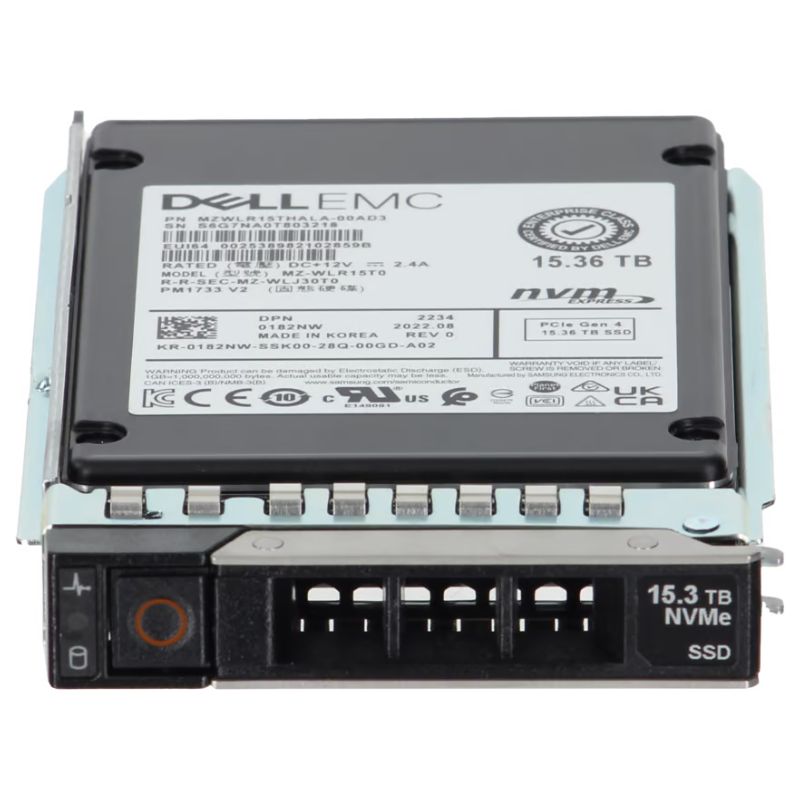


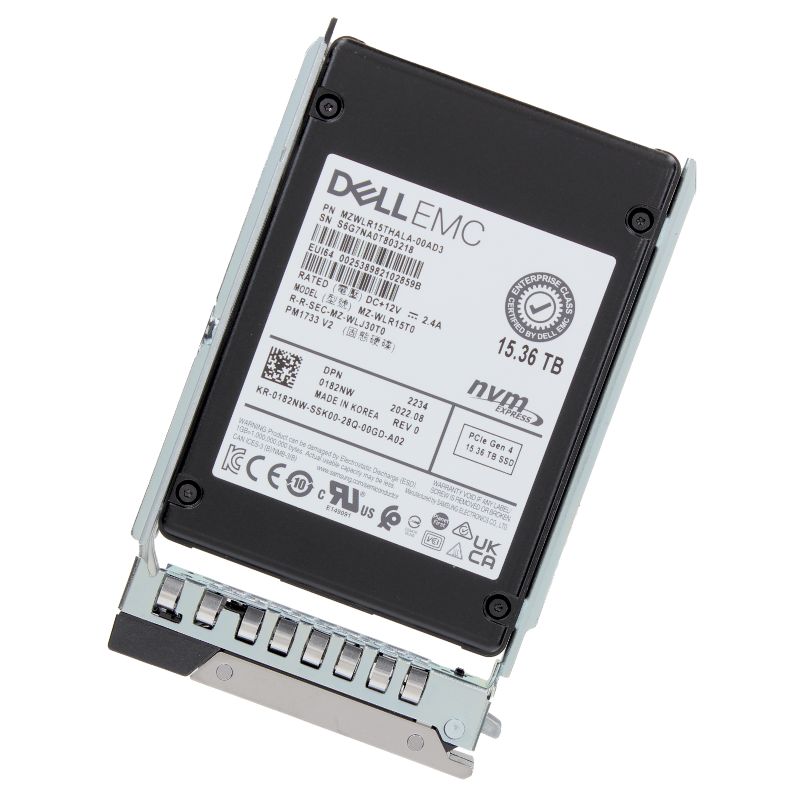
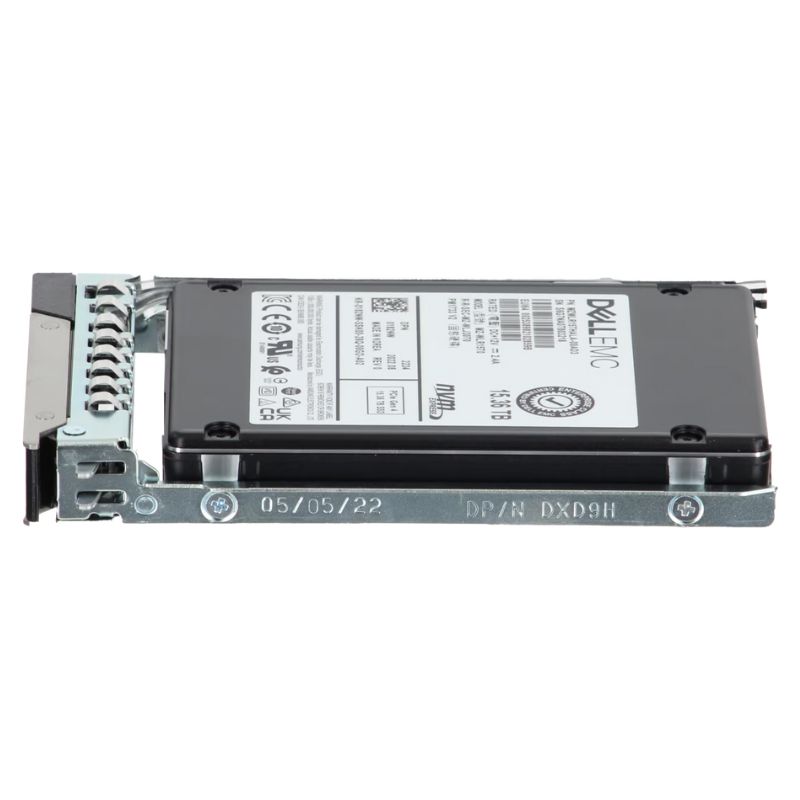
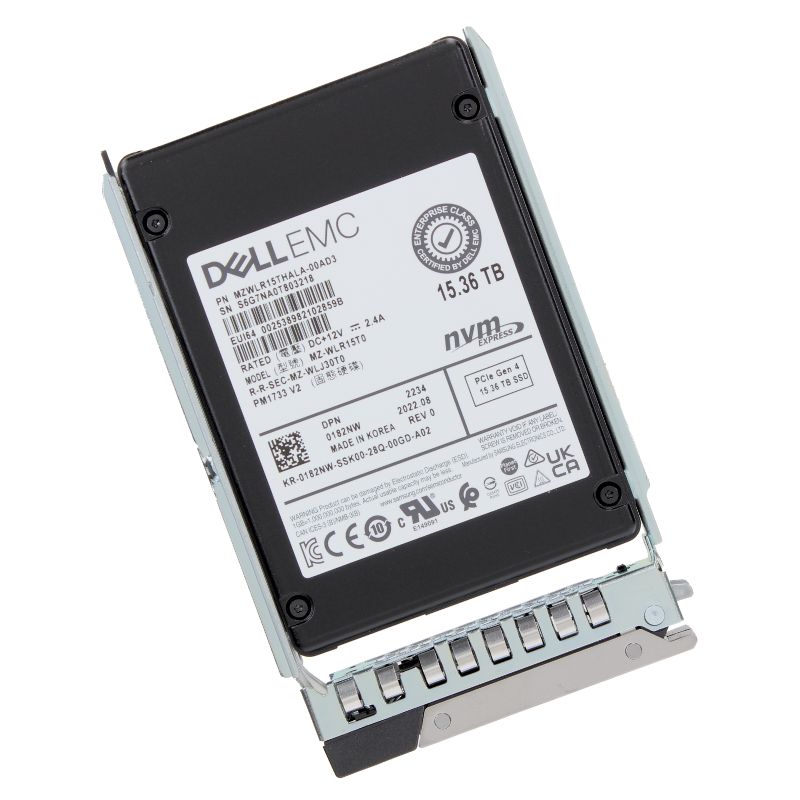
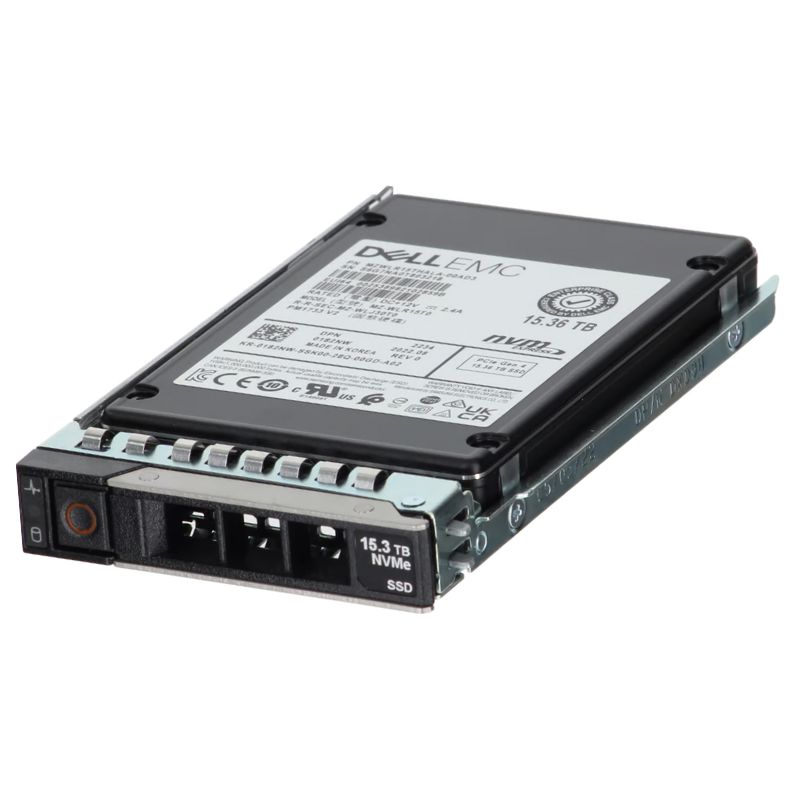
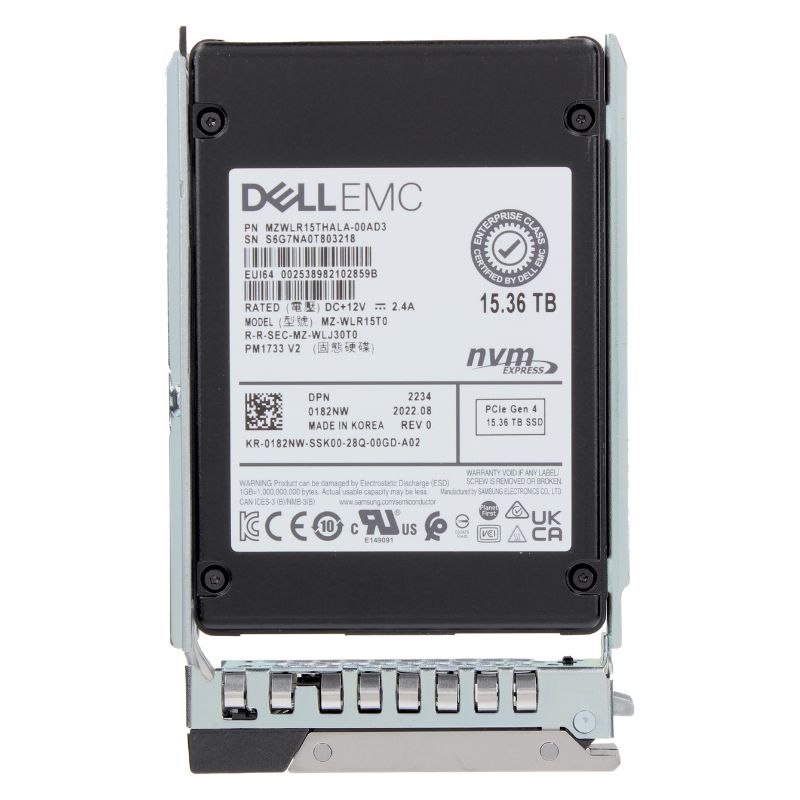
Dell 182NW 15.36TB Pci Express 4.0 X4 Nvme Enterprise Internal Solid State Drive. Excellent Refurbished with 1 year replacement warranty
| SKU/MPN | Warranty | Price | Condition | You save |
|---|---|---|---|---|
| 182NW | 1 Year Warranty | $6,175.00 | New Sealed in Box (NIB) | You save: $2,161.25 (26%) |
| 182NW | 1 Year Warranty | $4,599.00 | Excellent Refurbished | You save: $1,609.65 (26%) |
The DELL 182NW 15.36TB PCIe Gen 4.0 NVMe U.2 SSD is a high-capacity enterprise-grade storage solution designed to optimize DELL PowerEdge servers. Powered by Samsung’s advanced PM1733 V2 technology, this solid-state drive combines incredible read performance, efficient data handling, and long-term reliability in a compact 2.5-inch SFF form factor.
This SSD excels in environments such as virtualization, cloud computing, AI training, analytics, and content streaming, offering seamless scalability for dynamic IT ecosystems.
Optimized for reduced power consumption, the DELL 182NW ensures lower heat output and helps minimize operating costs in densely packed data center environments.
The DELL 182NW 15.36TB NVMe SSD delivers exceptional throughput, reliability, and energy efficiency. Tailored for DELL PowerEdge servers, it ensures maximum compatibility while supporting mission-critical applications and next-generation IT infrastructures.
Performance for a high-capacity NVMe enterprise SSD like the 182NW Dell 15.36TB is multi-dimensional. You should evaluate both sustained sequential throughput and small-block random IOPS, as each influences different server workloads. PCIe 4.0 x4 provides significantly higher throughput than PCIe 3.0, but real-world gains depend on controller architecture, firmware tuning, queue depth, and thermal/power constraints.
Sequential throughput is critical for large-file transfers, backup/restore operations, and streaming analytics. Expect the 182NW Dell 15.36TB PCIe 4.0 x4 NVMe SSD to offer high sequential read and write bandwidth when driven at appropriate queue depths and under cool operating conditions. Performance will typically be reported in MB/s and varies by firmware, host platform, and block size (e.g., 128K–1MB).
Random 4K and 8K IOPS are the primary metric for databases, OLTP systems, virtual desktop infrastructure (VDI), and latency-sensitive services. NVMe reduces protocol overhead and minimizes command latency versus legacy SATA/SAS drives; combined with the PCIe 4.0 bus, the drive can deliver dramatically higher IOPS at low microsecond latencies. When sizing for front-line database workloads, consider both sustained and degraded-state IOPS figures—enterprise firmware often guarantees performance under steady-state conditions.
NVMe performance scales with queue depth. Modern server OS kernels, NVMe drivers, and storage stacks can be tuned to exploit deeper queues for higher throughput and IOPS. However, larger queue depths may increase latency for single-threaded I/O; workload analysis should guide how aggressive queue depths and parallelism should be.
Enterprise SSDs must balance capacity and endurance. The 15.36TB variant of Dell’s NVMe enterprise lineup is provisioned for heavy write endurance: the drive typically comes with multi-year warranties based on a defined DWPD (Drive Writes Per Day) and an enterprise-class TBW (Total Bytes Written) rating. Enhanced on-board ECC, telemetry, and proven controllers further ensure data integrity across the NAND flash array.
Enterprise-grade SSDs include features to guard against in-flight data loss and corruption. Typical protections include:
With enterprise storage, encryption and secure erase capabilities are critical for compliance and data lifecycle management. The 182NW Dell 15.36TB NVMe SSD typically integrates hardware AES-256 encryption, secure sanitize commands, and standards-based management to fit into regulated environments.
Hardware encryption reduces CPU overhead and ensures that data-at-rest is protected. Support for TCG Opal, eDrive, and secure-erase primitives allows automation of secure retirement and repurposing processes. When selecting drives for industries with regulatory constraints (finance, healthcare, government), verify FIPS and other certification statuses if required.
Enterprise NVMe drives offer management toolsets and logs that aid auditing and access control. Centralized firmware and key management integration (KMIP-compatible systems) help maintain encryption key lifecycle best practices across data centers.
Interface: PCIe 4.0 x4 NVMe
Form Factor: 2.5-inch U.2
Compatible Dell Systems:
High-density NVMe SSDs under sustained load can generate significant heat. Drive firmware may include thermal throttling thresholds to protect NAND and maintain endurance. Effective cooling strategies include front-to-back airflow optimization, dedicated heat sinks or drive sleds with thermal pads, and data center airflow modelling.
Firmware plays a central role in performance, reliability, and interoperability. Enterprise SSD vendors release firmware updates addressing performance tuning, bug fixes, compatibility improvements, and security patches. Use vendor-supplied management tools to monitor SMART telemetry, lifespan estimates, and predictive failure indicators.
Lifecycle management for enterprise SSDs must include provisioning (over-provisioning to control write amplification), drive retirement, secure erase procedures, and spares rotation. Maintain firmware image control and change logs to ensure regulatory and operational traceability across the drive fleet.
Not every workload needs a 15.36TB PCIe 4.0 NVMe drive; however, the following use cases realize significant gains:
High-throughput OLTP systems with lots of small random reads/writes benefit from NVMe’s low latency and high IOPS. Large-capacity drives reduce shard count and simplify data placement strategies for scale-out databases.
VDI boot storms and consolidation of many VMs on a single host require drives with strong mixed I/O performance. Large-capacity NVMe drives lower the number of spindles and expand VM density with predictable performance.
Large sequential throughput and fast random access accelerate dataset staging, model training, and feature engineering pipelines. Using high-capacity NVMe drives can dramatically shorten data ingest and preprocessing phases.
Video editing, transcoding farms, and content delivery nodes that need high sustained throughput benefit from the sequential performance offered by PCIe 4.0 NVMe drives, particularly in mixed-read/write environments where caching and staging are frequent.
Higher-performance firmware modes may accelerate garbage collection and improve steady-state throughput but could slightly reduce DWPD. Conversely, endurance-focused configurations may favor background maintenance that stabilizes long-term performance. Align firmware and provisioning choices with business objectives—maximizing throughput for latency-sensitive apps or prioritizing durability for write-heavy archival workloads.
To achieve consistent and optimal results with 182NW Dell 15.36TB NVMe drives, follow these operational best practices:
Flash performance reduces backup windows, but it does not eliminate the need for comprehensive backup and replication. Implement incremental backups, snapshot-based replication, or synchronous replication depending on RPO/RTO targets. Large-capacity NVMe drives facilitate local snapshots and fast restores, but network and target storage must be provisioned to handle the dataflow.


 Contact Us
 Information
 Catalog
 Solid State Drives (SSD)
 Network Switches
 Hard Disk Drives
 HBA & Controllers
 PC & Servers
 PC & Server Memory
 CPU & Processors
 Network Routers
 Power Supplies
 Tape Drives & Libraries
 Network Devices
 Computer & Network Cables