(7% discount is applied at checkout)
Cart is empty
Your go-to destination for cutting-edge server products


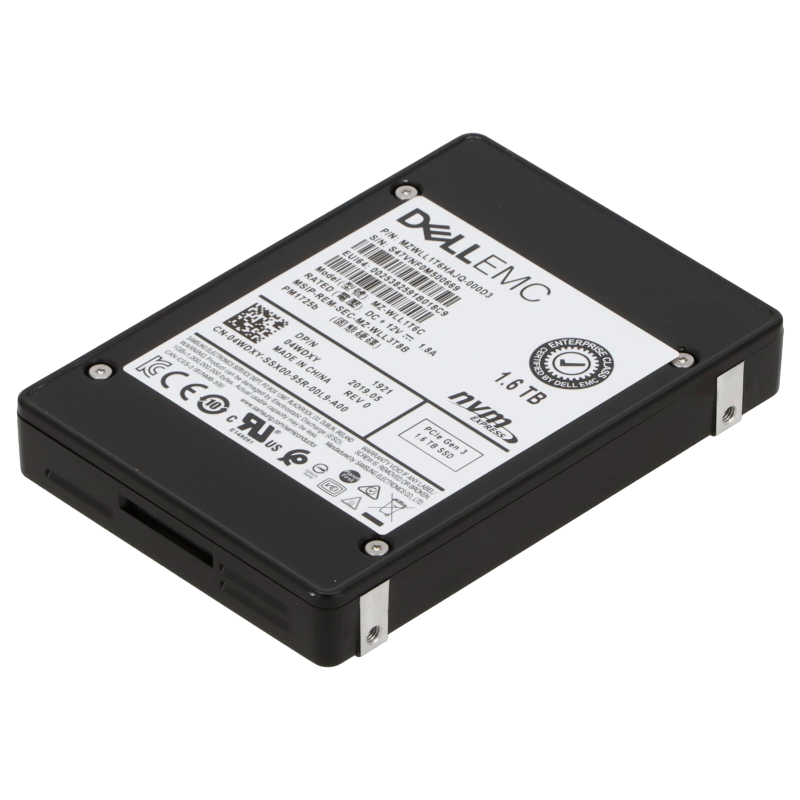
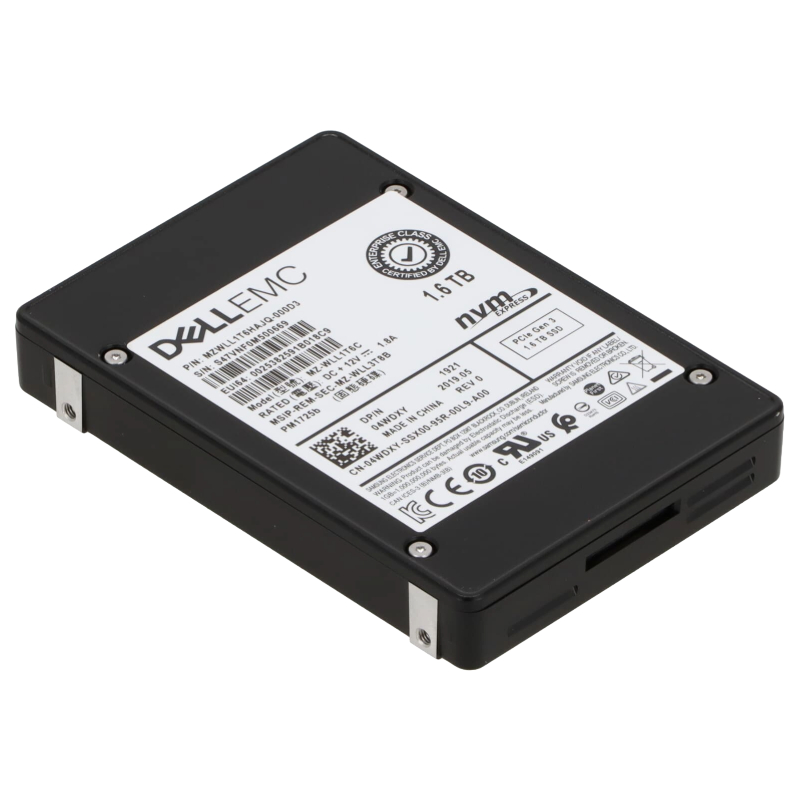
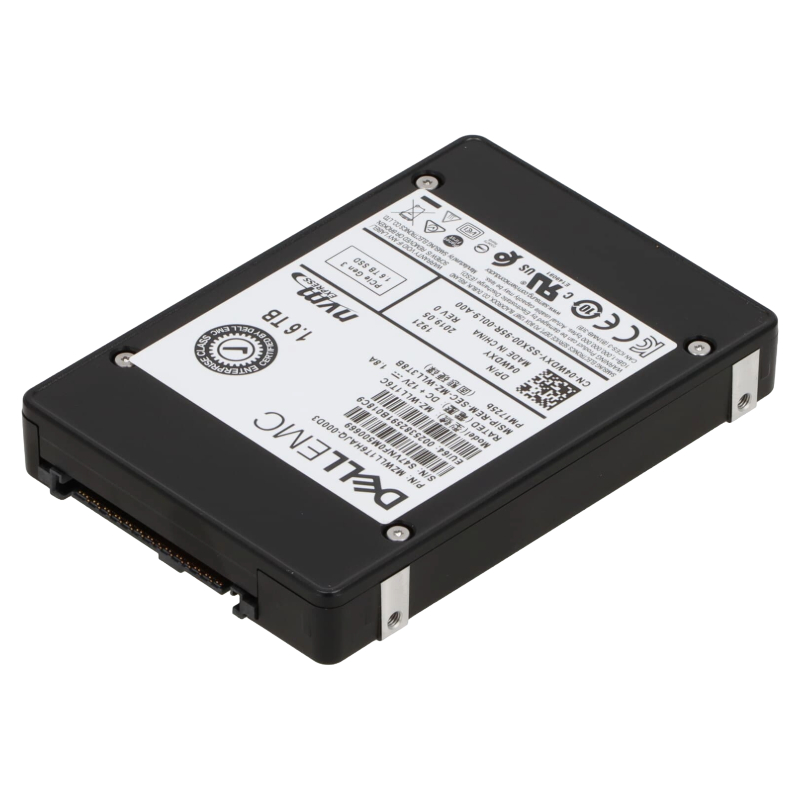
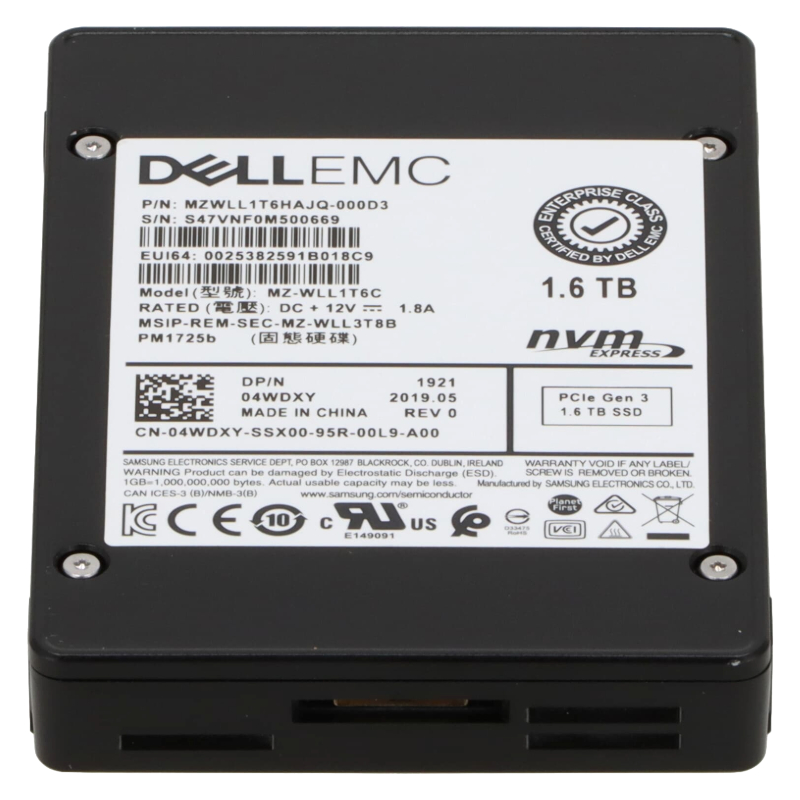
Dell 186PV 1.6TB NVMe PCIe SSD U.2 MU TLC 3D NAND. Excellent Refurbished with 1 year replacement warranty
The Dell 186PV 1.6TB PCIe Gen4 x4 NVMe U.2 SSD is engineered for enterprises seeking next-level performance and dependable storage solutions. Designed specifically for Dell PowerEdge servers, this solid-state drive combines speed, endurance, and seamless integration to meet diverse IT infrastructure requirements.
Leveraging PCIe Gen4 lanes, the Dell 186PV eliminates traditional bottlenecks in data transfer. This next-generation protocol ensures that applications hosted on PowerEdge servers execute tasks with greater speed, agility, and consistency.
The industry-standard U.2 form factor enhances the drive’s versatility, enabling IT teams to integrate it easily within existing infrastructures. This allows for effortless upgrades or seamless deployment in new server builds.
Unlike storage designed for single-purpose tasks, the Dell 186PV balances read and write workloads effectively. Whether managing databases, running virtual machines, or analyzing massive datasets, this SSD provides reliability under varied conditions.
With its 1.6TB storage space, the Dell 186PV provides enterprises with the flexibility to manage heavy workloads without compromising efficiency. The 2.5-inch form factor maximizes server storage density while conserving rack space.
By deploying the Dell 186PV SSD, data centers benefit from improved application performance, increased uptime, and greater operational resilience. Dell’s dedication to quality ensures a long-term investment in enterprise infrastructure.
Drive Details
Because many vendors and resellers reference the same Dell OEM part across refurbished and new inventories, variation in listed peak read/write figures can be seen; always use the server vendor’s or Dell’s official datasheet for deployment-critical throughput planning. :contentReference[oaicite:0]{index=0}
The 1.6TB capacity of the 186PV positions it in the high-capacity end of enterprise MU NVMe drives. In practical deployments, formatted capacity will be slightly lower than the advertised 1,600 GB due to reserved system overhead, metadata and drive firmware allocations. This capacity makes the drive useful for mixed workloads where a balance of IOPS and capacity is needed — for example, database log stores, hypervisor metadata, VDI caches and small-to-medium hot data sets.
The drive uses a PCIe Gen4 ×4 electrical link and presents itself through the NVMe protocol over the U.2 (SFF-8639) connector. PCIe Gen4 doubles the per-lane bandwidth compared with Gen3, enabling substantially higher sequential bandwidth and improved queuing performance for NVMe workloads, particularly those that can saturate multiple lanes concurrently. U.2 keeps the familiar 2.5" drive size and hot-swap capability while enabling the full NVMe Gen4 performance in rack servers. :contentReference[oaicite:1]{index=1}
U.2 (SFF-8639) is supported by most modern enterprise chassis and Dell PowerEdge servers via native backplanes or passive adapters. When planning an upgrade or replacement, confirm the server’s backplane and BIOS/UEFI NVMe firmware compatibility; some older platforms may require BIOS updates or specific controller firmware to enable Gen4 or even NVMe boot support.
3D TLC (triple-level cell) NAND provides a balance between cost per GB and endurance. In the enterprise MU class, TLC is often enhanced with controller-level features, over-provisioning and enterprise firmware that maximizes write endurance and predictability. Mixed-use drives are typically rated for higher drive writes per day (DWPD) than consumer or read-intensive enterprise models, making them suitable for environments with sustained but varied write patterns.
Enterprise NVMe MU drives strike a balance: high peak sequential reads and strong sustained random I/O. Typical published numbers for this class (and for this model in reseller spec lists) report sequential reads in the multi-GB/s range, with writes and steady-state performance shaped by over-provisioning and internal garbage collection. Expect strong random IOPS at low latency under mixed queue depths when the drive operates in its rated thermal envelope. Always validate performance numbers using your application’s workload profile (e.g., fio, VDBench, or your production telemetry). :contentReference[oaicite:2]{index=2}
In HCI clusters and virtualized hosts, storage must serve many small-block, random I/O operations from multiple VMs. The 186PV’s MU endurance and NVMe latency characteristics help reduce I/O tail latency, improve VM responsiveness and increase consolidation ratios compared with SATA/SAS HDDs or lower-tier SSDs.
For OLTP databases, write latency and predictable durability are essential. The MU classification of this drive, combined with enterprise-grade firmware and 3D TLC NAND, makes it suitable for write-intensive log volumes and small random write-heavy database workloads.
CDNs, media servers and application caches benefit from this drive’s balance of capacity and read throughput. Large sequential reads (e.g., streaming or serving large files) will take advantage of the higher Gen4 bandwidth, while the TLC architecture ensures cost-efficient large capacity per slot.
When tasks require fast local scratch space for temporary datasets (e.g., scientific simulations, ETL pipelines), the 186PV serves as an efficient high-throughput local disk that reduces network dependency for intermediate I/O.
Before deploying, verify the server model’s NVMe compatibility list and keep controller and BIOS/UEFI firmware updated. Some servers may present NVMe drives through RAID adapters configured in pass-through/NVMe mode or through native NVMe lanes on the CPU/platform; check whether the server’s NVMe lanes support Gen4 speeds or will operate at Gen3 speeds by fallback. If your platform does not support Gen4, the drive will operate at the highest mutually supported generation. :contentReference[oaicite:3]{index=3}
Enterprise NVMe drives can generate significant heat at peak sustained throughput. Ensure adequate airflow across drive bays and pay attention to vendor-specified operating temperatures. In some chassis, drives may need dedicated airflow shrouds or thermal pads; modern firmware often includes thermal throttling policies that reduce performance to protect NAND when temperatures exceed thresholds.
NVMe U.2 drives are commonly deployed in software-defined storage stacks using RAID (hardware or software), erasure coding or replication. For RAID arrays, mixing drive models is not ideal: matched drives deliver more predictable rebuild times and performance consistency. Plan capacity and rebuild windows carefully — rebuilds on high-capacity NVMe drives can be resource-intensive and may impact host performance.
U.2 drives generally support hot-swap in compatible backplanes, but hot-swap semantics depend on the server and backplane hardware. Follow vendor procedures for safe insertion/removal and confirm that hot-swap is supported by your controller and OS to avoid runtime issues or data corruption.
Use the vendor-supplied management utilities to keep firmware current and to monitor SMART metrics and telemetry. Dell and reseller channels often provide BIOS/firmware bundles that address NVMe stability, power management and performance tuning.
Purposeful over-provisioning (leaving a portion of the drive unallocated) can reduce write amplification, improve steady-state performance and extend drive life. Vendor guidelines often recommend a certain over-provisioning percentage for write-heavy MU workloads—consult Dell documentation for the recommended values for this specific model.
SMART attributes and NVMe namespace telemetry provide vital signals about endurance consumption, media errors and temperature. Typical items to watch:
Mixed-use drives have endurance ratings often expressed in DWPD (Drive Writes Per Day) over a warranty period (e.g., 1–3 years). Check the drive’s published endurance and calculate the expected lifespan against your environment’s daily write volume to estimate replacement intervals and warranty coverage.
Some enterprise PV/PM series drives are available with SED (Self-Encrypting Drive) capabilities and in FIPS-certified variants for regulated environments. If your deployment requires encryption-at-rest with hardware key management, seek the SED/FIPS SKU or consult Dell’s security datasheets.
MU drives are a middle-ground option: better endurance than read-intensive models and more cost-effective than top-tier write-intensive (DWPD) drives. Choose MU when you have a diverse workload mix rather than strictly sequential reads or sustained high-rate writes.
U.2 remains widely supported and hot-swappable; newer form factors such as U.3 and E1.S/E3 (EDSFF) offer additional density or backplane advantages in modern datacenter designs. If you’re building new infrastructure, evaluate the pros and cons of these form factors — but for many existing PowerEdge and legacy servers, U.2 remains the pragmatic choice for compatibility. :contentReference[oaicite:4]{index=4}
Dell OEM drives like the 186PV may be produced by third-party NAND and controller vendors and rebranded. When procuring, verify the Dell part number (186PV) and any OEM cross-reference to ensure you receive the correct spec drive and warranty coverage.
Resellers often list this model as refurbished or re-certified. Refurbished units can be a cost-effective option for non mission-critical workloads but require extra diligence: insist on secure erasure certificates, reconditioning details, and any remaining manufacturer or reseller warranty. For enterprise production or regulated data, prefer new OEM units or validated refurbished with warranty and traceable refurbishment records. :contentReference[oaicite:5]{index=5}
Check whether the drive is covered by Dell’s original warranty or if it’s sold with reseller warranty terms. Warranty lengths and support SLAs differ significantly between manufacturer-new and third-party refurbished products. Ask sellers for RMA procedures and how firmware updates will be handled for refurbished drives.


 Contact Us
 Information
 Catalog
 Solid State Drives (SSD)
 Network Switches
 Hard Disk Drives
 HBA & Controllers
 PC & Servers
 PC & Server Memory
 CPU & Processors
 Network Routers
 Power Supplies
 Tape Drives & Libraries
 Network Devices
 Computer & Network Cables