(7% discount is applied at checkout)
Cart is empty
Your go-to destination for cutting-edge server products
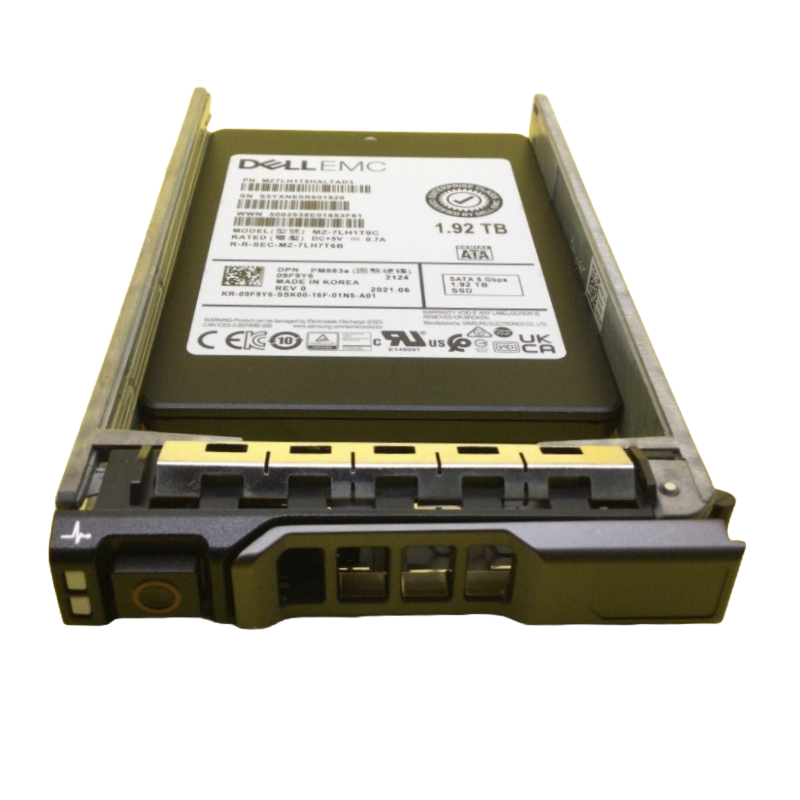


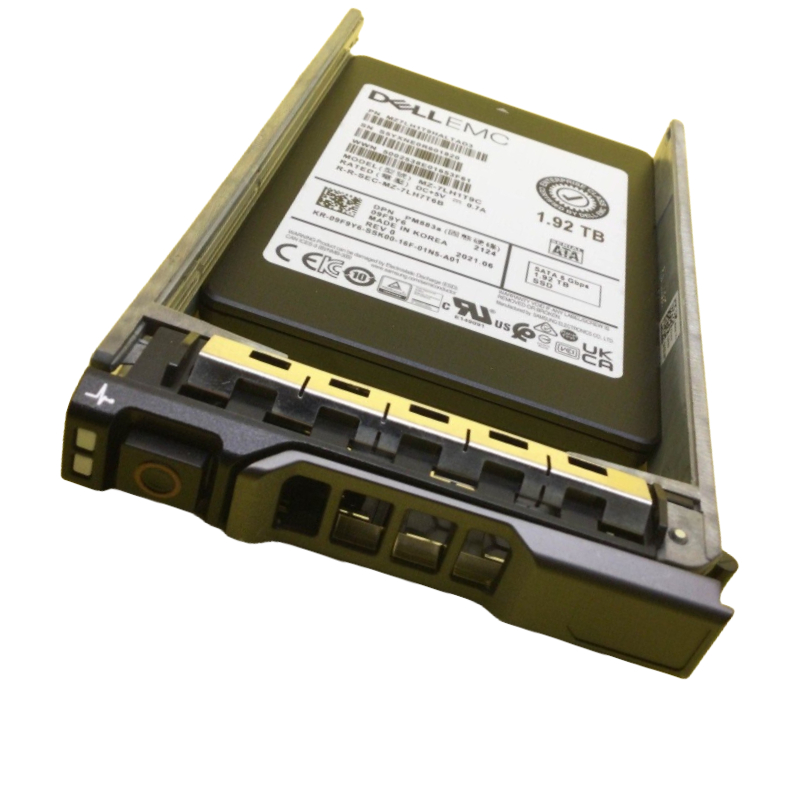
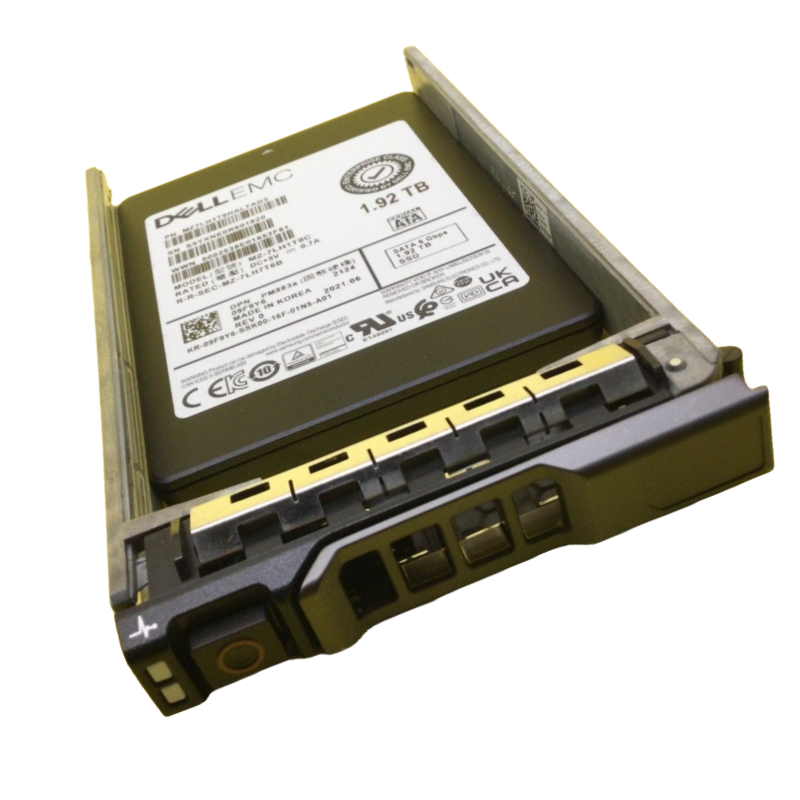
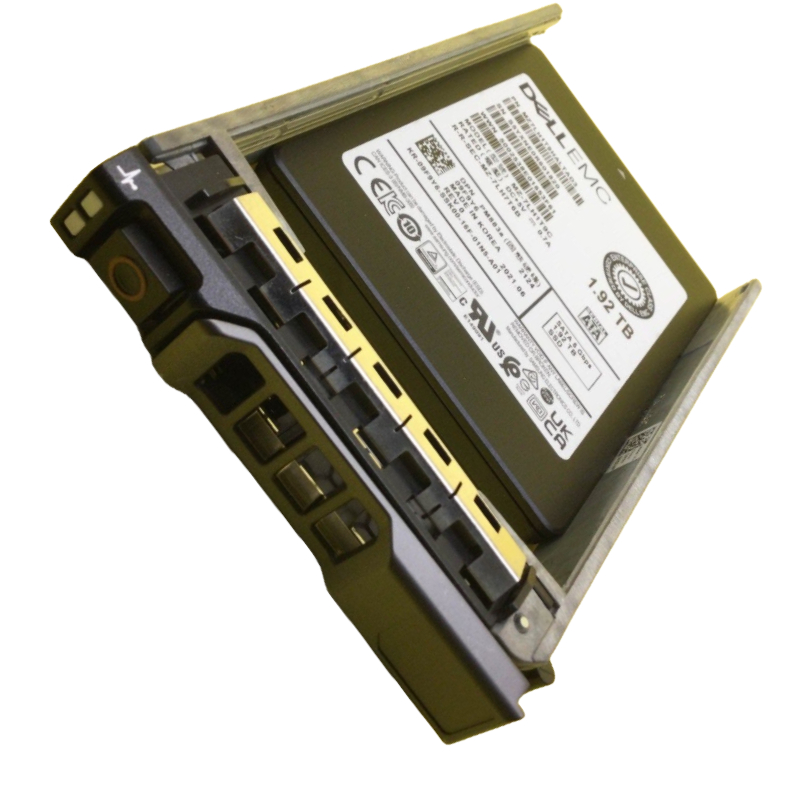
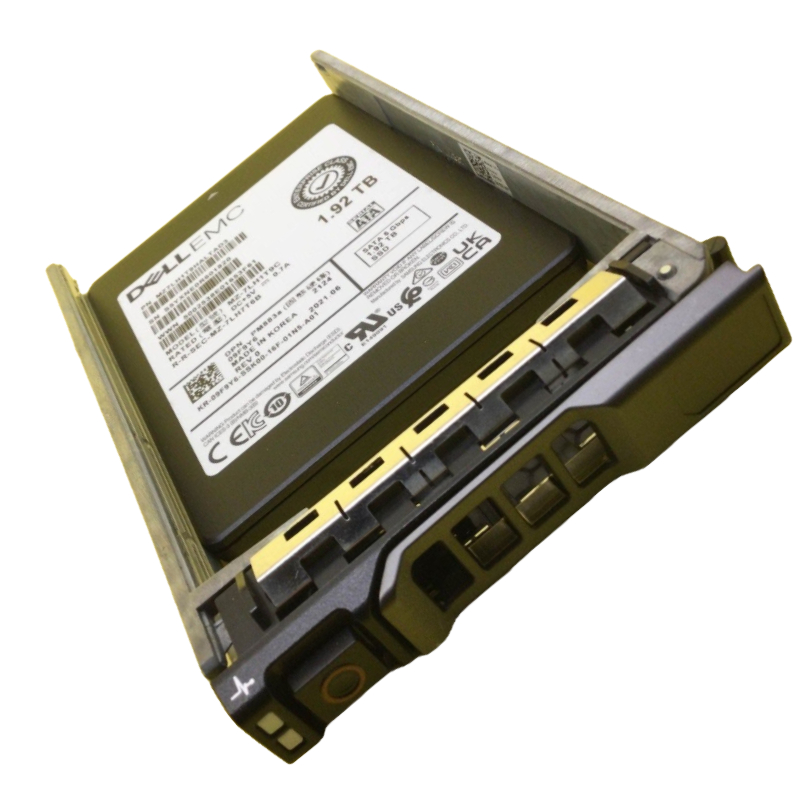
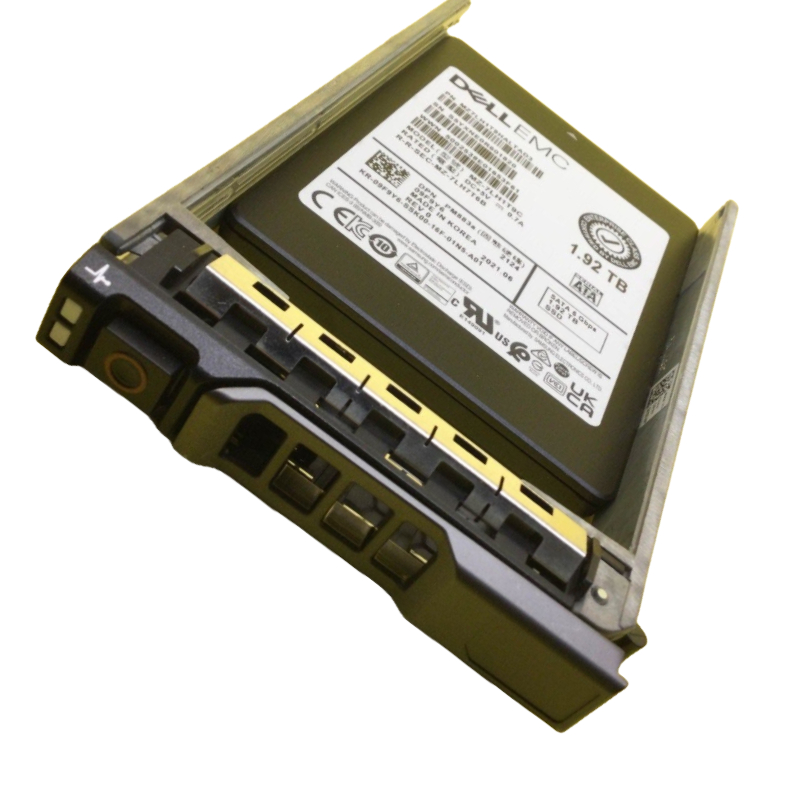
Dell 1JXKP 1.92TB SSD Read intensive SATA 6GBPS MLC. New Sealed in Box (NIB) 1 Year Warranty
The DELL 1JXKP 1.92TB Read-Intensive MLC SATA 6Gbps 2.5-inch Hot-Swap Solid State Drive is designed for seamless performance, durability, and optimized compatibility with multiple Dell PowerEdge servers. This enterprise-grade SSD ensures efficient data management, stable transfer speeds, and enhanced reliability for business-critical workloads.
When choosing the 1JXKP Dell 1.92TB SSD, IT decision-makers typically prioritize:
Key hardware attributes for drives in this category typically include:
While exact numbers depend on firmware and system configuration, the performance profile of a read-intensive SATA MLC drive normally emphasizes:
Reliability is a cornerstone for enterprise SSDs; expect:
Large CDNs and edge cache deployments depend on drives that deliver consistent read performance with low latency. By using 1.92TB read-optimized MLC SATA SSDs in edge servers, operators can host more popular assets locally, reduce upstream bandwidth consumption, and speed up content delivery for end users.
Search platforms (e.g., Elasticsearch, Solr) and analytical engines benefit from fast random reads across large inverted indexes. Installing these drives in index-heavy nodes means reduced query latency and higher query throughput under heavy concurrency.
VDI environments experience intense read bursts when many users boot or log in simultaneously. Hosting boot images and golden images on read-optimized SSDs reduces login times, mitigates latency spikes, and spreads load away from slower HDD-based tiers.
Backup targets and deduplication appliances using these SSDs for restore staging or dedupe metadata storage accelerate restore operations and index lookups—helpful in RTO-sensitive environments.
In many edge appliances or IoT gateways, NVMe lanes are unavailable. The SATA interface and reasonable capacity make 1.92TB SATA MLC drives ideal for local caching, log storage, or machine learning model staging where reads dominate inference workloads.
Because SATA is widely supported, these drives slot into a variety of Dell servers, rack-mounted enclosures, and third-party chassis. Still, verify the following before purchase:
When deploying behind hardware RAID controllers, check for known firmware interactions. Some RAID controllers implement command queuing or handling that affects SSD performance characteristics. Validate TRIM/discard support path (note: hardware RAID sometimes interrupts end-to-end TRIM) and ensure controller write-back cache policies align with SSD power-loss guarantees.
Most modern OSes (Linux, Windows Server, VMware ESXi) provide native support for SATA SSDs and S.M.A.R.T. monitoring. For virtualized environments, ensure the hypervisor presents drives in a way that allows host and guest-level health monitoring, or leverage vendor management tools to centralize telemetry.
Choose RAID levels based on redundancy and read/write profile:
Filesystem and mount options can significantly reduce unnecessary writes:
noatime).Although drives ship with factory over-provisioning, adding host-side over-provisioning (by leaving unpartitioned capacity or using vendor tools to reserve space) can improve steady-state performance and lower write amplification for any writes that do occur.
Feed SMART attributes into your monitoring suite (Nagios, Zabbix, Prometheus exporters, or Dell OpenManage) and set thresholds for early warnings. Typical thresholds include high media wear percentage, sharp increases in reallocated sectors, elevated temperatures, or unexpected increases in power cycle counts.
Define automated alerting for drive health and couple these with pre-defined runbooks that outline steps to verify telemetry, isolate faulty drives, initiate RMA, and perform safe hot-swaps. This reduces mean time to repair (MTTR) and prevents reactive firefighting.
Adopt proactive replacement policies based on TBW, percentage life used (wear-level indicators), and environmental factors. Drives servicing ephemeral caches may be cycled differently than those hosting long-lived index shards.
Many enterprise SATA SSDs offer hardware encryption (e.g., AES-256) and can be integrated into enterprise key management systems (KMIP-compatible). When enabled, encryption protects against data exposure on lost or stolen drives and can simplify secure disposal workflows.
For decommissioning, use vendor-provided secure erase utilities or ATA secure erase commands that the manufacturer supports. For regulated industries, follow NIST SP 800-88 or local regulatory guidelines to ensure wipe procedures are auditable and defensible.
Prefer drives with signed firmware updates to reduce attack surface. Maintain a controlled firmware update pipeline including: test lab, CI for compatibility checks, staged rollout, and rollback mechanisms if unexpected behavior is observed.
NVMe TLC drives often provide far higher sequential and random write performance plus lower protocol overhead. However, NVMe requires platform support (PCIe lanes, NVMe drivers) and generally commands a higher price-per-GB. The 1JXKP SATA MLC delivers excellent read performance at lower acquisition cost in SATA-limited environments.
Write-intensive SSDs utilize higher endurance NAND types, greater over-provisioning, and often more DRAM to sustain heavy write workloads. If your workload is mixed-use or write-heavy, those SKUs are preferable. For strictly read-heavy tiers, the 1JXKP yields better TCO by avoiding overpaying for write endurance you won't use.
SSDs provide huge advantages in latency, IOPS, and power/performance per rack-unit. HDDs still offer a lower $/GB for cold storage, so best practices often involve hybrid architectures where hot/read-active datasets live on SSD tiers and cold data is archived to HDD or cloud object storage.
Performance drops can be due to write amplification, filled over-provisioned area, elevated temperatures, or firmware interactions. Diagnosis steps include checking SMART attributes (wear leveling, pending sectors), verifying TRIM support, and analyzing host I/O patterns for abnormal write bursts.
On SMART warnings, follow a set runbook: capture logs, perform host-level health checks, migrate critical data, and schedule replacement. Use vendor tools to perform diagnostics and secure erase if drive repurposing is planned.
Ensure write cache is flushed and RAID controllers are cognizant of a hot-swap operation. Confirm carrier alignment to prevent intermittent connection failures and periodically clean backplane connectors to reduce electrical contact issues.
Architect a three-tier model: NVMe for ultra-hot transactional data, 1JXKP SATA MLC for hot/read-active datasets (indexes, caches), and HDD/object storage for cold/archival data. Use automated tiering policies to move objects between tiers based on access frequency.
For edge caching, populate compact, power-efficient edge servers with multiple 1.92TB SATA SSDs to host top-N popular objects locally. Use a small OS footprint, local content sync, and stateless application layers to ease scaling and updates.
In hyperconverged stacks, reserve a set of these drives as read cache devices to improve VM boot times and read latency for hot VM storage while leaving backend storage for capacity.


 Contact Us
 Information
 Catalog
 Solid State Drives (SSD)
 Network Switches
 Hard Disk Drives
 HBA & Controllers
 PC & Servers
 PC & Server Memory
 CPU & Processors
 Network Routers
 Power Supplies
 Tape Drives & Libraries
 Network Devices
 Computer & Network Cables