(7% discount is applied at checkout)
Cart is empty
Your go-to destination for cutting-edge server products
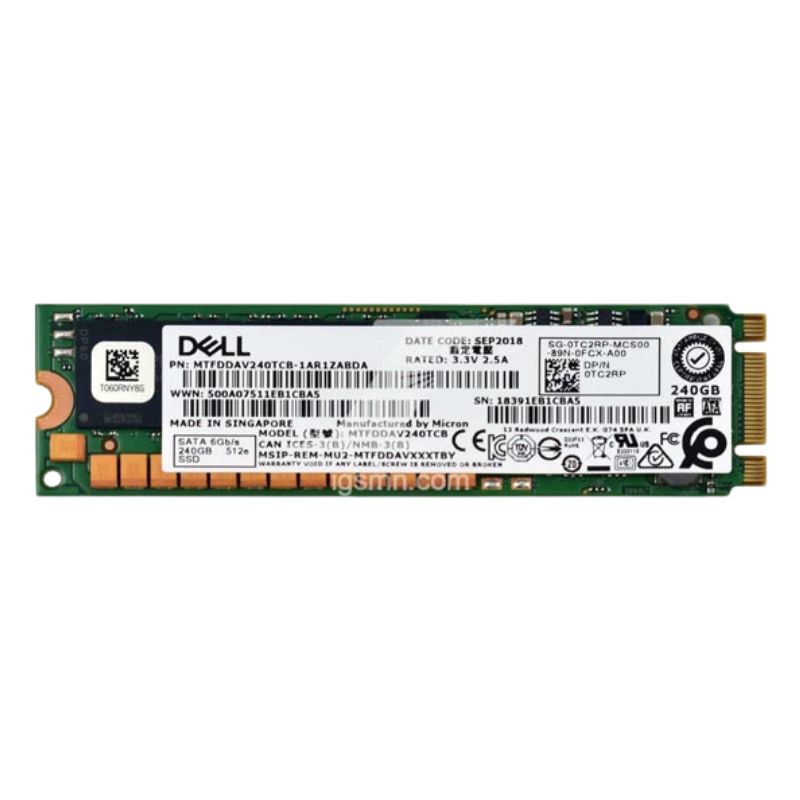


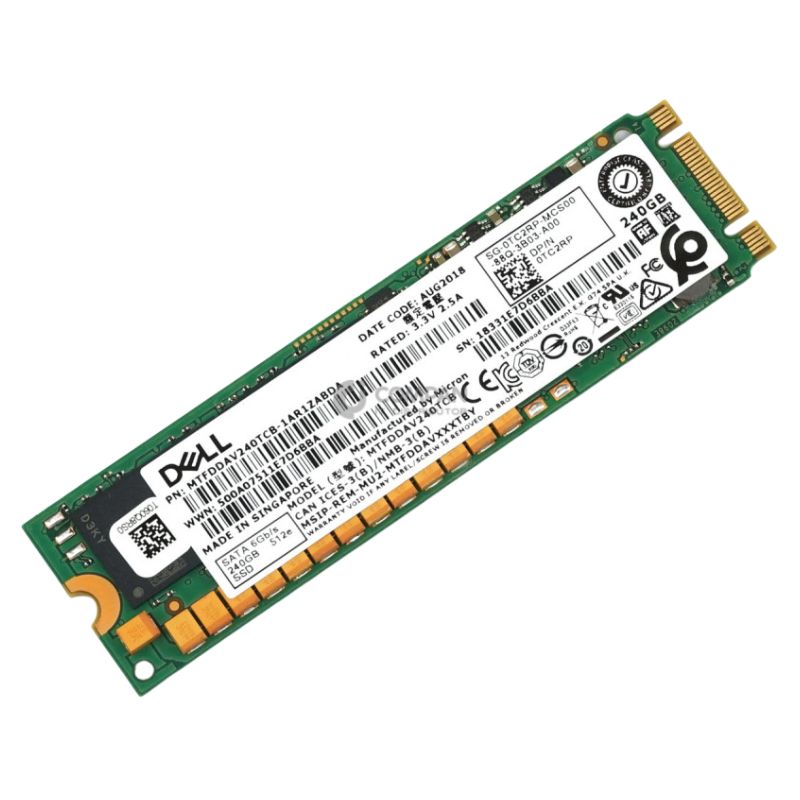
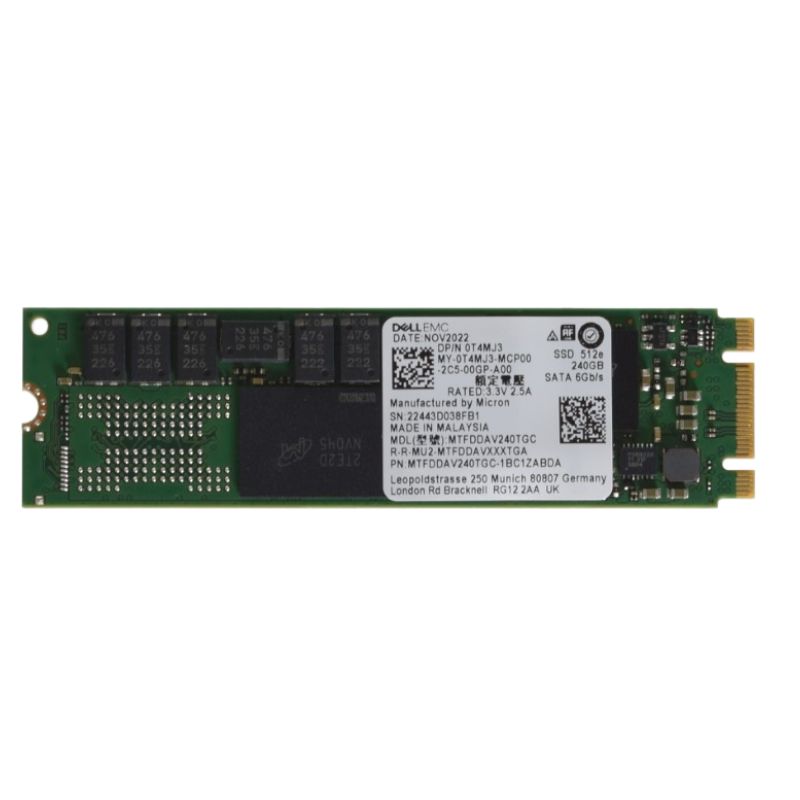
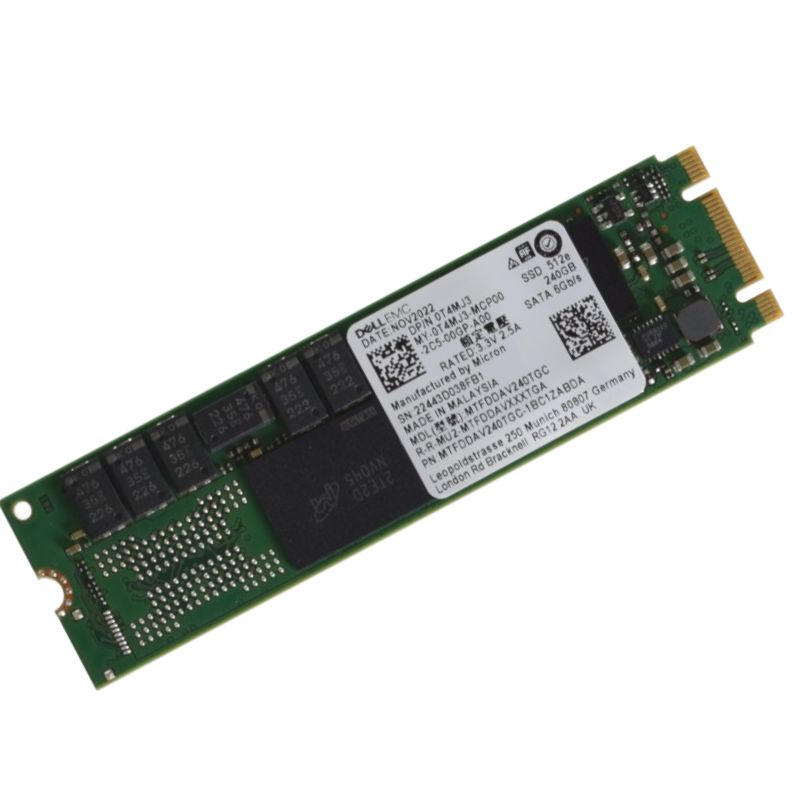
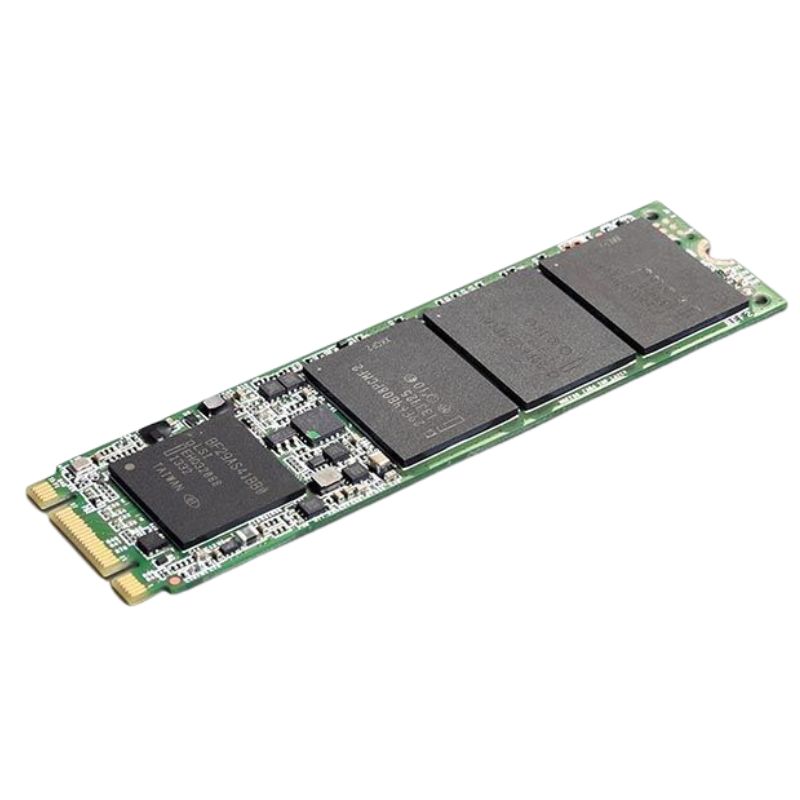
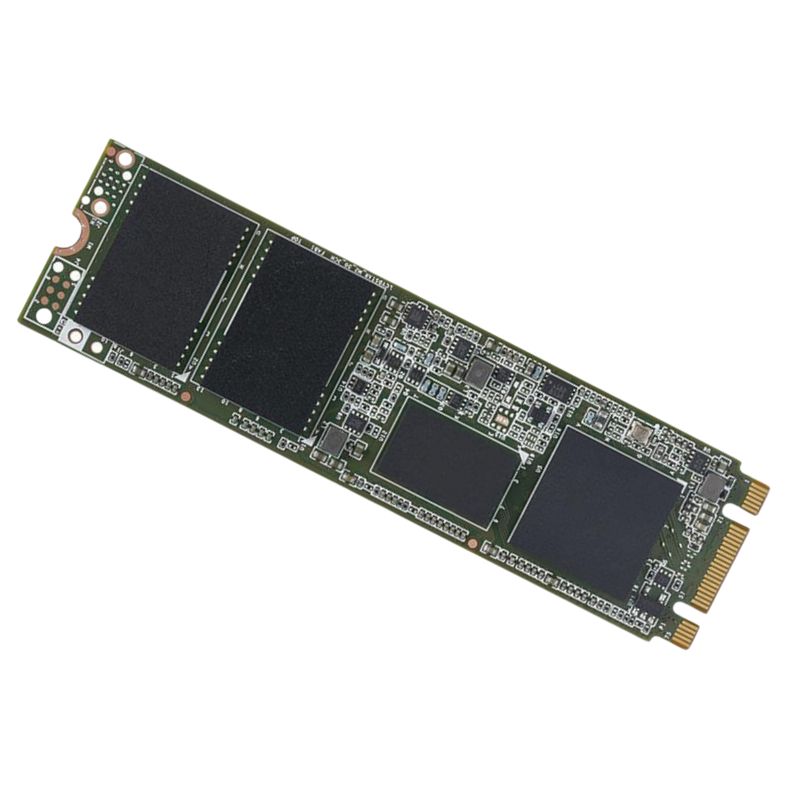
Dell 345-BCWD 240GB SATA 6GBPS M.2 2280 for Boss Card Enterprise Class TLC 3d Nand Solid State Drive. Excellent Refurbished with 1 year replacement warranty
The Dell 345-BCWD is optimized for tactical acceleration and reliable storage in professional environments:
The Dell 345-BCWD 240GB SATA 6Gbps M.2 2280 solid state drive is engineered specifically for enterprise boot and system tasks, optimized for use with Dell BOSS card configurations and modern PowerEdge servers. Built on 3D TLC NAND flash technology and presented in the compact M.2 2280 form factor, this SSD delivers the reliability and predictable performance data centers require for OS images, hypervisors, RAID metadata, and critical system files. Its SATA 6Gbps interface ensures broad compatibility with controller cards and motherboard M.2 slots that support SATA signaling, making it a practical choice where NVMe is unnecessary or where compatibility with existing BOSS cards and server architectures is a priority.
This drive combines the endurance profile expected of enterprise-class components with the cost-efficiency of TLC 3D NAND. The 240GB capacity is sized to hold operating systems, server boot images, hypervisor payloads, and small-scale caching layers while minimizing wasted capacity that would increase cost. The M.2 2280 dimension (22 x 80 mm) is the industry-standard footprint for many server and desktop motherboards and BOSS card adapters, while the SATA 6Gbps interface simplifies deployment in SATA-enabled M.2 slots and BOSS card ports. Enterprise-class attributes include power-loss protection strategies implemented at the firmware level, advanced wear-leveling algorithms, and reserved over-provisioning to sustain write performance and data integrity through heavy lifecycle usage.
In a datacenter environment, the Dell 345-BCWD 240GB SSD is most often deployed as a boot device for single-server and clustered environments where fast, reliable OS startup and steady-state performance are more important than raw high-bandwidth throughput. It is well-suited for running VMware ESXi or Microsoft Hyper-V system partitions, hosting boot volumes for Linux distributions, and providing reliable storage for RAID controller metadata and caching on Dell BOSS modules. When used as an M.2 drive on a BOSS card, it contributes to a resilient server boot architecture, enabling mirrored boot configurations and simplifying OS recovery and upgrade workflows.
The M.2 2280 form factor and SATA signaling of this drive make it compatible with a broad range of Dell PowerEdge servers when the platform supports SATA M.2 devices or when used with certified BOSS card modules. System integrators value drives that are Dell-certified because firmware and thermal profiles are tuned to match server chassis airflow and management firmware. This SSD is intended for plug-and-play integration in factory-configured Dell systems and in certified service replacements, reducing compatibility testing overhead for administrators. When planning deployments, verify that the target PowerEdge model supports SATA M.2 on the BOSS card or on the motherboard slot; if the platform uses PCIe NVMe-only M.2 slots, an alternate NVMe model would be required.
Enterprise SSDs like the Dell 345-BCWD typically ship with firmware optimized for server workloads and include SMART attributes for health monitoring and pre-failure indication. Firmware-level features often include thermal throttling logic, background garbage collection, and TRIM support to maintain consistent performance over time. Dell-certified drives are commonly supported by server management tools such as iDRAC and OMSA, which can surface device health, estimated remaining life, error counts, and firmware revision details. System administrators should schedule firmware updates as recommended by Dell to ensure optimal compatibility with RAID controllers and server management stacks.
Self-Monitoring, Analysis and Reporting Technology (SMART) provides administrators with visibility into metric trends like reallocated sectors, power-on hours, and media wearout indicators. Regular monitoring of SMART attributes enables proactive replacement planning prior to drive failure, minimizing planned downtime. In enterprise deployments, integration with centralized monitoring systems that aggregate SMART data from many servers helps operations teams detect fleet-level anomalies early and orchestrate safe maintenance windows.
While the SATA 6Gbps interface limits peak sequential bandwidth compared to NVMe PCIe options, the Dell 345-BCWD delivers solid random I/O responsiveness and low latency for the kinds of small-block reads and writes common to boot and system workloads. The use of 3D TLC NAND balances cost and endurance: triple-level cell layering increases density while 3D stacking and controller optimizations preserve write durability for enterprise duty cycles. Performance characteristics that matter for this class of drive include sustained sequential read throughput near the SATA maximum, predictable random read latency, and steady-state random write performance thanks to a reserved over-provisioning area and on-device caches.
Endurance is often represented as drive writes per day (DWPD) for enterprise products; the 240GB capacity paired with enterprise TLC typically targets read-optimized and mixed-use workloads rather than extremely heavy write-intensive applications. This makes the 345-BCWD ideal for boot volumes, configuration repositories, and read-heavy system images. For deployments with frequent large write volumes, such as intensive logging hosts or database transaction logs, consider higher-endurance mixed-use or write-intensive SSD classes, or layer write caching on a higher endurance tier to protect the M.2 boot device from excessive wear.
Boot drives benefit most from low-latency random reads during multi-user login storms, system updates, and parallel boot cycles. This SSD is engineered to minimize seek-related latency intrinsic to flash-based storage and to provide consistent IOPS under typical operating conditions. The firmware’s I/O scheduling and internal queue handling aim to avoid pathological latency spikes; however, administrators should validate performance under expected load using synthetic and real-world benchmarks to confirm they meet operational SLAs.
M.2 2280 drives are compact and may be installed in cramped server bays, so thermal characteristics and airflow compatibility are important. Dell-certified M.2 parts are often profiled to match the thermal envelope of PowerEdge chassis configurations. Servers with active chassis cooling will typically maintain sufficient thermal headroom, but administrators must still confirm that drive temperatures remain in recommended ranges under peak load and during firmware updates. If the server platform uses heatsinks or thermal pads for M.2 modules, ensure the drive is mounted per Dell's hardware service manual to maintain warranty and thermal performance.
The M.2 2280 length requires the correct standoff and screw for secure mounting. When used on a BOSS card, the card’s M.2 slots provide the appropriate mechanical retention; when installing directly onto a motherboard M.2 slot, the server chassis will include the matching standoff positions. Careful handling during insertion and removal prevents connector damage, and adherence to ESD-safe practices protects the device and host board. Disk labeling and asset tagging should be applied where required by organizational tracking policies to ensure traceability of hardware revisions and firmware bundles.
Reliability is central to enterprise storage components, and the Dell 345-BCWD incorporates multiple layers of protection to preserve data integrity. Error-correcting code (ECC) is used to detect and correct bit errors, and internal scrubbing routines may be employed to identify and address marginal blocks. Power-loss protection mechanisms aim to reduce the risk of data corruption in the event of an unexpected shutdown by flushing volatile caches and committing parity and metadata updates. When used as part of a mirrored boot configuration on a BOSS card, redundancy at the controller level further safeguards against single-drive failure affecting system availability.
Enterprise SSDs use metadata journaling, checksums, and transactional update patterns in their firmware to maintain consistency across power cycles and in the presence of partial writes. For mission-critical systems, combining the 345-BCWD with mirrored configurations or RAID-level protections enables administrators to meet strict recovery point objectives. Backup processes should also include boot volumes — ensuring that OS images and critical configuration files are routinely snapshotted and stored off-host for rapid recovery.
When integrating the Dell 345-BCWD 240GB SSD into production servers, validate compatibility with the specific PowerEdge model and BIOS/firmware version. Confirm that the BOSS card or M.2 controller supports SATA signaling and that any RAID or mirror functions are configured per Dell’s published instructions. For enterprise environments, begin with a staged roll-out: test the drive in a lab or pre-production cluster, measure boot times, observe SMART metrics, and run stress tests to gauge steady-state thermal and performance behavior. Document the firmware revision and procurement lot for future support escalations and maintain an inventory of spare drives for rapid replacement under service agreements.
Over-provisioning increases available spare area, which improves write endurance and consistent performance at scale. Many enterprise drives are shipped with a factory-set over-provisioning ratio, and administrators may choose to leave some logical space unallocated to further protect performance. When configuring host partitions, avoid allocating the entire physical capacity to a single logical volume; maintain some free space for the drive's internal routines and to allow TRIM to function effectively. For fleet-wide deployments, establish a provisioning standard to balance usable capacity, endurance goals, and cost targets.
Modern enterprise SSDs often support secure erase commands and TCG Opal or AES-based hardware encryption. If the Dell 345-BCWD includes hardware encryption features, leverage them to meet organizational compliance requirements for at-rest data protection. When decommissioning or repurposing drives, use manufacturer-approved secure erase utilities or cryptographic erase to ensure that sensitive data cannot be recovered. Follow your company’s data lifecycle policies and any regulatory obligations when handling drives that contained personally identifiable information or other regulated data types.
Only apply firmware updates provided or approved by Dell for the specific SKU and system platform. Firmware updates may contain critical fixes for reliability, compatibility, or security, but incorrect firmware can render a device inoperable. Coordinate updates during maintenance windows and ensure that backups are current before initiating changes. Wherever possible, use Dell’s deployment tools to stage and automate firmware rollouts across a fleet to ensure consistency and to maintain an audit trail of applied revisions.


 Contact Us
 Information
 Catalog
 Solid State Drives (SSD)
 Network Switches
 Hard Disk Drives
 HBA & Controllers
 PC & Servers
 PC & Server Memory
 CPU & Processors
 Network Routers
 Power Supplies
 Tape Drives & Libraries
 Network Devices
 Computer & Network Cables