(7% discount is applied at checkout)
Cart is empty
Your go-to destination for cutting-edge server products
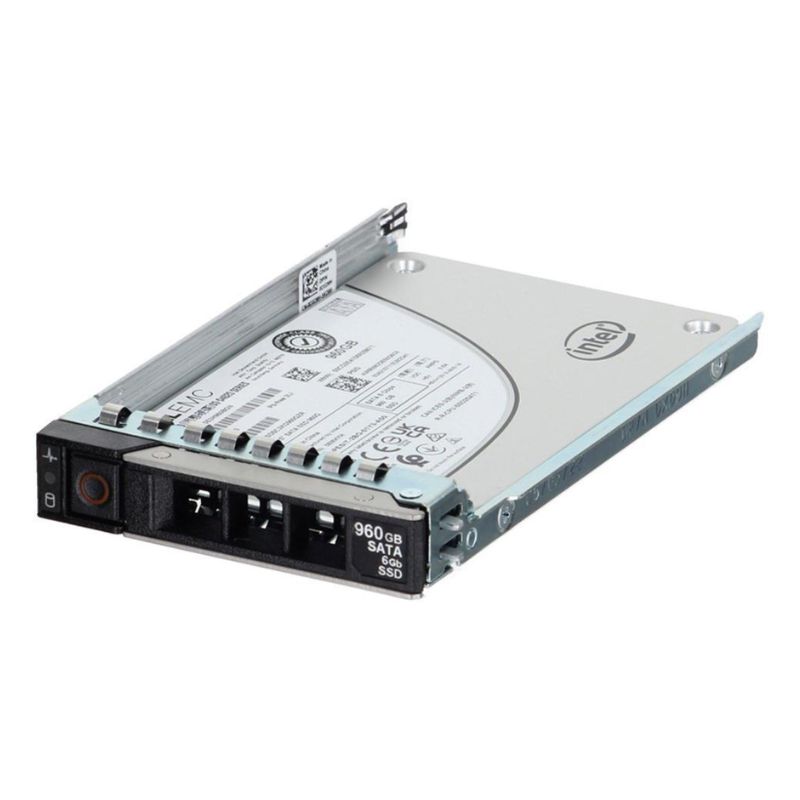


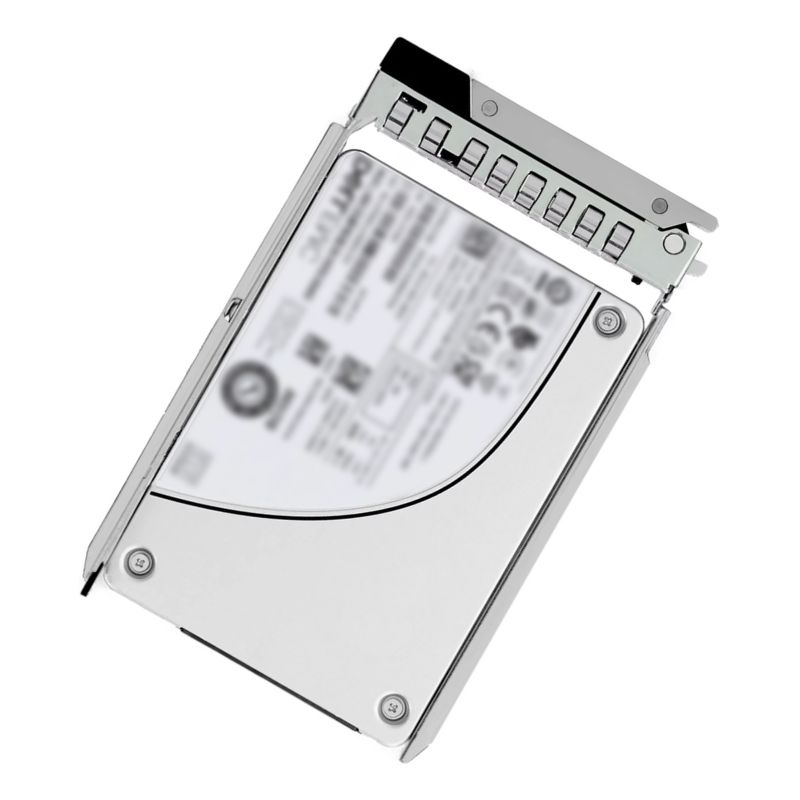
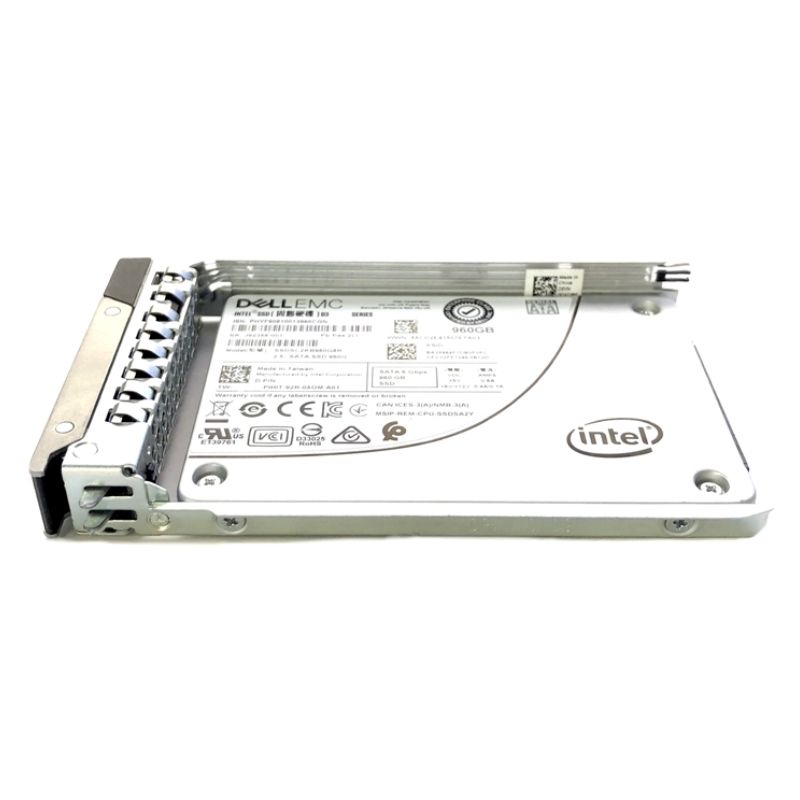
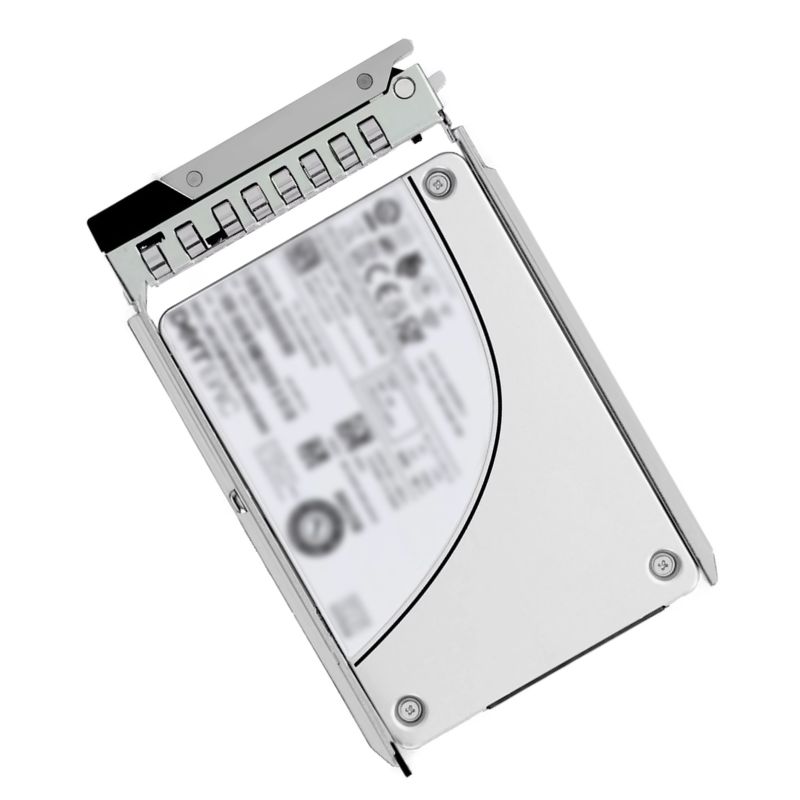
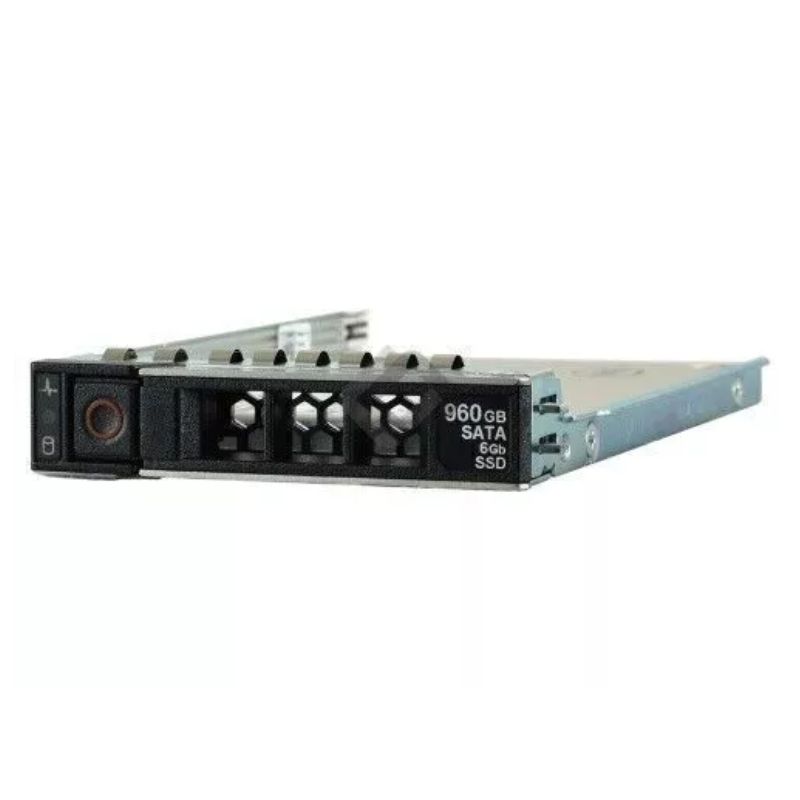
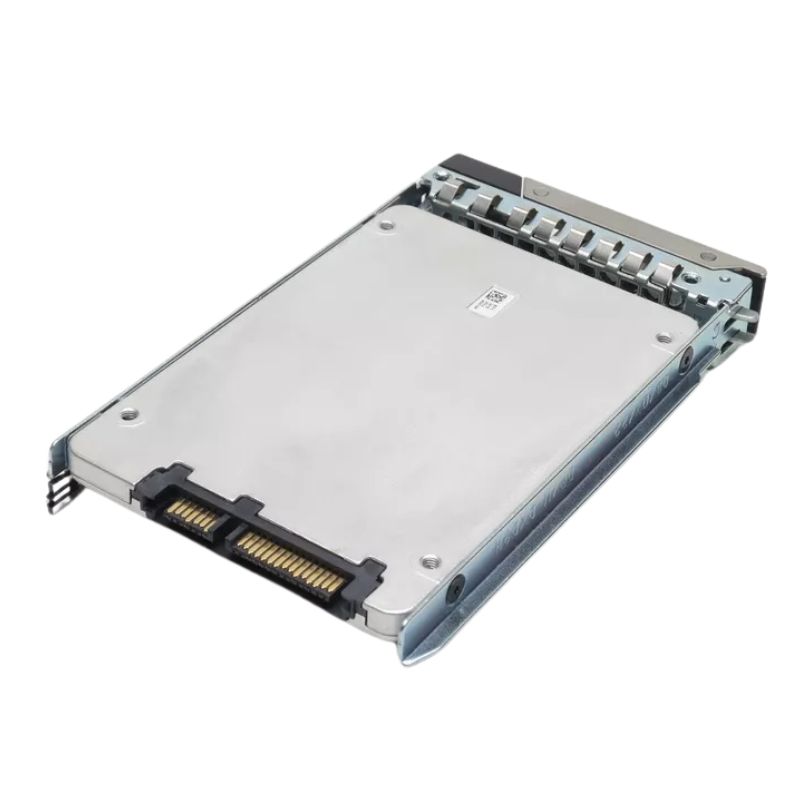
Dell 345-BCYN 960GB Mixed Use 3DWPD TLC SATA 6GBPS 2.5Inch Hot Plug Solid State Drive. New Sealed in Box (NIB) With 1 Year Warranty
This drive delivers enterprise-grade responsiveness with sequential throughput tuned for server applications:
The 345-BCYN is validated for use in many Dell PowerEdge server families. Supported systems include (but are not limited to):
The Dell 345-BCYN 960GB Mixed Use 3DWPD TLC SATA 6Gbps 2.5-inch hot-plug solid state drive represents a balanced, enterprise-focused storage option tailored for modern PowerEdge server environments. Engineered as a mixed-use SATA SSD with triple-level cell (TLC) flash and an endurance rating of 3 drive-writes-per-day (3 DWPD), this drive fits squarely into mid-tier performance tiers where sustained read/write cycles and cost-efficiency must coexist. It is commonly deployed across Dell PowerEdge 14G, 15G and 16G platforms where administrators demand reliable capacity, consistent throughput on transactional workloads, and proven compatibility with existing RAID controllers and server trays. This category description explores the technical characteristics, real-world use cases, deployment best practices, troubleshooting considerations, and purchasing guidance for organizations evaluating or managing fleets of 345-BCYN SSDs.
At the heart of the 345-BCYN series is its 960GB capacity presented in a 2.5-inch small form factor (SFF), offering a dense footprint for rack-level storage consolidation. The SATA 6Gbps interface ensures broad interoperability with legacy and current Dell RAID controllers, while the hot-plug capability simplifies field replacements and minimizes downtime during maintenance windows. The TLC NAND provides a cost-effective balance between raw capacity and performance; combined with enterprise-grade firmware optimizations, it delivers consistent I/O behavior under mixed read/write workloads. The 3 DWPD endurance rating signals that the drive is engineered to tolerate moderate to heavy daily writes over its service life, making it suitable for databases, virtualization platforms, mail/file servers, caching tiers, and general-purpose server storage where a mix of reads and writes occurs.
Performance for the Dell 345-BCYN SSD is tuned for predictable latency and steady throughput rather than peak single-threaded low-latency bursts typical of NVMe devices. The SATA architecture places a ceiling on maximum sequential transfer rates compared to NVMe, but the real-world advantage of this category lies in its ability to maintain consistent IOPS across mixed workloads with better cost-per-gigabyte than many higher-end flash options. For applications such as virtualization hosts running many small VMs, or relational database systems with consistent transaction loads, these drives provide a measured improvement over traditional spinning media while avoiding the premium of NVMe-tier pricing. When grouped in RAID arrays, the aggregate throughput and resiliency can easily match medium-density SAN/NAS volumes used for typical enterprise workloads.
Endurance expressed as 3 DWPD means the device can be written up to three times the total capacity per day over the warranty period without exceeding design specifications. Enterprise firmware typically includes wear-leveling algorithms, bad block management, and background garbage collection to maximize usable lifespan. Many implementations include power-loss protection mechanisms and robust error correction to safeguard data integrity during unexpected power events. Administrators should monitor SMART attributes and run regular health checks to track remaining program/erase cycles, media wear indicators, and any reallocated sectors that indicate degrading flash cells. Proactive monitoring allows replacement planning well before service-affecting failure occurs.
One of the primary advantages of the 345-BCYN series is Dell certification for PowerEdge servers across multiple generations, specifically 14G, 15G, and 16G. Certification ensures that the server BIOS, RAID firmware, and management utilities such as iDRAC and OpenManage recognize the drive, enabling reporting of SMART data and compatibility with hot-swap trays. For IT teams migrating from spinning disks or older SSDs, this certification reduces integration risk and limits surprises during firmware updates or RAID rebuilds. Even so, it is best practice to cross-check the exact server model’s HCL (hardware compatibility list) and to apply the latest controller firmware and Dell system updates before broad deployment to avoid edge-case incompatibilities.
The 2.5-inch form factor and hot-plug design make these drives easy to insert into dedicated SFF drive bays and Dell hotswap trays. When installed in a PowerEdge server, the drive integrates with RAID arrays as either single-disk volumes or parts of larger logical arrays depending on chosen RAID level. Logical configuration choices—RAID 1 for mirrored resiliency, RAID 5/6 for capacity and parity, or RAID 10 for increased I/O performance and redundancy—should reflect the application’s tolerance for latency vs. redundancy. Ensure the tray and backplane support SATA signaling and that any mixed-population chassis (SATA + SAS or SSD + HDD) uses appropriate controller settings for optimal operation.
Mixed-use SSDs with 3 DWPD endurance are well suited to a broad spectrum of server-side applications. Virtualization deployments benefit from the balance of random I/O performance and sustained write tolerance, allowing consolidation of multiple virtual machines on fewer hosts while preserving responsiveness. Databases with frequent read/write operations, such as OLTP systems, are a natural match because the drives offer predictable write endurance and firmware-level optimizations for random access patterns. Additionally, application servers handling moderate caching duties—front-end caches, session stores, and content delivery caches—gain from SSD read latency. Use in log aggregation servers and analytics platforms that produce sustained write streams is possible, but admins should confirm daily write volumes to ensure they remain within endurance expectations over time.
Compared to spinning disks, mixed-use SSDs deliver dramatic reductions in read latency and higher IOPS for random workloads, reducing application response times and improving user experience. Against enterprise-grade NVMe drives, SATA mixed-use SSDs offer lower cost per gigabyte and a simpler upgrade path for existing SATA-based infrastructures. Within tiered storage strategies, these SSDs are an excellent mid-tier option: faster than HDD-based tiers for hot and warm data, and more economical than high-end NVMe tiers intended for extreme low latency or ultra-high IOPS scenarios. They therefore play a strategic role in multi-tier architectures where cost, density, and consistent performance must be balanced.
To maximize the operational lifetime and performance stability of 345-BCYN SSDs, administrators should implement routine monitoring and proactive lifecycle management. Use Dell OpenManage and iDRAC to ingest SMART telemetry, track remaining life estimates, and configure alerts for predictive failure indicators. Maintain an inventory of spare hot-plug drives and plan rolling replacements based on wear trends rather than reactive failure. When performing firmware updates, coordinate a maintenance window and validate update paths against Dell’s support documentation to minimize service disruptions. Another recommended practice is to reserve a percentage of raw capacity as an over-provisioning area, either via firmware settings or by avoiding 100% drive utilization; this helps the controller manage write amplification and retain performance as the drive ages.
SSD firmware has a direct impact on performance, wear-leveling behavior, and compatibility. Always test firmware updates in a staging environment before applying them in production, because controller firmware and RAID driver versions can interact in unexpected ways. Dell-certified firmware bundles usually include the necessary patches for compatibility with specific PowerEdge BIOS and RAID controller revisions. Keep a simple rollback plan in place should any firmware update introduce instability. Additionally, ensure the server’s operating system has appropriate AHCI/SATA drivers and that the controller is configured for the intended workload (for example, enabling write caching or adjusting cache policies according to your redundancy strategy).
While SSDs generate less heat and consume less power than spinning disks at scale, dense blade or rack deployments can still produce cumulative heat loads that require careful airflow planning. When installing multiple 2.5-inch SSDs in tightly packed array enclosures or high-density servers, ensure adequate cooling and validate that chassis fans are correctly configured to compensate for the reduced thermal mass compared to HDD arrays. Power-loss protection and capacitors included on enterprise SSDs help guard against incomplete writes during outages, but data-center level redundancies and UPS strategies remain essential to protect workloads and prevent data corruption.
Replacing HDDs with mixed-use SSDs is an effective way to shrink storage footprints and increase performance, but migration planning should account for workload profiling, RAID-level selection, and capacity planning. Because SSDs behave differently from HDDs under sustained writes, profile your workloads to estimate average daily writes and peak bursts to confirm that a 960GB drive with 3 DWPD fits the expected write intensity. Consider staged migrations: move the most latency-sensitive workloads first, and monitor application behavior. Capacity planning should factor in the benefits of over-provisioning and spare capacity to keep write amplification under control and maintain headroom for firmware housekeeping operations.
Despite the high reliability of enterprise SSDs, drives are still subject to failure modes such as controller faults, electrical damage, or rare media failures. Ensure data protection policies include regular backups and replication strategies. Use RAID configurations that offer redundancy and quick rebuild characteristics; SSD rebuild times are typically faster than HDD rebuilds, which reduces vulnerability windows. For critical datasets, synchronous replication or snapshot-based backups provide additional protection. Verify that your backup solution is SSD-friendly and mindful of the drive’s endurance characteristics, avoiding backup patterns that would create excessive write amplification.


 Contact Us
 Information
 Catalog
 Solid State Drives (SSD)
 Network Switches
 Hard Disk Drives
 HBA & Controllers
 PC & Servers
 PC & Server Memory
 CPU & Processors
 Network Routers
 Power Supplies
 Tape Drives & Libraries
 Network Devices
 Computer & Network Cables