(7% discount is applied at checkout)
Cart is empty
Your go-to destination for cutting-edge server products
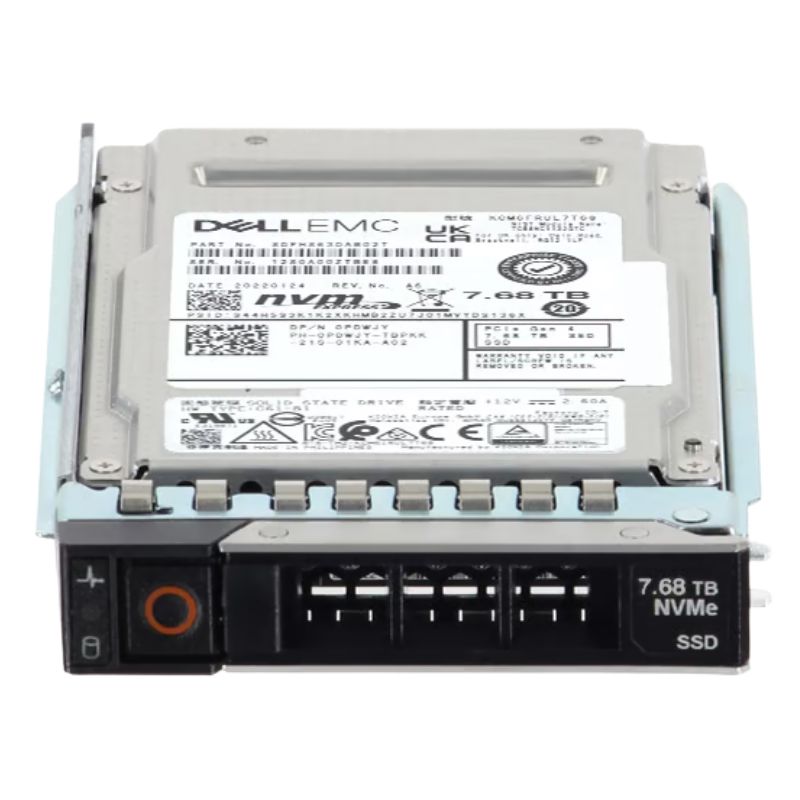


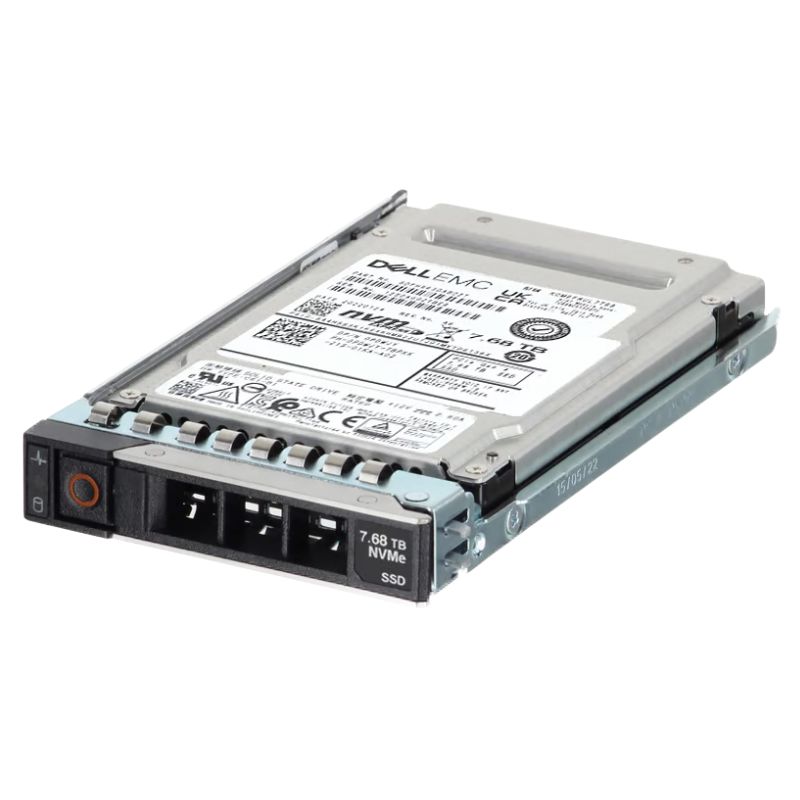
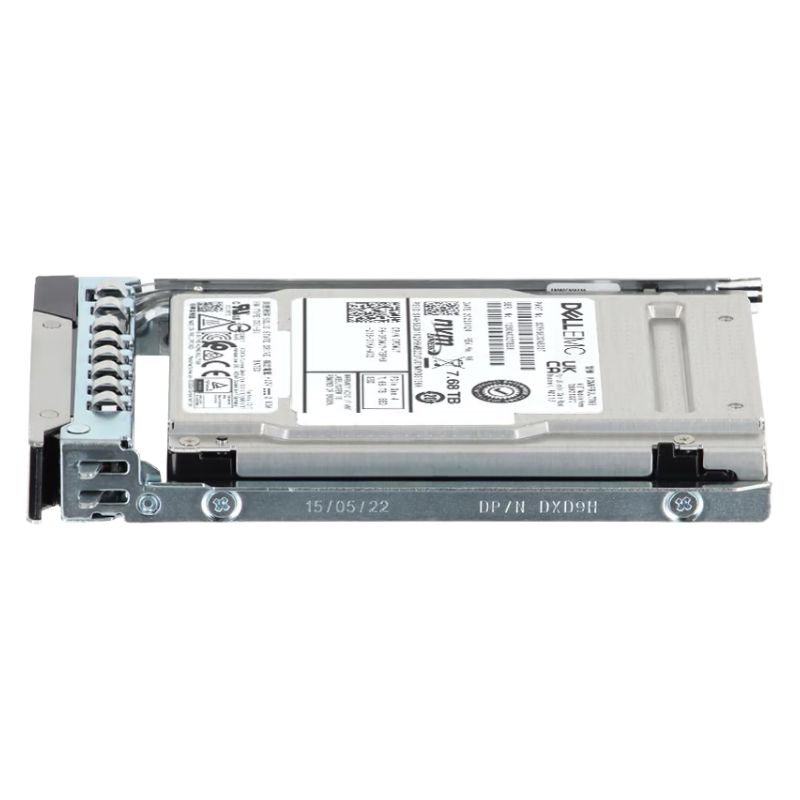
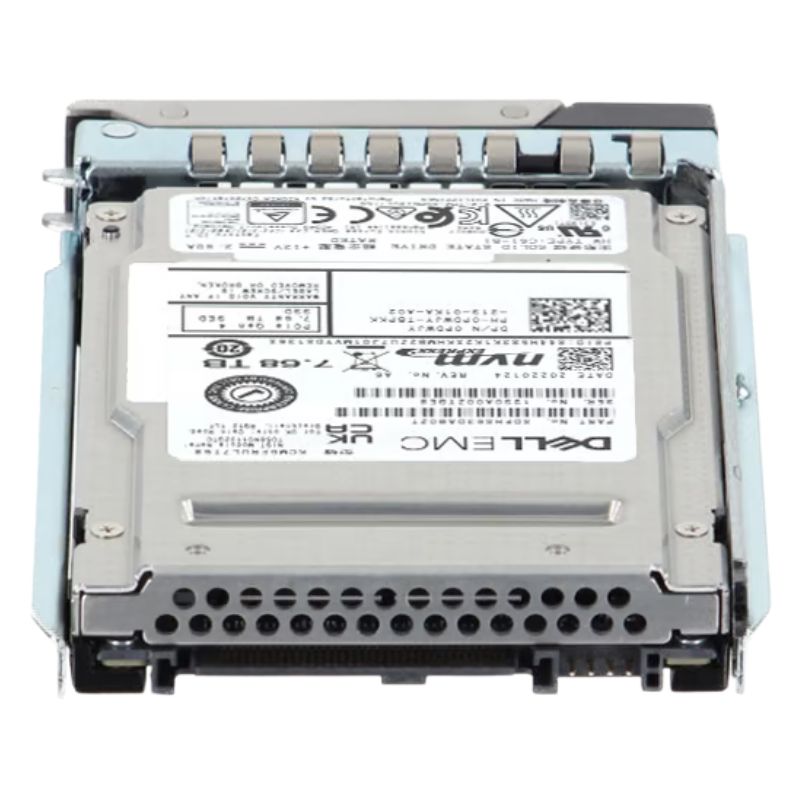
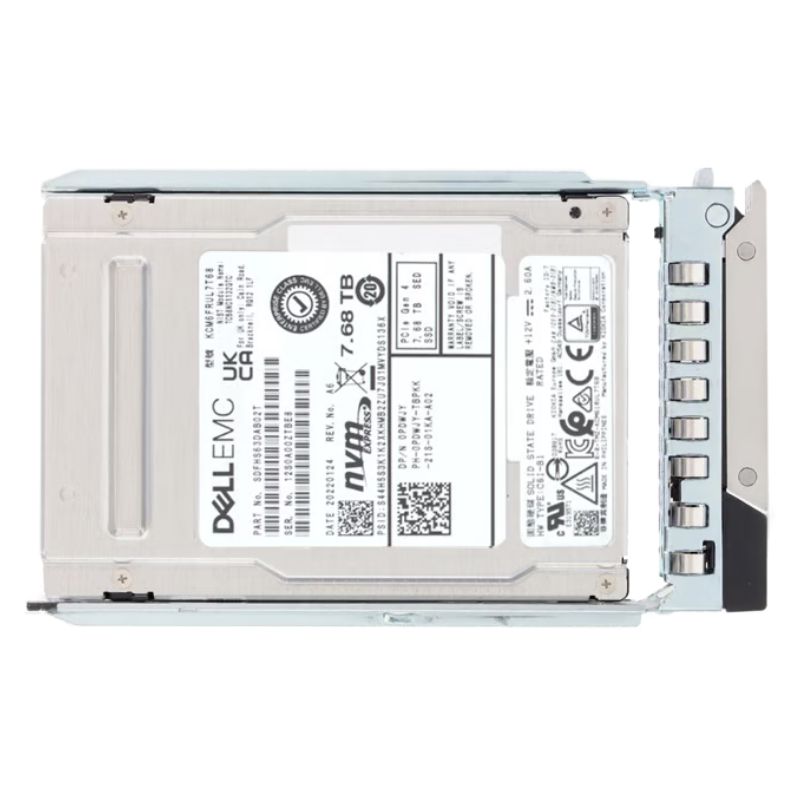
Dell 345-BJHM 7.68TB PCI-E Gen4 NVMe U.2 2.5 Inch Read Intensive Solid State Drive. New Sealed in Box (NIB) with 1 year Warranty
The Dell 345-BJHM is a high-density enterprise internal solid-state drive engineered for demanding read-intensive workloads. Built on PCIe Gen4 x4 NVMe technology and housed in a U.2 2.5" 15mm form factor, this 7.68TB drive delivers fast, consistent throughput and low latency for data-center applications, database caching, and large-scale read-heavy deployments.
Designed specifically for environments where read I/O dominates, the 345-BJHM balances large capacity with enterprise-grade reliability. With Gen4 NVMe bandwidth and optimized TLC NAND, it provides faster random read access and higher IOPS compared to legacy SATA or Gen3 NVMe drives, while offering an endurance profile tuned for read-heavy applications.
The drive exposes NVMe over two PCIe Gen4 x4 lanes for direct, high-bandwidth access to host servers. Its U.2 2.5" footprint ensures compatibility with a wide range of enterprise server bays and storage sleds, simplifying integration into standard data-center infrastructures.
Enterprise-class features include power-loss protection, robust SMART telemetry for predictive maintenance, and firmware features tuned for data integrity under heavy read loads. These capabilities help maintain consistent performance and protect stored data in production deployments.
This SSD is ideal for organizations that require high-capacity, low-latency storage optimized for reads. Typical applications include large-scale content repositories, web caching layers, search/index services, analytics platforms, and virtual desktop infrastructure where read throughput is the dominant factor.
The 345-BJHM is validated for use in a broad set of Dell PowerEdge servers. Grouped below for clarity, these compatible platforms cover both rack and high-density compute classes.
The Dell 345-BJHM 7.68TB PCI-E Gen 4.0 x4 NVMe U.2 SSF 2.5" Read-Intensive TLC 1DWPD Enterprise Internal SSD represents a high-capacity, data-center grade storage option designed specifically for modern Dell PowerEdge servers (14G, 15G, 16G and 17G). This category page focuses on the enterprise NVMe U.2 family targeted at read-centric workloads and dense server storage configurations. It covers technical characteristics, real-world use cases, deployment best practices, maintenance considerations, and buying guidance to help IT buyers, system architects and procurement teams make an informed decision.
The drive conforms to the SSF 2.5-inch U.2 form factor with a PCIe Gen4 x4 NVMe interface. The U.2 connector provides a robust hot-swappable design that fits standard server drive bays—making it ideal for PowerEdge chassis that have direct support for U.2 NVMe carriers.
With a rated capacity of 7.68TB, this SSD targets high density data center deployments where minimizing the number of drives per server is a priority. It uses Read-Intensive TLC NAND which balances cost, density, and read performance—making it well suited for workloads that perform far more reads than writes.
The product is specified as 1 DWPD (Drive Writes Per Day), which is consistent with the read-intensive class of drives. This endurance rating informs retention planning, expected lifetime under typical workload profiles, and replacement cycle budgeting.
PCIe Gen4 doubles the per-lane bandwidth compared to PCIe Gen3, and when used in a x4 NVMe configuration it unlocks significantly higher sequential and random throughput compared to older interfaces. For read-heavy workloads, the Gen4 x4 link reduces queuing delays and allows the flash controller to service requests with lower latency.
Read-optimized TLC and NVMe protocol together produce low-latency, high-IOPS read paths that benefit database selects, metadata operations and boot storms. The NVMe command set also offers opportunities for parallelism and multi-queue I/O that modern hypervisors and OS kernels exploit for higher sustained performance.
This product listing emphasizes compatibility with Dell PowerEdge 14G, 15G, 16G and 17G platforms. Dell's validation and firmware QA for those generations typically ensure that the drive performs reliably when used in supported chassis, backplanes and RAID or NVMe adapters used by those servers.
When adding NVMe drives to enterprise servers, ensure the server firmware and NVMe controller drivers are up to date. Correct firmware minimizes compatibility issues, improves thermal handling and can include optimizations specific to a particular SSD family. Dell's own lifecycle controller or iDRAC firmware may also report drive health and thermal metrics—useful for ongoing monitoring.
Some older server backplanes and risers were designed for SAS/SATA drives. When using U.2 NVMe drives, confirm the server has a native U.2 NVMe backplane or an appropriate NVMe riser/adapter and that the bay supports the required hot-swap behavior and NVMe passthrough to the OS.
Deploy 7.68TB U.2 SSDs in compute-dense racks where maximizing local capacity per socket reduces network storage pressure. A smaller number of high-capacity NVMe drives simplifies storage provisioning and cuts rack unit overhead for drive bays.
Because of the read-intensive profile, these drives excel as boot volumes or OS images across clusters—especially in environments where read operations (OS loads, patches, container starts) dominate. Consolidate boot volumes on U.2 NVMe to accelerate host startup and VM provisioning.
Use the drive as a high capacity read cache in front of slower persistent tiers. In hybrid architectures the NVMe drive acts as an intelligent buffer for frequently read blocks, improving application responsiveness without requiring all data to reside on more expensive write-endurance enterprise drives.
Modern NVMe drives expose SMART attributes and NVMe-specific health telemetry such as media and controller temperature, available spare, percentage used, and power cycles. Integrate these metrics into server monitoring tools (Dell iDRAC, Nagios, Prometheus exporters, etc.) to enable predictive replacement and reduce unplanned downtime.
Keep drive firmware current. Enterprise SSD firmware updates often include reliability and performance refinements. Verify Dell's support pages for firmware packages validated for the PowerEdge models in your environment and follow change control procedures for rolling updates.
High capacity NVMe drives such as 7.68TB units reduce the number of drives required to achieve a targeted TB count per server, lowering chassis complexity and backplane utilization. When evaluating cost, compare the total cost of ownership (TCO) that includes acquisition cost, power, cooling and management overhead rather than focusing solely on price per GB.
An endurance rating of 1 DWPD indicates predictable lifetime for read-heavy workloads, but you should still model worst-case write amplification from OS or application behavior. Implement wear monitoring and a replacement policy based on percentage used or an absolute time horizon to avoid unexpected failures.


 Contact Us
 Information
 Catalog
 Solid State Drives (SSD)
 Network Switches
 Hard Disk Drives
 HBA & Controllers
 PC & Servers
 PC & Server Memory
 CPU & Processors
 Network Routers
 Power Supplies
 Tape Drives & Libraries
 Network Devices
 Computer & Network Cables