(7% discount is applied at checkout)
Cart is empty
Your go-to destination for cutting-edge server products
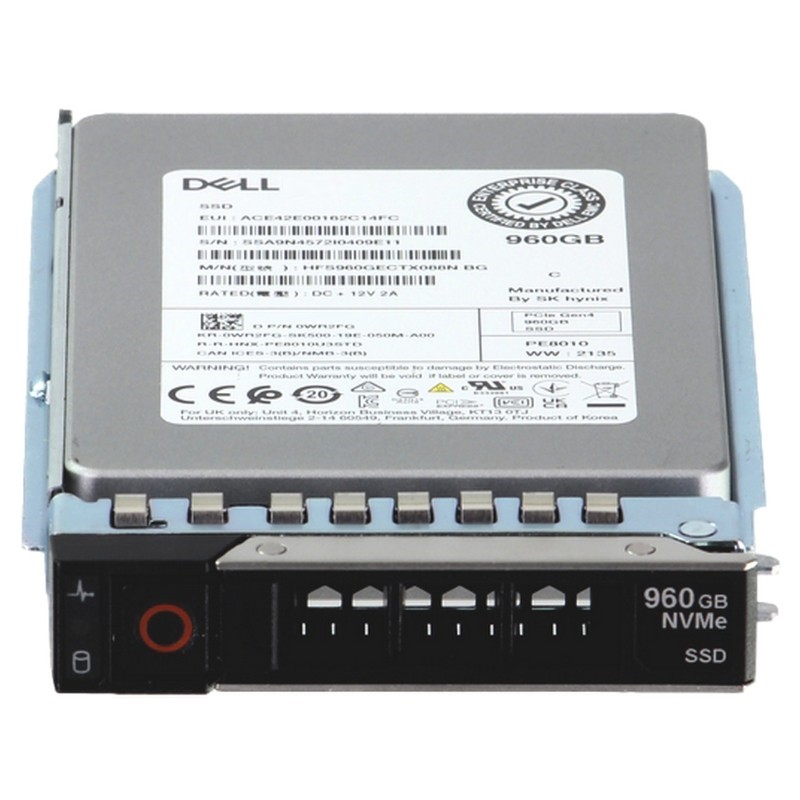


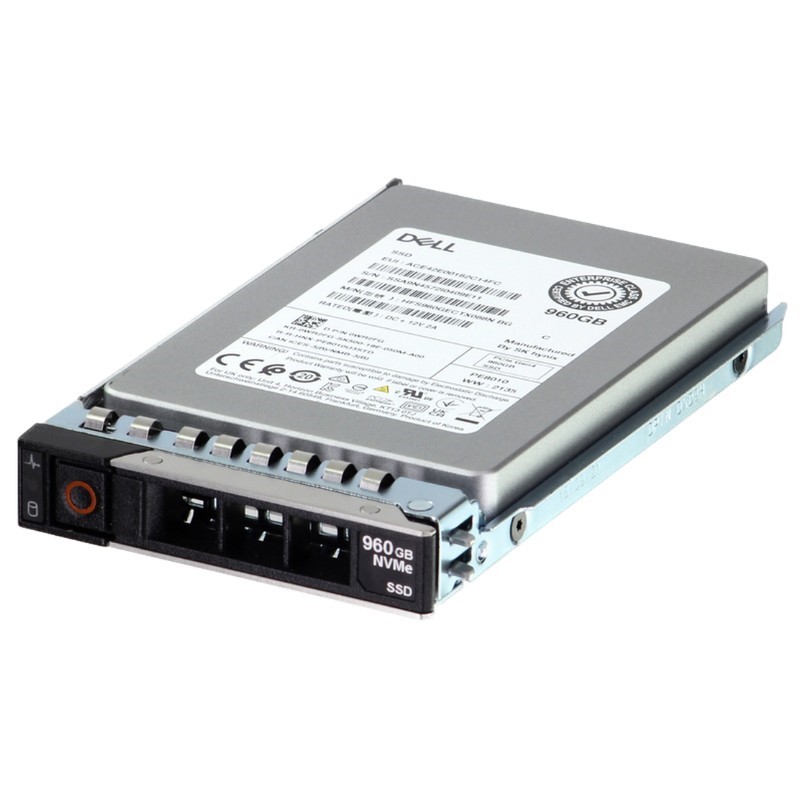
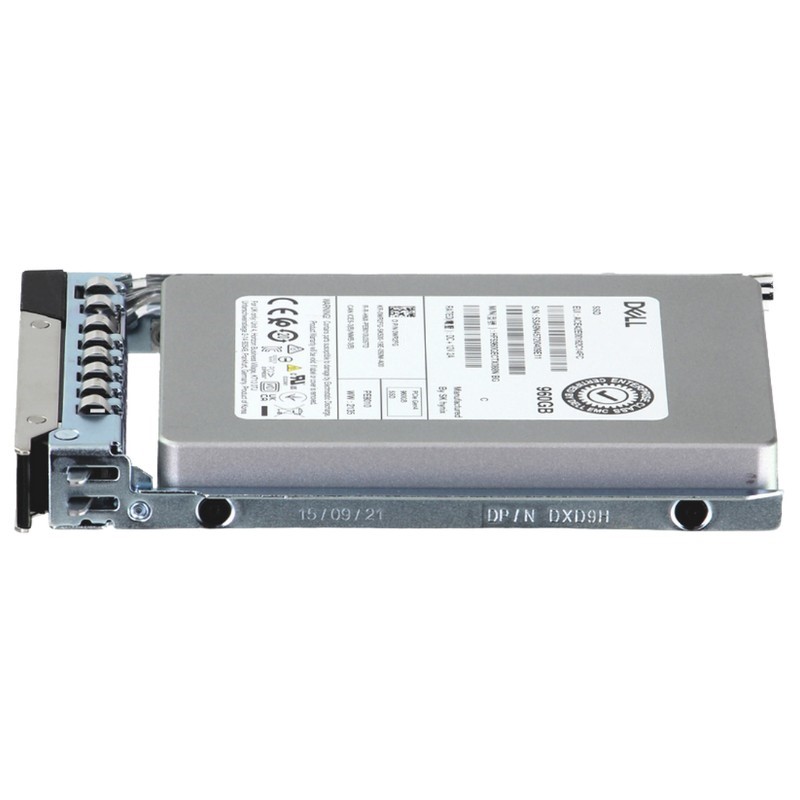
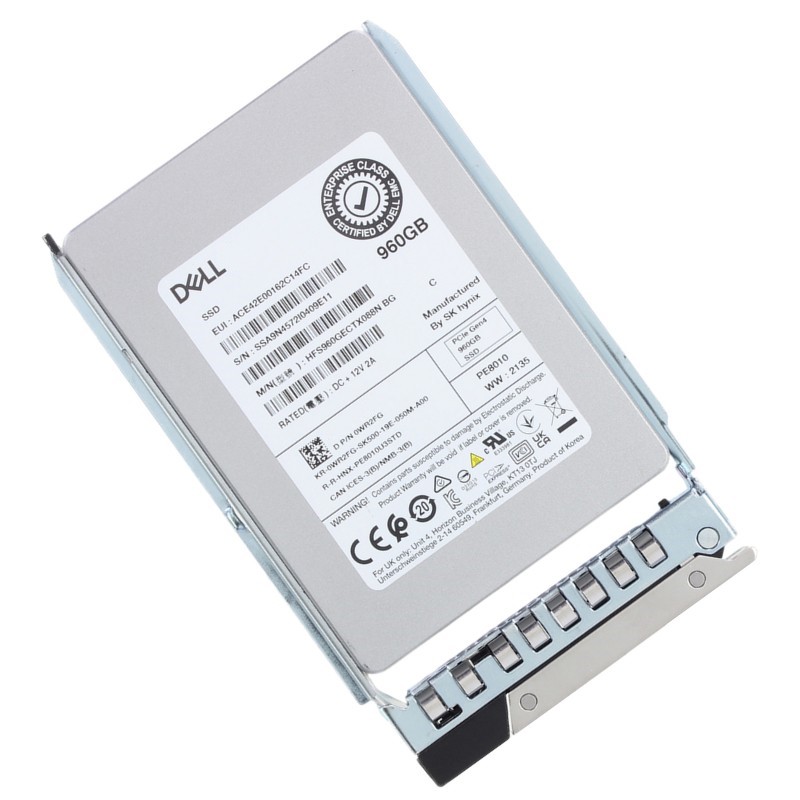
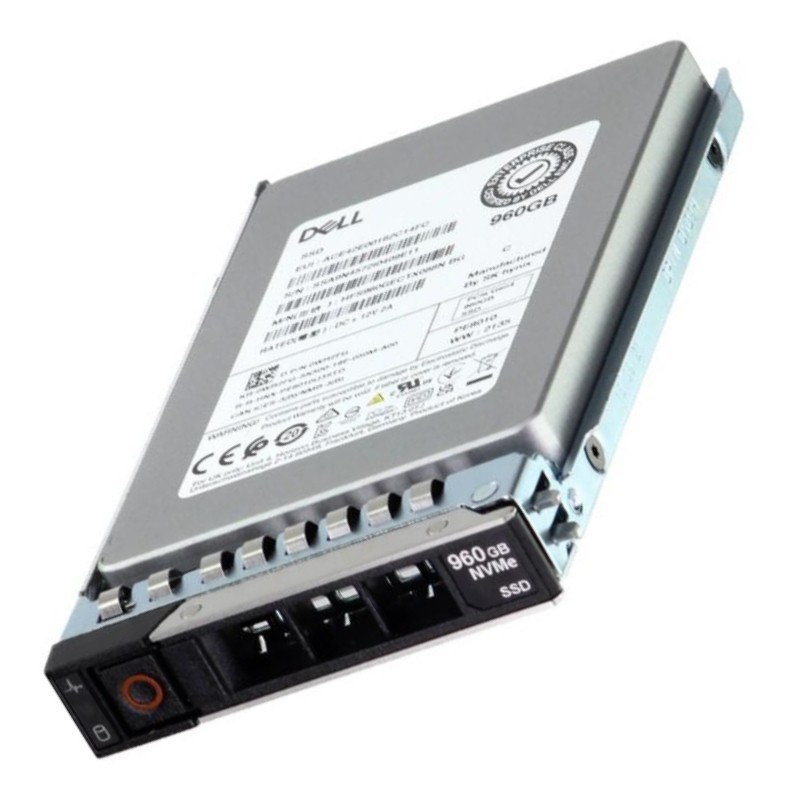
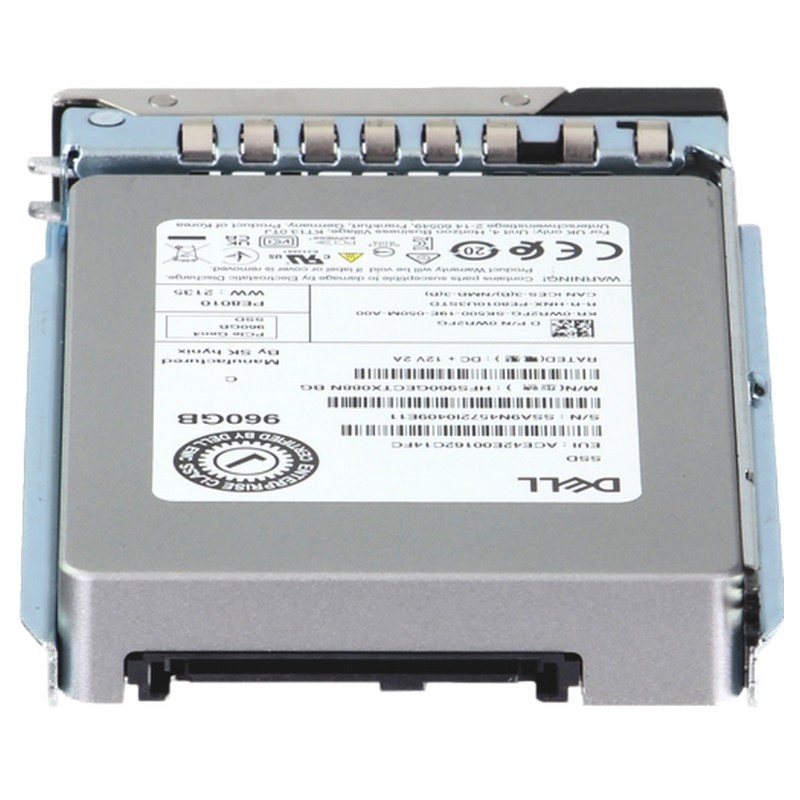
Dell 400-BOMG 960GB PCI-E Gen4 NVMe Data Center Read Intensive U2 SFF Internal Solid State Drive. New Sealed in Box (NIB) with 1 year Warranty
This high-performance internal solid-state drive is engineered for read-intensive data center applications, delivering exceptional speed and reliability for demanding server environments.
Dell 400-BOMG 960GB PCIe Gen4 NVMe Data Center Read Intensive U.2 2.5" Solid State Drive (SSD) with Carrier for 14G, 15G, 16G and 17G PowerEdge Server represents a focused category of enterprise storage engineered for read-heavy workloads in modern data center environments. Designed to deliver a balance of high I/O throughput, low latency, and operational reliability, this category addresses the needs of database acceleration, caching layers, content delivery, virtualization read caches, and mixed read-dominant applications. Buyers searching within this category typically seek drives that integrate seamlessly with Dell PowerEdge infrastructures while meeting enterprise-class durability, power efficiency, and manageability requirements.
Performance characteristics for drives in this category center on PCIe Gen4 x4 NVMe lanes, which enable substantially higher sequential and random throughput compared to previous generations. The 960GB capacity is positioned as a mid-density option that balances cost per gigabyte with usable capacity for read-intensive use cases. Read Intensive (RI) labeling indicates a drive endurance class optimized for workloads where read operations far outnumber writes — typically characterized by lower DWPD (drive writes per day) than mixed-use or write-intensive enterprise SSDs, but with firmware and NAND configurations tuned to maximize read consistency, error recovery, and predictable latency.
Drives in this category use the U.2 2.5-inch form factor and NVMe over PCIe Gen4 interface, a combination that preserves compatibility with many server trays and carriers while offering the next-generation bandwidth advantage. The U.2 connector provides hot-plug support in compatible chassis, making it suitable for live serviceability in data centers that require minimal downtime. Dell-supplied carriers ensure mechanical fit and firmware compatibility with PowerEdge 14G through 17G servers, enabling plug-and-play installation and easier inventory management for system administrators.
Typical read-centric SSDs in this family are specified with high sequential read throughput and elevated random read IOPS figures, which directly benefit applications like large-scale data analytics, high-volume web serving, and distributed file systems. Latency for small random reads remains a critical metric: these drives strive to keep average and tail latencies low and consistent, which improves application responsiveness and SLAs for latency-sensitive services. When selecting drives from this category, IT teams should evaluate both sustained throughput and 99th/99.9th percentile latency numbers to ensure predictable behavior under peak loads.
Compatibility is a central selling point for the Dell 400-BOMG category: drives are certified for use with Dell PowerEdge 14G, 15G, 16G and 17G platforms. This helps reduce integration risk because vendors manufacture firmware and mechanical carriers specifically to match Dell's backplane and management interfaces. Compatibility extends beyond mere physical fit; it includes monitoring via Dell iDRAC and the OpenManage portfolio, enabling health reporting, firmware updates, and telemetry collection, which in turn integrates with existing datacenter orchestration tools.
The included carrier ensures proper sled mounting and airflow alignment in Dell chassis. Carriers in this category are engineered to maintain thermal contact and to hold the drive securely for vibration tolerance. For administrators, the presence of a Dell-branded carrier reduces the need for custom adapters or third-party trays, streamlining procurement and minimizing deployment friction when populating drive bays across multiple servers.
Firmware for enterprise drives in this line is often validated against Dell's server firmware baseline, enabling coordinated updates and reducing the likelihood of compatibility issues that can arise from mismatched NVMe controllers or outdated BIOS/UEFI versions. Integration with Dell iDRAC and OpenManage allows for centralized firmware management, SMART attribute monitoring, and alerting. Administrators can thus schedule firmware rollouts, track drive health, and obtain drive-specific telemetry such as temperature, power cycles, and media wear indicators.
Enterprise buyers choose 960GB Read Intensive U.2 NVMe SSDs for specific workload profiles where high read performance is crucial and write volume is relatively modest. Use cases include read-cache acceleration in hyperconverged infrastructures, serving static content in web-scale environments, read-heavy OLAP queries in analytics clusters, large-scale virtualization environments where many VMs perform mostly read accesses, and content distribution networks (CDNs) at the edge.
When deployed as a caching tier or read-optimized storage layer, SSDs from this category dramatically reduce query response times and improve transaction throughput for read-heavy databases. The low-latency random read capability accelerates index lookups and reduces time-to-first-byte for user-facing queries.
In VDI scenarios where many virtual desktops perform frequent reads at boot or login time, high IOPS read profiles help reduce boot storms and keep user experience consistent. The moderate capacity point at 960GB lets administrators provide a balance between density and performance, enabling multiple VMs per drive in a tiered storage design.
Read Intensive SSDs are built to enterprise reliability standards with power-loss protection, end-to-end data path protection, and robust error-correction algorithms. Endurance ratings are lower than write-heavy enterprise drives, reflecting workload targeting rather than inferior quality. Administrators must match endurance expectations to actual write profiles and monitor SMART attributes to preempt potential failures. Enterprise-grade drive warranties and Dell’s support options further mitigate operational risk by providing RMA and replacement pathways when drives approach end-of-life or fail.
Proactive maintenance is enabled by SMART attributes and event logging exposed through server management tools. When used together with Dell’s OpenManage or other storage management platforms, predictive alerts can flag media wear, increased reallocation counts, or thermal anomalies. This capability supports scheduled replacements and prevents unplanned downtime from unexpected drive failures.
Because these drives are targeted at read-dominant workloads, IT teams should calculate expected TBW (terabytes written) and compare it to the drive’s DWPD and manufacturer TBW specification. Workload profiling helps determine whether a read-intensive drive is the right fit or if a mixed-use or enterprise write-intensive drive is necessary for longevity under heavier write loads. Logical layering — using RAM caches, write-back caches with battery or capacitor-backed controllers, and tiered storage policies — further reduces write amplification and preserves drive life.
PCIe Gen4 NVMe SSDs deliver higher performance but can also generate significant heat under sustained load. Proper thermal management is essential when deploying multiple high-performance NVMe U.2 drives in dense server configurations. The Dell carrier design optimizes airflow and helps maintain temperature thresholds specified by the manufacturer. System architects should combine fan curve tuning, proper rack airflow planning, and temperature-aware workload placement to avoid thermal throttling that can reduce performance or trigger protective firmware limits.
Compared with spinning media, NVMe SSDs consume less power per IOPS delivered, improving overall data center efficiency for read-heavy workloads. The 960GB drive size enables cost-effective consolidation without the power and physical sprawl of many HDDs. Total cost of ownership analysis should include procurement cost, power and cooling, rack space, and management overhead to present a full financial picture when selecting this class of storage for a deployment.
Successful deployment of the Dell 400-BOMG 960GB PCIe Gen4 NVMe U.2 SSD category requires careful planning across firmware, server firmware/BIOS compatibility, thermal constraints, and RAID or software-defined storage layering. Standardized procurement of Dell-branded carriers and drives simplifies inventory and reduces cross-compatibility issues. Testing in a lab environment with representative workloads, benchmarking both throughput and latency, and validating firmware interactions with the server platform are essential steps prior to full-scale rollouts.
These drives can serve within RAID arrays under controllers that support NVMe or in software-defined storage (SDS) stacks that can consume NVMe SSDs directly. Choosing between hardware RAID and host-managed RAID or software-defined approaches depends on workload characteristics, management preferences, and the required level of resiliency. When used in software-defined stacks, NVMe drives may be used as cache or performance tiers, while higher-capacity HDDs supply bulk storage for colder data.
Implementing a disciplined firmware validation strategy is crucial: administrators should test new drive firmware against server BIOS and hypervisor updates in staging environments to prevent incompatibilities. Scheduling firmware updates during maintenance windows and ensuring rollback paths exist helps preserve service continuity. Dell OpenManage and iDRAC provide tools to coordinate firmware updates across physical servers, reducing manual labor and ensuring consistent versions across fleets.
Within Dell’s storage portfolio, the 400-BOMG 960GB Read Intensive NVMe U.2 category sits between consumer-grade NVMe and high-end write-intensive enterprise drives. It is optimized for latency-sensitive, read-heavy workloads and offers a middling capacity point that helps balance cost and usable space. Compared to write-intensive drives, the 400-BOMG family provides cost savings and energy efficiency for workloads that do not stress write endurance, while still delivering enterprise-class reliability and monitoring integration.
Select Read Intensive SSDs when application logs, caching layers, or read-centric databases dominate workload behavior. If the environment regularly generates heavy sequential or random write traffic — for example, in intensive transactional databases or large-scale log ingestion systems — administrators should consider mixed-use or write-intensive drives to prevent premature wear and maintain long-term reliability.
RMA logistics for enterprise drives involve tracking serial numbers, firmware versions, and SMART telemetry. Effective lifecycle management includes tracking deployed drives, scheduling proactive replacements based on SMART indicators, and planning for refresh cycles aligned with server depreciation policies. Dell’s support infrastructure typically supports cross-shipping and expedited replacements depending on service-level agreements and the chosen support tier.
Maintaining a small stock of spare drives and carriers reduces mean time to repair (MTTR) in the event of failure. Inventory policies should consider typical failure rates, warranty response times, and the geographical distribution of data centers to determine optimal spare counts and locations. Standardizing on the 400-BOMG 960GB model across multiple servers simplifies spare pooling and reduces the variance of parts that must be stocked.
Enterprise NVMe SSDs commonly include security features such as TCG Opal support, secure erase commands, and cryptographic erase capabilities that are useful for decommissioning drives or meeting regulatory requirements for data sanitization. Drives in this category may also support namespaces and multi-tenant management patterns in virtualized or multi-user environments. Organizations should coordinate drive-level security features with higher-level encryption strategies such as self-encrypting drive (SED) enablement and key management practices to protect data at rest.
For regulated industries, drives with secure erase and audit-friendly disposal processes help satisfy compliance obligations related to data protection and chain-of-custody. IT and compliance teams should document drive retirement, secure erasure, and destruction procedures when drives exit service to demonstrate adherence to policies and to mitigate legal risks.
Maintaining runbooks for drive replacement, firmware upgrades, and performance tuning ensures consistent, low-risk operations. These documents should include step-by-step procedures for hot-swap operations, pre- and post-replacement verification tests, and rollback instructions. Clear documentation reduces human error and speeds recovery when incidents occur.
Solid-state storage delivers energy savings relative to spinning media on a per-IOPS basis. When deployed at scale, the reduced power draw per workload contributes to lower operational carbon footprints. Additionally, the extended service life of enterprise SSDs when matched to appropriate workloads minimizes waste and optimizes resource utilization. Organizations with sustainability goals should include storage selection as part of broader data center efficiency planning.
End-of-life disposal practices should follow local environmental regulations and internal policies for secure destruction of data-bearing devices. Leveraging manufacturer take-back programs, certified e-waste recyclers, or data sanitization vendors ensures responsible recycling while preserving data security and environmental compliance.


 Contact Us
 Information
 Catalog
 Solid State Drives (SSD)
 Network Switches
 Hard Disk Drives
 HBA & Controllers
 PC & Servers
 PC & Server Memory
 CPU & Processors
 Network Routers
 Power Supplies
 Tape Drives & Libraries
 Network Devices
 Computer & Network Cables