(7% discount is applied at checkout)
Cart is empty
Your go-to destination for cutting-edge server products
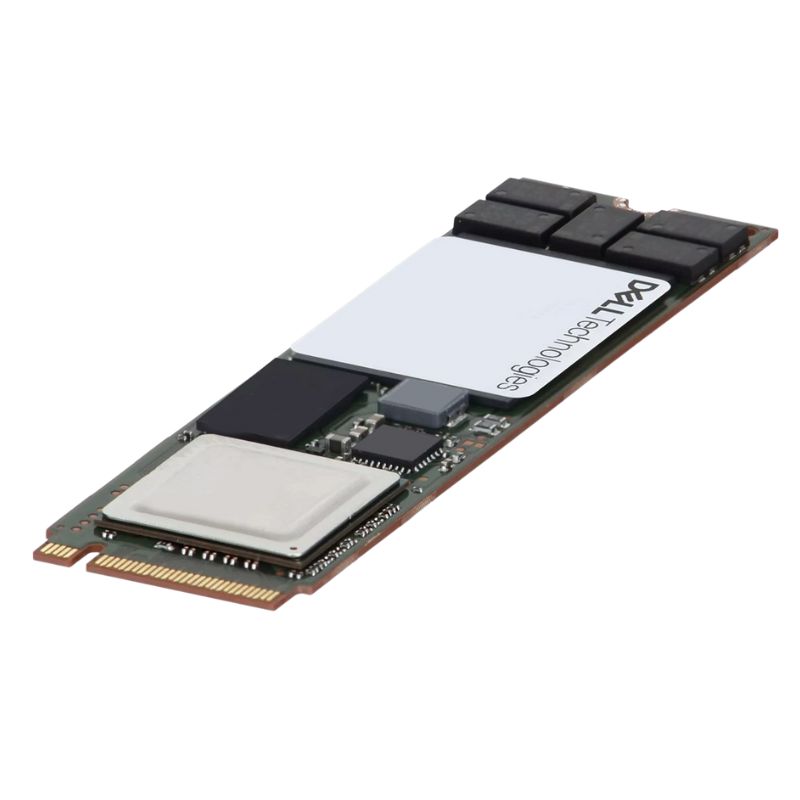


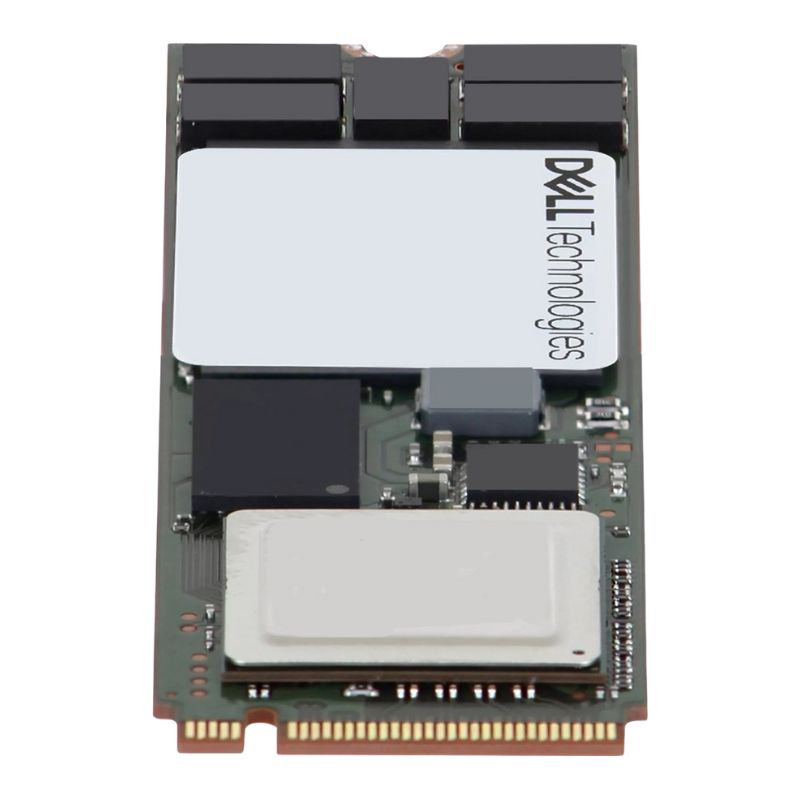
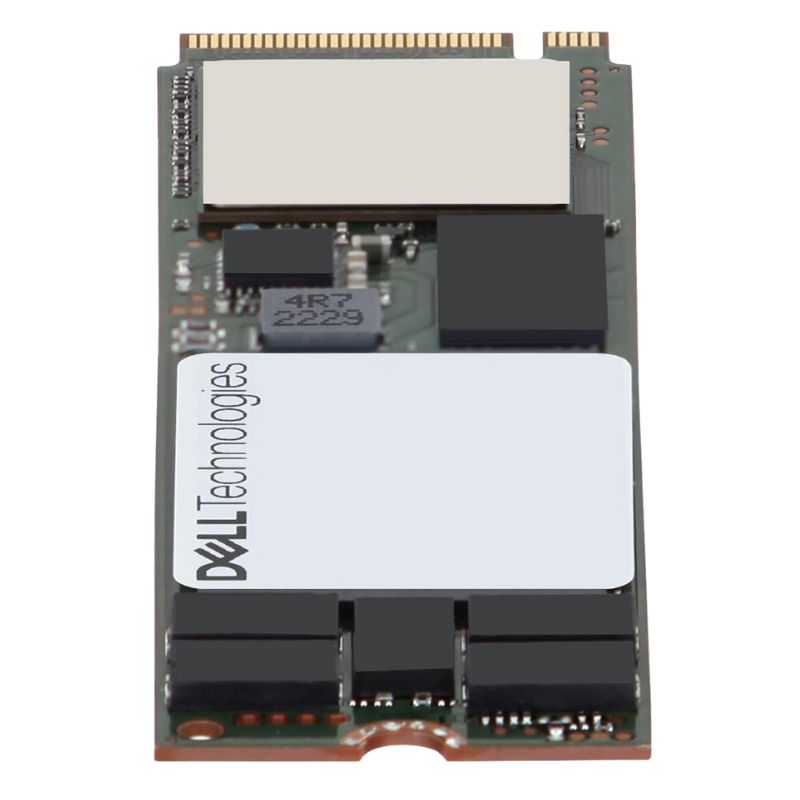
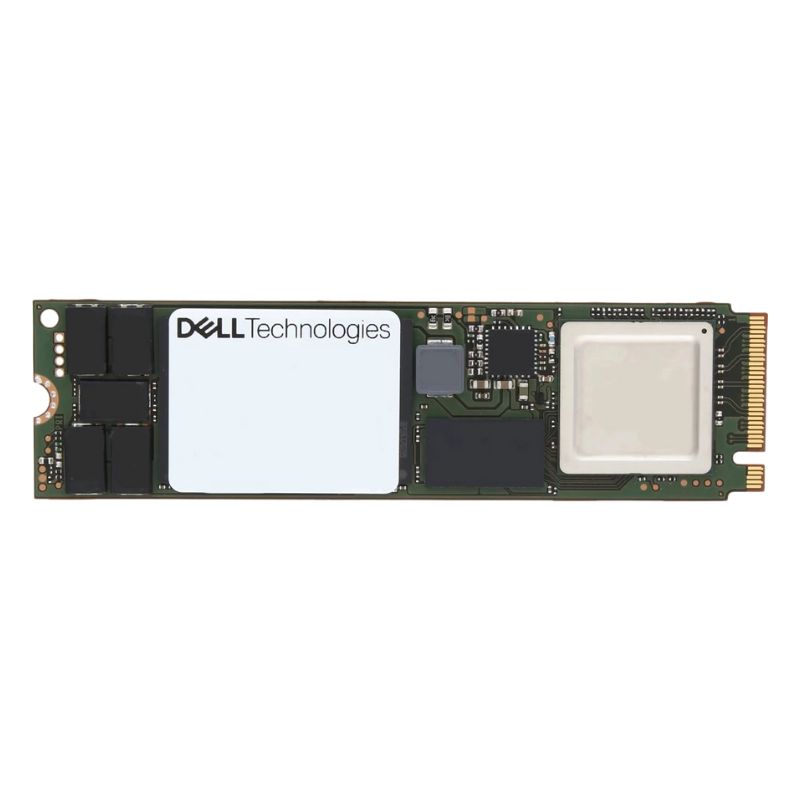
Dell 400-BONG 480GB PCI-E Gen4 M.2 2280 NVMe Solid State Drive for BOSS-N1 Controller Card. Excellent Refurbished with 1 Year Replacement Warranty
The Dell 400-BONG 480GB PCI-E Gen4 M.2 NVMe SSD is a reliable, high-speed storage option designed to enhance the efficiency and stability of enterprise-level systems. Engineered for the BOSS-N1 Controller Card, it delivers exceptional data transfer speeds and consistent read-intensive endurance for demanding workloads.
This SSD supports next-generation PCIe 4.0 technology, ensuring improved responsiveness, faster boot times, and reduced data latency. It’s crafted to deliver sustained performance under heavy workloads while maintaining consistent reliability for enterprise and server environments.
With an endurance rating of 800 TBW (Total Bytes Written) and a 1 DWPD (Drive Write Per Day) rating, the Dell 400-BONG ensures long-term performance stability. Its 176-layer 3D TLC NAND design enhances wear-leveling, providing extended drive life and dependable data integrity for continuous read workloads.
The Dell 400-BONG integrates effortlessly into systems using the M.2 (2280) slot and supports PCIe 4.0 x4 NVMe connections. It’s ideal for PowerEdge XE9640 servers and compatible devices utilizing Dell’s BOSS-N1 controller architecture.
The Dell 400-BONG 480GB PCI-E Gen4 M.2 2280 NVMe Solid State Drive for BOSS-N1 Controller Card represents a focused category of enterprise-grade boot and system storage intentionally designed for modern Dell PowerEdge servers that use the BOSS-N1 controller. This category centers on a compact M.2 form factor drive that leverages PCI Express Gen4 lanes to deliver far greater throughput and lower latency than legacy SATA-based boot drives. Within e-commerce and product catalog contexts this category signals a combination of compact physical footprint, enterprise firmware stability, and balanced capacity that is ideal for operating system images, hypervisor installs, caching layers, and light to moderate data-log workloads. Crafting a category description for this product involves explaining the technical fit (M.2 2280, NVMe protocol), the intended platform (BOSS-N1 controller card compatibility), performance profile (Gen4 advantages), and the operational advantages for datacenter administrators, system integrators, and procurement specialists who need a reliable boot/system SSD that conforms to OEM validation and server lifecycle practices.
The M.2 2280 designation describes a widely adopted single-sided or double-sided M.2 module whose dimensions are approximately 22mm wide by 80mm long. This compact footprint makes M.2 2280 drives ideal for server motherboards and controller cards such as Dell’s BOSS-N1 which accepts M.2 modules for boot and system duties. The PCI Express Gen4 interface doubles the per-lane bandwidth of Gen3, enabling NVMe drives built to this standard to move far more data per second when the platform supports the lanes. In practical terms, servers equipped with a Gen4-capable CPU and chipset can extract higher sequential throughput and improved sustained performance from a Gen4 NVMe SSD, which benefits boot times, hypervisor startup, and system-level I/O bursts that occur during maintenance operations.
NVMe is a protocol engineered specifically for non-volatile memories connected via PCI Express. For boot/system drives the NVMe protocol delivers lower command latency and higher IOPS per watt than legacy SATA-based solutions. This translates to quicker system initialization, faster firmware updates, and more responsive management interfaces. On a BOSS-N1 controller, which is designed to provide persistent, server-level storage for boot redundancy, NVMe drives reduce the time administrators spend waiting for OS installs, image deployment, or resilience checks. NVMe also supports features like namespace management and advanced vendor-specific telemetry that enterprise administrators can tap into through firmware and monitoring tools.
A 480GB capacity positions this drive as a middle-ground option: substantially larger than minimal 120–240GB boot drives, while avoiding the premium cost of higher-capacity system drives. For many enterprise boot or system image roles, 480GB accommodates the operating system, drivers, hypervisor layer, management agents, swap or pagefile, and a modest set of local logs or caches without forcing administrators to rely on external storage early in the server lifecycle. For virtualization hosts, a 480GB M.2 can hold a hypervisor and a small locally cached image repository. For cluster deployments where nodes maintain redundant OS images locally, 480GB strikes a good price/performance/capacity balance.
The BOSS-N1 controller card from Dell is engineered to provide a server-centric solution for OS boot redundancy and local persistent storage. Drives in this product category are intended to be compatible with the BOSS-N1 connector and power/thermal profile; OEM validation is a critical advantage because when a drive is validated for BOSS-N1, administrators gain confidence that the drive’s firmware, power draw, and thermal characteristics have been tested against Dell server firmware and management stacks. This ensures predictable behavior during firmware updates, platform-level diagnostics, and RAID-like boot redundancy features offered by the controller.
Drives sold for use with BOSS-N1 typically feature firmware that cooperates with Dell’s lifecycle controller and management interfaces such as iDRAC. That means firmware-level events, SMART telemetry, and update packages are more likely to operate smoothly within Dell’s update and monitoring workflows. For IT teams managing large fleets of PowerEdge servers, this reduces friction during mass firmware rollouts and minimizes the scope of vendor-specific exceptions that complicate automation scripts for provisioning and maintenance.
The primary role of drives in this category is to serve as boot or system drives. Performance improvements with a Gen4 NVMe M.2 drive are most visible during parallel startup operations, host reboots during patch cycles, and when multiple management agents or monitoring services initialize simultaneously. Reduced latency speeds OS initialization scripts and shortens the time servers spend in transitional states during automated scaling or rolling updates. For complex configurations that run local services during boot, the faster I/O responses of a Gen4 NVMe SSD yield tangible time savings across a datacenter’s fleet.
Although this drive category is not primarily positioned as high-endurance storage for write-heavy database logs, it must still maintain thermal stability and sustained performance characteristics under continuous operation. In server chassis with restricted airflow, M.2 modules can be susceptible to thermal throttling; however, enterprise-grade devices designed for BOSS-N1 typically include firmware throttling strategies and robust thermal tolerances to avoid abrupt performance drops. Administrators should, however, consider chassis airflow, heatsink availability, and placement within the server when planning deployments for sustained I/O operations.
When selecting SSDs for enterprise boot duties, buyers focus on durability metrics such as mean time between failures (MTBF), drive writes per day (DWPD) or terabytes written (TBW) ratings, and the vendor’s rolling firmware update strategy. Drives in the Dell 400-BONG category are generally expected to meet or exceed the reliability targets set by server OEMs for boot media. This includes consistent SMART reporting, predictable wear-leveling behavior, and transparent end-of-life indicators that can be integrated into monitoring platforms so that replacements can be scheduled proactively without risking node failures during critical updates or maintenance windows.
Installing an M.2 NVMe into a BOSS-N1 card is typically straightforward, but it must be performed according to the server’s service manual to avoid improper seating and to ensure secure retention. The M.2 module should be handled in an electrostatic-safe way, and correct torque values for retention screws should be observed if specified. After physical installation, technicians should validate that the platform’s UEFI recognizes the drive and that the controller firmware lists the device in its inventory. Many administrators perform a quick health check and ensure the drive is not only visible to the OS installer but also reporting valid SMART attributes.
Server BIOS/UEFI settings that affect NVMe behavior must be confirmed. This includes verifying NVMe boot support, checking that the BOSS-N1 card is configured in the optimal mode for boot (rather than passthrough or mixed modes), and ensuring firmware compatibility between the server BIOS, the BOSS controller, and the SSD. Adhering to OEM-recommended firmware versions for both the controller and SSD ensures the best reliability and minimizes interactions that could prevent the system from booting correctly in clustered or high-availability setups.
A deliberate firmware update policy should be part of any enterprise deployment. This means maintaining a testing lane where firmware updates are validated against representative server images before being pushed to production nodes. For drives used as boot units, firmware updates can be mission-critical; performing them via Dell’s supported management pathways reduces risk. Documenting the firmware baseline and change history for each drive helps track regressions and supports warranty or RMA discussions if required.
Even though boot drives rarely store large volumes of user data, organizations must follow secure erasure protocols when decommissioning drives. M.2 NVMe devices typically support secure erase commands that reset the device to factory condition. For environments with strong data governance requirements, these secure erase procedures should be included in asset retirement workflows, and cryptographic erasure methods may be preferred when supported by both drive firmware and platform management tools.
Some enterprise SSDs in this category may support hardware-based encryption standards such as TCG Opal or vendor-specific encryption features. If regulatory compliance or data privacy policies require encryption, selecting a variant with hardware encryption and ensuring compatibility with key management systems is essential. For boot drives, integration with platform authentication methods such as secure boot, TPM interactions, and pre-boot authentication should be tested so that encryption does not interfere with automated provisioning processes.


 Contact Us
 Information
 Catalog
 Solid State Drives (SSD)
 Network Switches
 Hard Disk Drives
 HBA & Controllers
 PC & Servers
 PC & Server Memory
 CPU & Processors
 Network Routers
 Power Supplies
 Tape Drives & Libraries
 Network Devices
 Computer & Network Cables