(7% discount is applied at checkout)
Cart is empty
Your go-to destination for cutting-edge server products
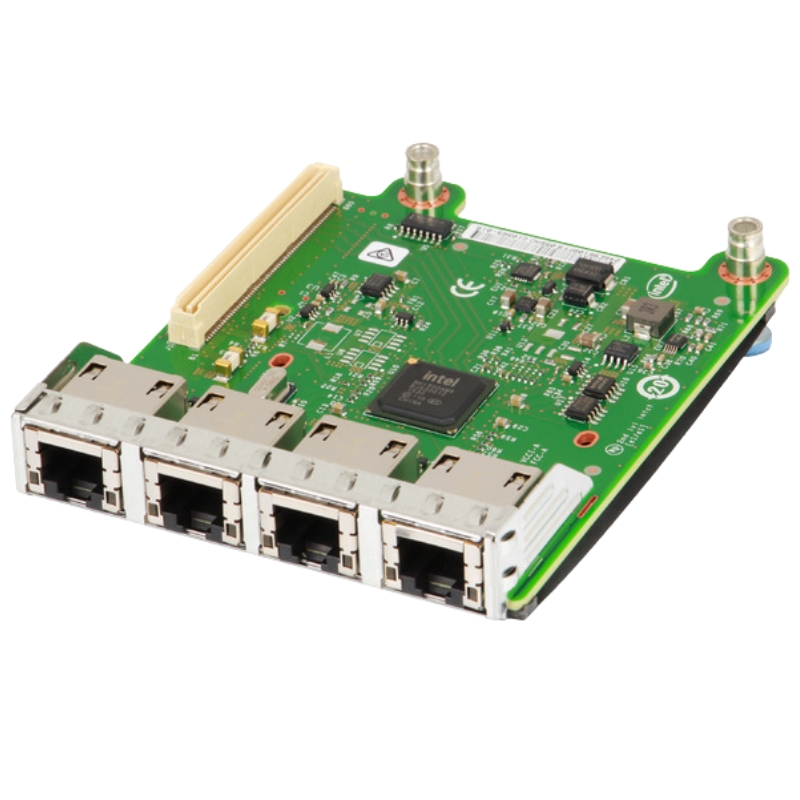


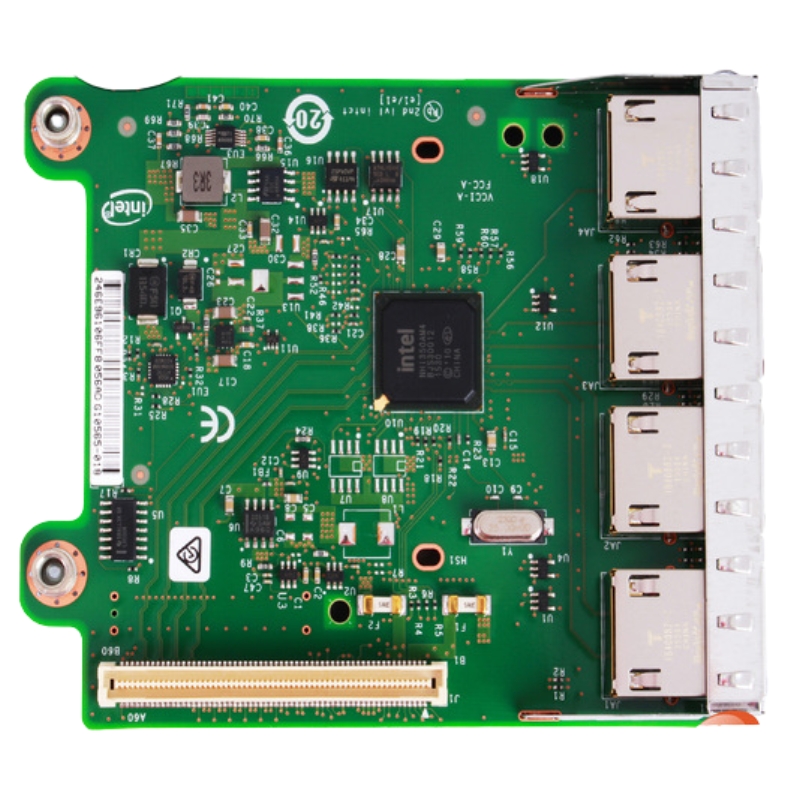
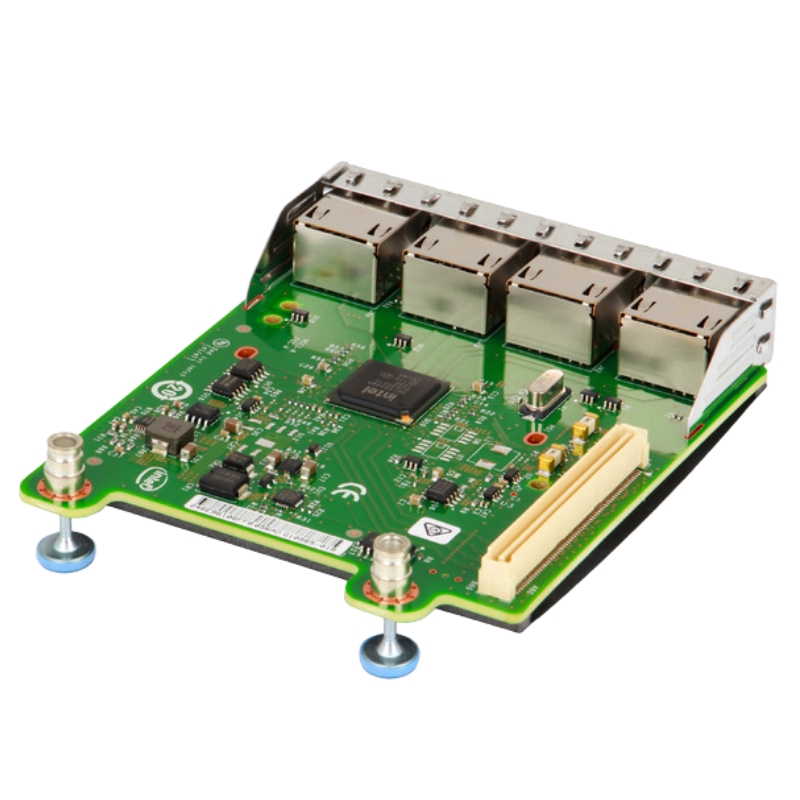
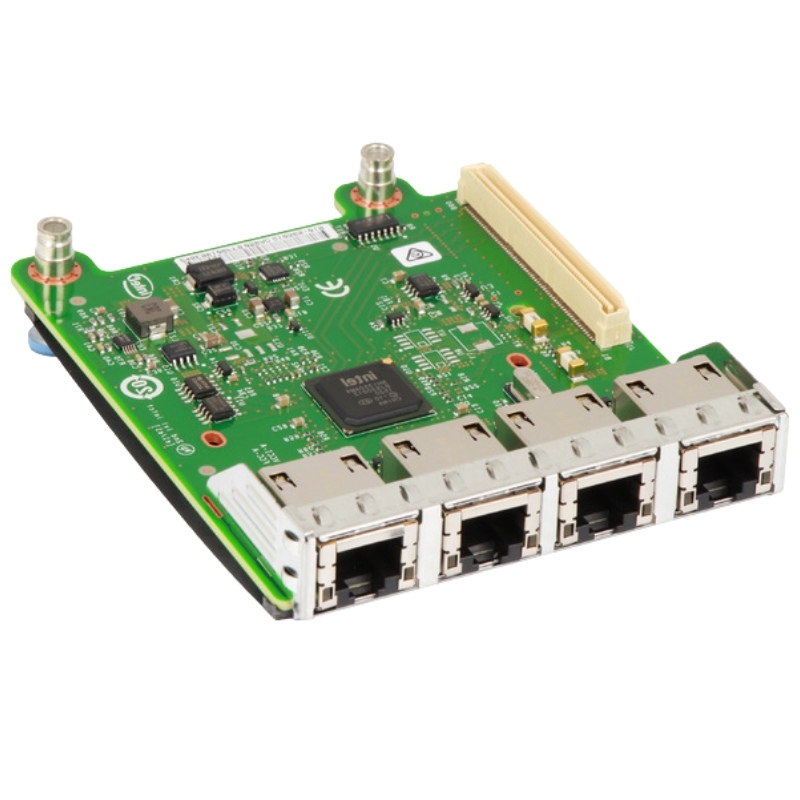
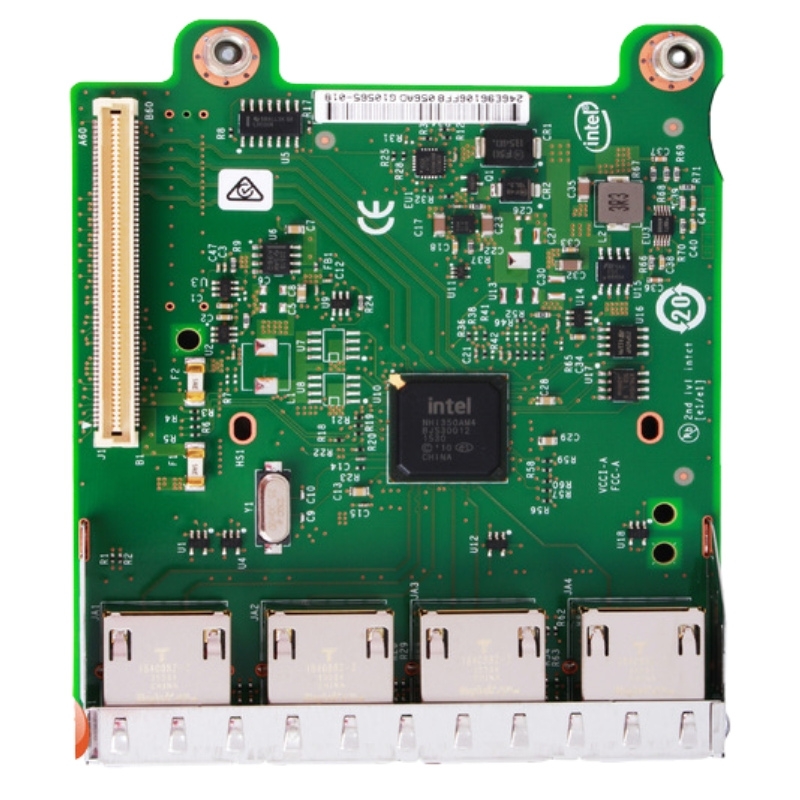
Dell 737WF Intel I350 Quad Ports RJ-45 1Gb PCI Express Network Daughter Card. Excellent Refurbished with 1 year replacement warranty
The Dell 737WF Intel I350-T4 Network Daughter Card is a reliable solution for enhancing network connectivity in enterprise environments. This card offers outstanding performance and seamless integration with compatible Dell servers.
The quad-port network card provides four RJ-45 ports that deliver fast and reliable 1GbE connectivity, enabling efficient data transfer across your network. It supports high-performance computing tasks and ensures stable communication for demanding workloads.
This network adapter offers an interface speed with x8 PCI-E lanes, ensuring a steady and high-speed data flow. It is designed to handle heavy traffic and reduce latency, making it ideal for enterprise-level network environments.
The Dell 737WF Intel I350-T4 is perfect for applications that require robust and scalable network solutions, such as:
The Dell 737WF Intel I350 Quad Ports RJ-45 1Gb PCI Express Network Daughter Card is an advanced networking solution designed for enterprise-grade servers and data centers. This high-performance network adapter offers four RJ-45 Gigabit Ethernet ports, providing reliable and efficient connectivity for demanding networking applications. Built on Intel's I350 chipset, this card ensures superior network performance, scalability, and advanced virtualization support.
This network daughter card is packed with features that cater to modern networking requirements. Below are the key features that set this card apart from others:
The Dell 737WF is powered by the Intel I350 chipset, which offers advanced network performance, reduced latency, and lower power consumption. The chipset supports a range of features including IEEE 1588 precision time synchronization, iSCSI acceleration, and Virtual Machine Device Queues (VMDq) for improved virtualization performance.
This card features four RJ-45 ports, each capable of delivering up to 1Gbps bandwidth. The quad-port configuration provides enhanced network redundancy and load balancing, ensuring continuous connectivity and improved data transfer efficiency. This makes it ideal for environments that require high availability and network fault tolerance.
The Dell 737WF utilizes the PCI Express interface, offering faster data transfer rates compared to older PCI and PCI-X standards. This ensures that the card can handle high-bandwidth applications and is compatible with modern server architectures.
Understanding the technical specifications of the Dell 737WF Intel I350 Network Daughter Card is crucial for selecting the right hardware for your server environment. Below is a breakdown of its key technical details:
The card supports a variety of networking protocols and standards, including:
The Dell 737WF network daughter card is compatible with a range of Dell servers and operating systems, ensuring seamless integration into your existing infrastructure. Supported operating systems include:
This network adapter is suitable for a variety of enterprise applications. Whether you’re running a data center, private cloud, or enterprise network, the Dell 737WF delivers reliable performance and scalability.
The Dell 737WF is an excellent choice for data centers that require high-speed network connections and redundancy. With four Gigabit Ethernet ports, it supports high-availability configurations and load balancing, ensuring uninterrupted network performance.
The card’s advanced virtualization support, including VMDq and support for multiple queues, makes it an ideal solution for virtualized environments. It allows for better resource allocation and reduces CPU overhead, enhancing overall system performance.
For enterprise networks, the Dell 737WF provides robust connectivity for file servers, email servers, and web hosting. The card’s ability to support multiple VLANs and advanced network management features ensures a secure and efficient network infrastructure.
The Dell 737WF Intel I350 Network Daughter Card offers several benefits that enhance networking performance and reliability:
With support for features like TCP segmentation offload (TSO), Large Send Offload (LSO), and Receive Side Scaling (RSS), this card reduces CPU utilization and boosts overall network performance.
The quad-port design provides network redundancy, reducing the risk of downtime. This is critical for applications that require 24/7 connectivity and minimal disruption.
The card supports advanced security features such as VLAN tagging, hardware-based checksum offload, and secure boot options, helping to protect the network from potential threats and attacks.
Installing and configuring the Dell 737WF Intel I350 Network Daughter Card is a straightforward process. Below are the steps to ensure a successful installation:
Before installing the network daughter card, power down your server and disconnect it from any power sources. Ensure you are properly grounded to avoid static electricity discharge.
Open the server chassis and locate an available PCI Express slot. Carefully insert the Dell 737WF card into the slot and secure it with the provided screws. Ensure the card is firmly seated in the slot.
Reconnect all cables and power on the server. The card should be automatically detected by the operating system.
Install the latest drivers for the Intel I350 chipset from Dell’s support website. Configure network settings such as IP addresses, VLANs, and load balancing options according to your network requirements.
Proper maintenance and troubleshooting are essential for keeping the Dell 737WF network daughter card functioning optimally.
Keep the card’s firmware up to date to ensure compatibility with the latest operating systems and to access new features and bug fixes.
Use network monitoring tools to track performance and identify potential issues. Dell’s OpenManage software can be used to monitor and manage the card remotely.
If you encounter connectivity issues, check the following:
When selecting a network adapter, it’s important to compare the Dell 737WF with other available options. Here’s how it stacks up:
The Intel I350 chipset offers superior performance compared to older generations of network adapters. It supports advanced features like Virtual Machine Device Queues (VMDq), Energy Efficient Ethernet (EEE), and improved power management.
Unlike single- or dual-port network adapters, the quad-port configuration of the Dell 737WF provides greater flexibility for network management and redundancy.
The Dell 737WF is a cost-effective solution for organizations that require multiple network connections without investing in expensive 10GbE solutions.


 Contact Us
 Information
 Catalog
 Solid State Drives (SSD)
 Network Switches
 Hard Disk Drives
 HBA & Controllers
 PC & Servers
 PC & Server Memory
 CPU & Processors
 Network Routers
 Power Supplies
 Tape Drives & Libraries
 Network Devices
 Computer & Network Cables