(7% discount is applied at checkout)
Cart is empty
Your go-to destination for cutting-edge server products
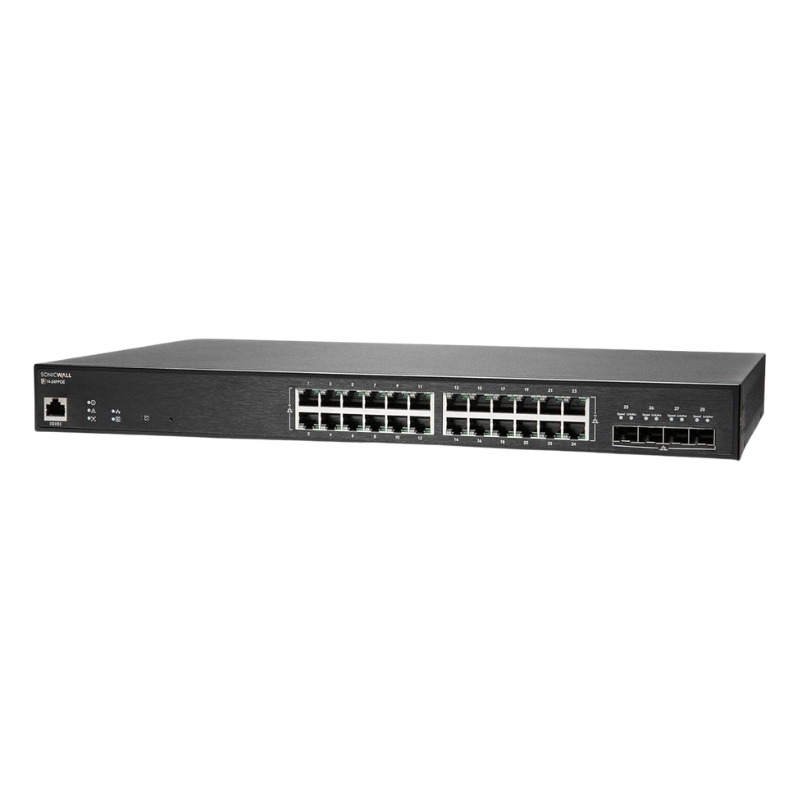


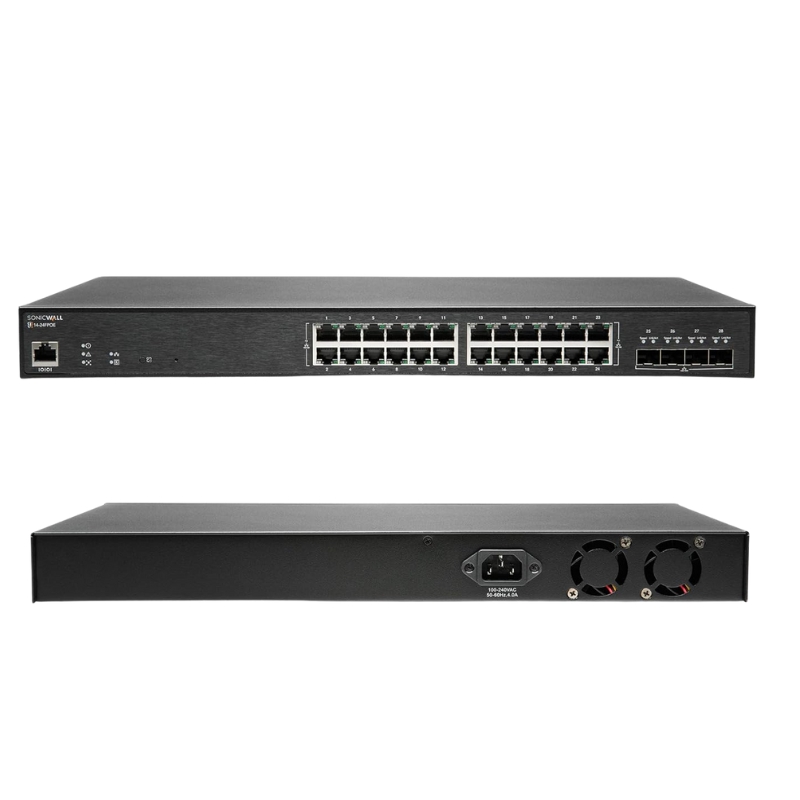
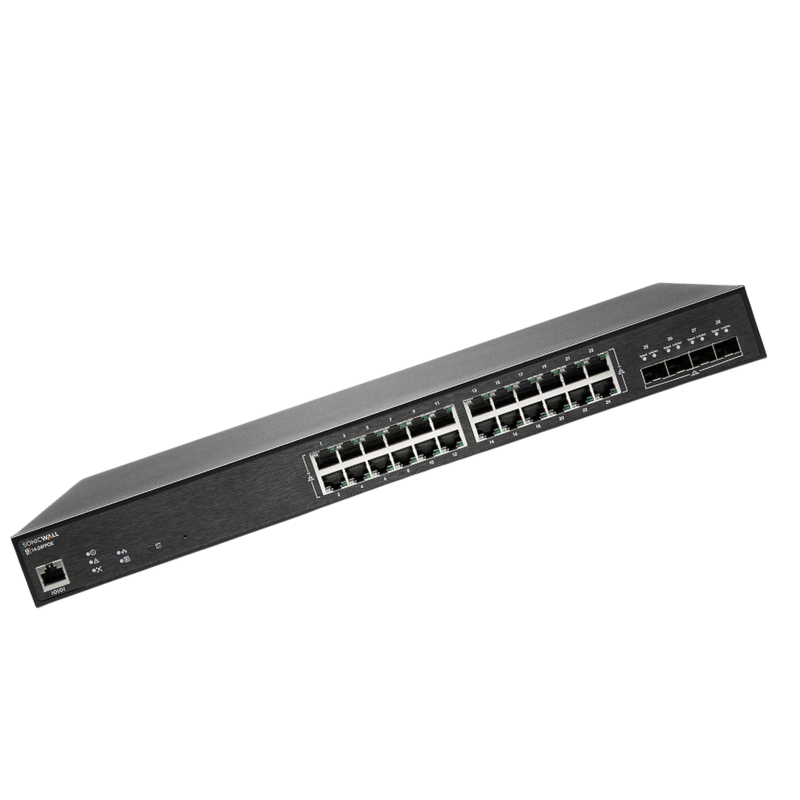
Dell AB560350 28 Ports Sws14-24fpoe Managed 10 Gigabit Ethernet Rack-mountable Switch. New Sealed in Box (NIB) with 1 Year Warranty
The Dell AB560350 switch, model SWS14-24FPOE, is a robust rack-mountable networking solution tailored for enterprise environments. Designed to deliver high-speed connectivity and extensive management capabilities, this switch is perfect for organizations seeking performance, reliability, and advanced network control.
Efficient network administration is guaranteed with comprehensive management and security features, including:
The Dell AB560350 offers flexible interfaces for seamless network integration:
Ensuring compatibility and safety, the Dell AB560350 meets leading industry standards:
Designed for enterprise-grade deployments, this switch includes a wealth of advanced features:
The Dell AB560350 28 Ports Sws14-24fpoe Managed 10 Gigabit Ethernet Rack-mountable Switch is a high-density, enterprise-grade network device engineered for demanding campus, data center aggregation, and branch deployments. Built to deliver predictable throughput, resilient power-over-Ethernet (PoE) performance, and flexible 10Gb uplink options, this switch addresses the needs of modern networks that require low latency, high port counts, and advanced management capabilities.
The Dell AB560350 is designed with rack-centered deployments in mind. Expect a compact 1U chassis, front-facing ports for easy patch panel wiring, and rear airflow for predictable thermal performance. Power options support both internal hot-swappable PSUs (depending on variant) and external redundant power supplies for high-availability installations.
The hallmark of this category is the flexible port mix. With 28 ports, you can expect a blend of RJ-45 Gigabit Ethernet ports for access-layer devices and dedicated SFP+/10Gb ports for uplink aggregation and high-performance connections to servers or spine switches.
Many switches in this Dell AB560350 family support PoE and PoE+ (802.3af/802.3at). PoE enables centralized power delivery to devices such as IP cameras, VoIP phones, wireless access points, and IoT sensors, reducing the need for local power adapters and enabling remote reboot capabilities via a single network cable.
Enterprise network teams should track firmware revisions, security advisories, and compatibility matrices. Dell provides firmware downloads and release notes on the official support site for affected SKUs. When selecting firmware for a cluster, ensure all switches in a virtual chassis or stacked deployment run compatible versions to avoid feature regressions.
The Dell AB560350 category emphasizes secure access and isolation to prevent lateral movement and protect sensitive assets. Hardware-accelerated ACLs, port-based authentication (802.1X), and dynamic ARP inspection are common in the platform's software stack.
When deploying in regulated industries, reference product datasheets for certifications (CE, FCC, RoHS) and ensure logging and audit trails align with internal and external compliance requirements. Many Dell networking products provide FIPS or other optional security modules on specific firmware tracks; validate needs against the exact SKU and firmware bundle.
Performance traits vary by ASIC and software configuration, but the category focuses on low-latency switching with non-blocking backplanes and wire-speed forwarding on common port mixes. 10Gb uplinks ensure that aggregated flows from multiple access ports are carried without congestion when properly designed.
For latency-sensitive applications such as high-frequency trading, real-time media, or unified communications, choose switch modes that minimize store-and-forward processing and prefer cut-through or low-latency forwarding if supported on the specific firmware and hardware revision.
In campus networks, the Dell AB560350 28-port variants serve as access-layer switches that power end-user devices and provide uplinks to distribution or core layers. With strong PoE budgets and VLAN/ACL capabilities, they simplify voice and wireless rollouts.
For branch offices with servers, IP phones, and a small server rack, these switches consolidate access and provide redundant uplinks via 10Gb connections to edge routers or firewalls.
A compact ToR deployment can use the AB560350 for server connectivity when density and 10Gb uplinks are required, while higher-end data centers may prefer larger chassis-based aggregation switches for greater scale.
Selecting the correct SKU requires attention to port composition (PoE or non-PoE), uplink type (SFP+ or RJ-45 10G), power redundancy, and support/maintenance contracts. Consider the following checklist when evaluating models:
When comparing the Dell AB560350 28 Ports Sws14-24fpoe Managed 10 Gigabit Ethernet Rack-mountable Switch to other 24–48 port devices, weigh the trade-offs: 28-port models are often more compact and cost-efficient for medium-density access requirements, while 48-port switches increase port density at the cost of higher power consumption and larger rack footprint.
The Dell AB560350 family is designed to interoperate with standard Ethernet ecosystems. When integrating with existing gear, verify LACP interoperability, LLDP/CDP neighbor visibility, and consistent QoS markings across vendor boundaries.
SFP+ and QSFP options enable 10Gb and higher uplinks. Recommend matching transceivers certified for Dell hardware and tested for the specific fiber type (single-mode vs multimode) and distance requirements.
Consider spare power supplies and redundant PSU modules for non-stop operations. For PoE-dense deployments, ensure the chosen PSU variant can handle the maximum expected PoE draw plus headroom for future expansion.
Slide rails, blanking panels, and horizontal cable managers improve airflow and serviceability. Labeling kits and patch panels further streamline ongoing maintenance tasks.
A multinational company used the AB560350 series in floor-level wiring closets to power VoIP phones and access points while leveraging 10Gb uplinks to aggregation switches. They reported simplified cabling and reduced maintenance time due to centralized PoE management.
In an education environment, the switch provided isolated student and staff VLANs, allowed rate limiting for dormitory traffic, and supplied power to IP cameras at building entrances, leading to lower operational costs and centralized policy enforcement.
Web GUIs simplify basic configuration tasks and are suitable for smaller teams or less technical staff. The CLI remains indispensable for scripted automation, complex policy application, and bulk configuration push.
Encourage administrators to consult vendor guides, configuration examples, and community forums to accelerate deployment knowledge. Share templates for VLAN assignments, PoE prioritization, and QoS policies to reduce initial setup time.
Verify that the selected SKU is cleared for sale and operation in the target region, paying attention to PSU voltage ranges and regulatory marks. Some variants ship with region-specific power cords and warranty terms.
When creating multiple localized category pages, translate technical terms carefully and localize example configurations to common regional topologies. Display local currency and tax/shipping policies to reduce cart abandonment for international customers.


 Contact Us
 Information
 Catalog
 Solid State Drives (SSD)
 Network Switches
 Hard Disk Drives
 HBA & Controllers
 PC & Servers
 PC & Server Memory
 CPU & Processors
 Network Routers
 Power Supplies
 Tape Drives & Libraries
 Network Devices
 Computer & Network Cables