(7% discount is applied at checkout)
Cart is empty
Your go-to destination for cutting-edge server products
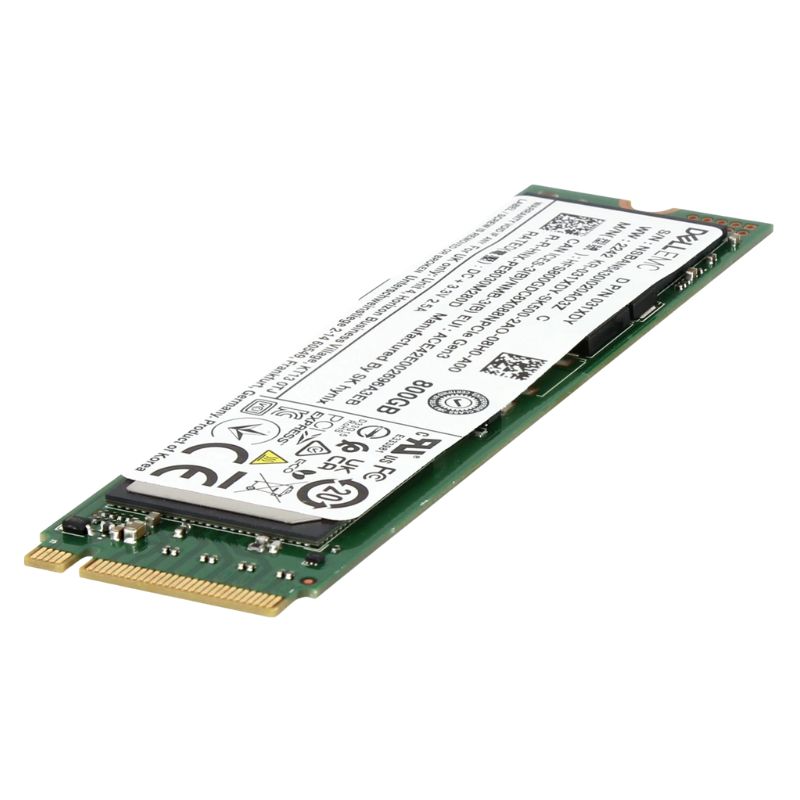


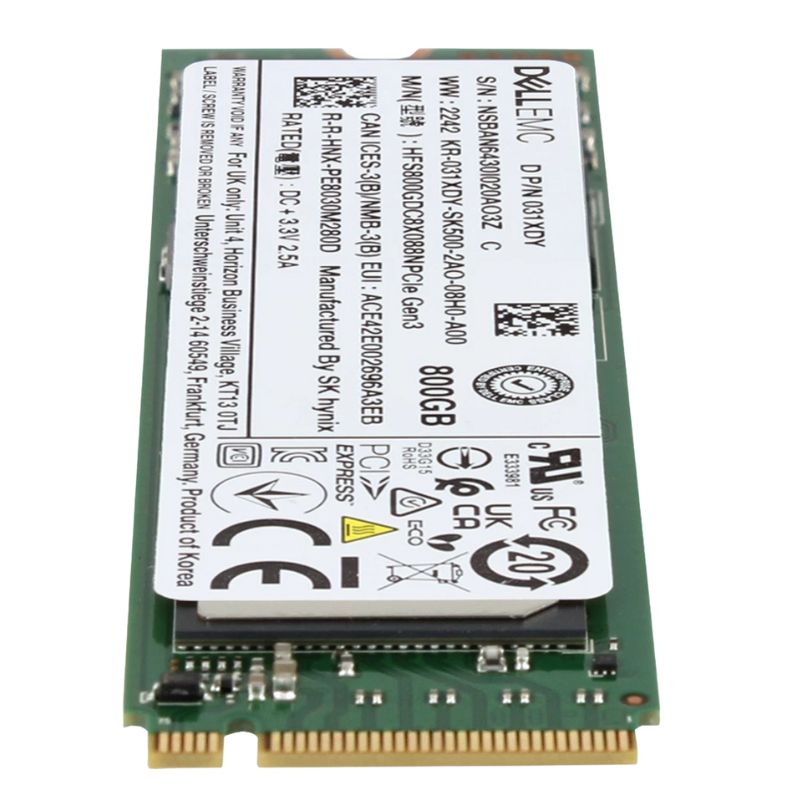
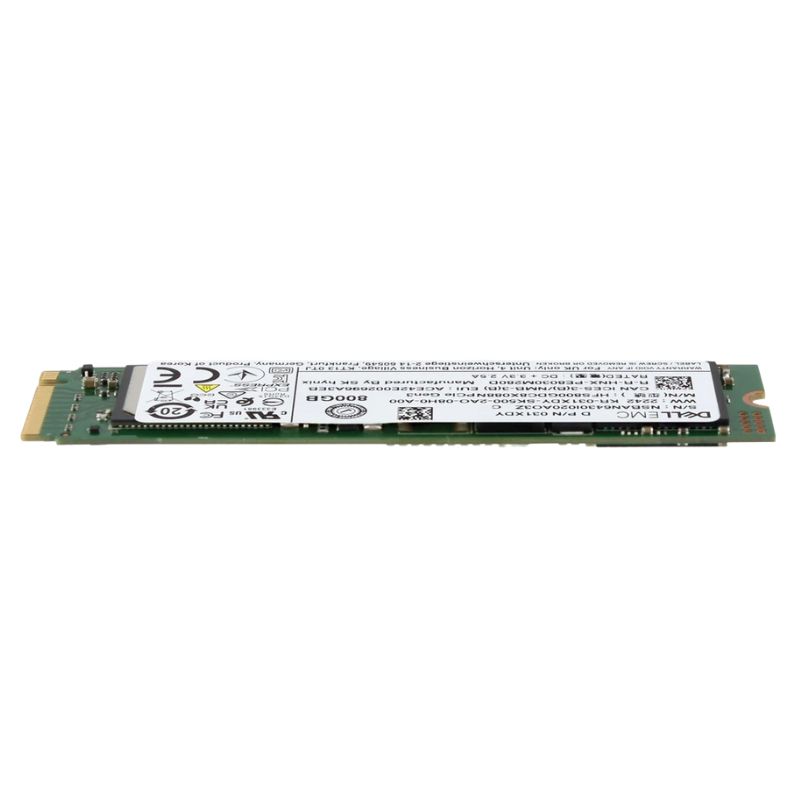
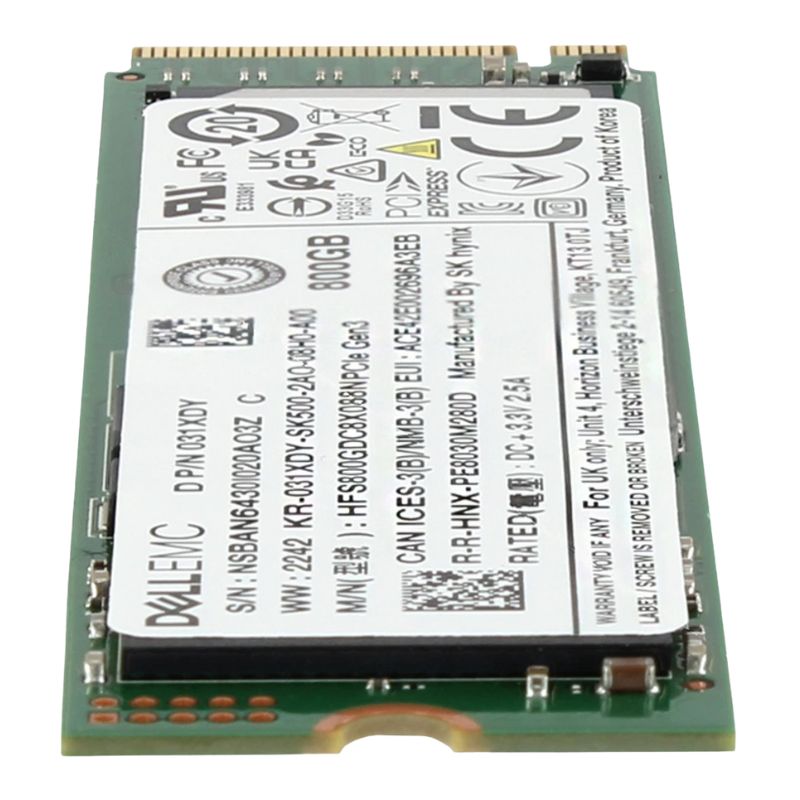
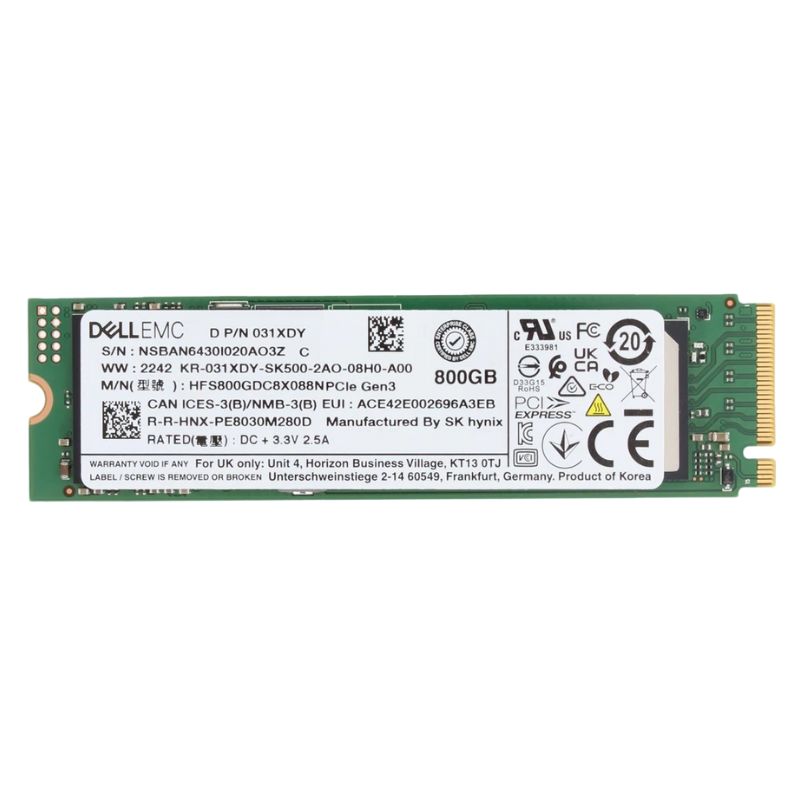
Dell EMC 400-BOQB 800GB PCI-E Gen3 NVMe M.2 2280 Enterprise Class Mixed Use Solid State Drive. Excellent Refurbished with 1 Year Replacement Warranty
Discover the high-performance Dell EMC 400-BOQB, a robust enterprise-class solid state drive designed for demanding data-intensive workloads. Combining speed, reliability, and efficiency, this NVMe SSD delivers exceptional storage performance for modern IT environments.
Power‑loss protection features help ensure that in‑flight data and metadata structures remain consistent during unexpected power events. For mission‑critical deployments—such as financial transaction engines or critical logging systems—this mitigates the risk of corruption and reduces recovery effort after an outage. ECC and background scrubbing routines work together to detect and repair latent sector errors, preserving long‑term reliability even as device wear accumulates.
Compatibility with common server platforms, OS kernels, and storage management frameworks is a key advantage of the M.2 NVMe form factor. The Dell EMC 400‑BOQB is supported across a wide range of server BIOS/UEFI implementations, and it integrates with popular hypervisors, operating systems, and hardware RAID/NVMe management solutions when used with adapter cards. This makes the drive a versatile candidate for both greenfield deployments and incremental upgrades in heterogeneous infrastructure. IT teams can employ vendor utilities and standardized NVMe management commands (NVMe‑CLI, Smartctl, etc.) to monitor health metrics, run diagnostics, and update firmware as operational requirements evolve.
Enterprise firmware delivered with the Dell EMC drive family often includes optimizations tuned for diverse workload patterns and may be updated to address emerging compatibility or performance issues. Dell’s firmware distribution and support channels simplify lifecycle management by providing validated firmware refreshes and release notes targeted at operational transparency. When servicing is required, the M.2 form factor streamlines field replaceability and reduces service windows, allowing technicians to swap drives quickly with minimal downtime in many server designs.
Placement of the 400‑BOQB within a storage hierarchy is a strategic decision. Its mixed‑use profile fits best as a high‑performance tier for frequently accessed datasets, metadata storage for object/file systems, caching layers in hybrid arrays, and boot or software volume acceleration. By dedicating these NVMe drives to I/O‑intensive but capacity‑moderate tasks, organizations can reserve larger, higher‑capacity HDD or lower‑cost SSD tiers for archival, cold data, or sequential throughput workloads. Performance tuning at the OS and hypervisor level—such as adjusting I/O scheduler settings, queue depths, and LVM caching policies—can further amplify the real‑world benefits of the drive.
In production, the Dell EMC 400‑BOQB commonly appears in configurations such as hyperconverged compute nodes where predictable latency is essential, database nodes requiring fast random I/O for transaction processing, and edge servers running real‑time analytics. In VDI environments, the drive serves as a fast persistent cache to accelerate desktop boot storms and application launches. For distributed storage systems, the M.2 NVMe can offload metadata operations, significantly improving namespace operations per second and reducing overall cluster latency.
Enterprise deployments demand strong security. The 400‑BOQB supports industry standard drive encryption capabilities and secure erase features that assist organizations in meeting data protection policies and regulatory compliance. Integration with platform security features—such as TCG Opal or enterprise key management—allows administrators to enforce encryption at rest while retaining the flexibility to perform secure lifecycle transitions of drives from production to decommissioning. Additionally, firmware‑level access controls and secure boot compatibility help minimize attack surfaces on physical storage components.
Secure erase and cryptographic sanitization are essential when drives leave service or are repurposed. The drive’s secure erase commands, when invoked through validated tools, provide a verifiable method to clear logical data. For higher assurance levels, cryptographic erase—where encryption keys are destroyed—can be used to instantly render stored data unreadable. These features simplify compliance with regulations that mandate secure data disposal in sensitive environments.
With an 800GB nominal capacity, this mixed‑use M.2 NVMe drive strikes a pragmatic balance between usable space and endurance advantages that come from overprovisioning. Enterprise deployments may opt to reserve a portion of the drive for maintenance and write amplification mitigation, either implicitly via manufacturer overprovisioning or explicitly via logical partitioning. Effective space management strategies—such as thin provisioning at the storage layer, tiered storage policies, and regular capacity reclamation—help maximize the usable lifetime and sustain steady performance through the product lifecycle.
Thin provisioning can increase aggregate capacity efficiency when the drive is used in virtualized or containerized platforms, but administrators should monitor actual write amplification and ensure that overcommitment does not push endurance limits under heavy write patterns. Logical volume management strategies that align application I/O patterns with the drive’s strengths—placing metadata and small random I/O files on the NVMe tier while keeping large, sequential files elsewhere—yield the best tradeoffs between performance and endurance.
Mixed‑use drives are designed to serve heterogeneous workloads, offering higher endurance than read‑intensive parts while costing less than the ultra‑durable write‑intensive class. For customers evaluating storage economics, it is crucial to map workload write rates and duty cycles to drive endurance metrics (TBW or DWPD). Where writes are moderate and mostly transactional, mixed‑use drives deliver superior total cost of ownership compared to write‑intensive SSDs. Conversely, extreme log‑heavy workloads—such as continuous streaming telemetry ingestion with sustained high writes—may still require write‑intensive devices or additional architectural mitigations like write‑buffer tiering.
Estimate the workload’s daily write volume, project it across the intended service life, and compare it against the manufacturer’s TBW (Terabytes Written) and MTBF (Mean Time Between Failures) guidelines. Where projections approach the mixed‑use drive’s endurance limits, consider adopting redundancy strategies, additional overprovisioning, or moving high‑write components to specialized write‑intensive media to avoid premature replacements.
Successful integration of the Dell EMC 400‑BOQB into production requires a few operational best practices. First, ensure firmware is current and validated with the server platform. Second, implement monitoring to capture SMART/NVMe health attributes such as media and controller temperature, percentage used, and remaining life estimates. Third, incorporate the drive into backup and replication workflows—while NVMe devices are reliable, no single component should be the sole copy of critical data. Finally, plan capacity growth and replacement cycles aligned with TBW burn‑rate forecasts to avoid service disruptions.
Proactive replacement strategies driven by SMART/NVMe telemetry enable preemptive swaps well before end‑of‑life events occur. IT administrators should configure alert thresholds for critical indicators and use tooling capable of aggregating NVMe telemetry across their fleet for trend analysis. This practice minimizes unplanned downtime and aligns with enterprise change control processes for scheduled maintenance windows.
Choosing a Dell EMC branded drive offers the benefit of integrated support from Dell’s enterprise services. This includes validated firmware updates, compatibility matrices with Dell server models, and access to warranty and RMA processes tailored to enterprise SLAs. For organizations operating Dell infrastructure, this alignment reduces finger‑pointing between component vendors and provides a single support path for troubleshooting and lifecycle management.


 Contact Us
 Information
 Catalog
 Solid State Drives (SSD)
 Network Switches
 Hard Disk Drives
 HBA & Controllers
 PC & Servers
 PC & Server Memory
 CPU & Processors
 Network Routers
 Power Supplies
 Tape Drives & Libraries
 Network Devices
 Computer & Network Cables