(7% discount is applied at checkout)
Cart is empty
Your go-to destination for cutting-edge server products
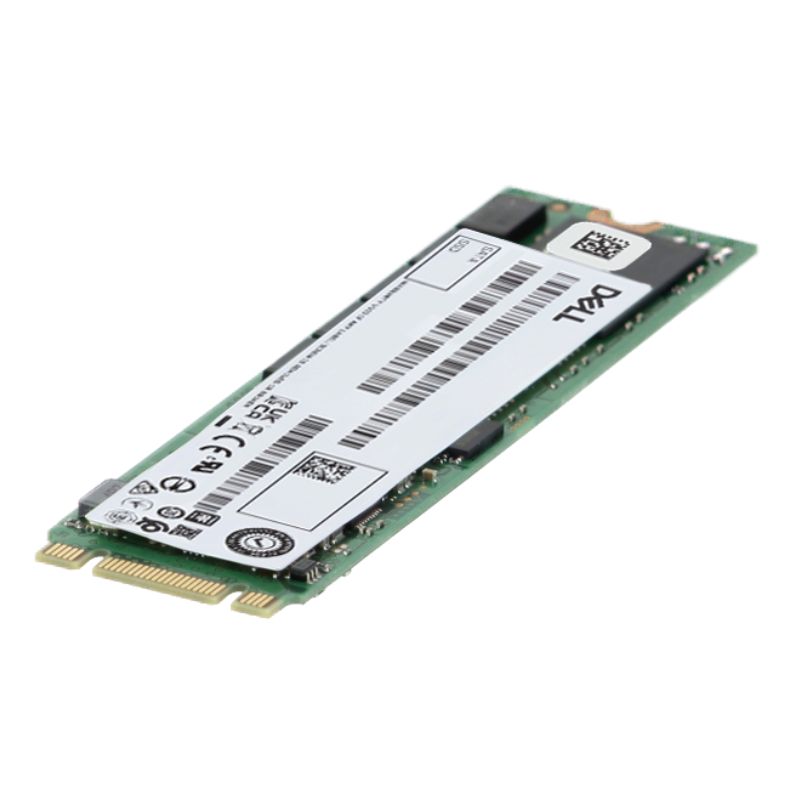


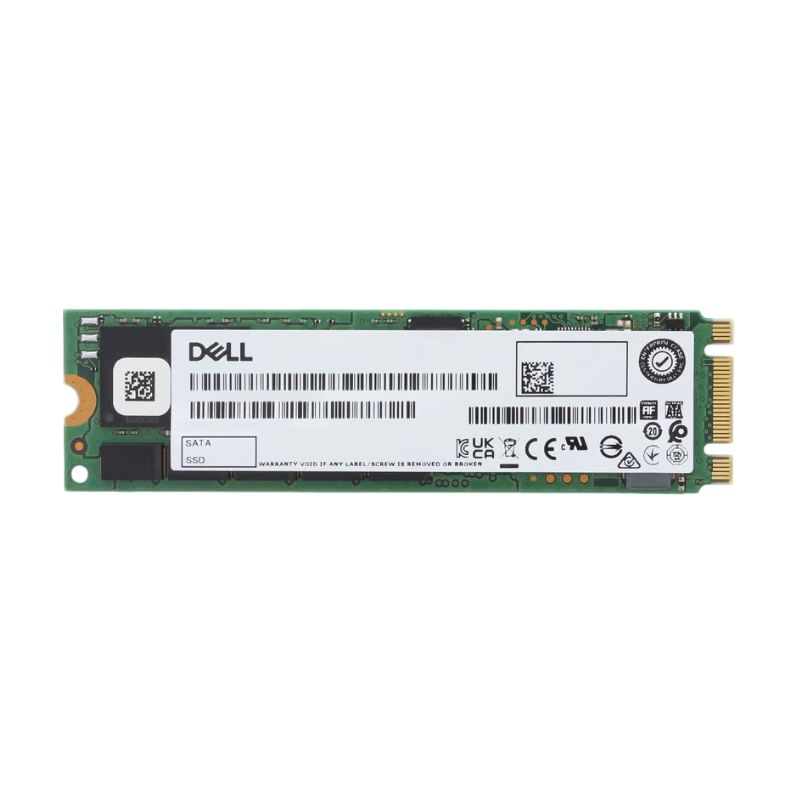
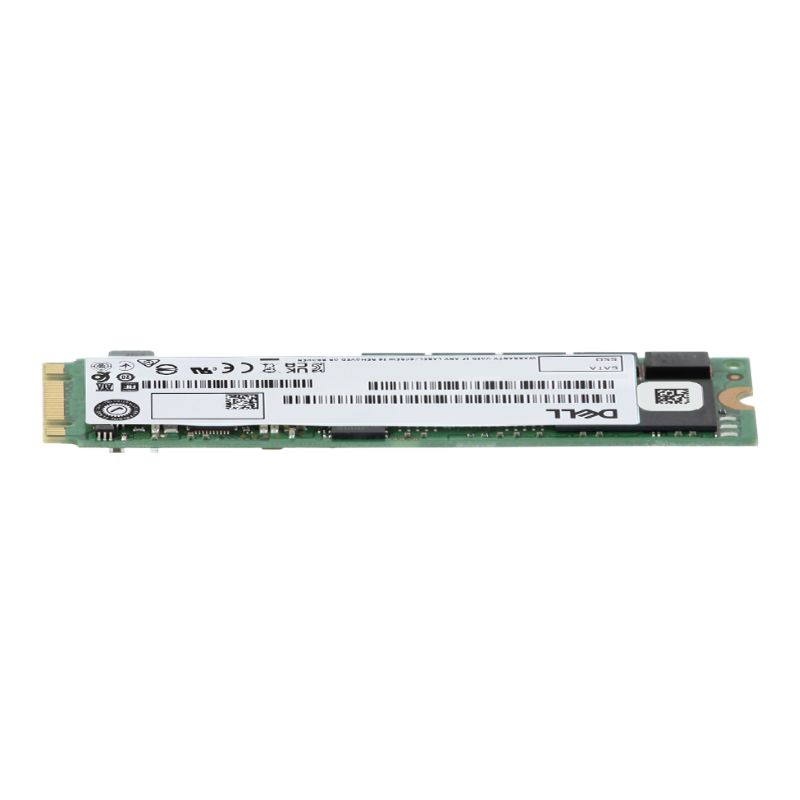
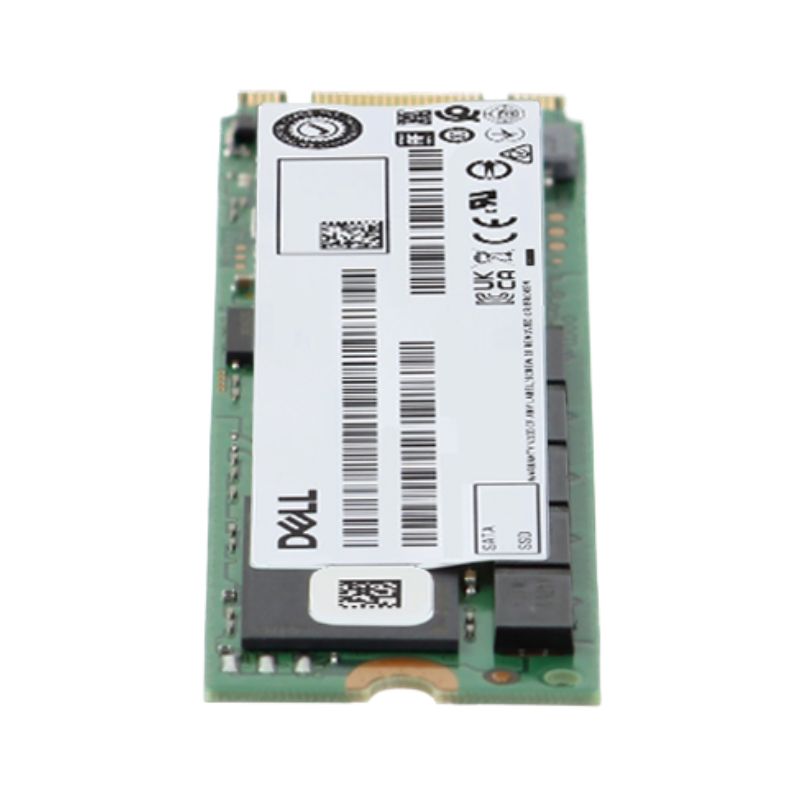
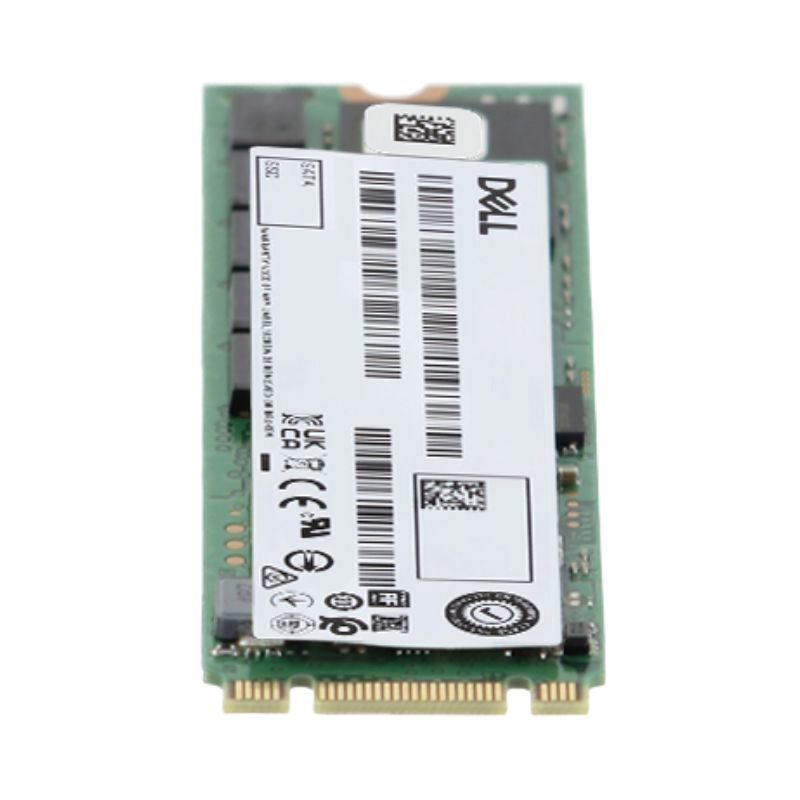
Dell GKJ0P 120GB M.2 2280 SATA 6GBPS MLC Read Intensive Solid State Drive. Excellent Refurbished with 1 year Replacement Warranty
The Dell GKJ0P 120GB M.2 2280 SATA 6Gbps MLC Internal SSD is engineered to deliver dependable performance for desktops, ultra books, and business workstations requiring fast storage and reliable data handling. Designed around the popular M.2 2280 form factor and built with Multi-Level Cell (MLC) flash memory, this solid-state drive enhances system responsiveness, increases data throughput, and delivers consistent long-term reliability.
The Dell GKJ0P represents a specific category of storage devices that bridges traditional SATA technology with the modern M.2 form factor. Unlike conventional 2.5-inch SSDs that use the same SATA interface as hard disk drives, this M.2 SATA SSD delivers the reliability of solid-state storage in a more compact, space-saving design. While it utilizes the M.2 physical connector, it's important to understand that this drive operates on the SATA protocol rather than the faster NVMe protocol that some M.2 drives use. This makes it an ideal upgrade path for systems that support M.2 form factors but may not have NVMe compatibility, offering significant performance improvements over traditional hard drives while maintaining broad compatibility.
The M.2 specification, previously known as Next Generation Form Factor (NGFF), represents a significant evolution in storage device physical design. The "2280" designation in the Dell GKJ0P model number specifically refers to its dimensions: 22mm wide and 80mm long. This standardized sizing ensures compatibility with mounting points in modern laptops, desktop motherboards, and other computing devices. The compact nature of M.2 drives eliminates the need for power and data cables, reducing clutter inside computer cases and improving airflow. This form factor has become increasingly popular in ultra books, compact desktops, and space-constrained systems where every millimeter counts.
The M.2 form factor offers several distinct advantages over traditional 2.5-inch drives. First, the direct motherboard connection eliminates cable management issues and potential connection problems. Second, the reduced physical footprint allows system manufacturers to create thinner and lighter devices. Third, the standardized mounting system ensures secure installation without the need for drive bays or special brackets. Finally, the M.2 interface supports both SATA and PCIe protocols, though the Dell GKJ0P specifically utilizes the SATA interface, making it compatible with a wide range of systems that support M.2 SATA SSDs.
The Dell GKJ0P utilizes the SATA 6Gbps interface, which represents the third revision of the Serial ATA standard (SATA Revision 3.0). This interface provides a maximum theoretical transfer rate of 600MB/s, though real-world performance typically reaches up to 550MB/s for sequential reads and writes. While newer NVMe drives offer higher theoretical speeds, SATA 6Gbps SSDs like the Dell GKJ0P provide more than enough performance for most everyday computing tasks, including operating system boot times, application loading, and file transfers. The SATA interface remains one of the most widely supported storage interfaces, ensuring compatibility with a vast array of computing devices from the past decade.
When evaluating storage options, it's helpful to understand where SATA SSDs like the Dell GKJ0P fit in the broader storage technology landscape. Traditional hard disk drives (HDDs) use spinning platters and mechanical read/write heads, typically offering speeds between 80-160MB/s for sequential operations. SATA SSDs provide a significant performance boost with no moving parts, offering speeds typically between 400-550MB/s. NVMe SSDs, which utilize the PCIe interface, can deliver speeds exceeding 3,000MB/s for high-end models. The Dell GKJ0P occupies the middle ground, offering substantial performance improvements over HDDs while maintaining broader compatibility and better value than NVMe drives for many use cases.
While NVMe drives offer higher theoretical maximum speeds, the practical differences for everyday computing are often less dramatic than benchmark numbers might suggest. For typical tasks like booting an operating system, launching applications, and loading games, a quality SATA SSD like the Dell GKJ0P provides most of the performance benefits users will notice in real-world usage. The law of diminishing returns applies to storage speed, where the jump from HDD to SATA SSD represents a massive improvement in user experience, while the jump from SATA SSD to NVMe, while measurable, is less transformative for general computing tasks. This makes SATA SSDs an excellent value proposition for most users.
The 120GB capacity of the Dell GKJ0P positions it as an entry-level to mid-range storage solution suitable for specific use cases. This capacity provides adequate space for operating system installation, essential applications, and some user data. For Windows 10 or 11 installations, approximately 20-30GB will be occupied by the operating system, leaving 90-100GB available for applications and files. This makes the 120GB capacity ideal as a boot drive in systems with secondary storage, for specific applications that benefit from SSD speeds, or for systems with modest storage requirements. Understanding capacity needs is crucial when selecting storage solutions, and the 120GB capacity represents a sweet spot for budget-conscious upgrades and specialized applications.
The Dell GKJ0P utilizes Multi-Level Cell (MLC) NAND flash memory, which stores two bits of data per memory cell. This technology offers a balance between performance, endurance, and cost. Compared to Triple-Level Cell (TLC) and Quad-Level Cell (QLC) NAND that store three and four bits per cell respectively, MLC NAND typically offers better write endurance and sustained performance, especially under heavy write workloads. While MLC NAND is generally more expensive to manufacture than TLC or QLC alternatives, it provides superior reliability characteristics, making it suitable for applications where write endurance is important. The use of MLC technology in the Dell GKJ0P indicates a focus on quality and reliability rather than simply minimizing cost.
NAND flash memory comes in several variants, each with different characteristics. Single-Level Cell (SLC) stores one bit per cell and offers the highest performance and endurance but at premium pricing. MLC, as used in the Dell GKJ0P, stores two bits per cell and offers a balance of performance, endurance, and cost that made it popular in enthusiast and professional drives. TLC stores three bits per cell and represents the current mainstream for consumer SSDs, offering good performance for most use cases at lower cost. QLC stores four bits per cell and provides the highest densities and lowest cost per gigabyte but with reduced write endurance and performance, particularly during sustained writes. The choice of MLC in the Dell GKJ0P positions it as a reliable, performance-conscious option.
The Dell GKJ0P excels in several specific scenarios. For budget-conscious system upgrades, it provides the most noticeable performance improvement per dollar spent. In compact systems with limited drive bays, the M.2 form factor offers storage expansion without consuming additional space. For secondary systems, HTPCs, or office computers, the capacity is sufficient for the operating system and essential applications. In gaming systems with additional hard drives, it can host the operating system and a selection of frequently played games. For content creators, it can serve as a scratch disk or host active project files. In educational or institutional settings, it provides reliable performance for standard computing tasks while offering better endurance than lower-grade SSDs.
As a Dell-branded component, the GKJ0P is designed and tested to meet Dell's quality and reliability standards. Dell implements rigorous testing procedures for their storage products, including thermal testing, vibration testing, and extended burn-in periods to identify early failures. The use of MLC NAND flash rather than lower-grade alternatives demonstrates a commitment to reliability over simply minimizing cost. Dell typically provides firmware updates for their SSDs to address potential issues and improve performance over time. As part of a larger ecosystem of Dell products, these drives are validated for compatibility with Dell systems, though they work equally well in compatible non-Dell systems. The corporate backing of Dell provides assurance of product quality and support resources.
Modern systems benefit from a storage device that balances speed, endurance, and space efficiency. This drive supports SATA 6Gbps bandwidth and is ideal for workloads requiring quick boot-ups, smooth applications, and steady read/write behavior. Its M+B key connector enables broad compatibility with a wide range of M.2-ready systems.
Compatibility
The Dell GKJ0P requires a system with an M.2 slot that supports SATA SSDs. It's crucial to understand that not all M.2 slots support SATA SSDs—some only support NVMe PCIe drives, while others support both. Consulting your motherboard or system documentation is essential before purchase. Most modern desktop motherboards and laptops manufactured in the last 5-7 years include M.2 slots, but compatibility varies. The drive is specifically designed for internal use within computers and is not suitable for external enclosures without additional adapters. System firmware (BIOS/UEFI) should be updated to the latest version to ensure optimal compatibility and performance.


 Contact Us
 Information
 Catalog
 Solid State Drives (SSD)
 Network Switches
 Hard Disk Drives
 HBA & Controllers
 PC & Servers
 PC & Server Memory
 CPU & Processors
 Network Routers
 Power Supplies
 Tape Drives & Libraries
 Network Devices
 Computer & Network Cables