(7% discount is applied at checkout)
Cart is empty
Your go-to destination for cutting-edge server products
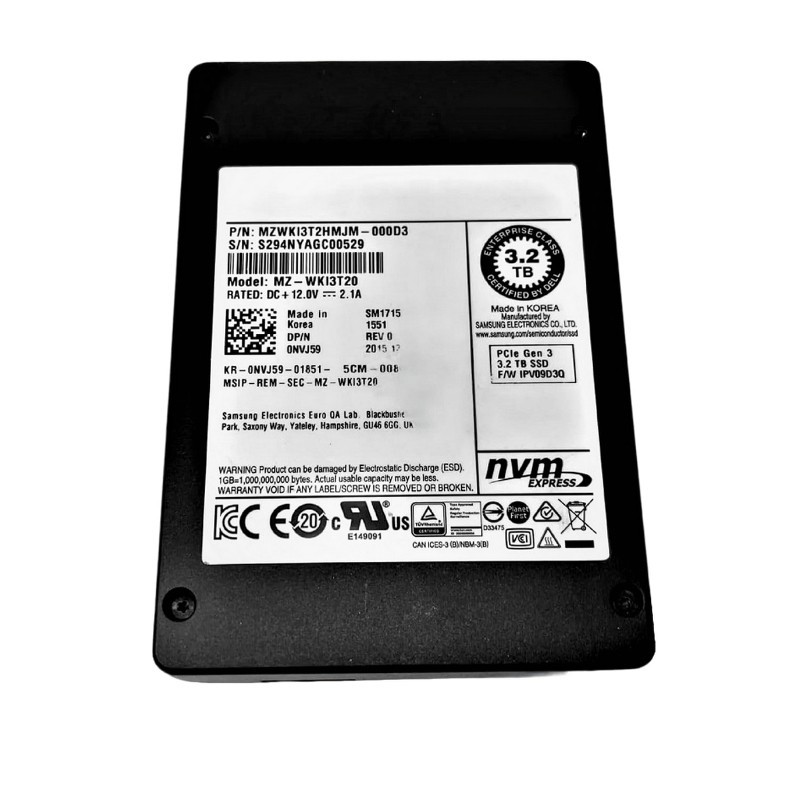


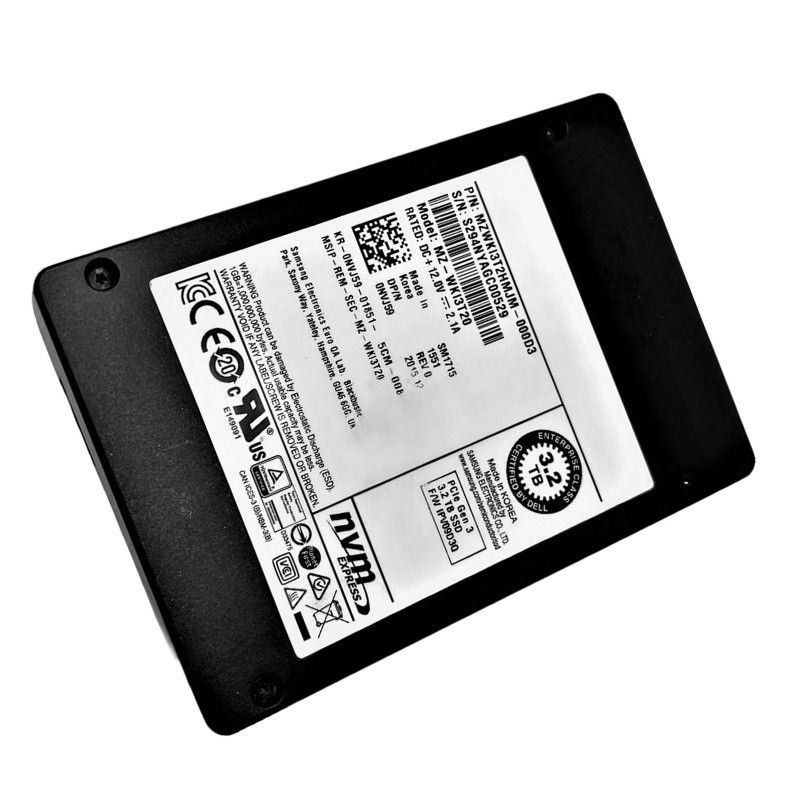
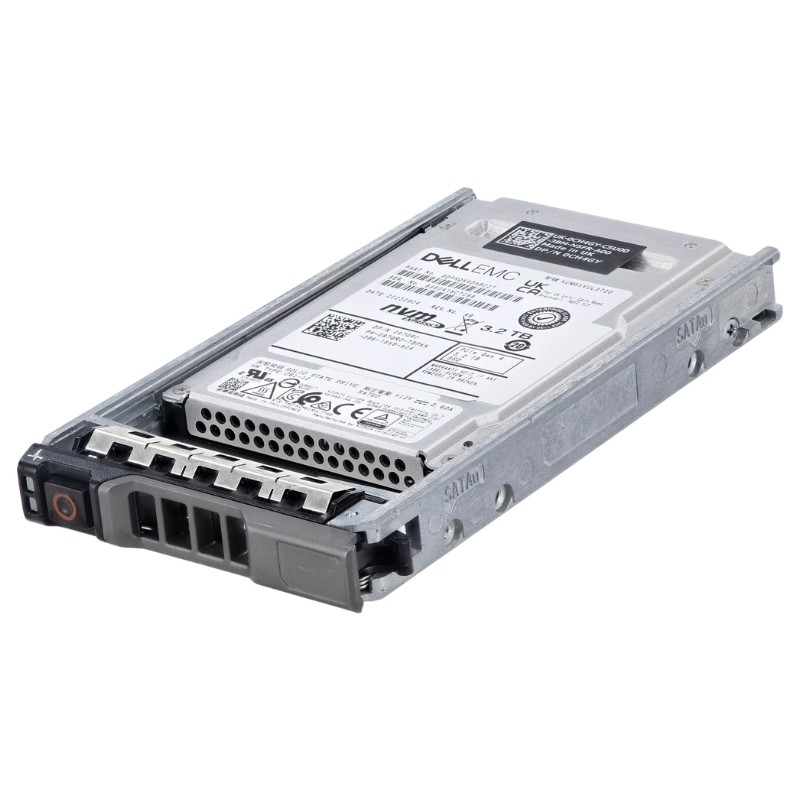
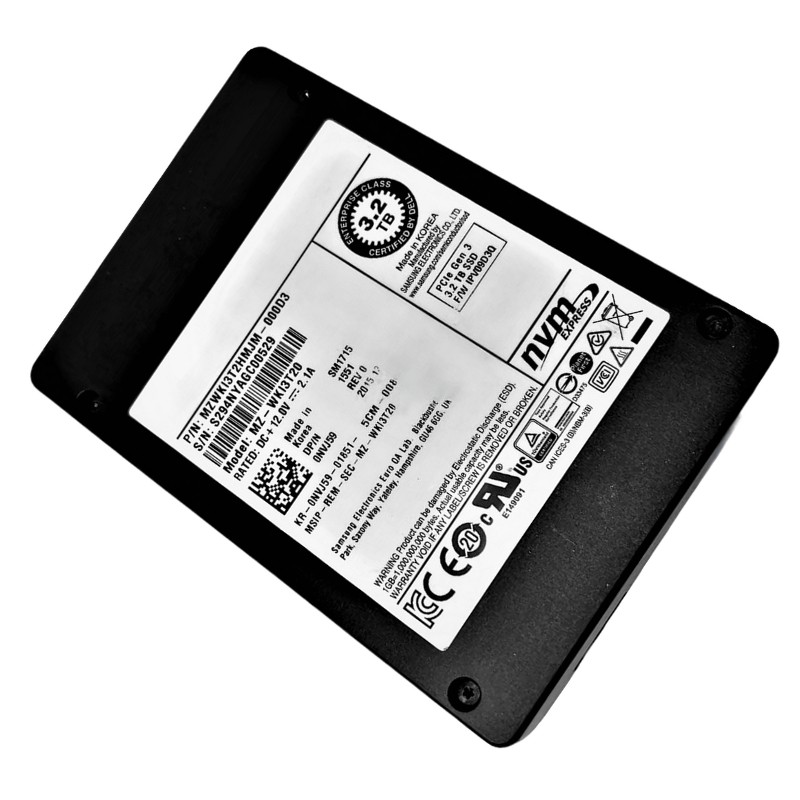
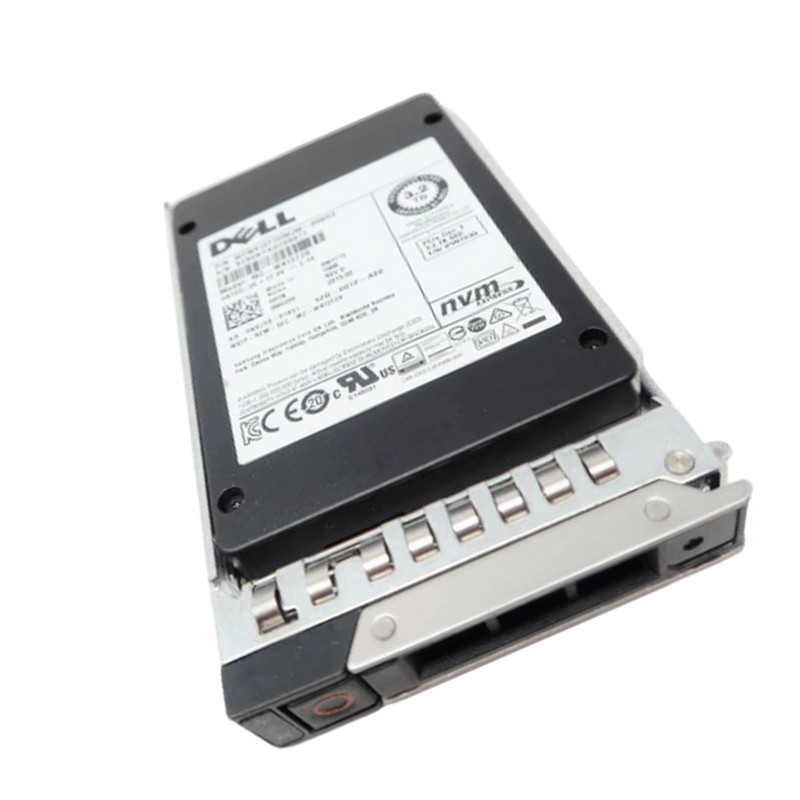
Dell XTTR5 3.2TB PCI-E V3 Half Height, Half Length (hhhl) NVME Read-intensive Enterprise Solid State Drive. Excellent Refurbished with 1 year replacement warranty
The DELL XTTR5 3.2TB PCIe V3 NVMe Enterprise SSD delivers cutting-edge technology for businesses seeking superior data performance, exceptional durability, and optimized power efficiency. Designed to handle read-intensive operations, this solid-state drive provides lightning-fast response times and seamless scalability for data centers, enterprise storage solutions, and cloud-based applications.
The Dell XTTR5 3.2TB PCI-E V3 Half-Height, Half-Length (HHHL) NVMe drive is categorized and sold as an enterprise, read-intensive add-in card (AIC) solid-state drive (SSD). This category page focuses on AIC/NVMe HHHL cards targeted at data-center and enterprise workloads where read throughput, low latency and rack/server compatibility are the dominant procurement criteria. The XTTR5 family listing you’ll see across distributors and refurbishers is frequently described as a 3.2TB, PCIe Gen-3 NVMe enterprise SSD in an HHHL form factor, and is marketed for read-intensive server applications, caching tiers, and large dataset accelerators.
Enterprise NVMe AICs vary between specific SKU firmware and NAND choices, but read-intensive AICs share predictable performance behaviors that are important for architects and procurement teams to understand:
Read-intensive NVMe cards typically deliver strong sequential read bandwidth and consistent low single-digit microsecond read latencies under realistic queue depths. The XTTR5 class is advertised and listed by multiple suppliers as optimized for read throughput (sustained bandwidth) rather than peak random write IOPS. Always validate published sequential and random read numbers on the specific listing or Dell datasheet before designing a storage tier.
Because this category is read-optimized, write endurance (Drive Writes Per Day — DWPD) and peak sustained write throughput are intentionally lower than mixed-use or write-intensive enterprise models. That tradeoff lowers cost per GB while still providing robust read performance. For write-heavy applications (heavy logging, continuous streaming writes, transactional databases), consider mixed-use or high-endurance models instead. When reusing or purchasing refurbished XTTR5 parts, check the remaining rated life and any vendor-provided warranty period.
Expect consistent read IOPS at moderate queue depths; heavy parallelization benefits NVMe because of multiple submission/completion queue pairs. However, raw IOPS numbers vary by firmware, NAND generation and controller — don’t use IOPS in isolation: pair it with latency percentiles (p95/p99) for realistic SLA planning.
HHHL cards can draw more power and require better airflow than 2.5” U.2 or M.2 modules because of higher component density and more powerful controllers. The thermal headroom in an HHHL slot usually makes it possible for the vendor to run a faster controller and more NAND packages with a heat sink. When designing a server rack or selecting a host, confirm that the host’s PCIe slot orientation, cooling plan and power budget are compatible with an AIC card. Listings for XTTR5 AICs often come with passive heatsinks and may be sold as refurbished/off-lease — confirm any missing heatsink or bracket before installing.
Successful integration of an HHHL NVMe card depends on a few concrete checks prior to purchase and prior to installation. This section is a checklist for systems engineers and procurement teams to avoid common pitfalls.
PCIe slot lane count: Confirm the server slot can provide the lane count required by the SSD — many AICs arrive as x8 implementations. If your host slot is x4 only, performance may be constrained or the card may be electrically incompatible.
NVMe firmware and BIOS support: Ensure your server platform firmware supports NVMe AIC devices in the slot you plan to use. Older server BIOS/UEFI might require an update to support booting from NVMe AICs or to correctly enumerate the device.
Drive management tools: Enterprise drives often ship with management and telemetry features (SMART, vendor tools). Confirm vendor tools are available for firmware updates and health monitoring. For refurbished drives, confirm whether the reseller provides a firmware guarantee.
OS and driver support: Modern Linux kernels and recent Windows Server releases have robust NVMe support. For specialized hardware RAID controllers or adapters, verify passthrough and health reporting behavior.
Because HHHL cards occupy PCIe slots, they affect the server I/O mapping and the available front-bay drives. For hot-swap serviceability, some deployments prefer U.2 or front-bay devices; others accept internal AICs for better density and cooling. The tradeoffs are rack layout, repair workflow, spare policy and replacement times. If you maintain an in-house spare pool, select spare part numbers that match the electrical lane and slot profile (x8, HHHL) to avoid cross-compatibility issues.
Because enterprise hardware is frequently sold as new, refurbished, or off-lease units, you will encounter multiple part numbers and alternate SKUs for the same physical card. For example, XTTR5 appears alongside alternative part numbers and converted Dell OEM labels on reseller pages. When buying, always cross-reference the vendor part number (VPD/PN) on the listing with the vendor’s original part number and the server compatibility list.
Below are reliable patterns where a 3.2TB HHHL NVMe read-intensive card is a sensible category choice:
In tiered storage architectures, NVMe HHHL cards like the XTTR5 are commonly used as high-speed read caches ahead of high-capacity HDD or lower-cost SSD tiers. The large 3.2TB capacity allows substantial working set caching without consuming front-bay capacity, reducing latency for hot data and accelerating analytics and content delivery. This is one of the most cost-effective uses for read-optimized AICs.
Databases optimized for read performance (reporting, BI, OLAP slices) can benefit from the low latency and strong sequential throughput of NVMe AICs. Use this category where write amplification is limited and reads dominate. In mixed workloads, consider the write endurance tradeoffs and monitor TBW closely.
AIC NVMe cards are often used to mitigate VDI boot storms by accelerating reads for many concurrent VM boot requests. Their high read IOPS and bandwidth under parallel queue depth conditions make them effective at reducing desktop login latency.


 Contact Us
 Information
 Catalog
 Solid State Drives (SSD)
 Network Switches
 Hard Disk Drives
 HBA & Controllers
 PC & Servers
 PC & Server Memory
 CPU & Processors
 Network Routers
 Power Supplies
 Tape Drives & Libraries
 Network Devices
 Computer & Network Cables