(7% discount is applied at checkout)
Cart is empty
Your go-to destination for cutting-edge server products
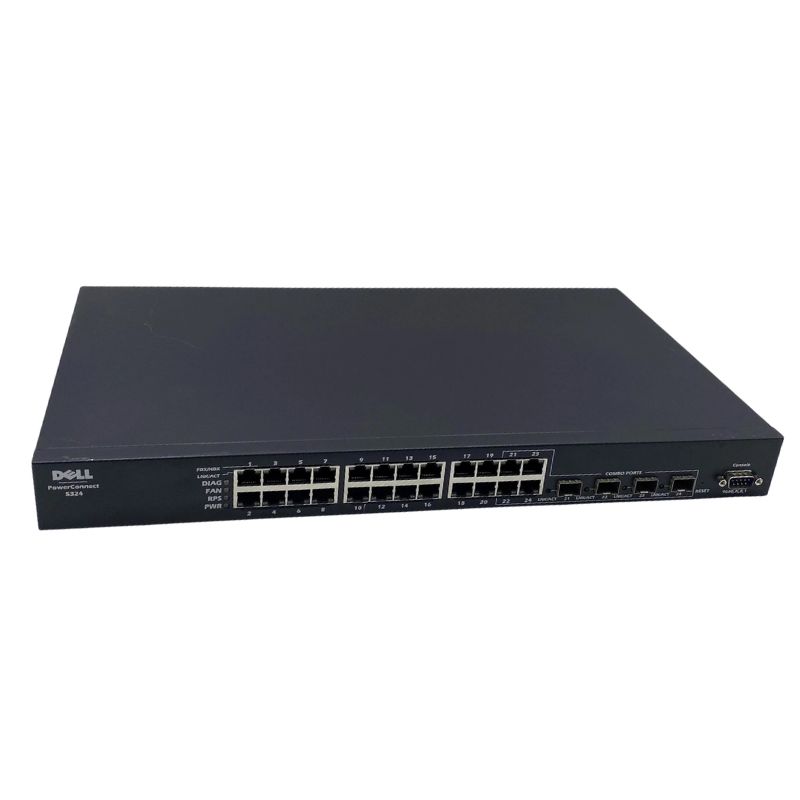


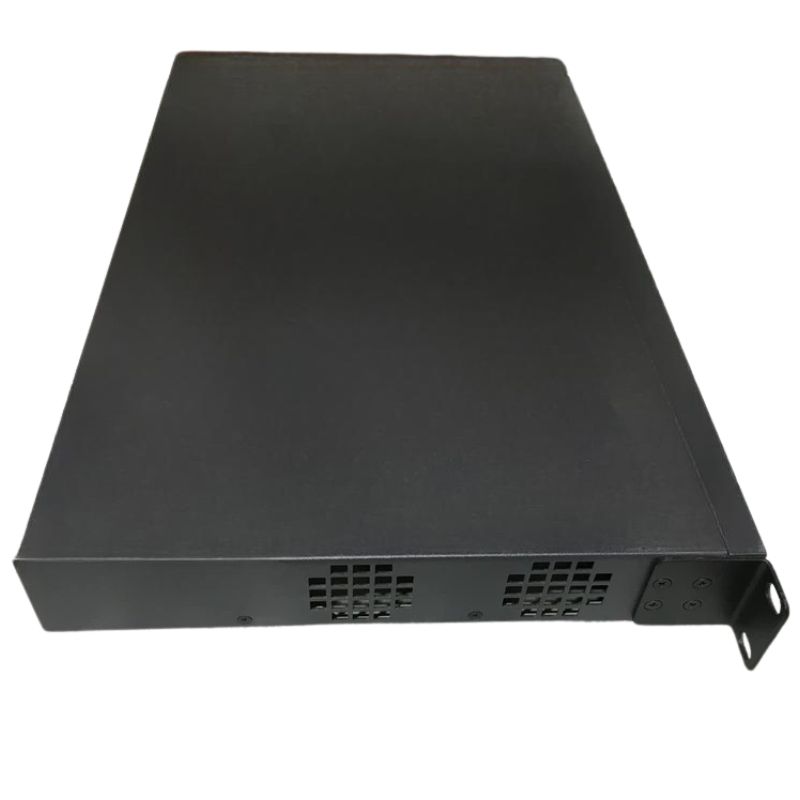
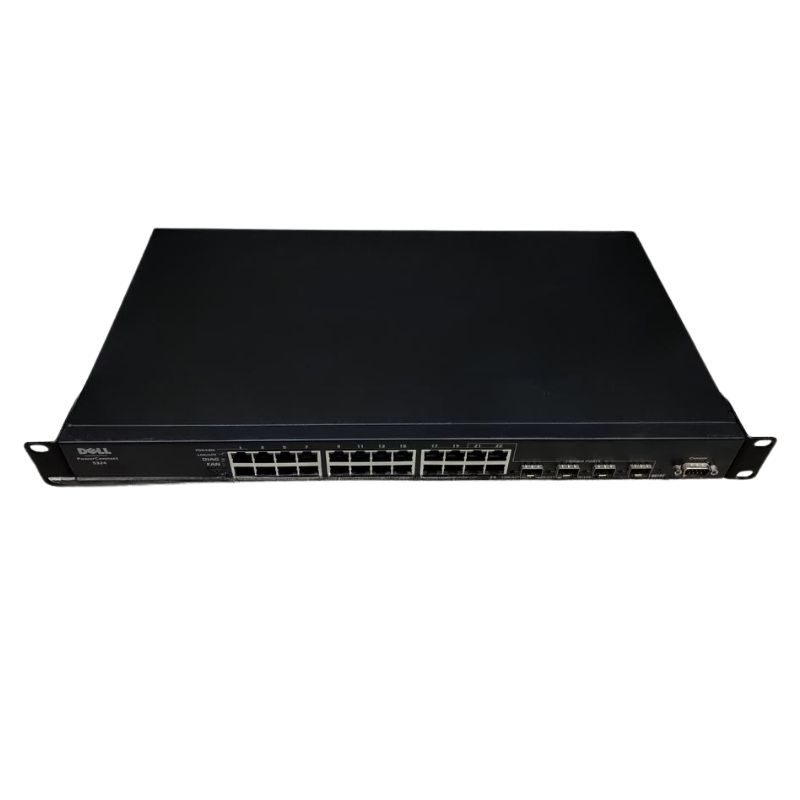
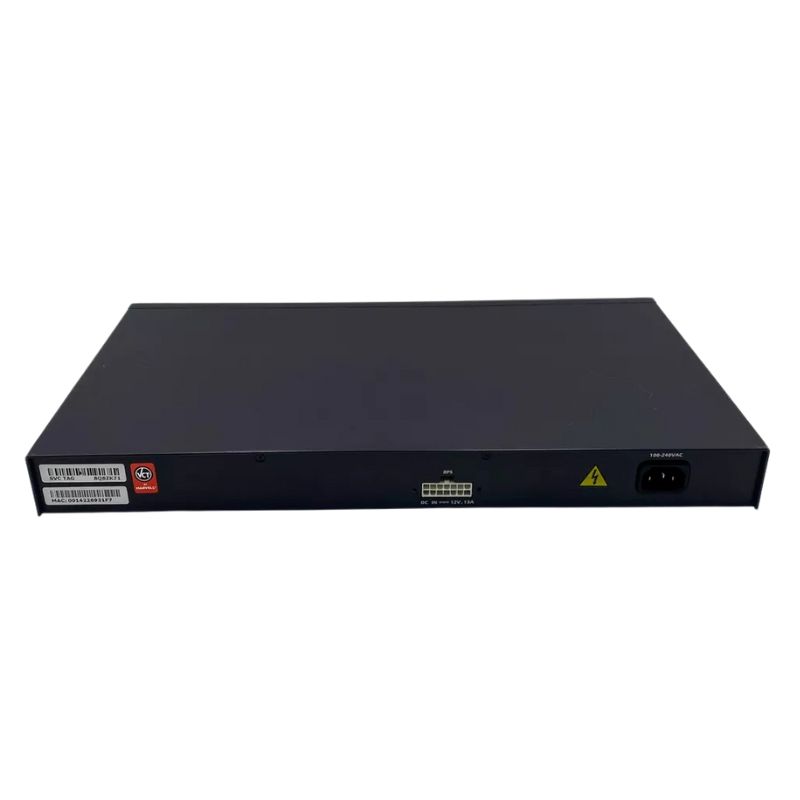
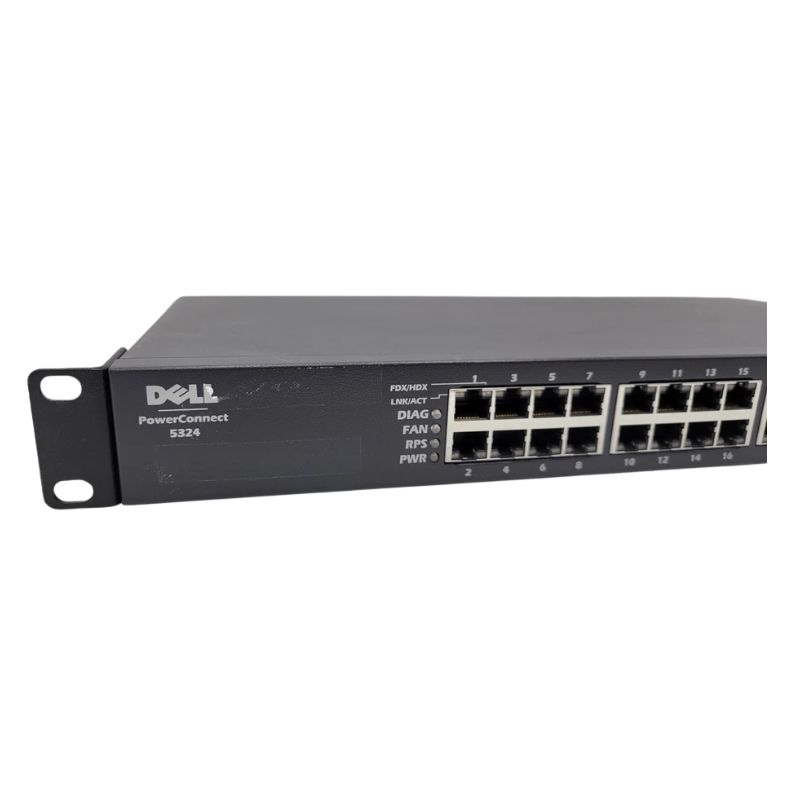
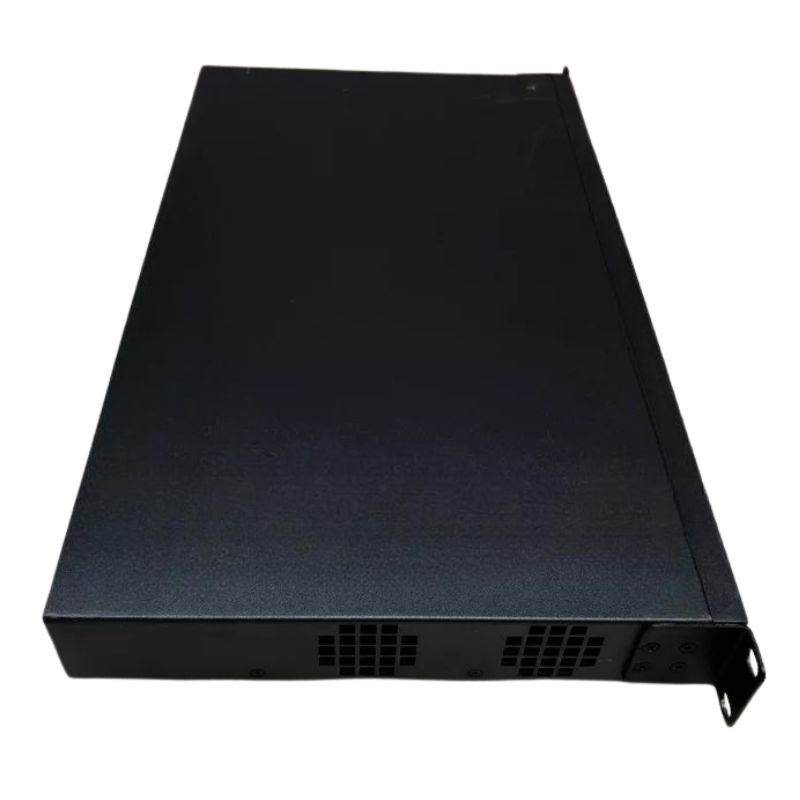
Dell Y4657 PowerConnect 5324 10/100/1000Base-T + 4 x Shared SFP 24 Ports Gigabit Ethernet Switch. Excellent Refurbished with 1 year replacement warranty
Discover the essential attributes of this high-performance networking device:
Explore the technical aspects that make this switch stand out:
Understand the performance metrics and reliability factors:
Learn where this switch can be effectively utilized:
Highlight the benefits of selecting this model:
The Y4657 Dell PowerConnect 5324 is a high-performance network switch designed to meet the demands of businesses requiring reliable, scalable, and efficient network infrastructure. Featuring a comprehensive set of ports and advanced features, this 10/100/1000Base-T + 4 x Shared SFP 24-port Gigabit Ethernet Switch offers a seamless and robust solution for optimizing network performance. Whether for small businesses or large enterprises, this switch ensures uninterrupted connectivity and high data transfer speeds.
The Dell PowerConnect 5324 is a versatile and adaptable solution for various network environments. Below are some common scenarios in which this switch excels:
The Y4657 comes equipped with 24 10/100/1000Base-T ports, which offer support for Gigabit Ethernet speeds, allowing businesses to transfer data at high rates. These ports are backward compatible with 10/100 Mbps connections, making the switch flexible enough to accommodate older network devices while still providing the latest Gigabit Ethernet speeds for modern systems.
The inclusion of 4 shared SFP (Small Form-factor Pluggable) slots is a significant feature of the Y4657. These slots allow the switch to interface with fiber-optic connections, expanding its reach to remote locations or long-distance connections. SFP modules can support various media types, including Gigabit Ethernet and Fiber Channel, providing versatility for diverse network architectures.
The Y4657 supports a wide range of SFP transceivers, such as:
The Dell PowerConnect 5324 supports both Layer 2 switching and Layer 3 routing, allowing network administrators to design more complex and efficient networks. Layer 2 switching enables the switch to forward traffic based on MAC addresses, ensuring seamless communication between devices on the same local network. Meanwhile, Layer 3 routing provides IP-based routing capabilities, facilitating communication across different subnets or networks.
One of the most useful features of the PowerConnect 5324 is its support for Virtual Local Area Networks (VLANs). VLANs allow network administrators to segment the network into smaller, more manageable sections, improving security, reducing congestion, and enhancing network performance. This segmentation allows devices from different departments or floors to be isolated from one another while still being connected to the overall network infrastructure.
For organizations with multiple subnets or that require more advanced network architectures, the Y4657’s Layer 3 routing capabilities provide dynamic routing options, including static routing and RIP (Routing Information Protocol). These features enable the switch to make intelligent decisions about data routing, ensuring optimal path selection and minimizing network congestion.
The Y4657 offers Power over Ethernet (PoE) support, which allows the switch to deliver power to connected devices over the same Ethernet cable used for data transmission. This feature is particularly useful for devices such as IP phones, wireless access points, and security cameras, as it reduces the need for additional power cables and outlets, simplifying installation and reducing costs.
Managing the Y4657 Dell PowerConnect 5324 is made easy through its intuitive management interface, which can be accessed via a web browser, command-line interface (CLI), or Simple Network Management Protocol (SNMP). Network administrators can configure and monitor the switch remotely, making network management more efficient and reducing the need for on-site intervention.
The switch comes with built-in diagnostic tools that help IT staff proactively monitor the network and address any issues before they escalate. These tools provide real-time feedback on system health, port utilization, traffic patterns, and error rates. Alerts and notifications can be configured to notify administrators of potential issues, allowing them to take corrective action swiftly.
Port mirroring is another important feature of the Y4657. This allows network administrators to duplicate traffic from a specific port or VLAN to another port for monitoring or analysis. It’s an invaluable tool for troubleshooting network performance and security monitoring.
With Quality of Service (QoS) capabilities, the PowerConnect 5324 ensures that high-priority traffic, such as VoIP calls or video streaming, is prioritized over less time-sensitive data. QoS settings can be configured to allocate bandwidth, reducing latency and jitter for real-time applications and improving overall network performance.
Security is a key concern for any network, and the Dell PowerConnect 5324 incorporates robust security features to help protect data and devices from unauthorized access. Port security allows administrators to define the MAC addresses that are allowed to connect to specific ports. This feature limits unauthorized devices from accessing the network, reducing the risk of security breaches.
Access Control Lists (ACLs) can be configured on the Y4657 to define the types of traffic allowed or denied at the network level. By filtering traffic based on IP addresses, ports, and protocols, ACLs help ensure that only authorized users or devices can access sensitive resources within the network.
For secure management of the Y4657 switch, administrators can use SSH (Secure Shell) for remote CLI access, ensuring that configuration changes and network monitoring are protected from unauthorized access. Additionally, management access can be restricted based on IP addresses, allowing only trusted devices to access the management interface.


 Contact Us
 Information
 Catalog
 Solid State Drives (SSD)
 Network Switches
 Hard Disk Drives
 HBA & Controllers
 PC & Servers
 PC & Server Memory
 CPU & Processors
 Network Routers
 Power Supplies
 Tape Drives & Libraries
 Network Devices
 Computer & Network Cables