(7% discount is applied at checkout)
Cart is empty
Your go-to destination for cutting-edge server products
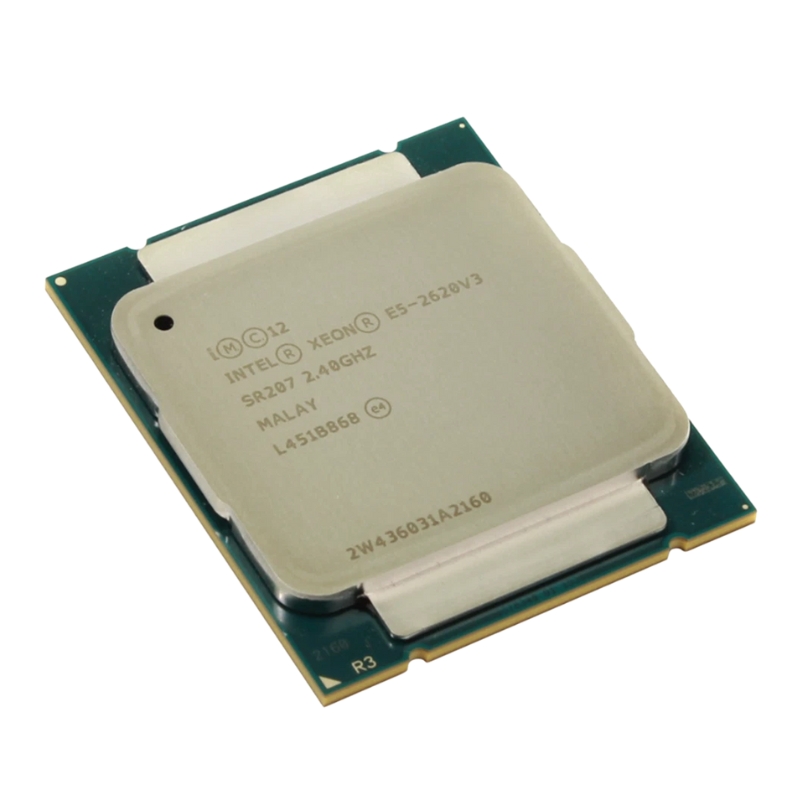


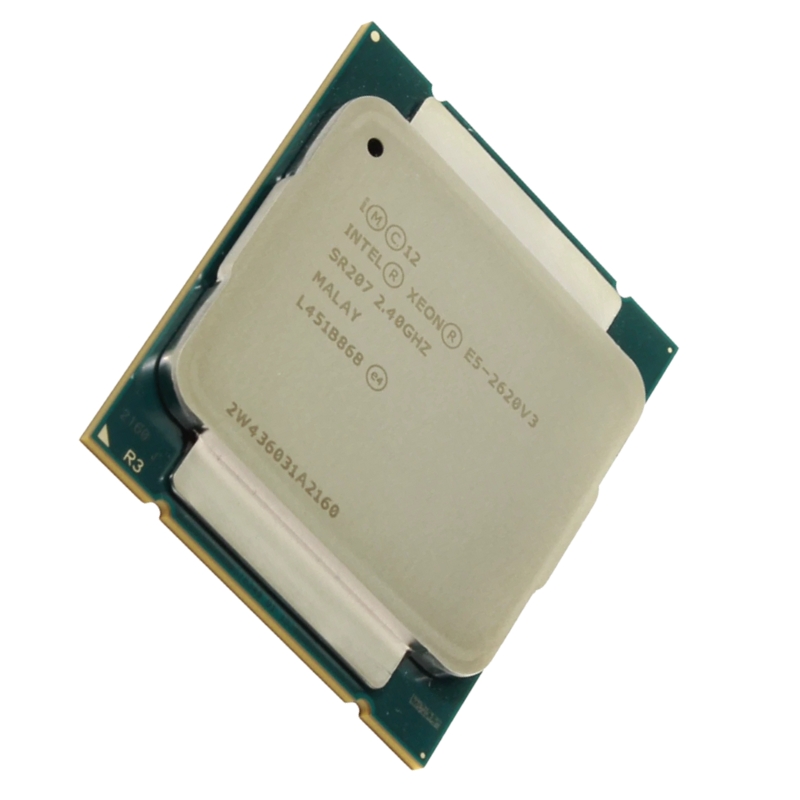
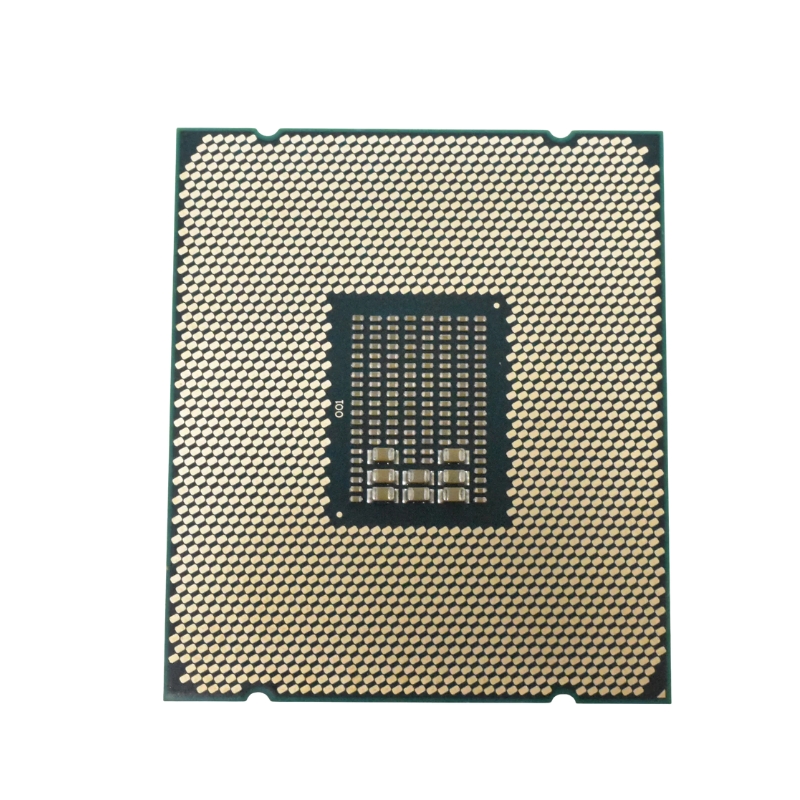
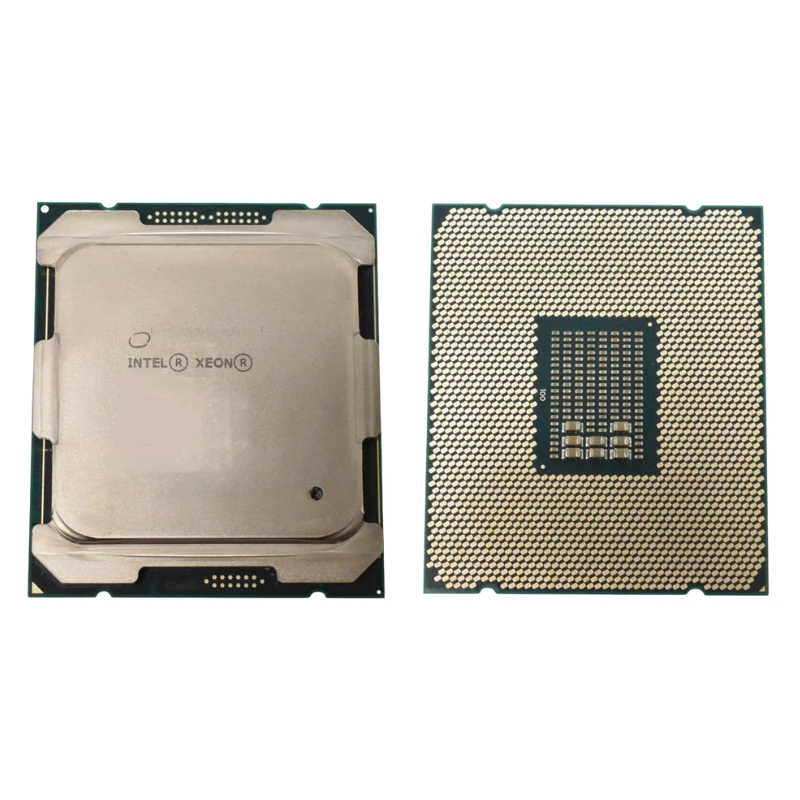
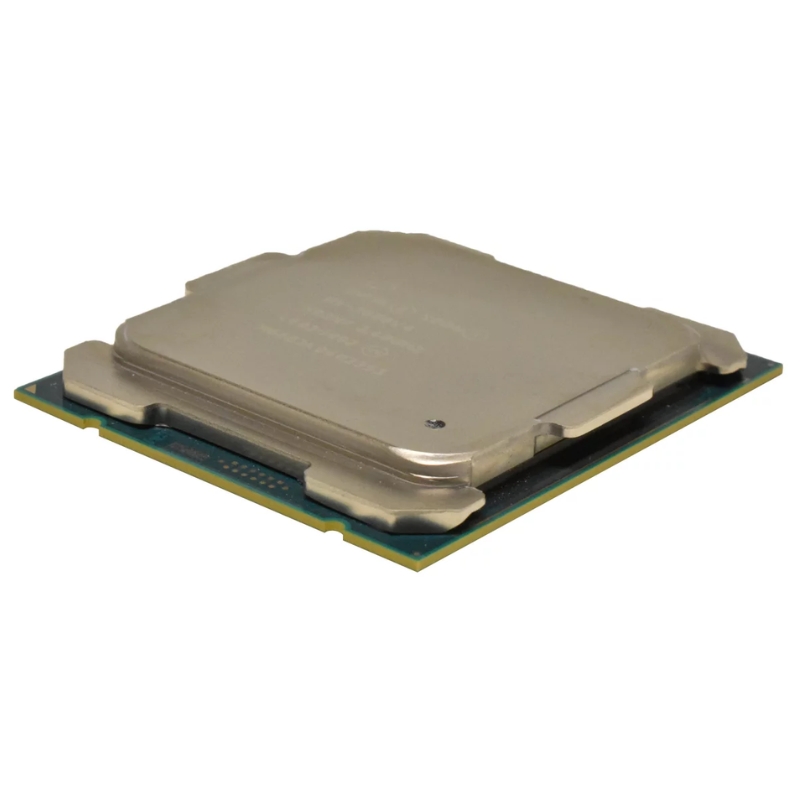
HPE 719050-L21 DL380 Gen9 Intel Xeon E5-2630v3 2.4GHz 8-core 20MB 85W Processor. New (System) Pull with 1 year replacement warranty
The HPE 719050-L21 is the OEM part number for the Intel® Xeon® E5-2630 v3 processor tailored for the HPE ProLiant DL380 Gen9 family and similar LGA2011-v3 server platforms. This CPU blends energy efficiency with multi-threaded performance — offering 8 physical cores, 16 threads (via Hyper-Threading), a 2.4 GHz base clock, and Intel® Turbo Boost up to 3.2 GHz. With 20 MB of shared L3 cache, quad-channel DDR4 memory support, and a modest 85 W TDP, it is a pragmatic choice for mixed workload server environments where density, reliability, and virtualization capabilities matter.
The HPE 719050-L21/E5-2630 v3 is well suited for:
Built on Intel’s 22-nanometer process and based on the Haswell-EP microarchitecture (E5 v3 family), the E5-2630 v3 benefits from architectural improvements including AVX2 instruction support for integer and floating point vector operations. These ISA extensions accelerate cryptography, media processing, and vectorized workloads when the software stack is optimized.
The CPU supports quad-channel DDR4 memory, native ECC, and memory speeds of 1600 / 1866 MHz depending on the platform configuration. On properly configured Gen9 servers the supported maximum internal memory per socket reaches very high capacities (platform dependent), enabling large dataset caching and in-memory processing.
With up to 40 PCIe 3.0 lanes, the processor enables a mix of network adapters, storage controllers, and accelerators without being overly constrained on I/O. For many Gen9 configurations this supports high-bandwidth NICs and NVMe/SAS controllers while leaving lanes for onboard devices.
The 85 W TDP signals a moderate thermal envelope that fits well within Gen9 1U/2U thermal budgets. Tcase (maximum case temperature) of approximately 72.1 °C should be respected; maintain adequate airflow and use server-grade heatsinks and validated cooling profiles to ensure longevity and stable turbo behavior.
This SKU implements a comprehensive virtualization and security feature set — important for modern multi-tenant and secure hosting environments. Hardware-assisted virtualization (VT-x), directed I/O virtualization (VT-d), Extended Page Tables (EPT), and Intel® Trusted Execution Technology provide isolation, performance and trust anchors for VMs and containers.
The E5-2630 v3 requires LGA2011-v3 motherboards and is commonly deployed in HPE ProLiant Gen9 servers (for example, DL380 Gen9). When upgrading from earlier E5 v2 or earlier platforms, attention must be paid to BIOS/firmware versions, power provisioning, and thermal profiles. In multi-CPU configurations make sure all installed processors in a system are from the same microarchitecture family and supported by the server BIOS.
Out of the box this processor provides solid general-purpose performance. Further gains come from right-sized system configuration, BIOS tuning, and application-level optimization.
Applications that are vectorized to use AVX2 instructions or that benefit from multi-threading will show the most direct gains. Consider compiler flags and runtime libraries that exploit AVX2 and tune thread pools to match the 8-core / 16-thread topology.
HPE servers paired with this processor benefit from the vendor’s enterprise features such as iLO remote management, proactive health monitoring, and field-replaceable units. Use genuine HPE spare parts and follow recommended service procedures to preserve warranty and support coverage.
Within the E5 v3 family, the E5-2630 v3 sits in the mid-range: more cores and cache than entry SKUs but more energy efficient and less expensive than the highest core-count parts. It balances per-core frequency and multi-threaded capacity in a way that often outperforms higher-core, lower-frequency chips in common server workloads per dollar.
As with any hardware, plan for lifecycle events: firmware updates, spare part availability, and eventual replacement. Using widely adopted server parts like the E5-2630 v3 helps with sourcing spares and technicians experienced with the platform, but always factor in vendor end-of-life timelines when planning multi-year deployments.
The E5-2630 v3 inherits Intel’s Haswell-EP architecture enhancements: improved instruction per clock (IPC) over its predecessors, wider execution engines, and power-optimized design choices. At 2.4GHz base clock with Turbo Boost capability, it scales well under single-threaded bursts while sustaining efficient multi-threaded throughput thanks to its 8-core design and Hyper-Threading. The 20MB cache reduces memory latency for common server workloads and contributes directly to better database query response times, in-memory caching efficiency, and virtualization host density.
With an 85W TDP, the 719050-L21 provides a strong performance-to-watt ratio for a Haswell-EP processor. In the DL380 Gen9 chassis — which includes optimized airflow, redundant cooling options, and HPE’s intelligent power management — this CPU can operate at higher utilization levels without hitting thermal throttling in properly configured racks. For power-conscious deployments, the lower TDP versus higher core-count CPUs often translates to lower operating costs and simpler cooling requirements.
One of the biggest advantages of the HPE 719050-L21 is that it is a tested, validated SKU for the DL380 Gen9 line. This means the processor supports HPE system ROM/Firmware features, systems management via iLO (Integrated Lights-Out), and HPE-specific power and thermal profiles out of the box. Users benefit from streamlined firmware updates, pre-validated memory speed matrices, and compatibility with HPE-approved heat sinks and power supplies. Installing this CPU in a DL380 Gen9 follows standard HPE installation procedures — confirm the server BIOS/ROM is upgraded to the recommended level before deployment to ensure full feature availability and stability.
The DL380 Gen9 platform paired with E5 v3 processors supports DDR4 memory with higher throughput and density compared to earlier DDR3-based generations. Depending on the exact DL380 Gen9 board configuration, populate memory channels in the order recommended by HPE to ensure maximum bandwidth and to take advantage of registered or load-reduced DIMMs where required. For storage I/O and NVMe expansion, the Gen9 chassis provides flexible slots and controllers — pairing the 719050-L21 with a balanced memory and storage configuration yields the best real-world performance for virtualization and transactional databases.
The 719050-L21 is ideal for organizations that require reliable general-purpose compute with strong virtualization support and reasonable power consumption. Typical workloads include:
When sizing virtualization hosts with the E5-2630 v3, a practical approach is to balance vCPU allocation per VM with available memory and storage IOPS. With 8 physical cores and 16 logical threads, conservative best practices suggest starting with 1–2 vCPUs for small VMs and up to 4 vCPUs for larger workload VMs, avoiding overcommit ratios that exceed memory or I/O capacity. Hypervisor features such as NUMA awareness, CPU pinning, and transparent page sharing (if supported) can further optimize consolidation ratios.
Within the Haswell-EP Xeon E5 v3 lineup, the E5-2630 v3 sits in the mid-range: more cores and cache than entry-level parts but lower TDP and price than high-core-count E5 variants. Compared with prior generation E5 v2 parts, the v3 offers better IPC and DDR4 support. Against later generations (Broadwell-EP and Skylake-SP), it is older and may lack some modern instruction and platform enhancements, but for many enterprises running stable, supported Gen9 infrastructure, the E5-2630 v3 represents a pragmatic balance of cost and capability.
From a procurement perspective, the E5-2630 v3 often offers an attractive performance-per-dollar ratio — especially for organizations that already own Gen9 hardware or can source validated HPE SKUs. For future upgrades, the DL380 Gen9 platform supports other E5 v3/v4 SKUs that allow step-up upgrades to higher core counts or frequencies if workloads demand it; however, be mindful of BIOS compatibility and power/cooling implications when upgrading to higher TDP processors.
To ensure optimal performance and reliability when deploying the HPE 719050-L21 in DL380 Gen9 servers, follow these recommended steps:
One advantage of using the genuine HPE 719050-L21 SKU is seamless integration with HPE iLO. iLO provides remote console access, firmware update tools, power monitoring, and health alerts — features that simplify lifecycle management. Make sure to configure SNMP traps or Centralized Management (like HPE OneView) to aggregate alerts across multiple DL380 Gen9 nodes for rapid incident response.
When sourcing the HPE 719050-L21, buyers should verify the SKU matches the intended server configuration (DL380 Gen9 compatibility) and confirm any aftermarket warranties or service contracts. If purchasing from secondary markets, validate the processor’s condition, request serial numbers for HPE support checks, and confirm whether heat sinks and retention hardware are included. OEM SKUs like 719050-L21 are typically tested and backed by HPE tooling, so they are preferable to generic tray CPUs when deploying in production HPE environments.
Refurbished HPE SKUs can be cost-effective but inspect for warranty coverage, test reports, and whether the seller includes return windows. New-old-stock HPE parts may still be available through authorized resellers and offer the clearest path for vendor support. For enterprise-critical systems, consider extended support agreements or HPE Care Packs to reduce downtime risk.
Security hardening includes keeping BIOS, iLO, and microcode updated to address speculative execution mitigations and other firmware-level vulnerabilities. Use HPE SPP or HPE Support tools to coordinate updates across your fleet. Additionally, enable secure boot options where applicable, and ensure iLO access is restricted via strong credentials and network segmentation.
Adopt a staged patching process: test firmware and microcode updates in a non-production environment that mirrors your DL380 Gen9 configuration before broad rollout. Maintain rollback tools and backup OS images to restore VMs or hypervisors quickly. Document firmware baselines per SKU to simplify audits and troubleshooting.
The DL380 Gen9 and its validated CPUs like 719050-L21 are mature technologies. Many enterprises keep Gen9 servers in production for years due to stability and predictable costs. When planning lifecycle replacement, account for storage, memory, and networking upgrades that may accompany CPU refreshes. Keep an inventory of spare validated CPUs, heatsinks, and power supplies to minimize mean time to repair (MTTR).
Take advantage of HPE proactive health features and integrate monitoring with centralized tools. Monitor CPU temperatures, fan speeds, power draw, and error logs (UEFI/ILO logs). Replace failing components proactively and schedule preventive maintenance windows to update firmware and run diagnostics during low-impact hours.


 Contact Us
 Information
 Catalog
 Solid State Drives (SSD)
 Network Switches
 Hard Disk Drives
 HBA & Controllers
 PC & Servers
 PC & Server Memory
 CPU & Processors
 Network Routers
 Power Supplies
 Tape Drives & Libraries
 Network Devices
 Computer & Network Cables