(7% discount is applied at checkout)
Cart is empty
Your go-to destination for cutting-edge server products
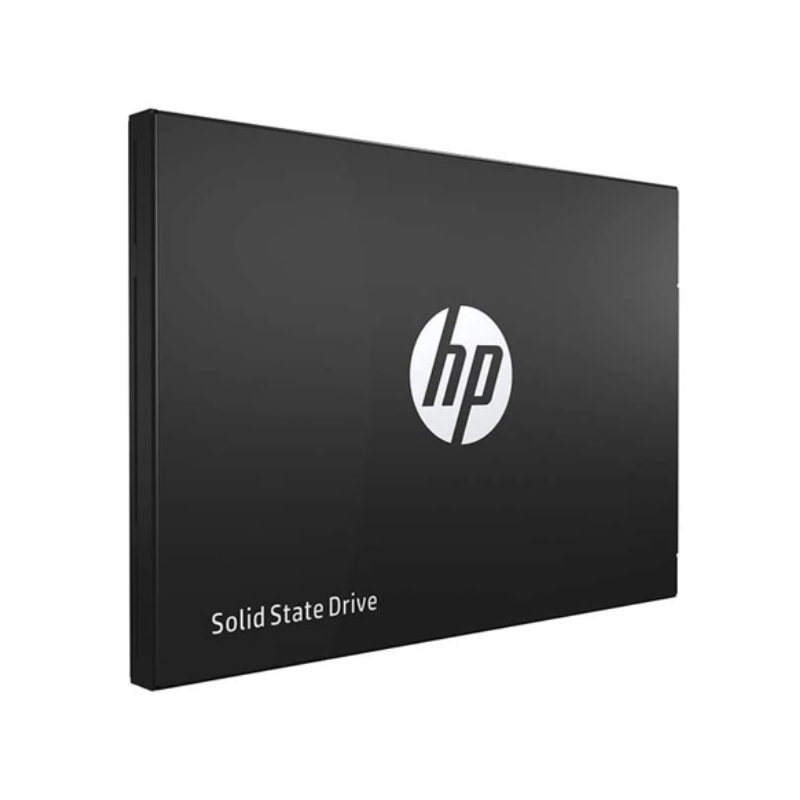


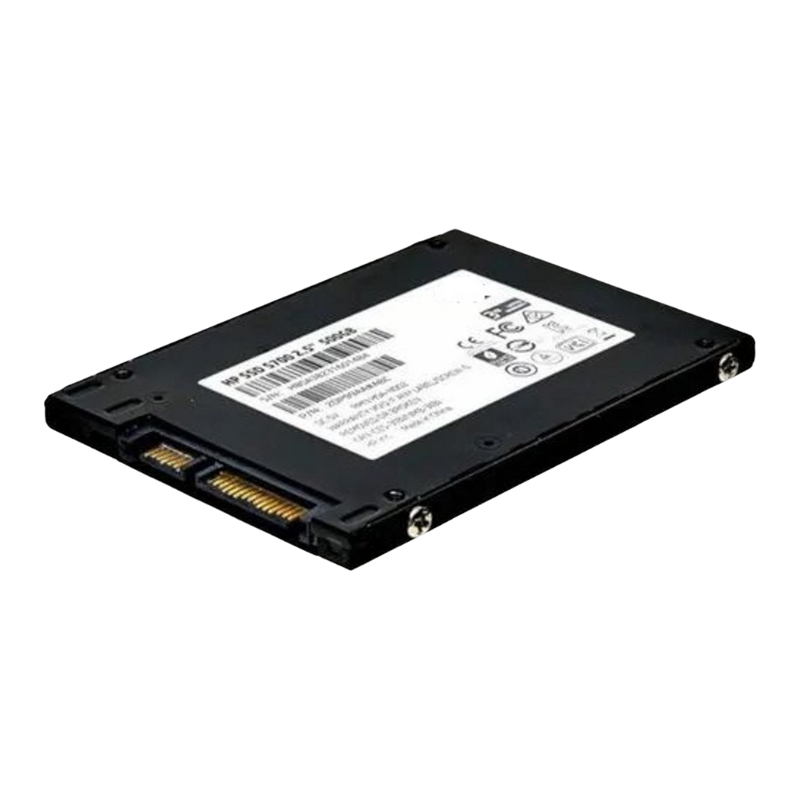
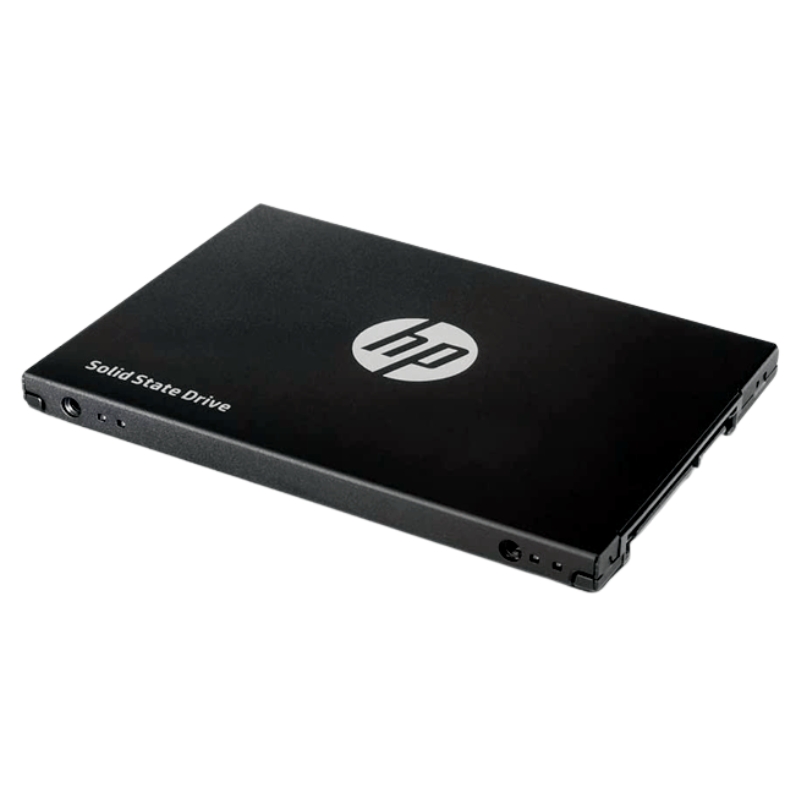
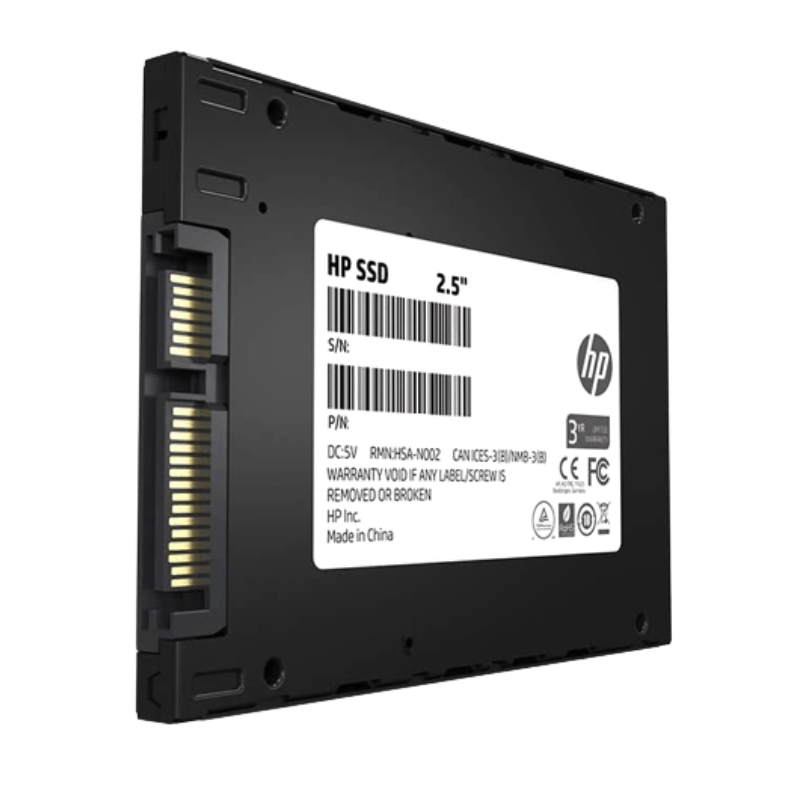
HPE 728310-001 480-GB 6G 2.5 VE NHP SATA SSD. Excellent Refurbished with 1 year Replacement Warranty
The HPE 728310-001 480GB SATA NHP SSD is a dependable enterprise-grade solid-state drive, engineered for performance, efficiency, and long-term reliability. Designed specifically for HPE ProLiant systems, this SSD enhances server operations by offering consistent speed and stable data handling under intensive workloads.
This enterprise-class SSD is built to ensure improved responsiveness, increased throughput, and superior endurance. Compared to traditional spinning drives, it offers lower latency, higher efficiency, and reduced risk of mechanical failures.
Leveraging SATA 6Gb/s technology, the HPE 728310-001 SSD ensures smooth data transfers, accelerating application responsiveness and reducing system bottlenecks. This results in enhanced productivity for workloads that demand both speed and dependability.
As part of HPE’s certified storage line, this 2.5-inch SATA SSD integrates seamlessly into ProLiant servers. It ensures stability, compatibility, and adherence to enterprise-level standards for reliability and uptime.
With no moving parts, the HPE 728310-001 SSD delivers resilience against mechanical wear and vibrations, making it a dependable storage option for mission-critical workloads. It is tested under rigorous enterprise standards to ensure long-term stability.
The drive adopts a standard 2.5-inch drive form factor and communicates over the industry-standard SATA III 6.0 Gb/s (6G) interface, making it compatible with a wide range of HPE servers, storage controllers and legacy SATA backplanes. The NHP (Non-Hot Plug) designation indicates this model is intended for non-hot-swap bays; it’s ideal when drives are intended to remain in place or installed during maintenance windows.
At 480 GB, this SSD sits in the mid-density tier for enterprise SATA SSDs — large enough for caching, operating system volumes, or high-priority application datasets while still enabling cost-efficient rack density. When planning storage tiers, consider combining these 480-GB units in arrays or RAID configurations to achieve the capacity and redundancy required by your workloads.
HPE branded SSDs are validated against server/array firmware and often include enterprise-class features like built-in error correction and power-loss protection designed to preserve data integrity during unexpected power events. For specific endurance metrics (TBW), warranty coverage and MTBF figures, consult HPE product documentation or your channel partner — endurance will vary based on workload, write amplification and firmware revisions.
Because the 728310-001 is an HPE part number, it is validated to work with HPE ProLiant servers, HPE storage enclosures and associated SATA backplanes. Using HPE-branded drives helps ensure:
When deploying this drive in RAID configurations, verify controller firmware support and optimal stripe sizes for your workload. SATA SSDs generally behave differently from HDDs in rebuild scenarios — rebuild times are shorter due to higher sustained random I/O, but controller buffering and rebuild algorithms still affect overall raid health and impact performance during rebuilds.
At 480 GB, the drive is an excellent candidate for operating system volumes, hypervisor boot disks, or application partitions where fast boot times and consistent IOPS matter. Placing OS volumes on SSDs reduces startup times and improves VM density per host.
Use these drives as a read tier or cache layer in hybrid storage architectures. Their low latency and high random read performance can dramatically speed up database query response times, web content delivery, and virtualization host responsiveness.
For edge deployments or distributed branch offices where space and power are constrained, a 2.5" SATA SSD offers reliability and simplicity. The NHP variant is suitable for centralized maintenance models where drives are not expected to be frequently swapped by local staff.
HPE drives are typically managed via tools such as HPE Smart Storage Administrator (SSA) and HPE iLO, which can display S.M.A.R.T. attributes, firmware versions and predictive failure alerts. Regularly check for firmware updates from HPE — firmware updates can contain important fixes for compatibility, performance and endurance behavior.
2.5" SATA SSDs produce less heat than 3.5" HDDs at equivalent workload levels, but in high-density racks temperatures can still rise. Ensure adequate airflow in drive bays and validate drive firmware thermal thresholds. Operating drives within the recommended ambient temperature range preserves longevity.
Enterprise SATA SSDs typically have low idle power draw and modest peak power consumption compared to rotating media. This makes them attractive for energy-sensitive deployments and helps to reduce overall data center power and cooling costs when replacing HDD tiers.
NVMe SSDs (PCIe) offer much higher throughput and lower latency than SATA SSDs. The HPE 728310-001 is best chosen when compatibility with existing SATA backplanes is required or when budget constraints favor SATA. NVMe is preferable for ultra-low latency and maximum throughput tiers.
Use concise, keyword-rich meta titles and descriptions that mirror user intent. Example meta title structure: HPE 728310-001 480GB SATA SSD — 2.5" 6G NHP | HPE Certified. Example description: Buy HPE 728310-001 480-GB 2.5" SATA III 6Gb/s NHP SSD — enterprise reliability, ideal for ProLiant servers, validated firmware, and improved IOPS for OS and cache tiers.
Inspect part numbers and serial labels. Cross-reference the warranty entitlement with HPE support services. Authorized distributors will also provide documentation and proof of authenticity.
When migrating from HDDs to SATA SSDs for OS or caching tiers, follow a validated plan: image or backup data, update controllers to supporting firmware, and test application behavior in a staging environment. SSDs can reduce downtime and improve performance but require planning for endurance and alignment settings.
To scale beyond single-drive capacity, combine 480-GB drives into arrays, or tier them with higher capacity HDDs. Consider using software-defined storage or caching layers to present aggregated capacity while benefiting from SSD acceleration.


 Contact Us
 Information
 Catalog
 Solid State Drives (SSD)
 Network Switches
 Hard Disk Drives
 HBA & Controllers
 PC & Servers
 PC & Server Memory
 CPU & Processors
 Network Routers
 Power Supplies
 Tape Drives & Libraries
 Network Devices
 Computer & Network Cables