(7% discount is applied at checkout)
Cart is empty
Your go-to destination for cutting-edge server products
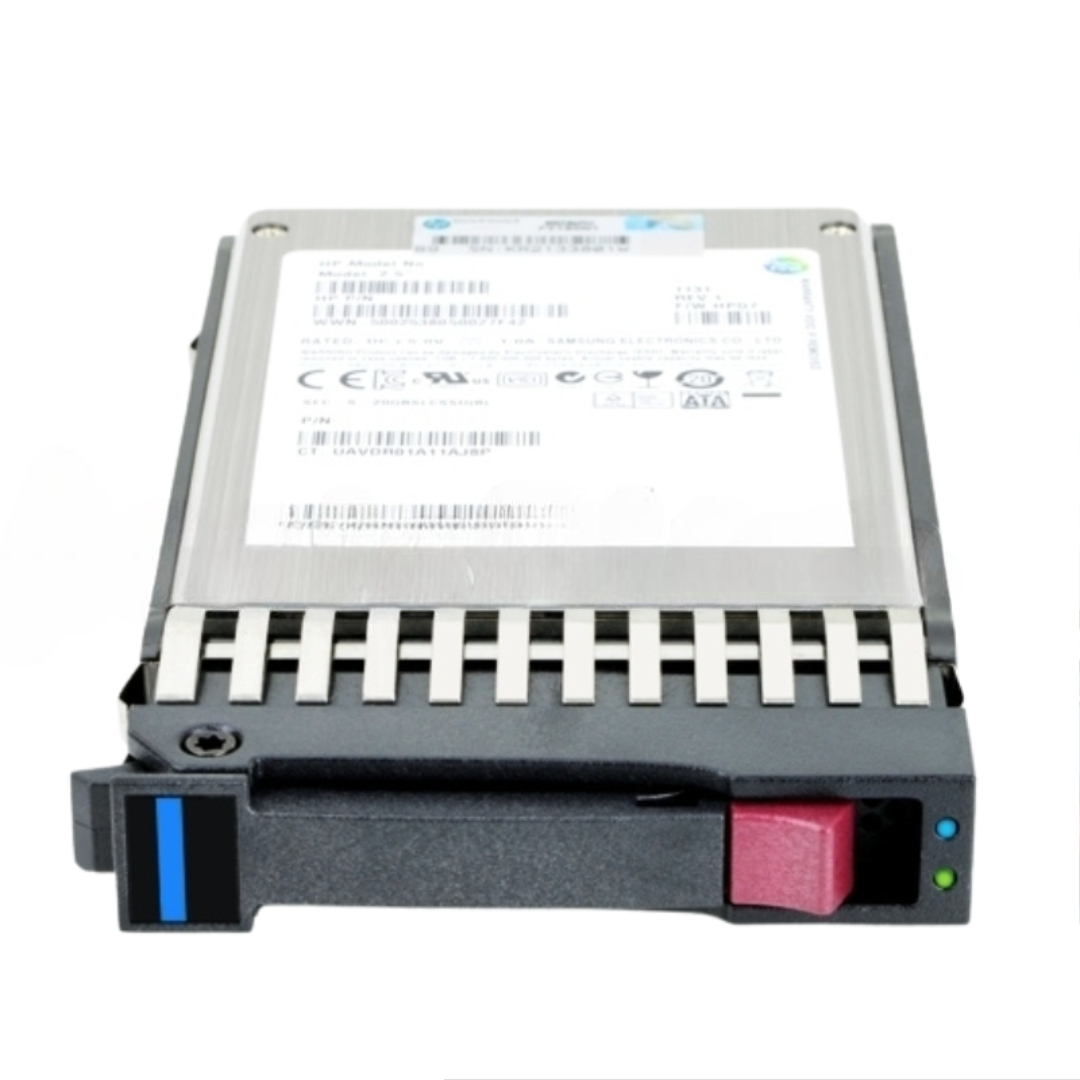


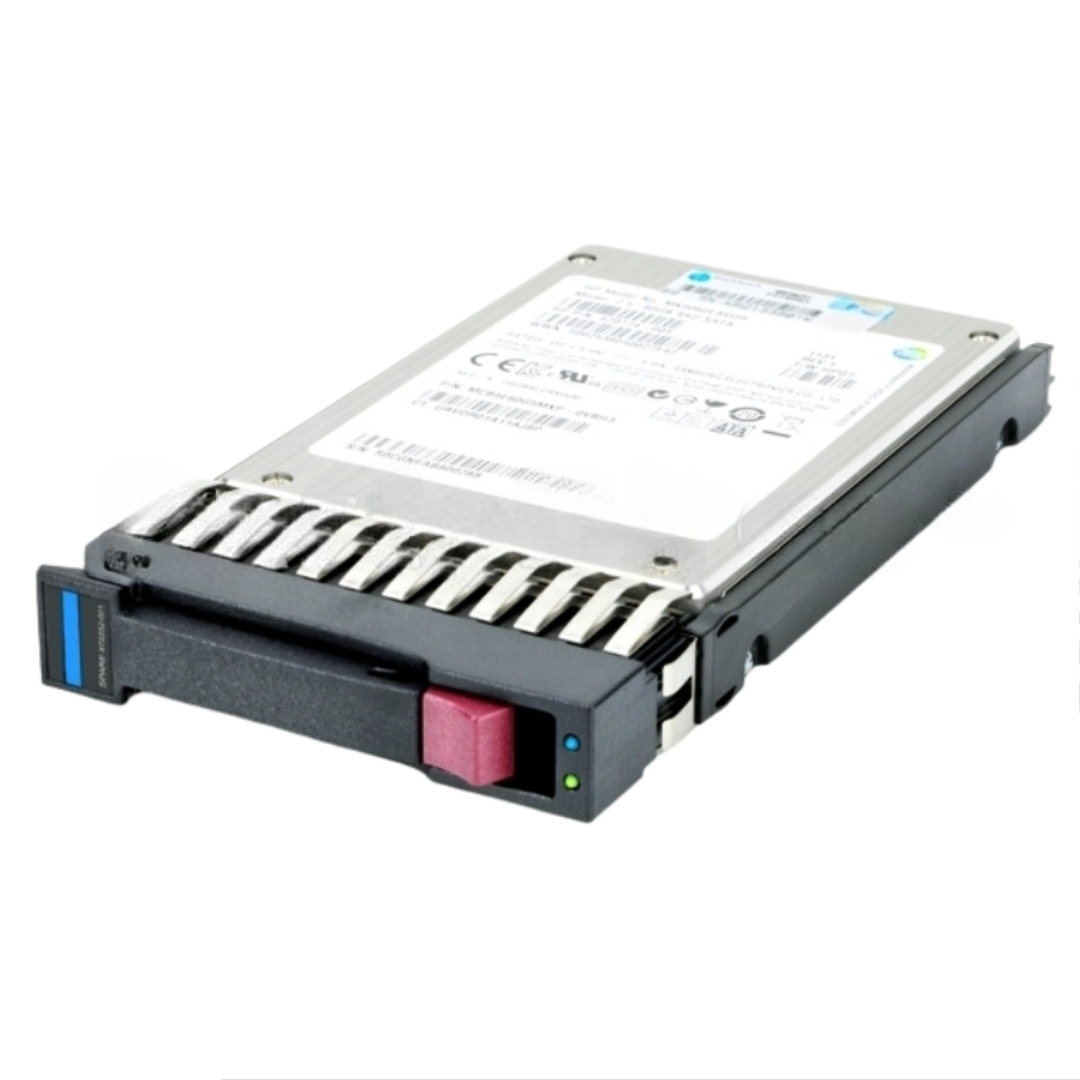
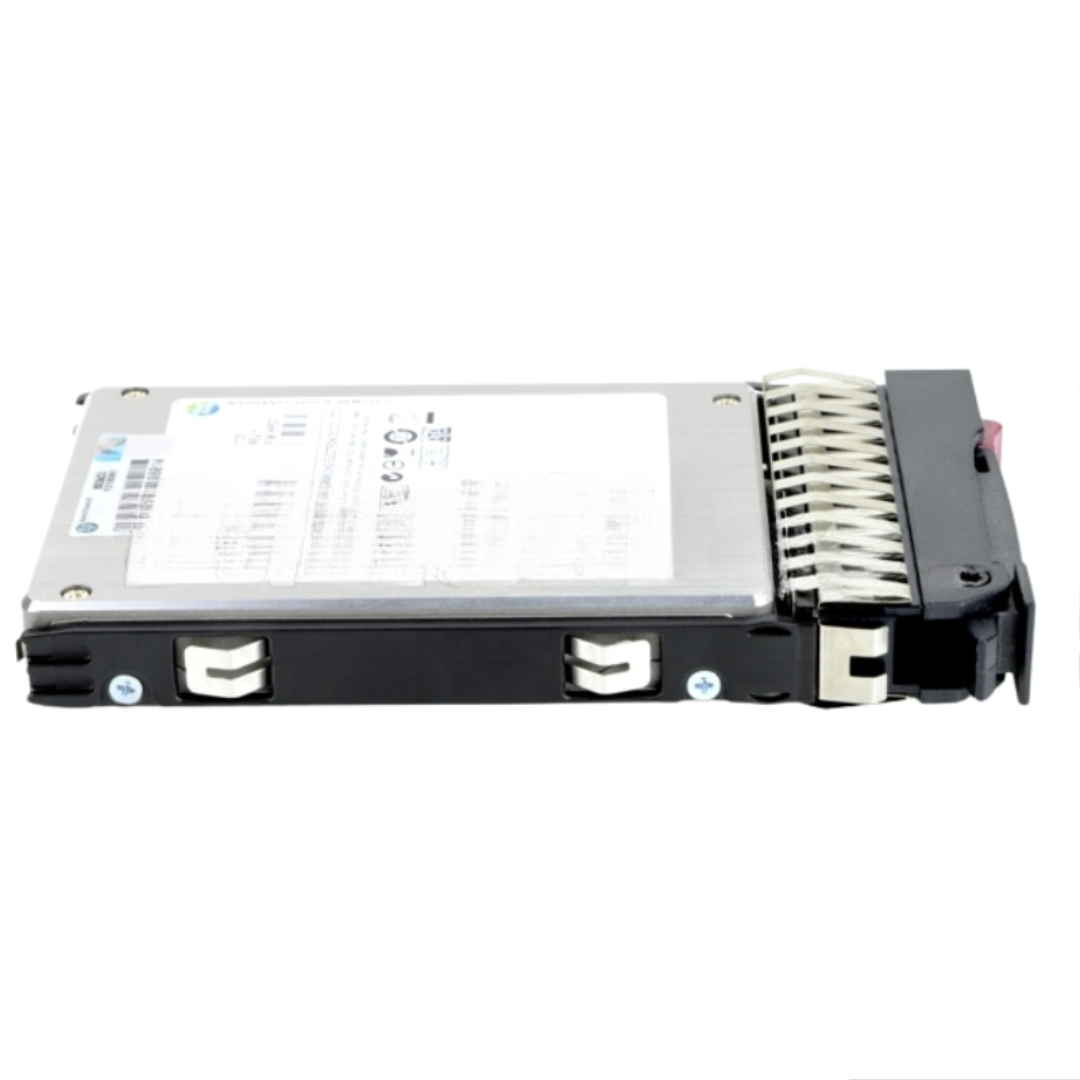
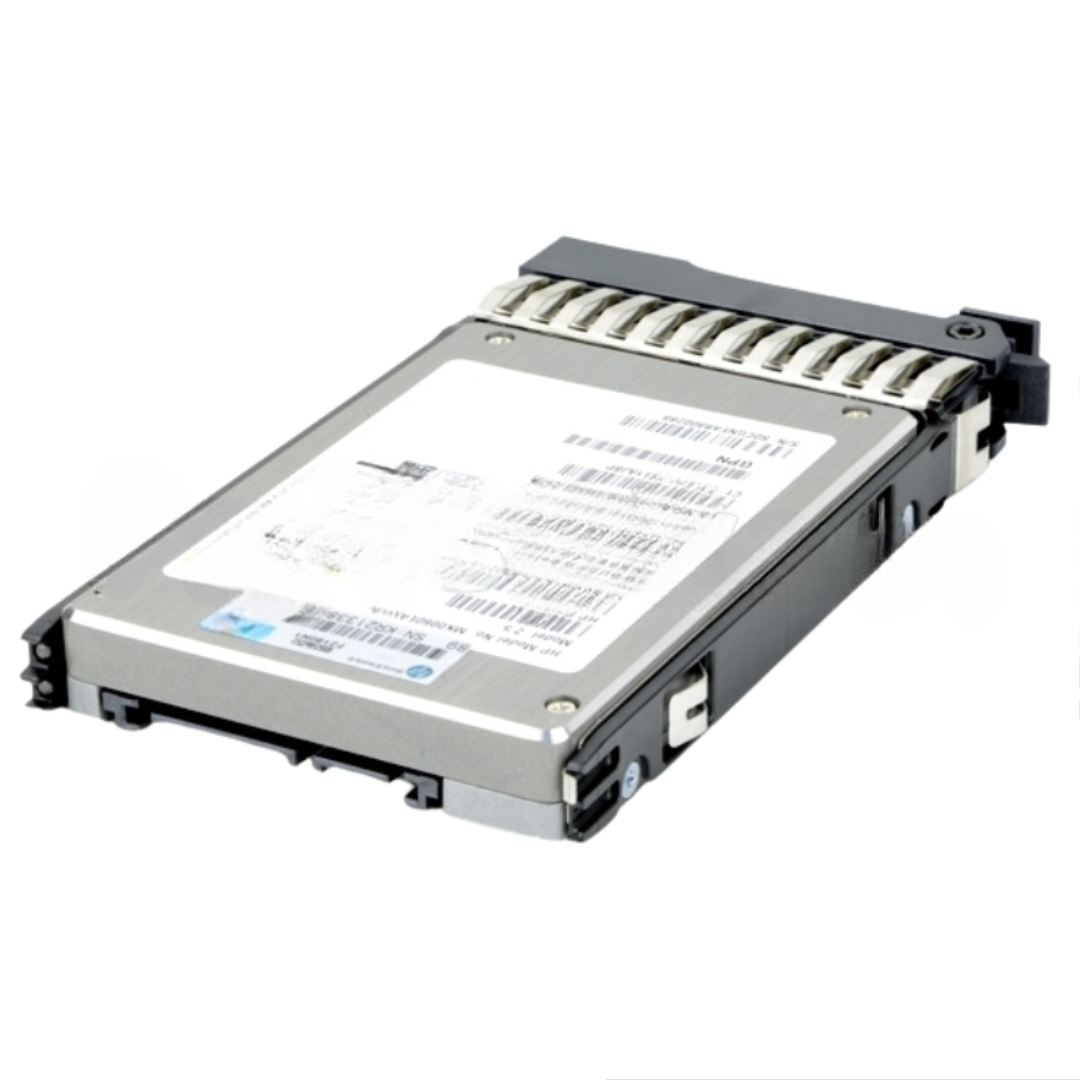
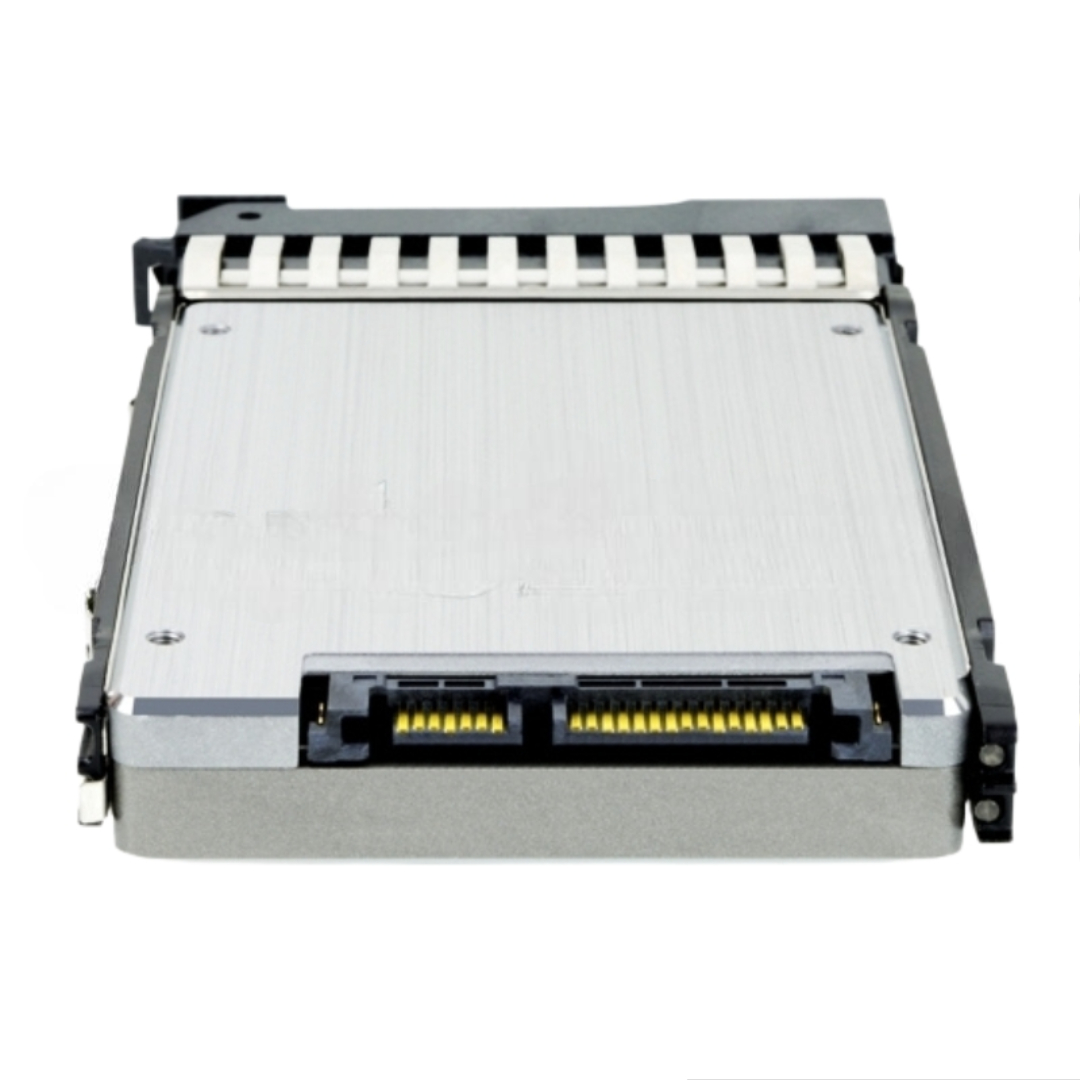
HPE 728767-001 480GB SATA 6G SFF MLC SSD. Excellent Refurbished with 1 year Replacement Warranty
The HPE 728767-001 is a purpose-built SATA SSD engineered for read-intensive enterprise workloads. Designed to integrate seamlessly with ProLiant servers, this internal 480GB drive combines dependable flash media with industry-grade interfaces and hot-swap capability — making it an excellent option for caching layers, boot volumes, and read-heavy databases.
Generel Information:
Key technical highlights
To extract the best results from the 728767-001, pair the drive with an appropriate HPE controller and enable AHCI/NCQ where applicable. For read-heavy deployments, consider:
Although classified as read-intensive, this SATA SSD still benefits from enterprise-grade error management and wear-leveling. For environments with heavy sustained writes, evaluate endurance metrics relative to workload patterns and consider write-optimized SSDs. Always implement monitoring so you can track SMART metrics and plan replacements before failures occur.
Use this specification-focused SSD to raise read throughput, reduce latency in read-centric workloads, and simplify upgrades inside HPE ProLiant environments. When matched with suitable controllers and RAID policies, the HPE 728767-001 provides a balanced, cost-effective flash tier for enterprise applications.
Although raw read/write numbers vary by firmware and testing environment, SATA 6G MLC SSDs in this class commonly achieve:
Enterprise MLC SSDs are specified with drive writes per day (DWPD) or terabytes written (TBW) endurance figures. The 480GB HPE 728767-001 targets mixed-use server roles and therefore offers endurance suitable for operating system volumes, virtual machine images, and read-mostly application data. Because it is an enterprise-class product, it includes power-loss protection features at the firmware level, error-correcting code (ECC), and wear-leveling algorithms designed to maximize useful life in continuous operation environments.
MLC NAND is paired with an enterprise-grade controller and firmware optimized for consistent performance. The controller handles garbage collection, wear-leveling, ECC, and bad-block management. Keep firmware updated to ensure the best performance, compatibility, and security; HPE periodically publishes firmware updates for validated server models.
Use the 480GB HPE 728767-001 as a boot/OS drive for single-purpose servers or as OS volumes inside hypervisor hosts. The fast random read performance reduces boot times and accelerates system-level I/O operations.
For environments running small to moderate numbers of virtual machines, these SATA MLC SSDs provide acceptable IOPS and latency for VM images, especially when combined with caching layers or when the host workload is read-dominant. For heavy write-intensive VM workloads, consider higher-endurance SSD classes.
Use as a caching tier for read-heavy databases or as primary storage for smaller database instances where the workload profile matches the endurance and random I/O profile of the SSD.
Deploy these SSDs in HPE storage arrays or software-defined storage nodes as a performance tier. When used in arrays, pay attention to RAID parity implications — RAID write amplification can affect endurance.
HPE-part-numbered drives such as 728767-001 are typically validated for specific HPE ProLiant server models and storage enclosures. Validation ensures drive firmware, hot-swap behavior, LED indicators, and backplane interactions work as expected. When purchasing, match the drive to the supported server list or consult HPE support matrices for exact compatibility notes.
Install the drive into HPE-approved caddies and insert into the server bay following ESD precautions. Ensure the drive is seated fully and that drive bay interlocks and status LEDs behave normally after insertion.
Modern OS kernels and hypervisors support SSDs natively. Enable TRIM/discard where supported by the controller and filesystem for sustained performance, but confirm controller compatibility because some hardware RAID implementations do not pass TRIM commands through.
Regularly monitor SMART metrics for wear-leveling status, available spare blocks, and uncorrectable CRC counts. Proactive replacement before SMART thresholds are crossed can prevent downtime.
Apply HPE-validated firmware updates through HPE management tools (iLO, Service Pack for ProLiant (SPP)) or HPE update bundles. Firmware improvements can yield stability fixes, performance enhancements, and compatibility corrections for specific server models.
SSD temperature affects both longevity and consistent performance. Ensure adequate airflow in 1U/2U rack environments, and avoid placing SSDs in high-heat zones. Measure drive temperature using sensor outputs exposed by management utilities.
When deploying HPE 728767-001 drives in RAID arrays, choose the RAID level that matches your risk tolerance and performance needs:
MLC drives occupy the middle of the endurance and cost spectrum. Compared to SLC, MLC offers higher density and lower cost per GB but reduced program/erase cycle endurance. Compared to TLC (triple-level), MLC generally provides better write endurance and may be preferable for enterprise read/mixed workloads.
SATA 6G is widespread and cost-effective but limited by the SATA bus ceiling (6 Gbps). SAS drives offer additional enterprise features and typically higher robustness; NVMe (PCIe) SSDs deliver substantially higher IOPS and lower latency for the most demanding workloads. Choose SATA MLC SSDs like the HPE 728767-001 where budget, compatibility, and moderate performance needs align.
HPE enterprise SSDs comply with common regulatory requirements for electronics in server deployments. Check product datasheets for RoHS compliance, part-level environmental operating ranges, and disposal/recycling instructions for end-of-life drives.
Some HPE drives include hardware-based encryption capabilities or support secure erase commands. If hardware encryption is not present, use OS-based or array-level encryption for data protection. When decommissioning drives, follow NIST SP 800-88 guidelines for media sanitization — use secure erase utilities or physical destruction if required by policy.
Before ordering, check the target server QuickSpecs and HPE compatibility lists to ensure the HPE 728767-001 part number is recommended for your ProLiant model or storage array. Coordinate firmware and controller updates with your maintenance windows. For storage architects, run a pilot in a non-production environment to observe performance patterns and to validate RAID rebuild times and thermal behavior under realistic workloads.


 Contact Us
 Information
 Catalog
 Solid State Drives (SSD)
 Network Switches
 Hard Disk Drives
 HBA & Controllers
 PC & Servers
 PC & Server Memory
 CPU & Processors
 Network Routers
 Power Supplies
 Tape Drives & Libraries
 Network Devices
 Computer & Network Cables