(7% discount is applied at checkout)
Cart is empty
Your go-to destination for cutting-edge server products
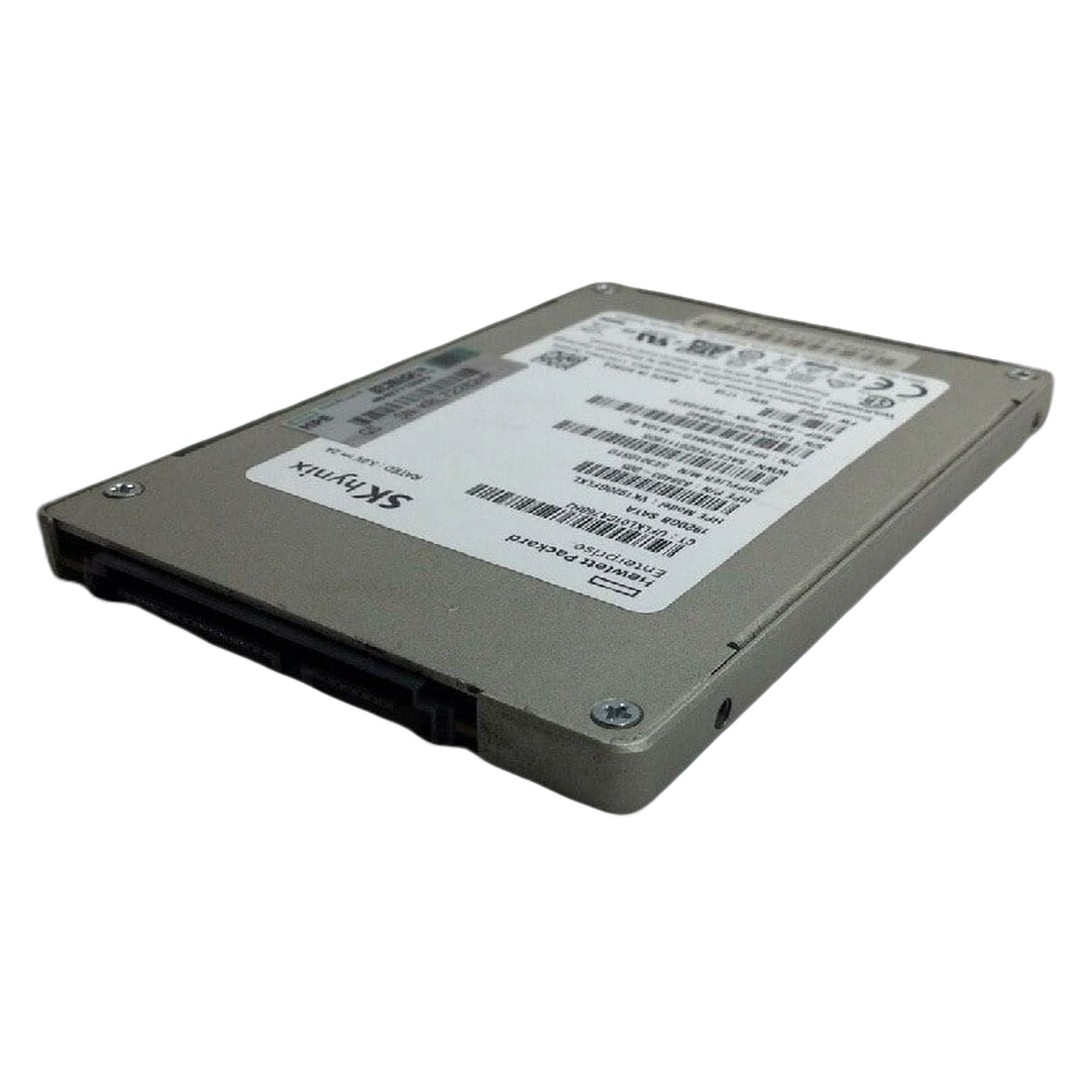


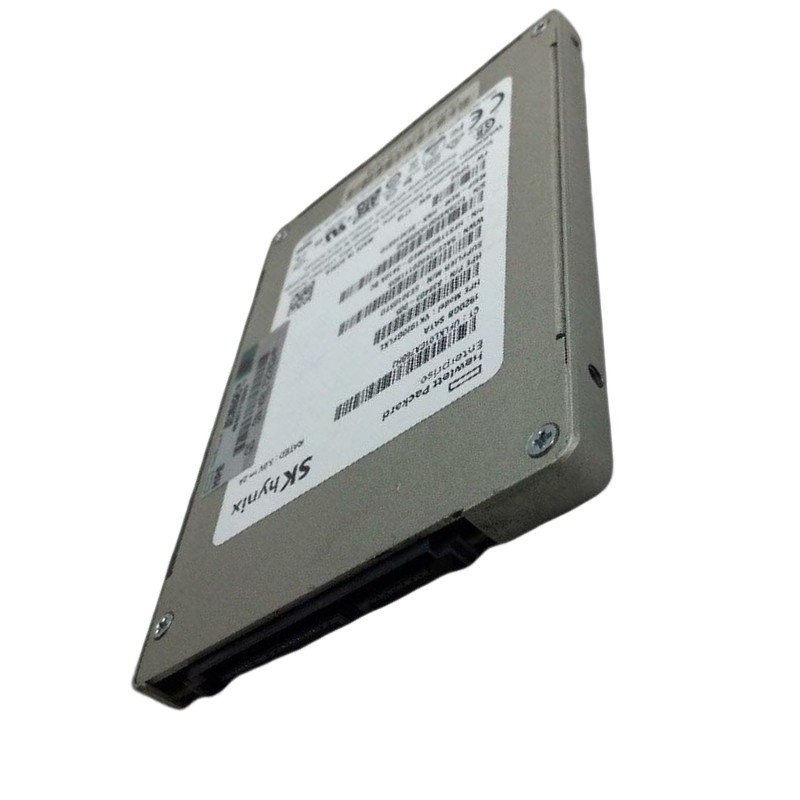
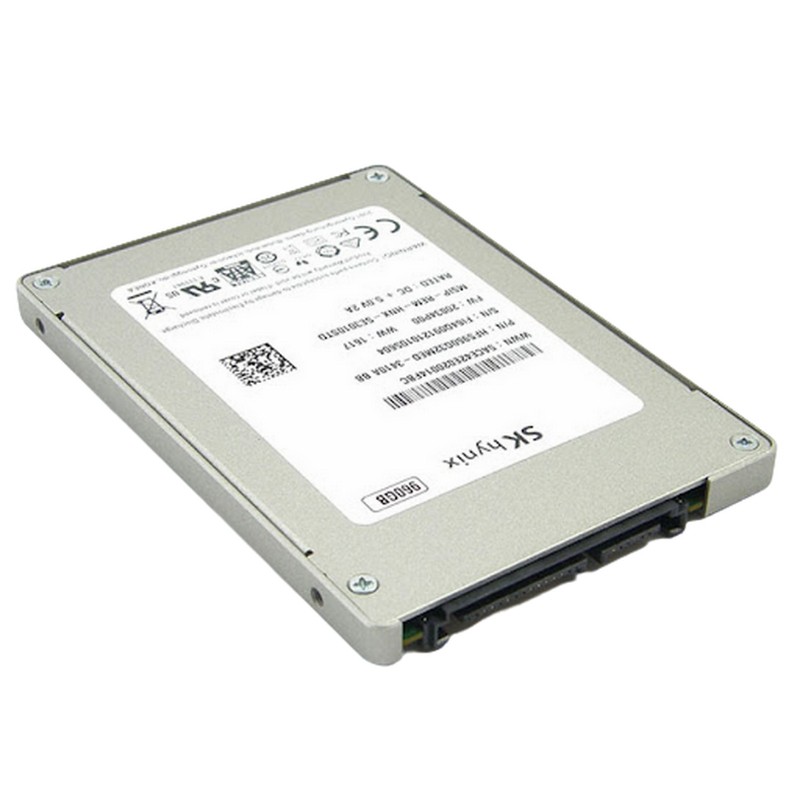
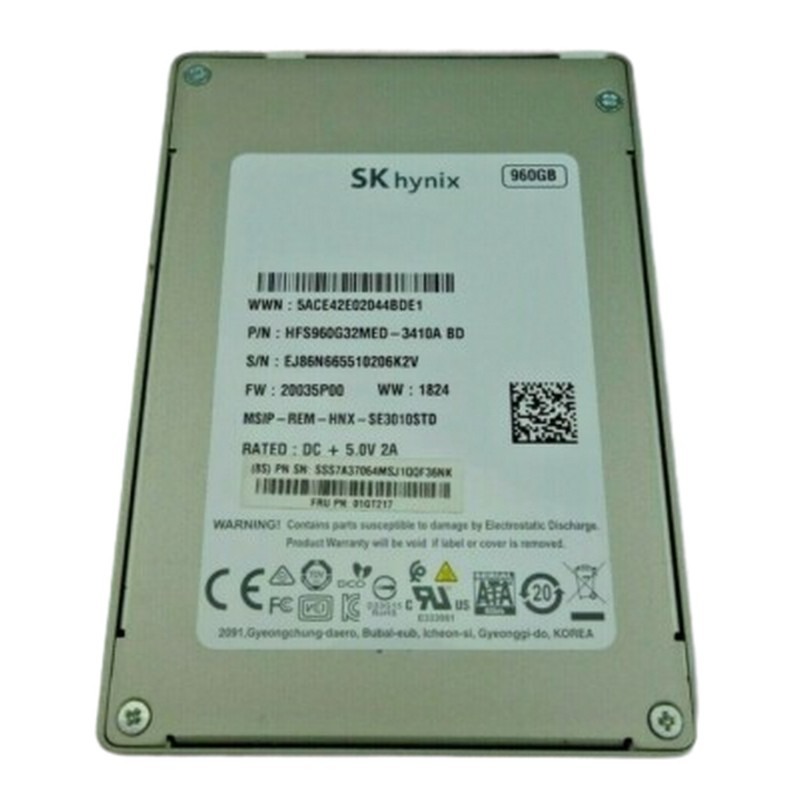
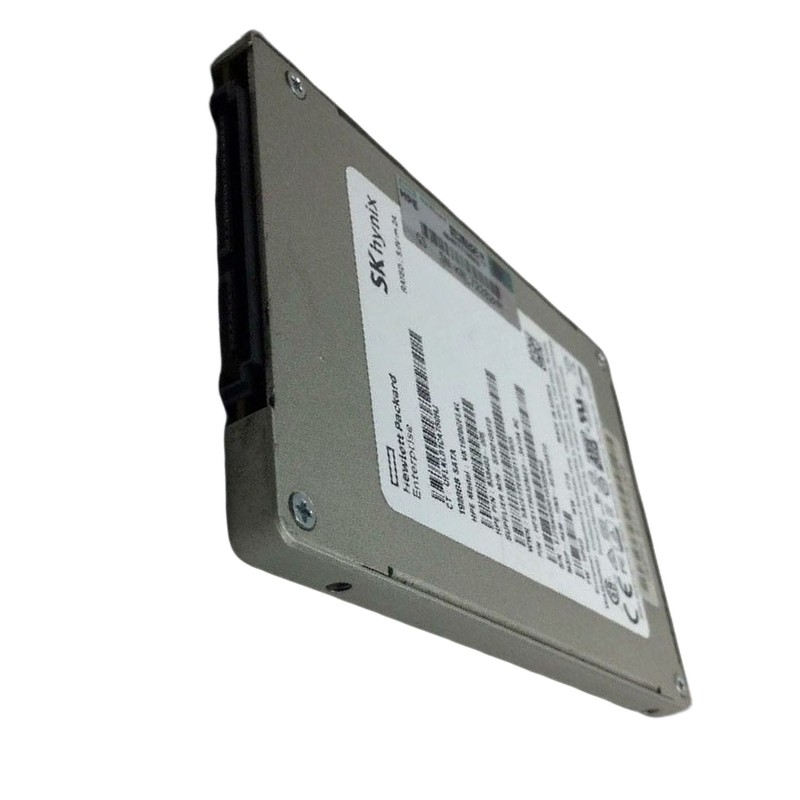
Hynix HFS960GEJ8X167N 960GB PCI-E Gen4 X4 NVME M.2 2280 Read Intensive 1dwpd TLC Enterprise Solid State Drive. Excellent Refurbished with 1 year replacement warranty. Dell Version
The SK Hynix HFS960GEJ8X167N is a high-performance solid-state drive tailored for environments that demand fast data access and consistent reliability. Refurbished to Dell OEM standards, this PCIe Gen4 x4 SSD offers a sleek M.2 2280 form factor and is built for read-intensive operations with optimized endurance.
The INTEL P4326 15.36TB NVMe RULER (SSDPEXNV153T8D) represents a category of capacity-optimized enterprise NVMe SSDs designed to deliver maximum terabytes per slot while preserving NVMe-class latency, multi-queue parallelism, and enterprise manageability. These ruler-style modules (EDSFF / E1.L or equivalent vendor sleds) give hyperscalers, cloud operators and storage OEMs a way to compress petabytes into fewer rack units, reduce controller and cable counts, and accelerate large-object reads and large sequential restores compared with HDD nearline tiers. The P4326 family emphasizes steady-state throughput, predictable tail latencies for reads, and watts-per-TB efficiency—tradeoffs that fit “warm” or nearline tiers rather than heavy write-intensive OLTP workloads.
Data growth has shifted the balance in many architectures: raw $/TB matters, but so does access time, restore speed and operational complexity. Ruler NVMe devices sit between small, high-IOPS NVMe drives and the dense but slow HDD tiers. They are purpose-built for layers where reads dominate or where occasional restores must be fast—object payload stores, backup/restore repositories, data-lake bodies and archival pools with occasional random access. By increasing capacity per device, operators reduce the number of failure domains, spare counts, and management operations required to operate the same usable capacity. That practical consolidation reduces labor, cabling and backplane complexity while delivering NVMe speed for reads.
Although commonly called “ruler,” implementations vary: EDSFF (E1.L) and vendor-specific PCB sleds are common. The elongated PCB distributes NAND packages across a long surface area to increase capacity and improve heat dissipation but requires careful chassis design to ensure consistent airflow across the entire module length. Sled latch mechanics, connector depth and backplane lane mapping should be validated against server vendor compatibility lists before wide procurement. Also, confirm the sled supports blind-mate connectors and serviceable release mechanisms suited to your SLAs.
Standardize tool-less sleds, asset tagging and QR codes to speed replacements. Maintain hot-spare pools sized to your erasure-coding and rebuild strategies so single failures do not create long degraded windows. Document hot-swap and secure-erase procedures and include firmware rollback images in your CMDB. These simple practices materially reduce MTTR and human error at scale.
To achieve 15.36TB in a single module, manufacturers typically select high-density TLC or QLC NAND and controllers tuned for steady sequential throughput and long-term predictability rather than peak small-block IOPS. Firmware optimizations include advanced wear-leveling, SLC-cache management, background garbage collection scheduled to reduce latency impact, and power-loss protection for metadata integrity. The result is a drive optimized for read-dominant or moderate-write workloads—with endurance figures calibrated accordingly. Always confirm TBW/DWPD for your SKU and model the expected write volume including rebuild and erasure-coding amplification.
Most capacity SSDs use an SLC cache to accelerate burst writes. Short synthetic tests that fit entirely in SLC cache over-estimate sustained write performance. Run steady-state workloads that saturate the cache and observe p50/p95/p99/p99.9 latency percentiles and sustained write throughput to get realistic operational figures. Use representative trace replay of production I/O where possible.
In object stores, the P4326 category works as the payload layer: small objects and metadata stay on faster mixed-use NVMe, large object bodies on capacity rulers. Erasure coding ratios (e.g., 8+2, 6+3) determine usable capacity and rebuild behavior; wider stripe widths improve efficiency yet increase the rebuild's impact on network and surviving nodes. Capacity NVMe shortens object GET latency and improves user experience compared with HDD cold tiers.
Backup appliances and snapshot repositories gain from quick sequential restores when the capacity layer is NVMe: time-to-first-byte and overall restore time drop dramatically compared with HDD arrays. When deduplication and compression are used upstream, the effective stored data per TB further improves the value proposition.
Scan-heavy frameworks (Spark, Presto/Trino, distributed columnar stores) benefit from the high sequential throughput of ruler drives. For interactive analytics, pair capacity nodes with a small latency-optimized NVMe layer to keep tail latency low while still scanning petabyte datasets quickly.
Tune NVMe submission and completion queue depths and bind IO threads to local NUMA nodes. Higher queue depths increase throughput but can inflate tail latency—measure CPU cycles per IO and percentile latencies to find the operational sweet spot for your workload.
Choose filesystems proven at scale (XFS, tuned ext4). For applications that control their own caching, consider O_DIRECT to eliminate double buffering. Align erasure stripe sizes to common IO sizes to reduce read amplification during rebuilds.
For compliance, order SED (self-encrypting drives) variants and integrate with a central KMS (KMIP/cloud KMS). Maintain documented secure-erase procedures and RMA policies to ensure drives returned to vendors are not recoverable.
Ingest SMART (percent used, spare blocks), temperature, uncorrectable errors, and vendor-specific health counters into your monitoring stack. Trend these signals to schedule replacements proactively—avoid running devices to warranty limits in production to reduce emergency on-site replacements.
Judge ruler NVMe against HDD and many small SSDs using an “all-in” TCO model: chassis/backplane cost, cabling, power/cooling, spare inventory and operational labor. At scale, ruler NVMe often wins on operational simplicity and faster recovery even if raw $/TB appears higher. Negotiate RMA and firmware support in vendor contracts for large buys.
Schedule refreshes based on endurance headroom, warranty and improvements in future generations—roll replacement in phases to avoid correlated risk. Track EOL and successor SKUs to plan long procurement cycles.
The SK Hynix HFS960GEJ8X167N occupies the compact Gen4 M.2 2280 category of enterprise NVMe SSDs tuned for read-intensive and general purpose server roles. With ~960GB capacity, PCIe Gen4 x4 interface and enterprise firmware, these modules provide a strong balance of bandwidth, low latency, and small footprint—making them ideal for OS/boot disks, local caches, metadata/index stores, VDI image replicas, and edge/CDN nodes where front bay access is limited or unnecessary. The Gen4 interface offers significant bandwidth headroom over Gen3, improving parallel read performance for high-concurrency workloads while maintaining power efficiency in compact designs.
Enterprise M.2 Gen4 modules are chosen where board-level slots are available (motherboard or riser), where hot-swap serviceability is not required, and where maximizing front bay capacity is important. Typical adopters include appliance vendors, hyperconverged systems, VDI hosts, edge servers, and any deployment that benefits from compact, high-bandwidth local storage for boot or caching duties. The ~1TB point is large enough for OS, logs, caches and moderate local artifacts while remaining cost-effective and simple to service during scheduled maintenance.
M.2 modules rely heavily on heatsinks or directed airflow because they do not have the chassis mass of 2.5-inch drives. In 1U or dense servers, ensure the M.2 slot is in a shrouded flow path or that the vendor provides a heatsink with thermal pads. Also confirm lane bifurcation rules if multiple M.2 slots exist on the board—some motherboards reduce link width when several slots are populated. After installation, validate negotiated link width/speed with system tools.
Gen4 x4 expands per-lane bandwidth versus Gen3, enabling higher sequential throughput and improved parallel small-block read behavior at realistic queue depths. Read-intensive firmware settings bias the drive toward consistent read QoS and optimized over-provisioning for reads; sustained write performance is governed by SLC cache size and native TLC speed after cache exhaustion. For persistent heavy writes, choose a mixed-use or write-intensive model. Representative reseller and OEM listings show these SKUs often rated around 1 DWPD for RI variants—verify datasheet values for operational planning.
As with any TLC enterprise device, an SLC cache speeds writes for short bursts. Long sustained writes should be tested in steady-state to determine true sustained throughput and thermal effects. Use trace replays for realistic modeling, and observe p99/p99.9 tail latencies that matter for user-facing services.
Use mirrored M.2 modules for boot and control plane services to speed reboots and patch cycles while freeing front bays for higher capacity SSDs. Mirrored boot volumes allow one-leg replacement and shorter maintenance windows without hot-swap hardware.
Deploy M.2 modules as local caches for web assets, package registries and hot object sets in edge PoPs. Gen4 bandwidth helps keep network and compute pipelines fed under high request concurrency. For remote sites, stock a small spare pool and provide simple documented swap steps.
Search indices and metadata stores require consistent, low latencies for small reads. M.2 Gen4 modules give the low tail latencies and concurrency necessary while keeping footprint and power low.
M.2 modules are cheap and easy to stock, so keep 1–2 spares per remote site and a larger pool at central hubs. Always maintain firmware baseline images and swap labels to avoid mismatches. Practice one-leg replacement rehearsals for mirrored boot configurations.
If regulatory requirements demand, procure SED-capable SKUs and integrate key lifecycle management into your decommission and RMA processes. Use crypto-erase or secure-erase procedures documented and auditable for compliance.


 Contact Us
 Information
 Catalog
 Solid State Drives (SSD)
 Network Switches
 Hard Disk Drives
 HBA & Controllers
 PC & Servers
 PC & Server Memory
 CPU & Processors
 Network Routers
 Power Supplies
 Tape Drives & Libraries
 Network Devices
 Computer & Network Cables