(7% discount is applied at checkout)
Cart is empty
Your go-to destination for cutting-edge server products
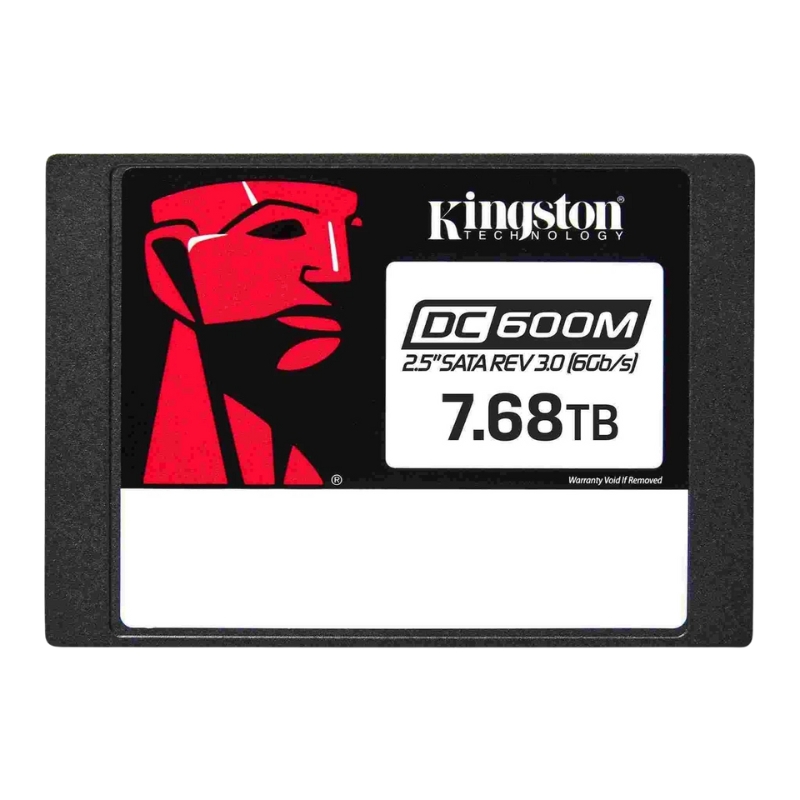


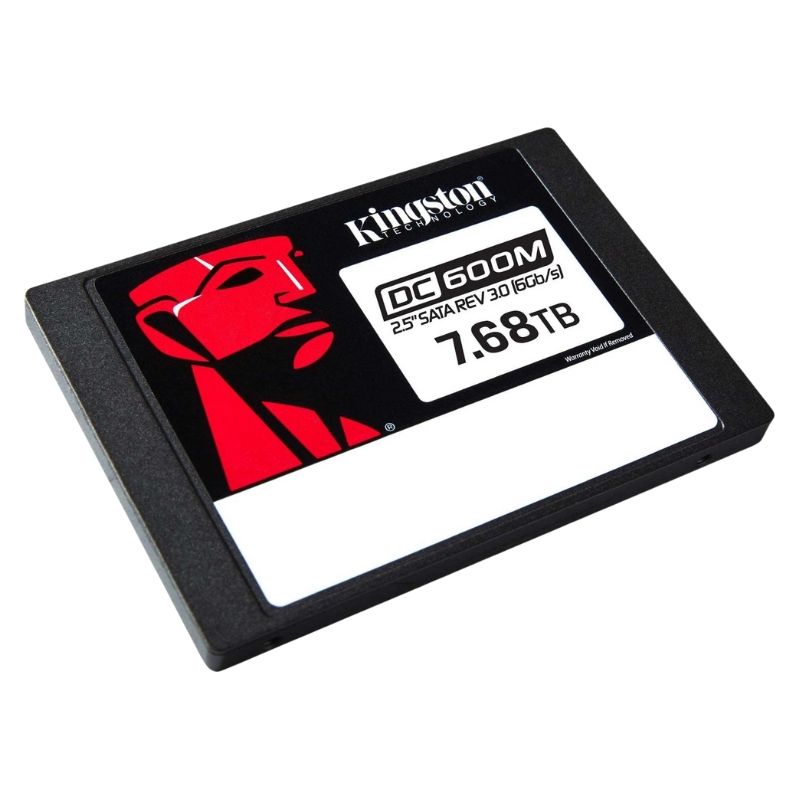
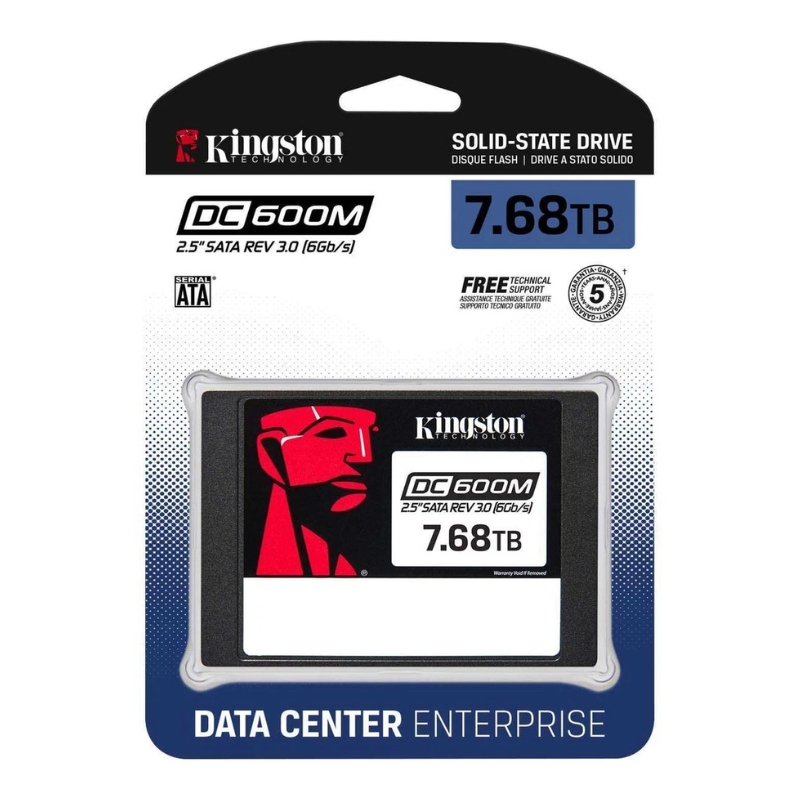
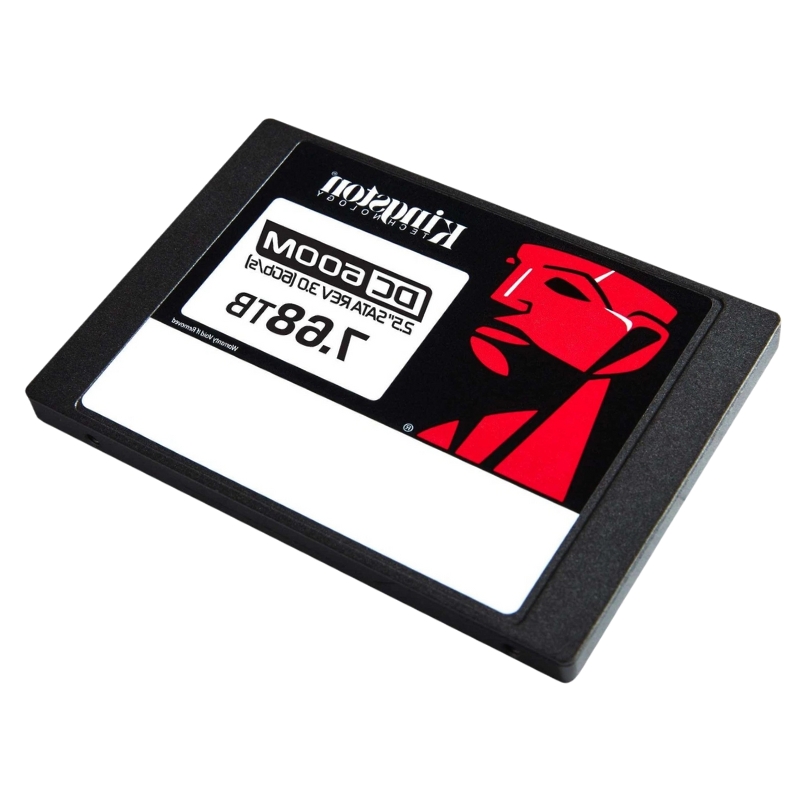
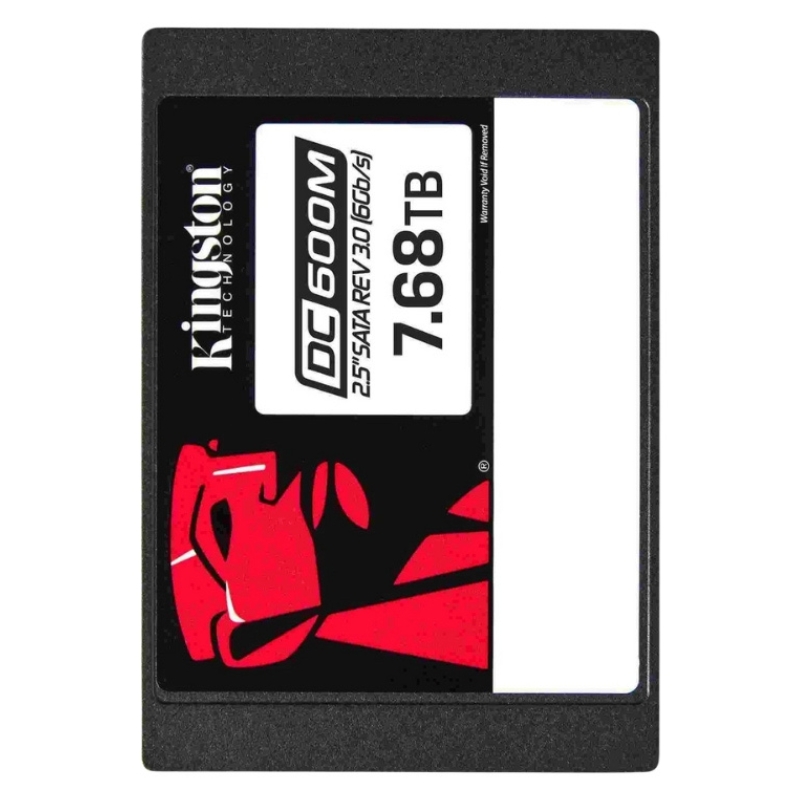
Kingston SEDC600ME/7680G 7.68TB SATA 6GBPS 2.5inch Dc600m Mixed Use SSD. Factory-Sealed New in Original Box (FSB) with 3 Years Warranty
Delving into the core architecture of this device reveals its robust construction.
The drive delivers exceptional speed and responsiveness, critical for enterprise environments.
The hardware is crafted for a compact and lightweight presence within a system chassis.
This category page should incorporate targeted long-tail keywords and structured data to improve search visibility. Useful keyword phrases include:
The Kingston SEDC600ME/7680G 7.68TB SATA 6Gbps 2.5" DC600M Mixed Use SSD belongs to a category of enterprise-grade, mixed-use solid-state drives designed for modern data centers, server deployments, storage arrays, and high-density compute environments. This category focuses on high-capacity 2.5-inch SATA drives that balance cost, endurance, and performance for mixed read/write workloads typical in virtualization, database transactions, web hosting, and content delivery. The DC600M family is engineered to provide consistent latency, reliability features appropriate for 24/7 enterprise operation, and form factors compatible with wide ranges of server platforms and storage enclosures.
Drives in this category are optimized for mixed use workloads — an even balance of random reads and random writes — that are common in:
When your infrastructure requires a high density of usable capacity (7.68TB per 2.5" bay) combined with enterprise management and predictable performance, this category becomes an economical choice relative to higher-priced NVMe tiers.
The 2.5-inch form factor with a SATA 6Gbps interface makes these SSDs universally compatible with legacy server backplanes, many RAID controllers, and a wide assortment of enterprise chassis. That compatibility allows data center operators to upgrade storage capacity and endurance without redesigning server architecture or switching to NVMe controllers.
SATA 6Gbps provides a mature, well-supported interface with robust error handling, power management states, and standardized command sets (e.g., NCQ, SMART). For many mid-tier workloads, SATA delivers excellent price-to-capacity economics and predictable throughput that simplifies storage tiering and capacity planning.
The Kingston DC600M mixed-use category is built to deliver balanced throughput and consistent IOPS across mixed random read/write patterns. While NVMe drives provide higher peak performance, SATA mixed-use SSDs offer predictable latency, and throughput sufficient for networked application servers, file storage, and virtualization hosts.
Enterprise customers value sustained, steady-state performance more than transient burst numbers. Drives in this category are tested and qualified to provide consistent read/write behavior under continuous mixed workloads, minimizing performance variability that can negatively impact multi-tenant or high-I/O database systems. Kingston’s DC600M series emphasizes low latency and endurance management to maintain throughput over long duty cycles.
In mixed-use environments, low tail latency is critical. Category drives employ firmware optimizations, internal over-provisioning, and background garbage collection strategies to keep percentile latency (e.g., 99th/99.9th percentile) within enterprise tolerances. This results in smoother user experiences in VDI, web applications, and database transactions where spikes can cascade into larger system slowdowns.
Endurance and data integrity are core features that separate commodity consumer SSDs from enterprise mixed-use drives. The DC600M family is positioned to provide a durability profile appropriate for regular write intensities while delivering enterprise reliability features.
Mixed-use SSDs are rated and optimized to handle higher total bytes written (TBW) over their service life compared to client drives. When planning capacity and RAID architecture, consider drive endurance as a function of daily write workload, redundancy factor, and required replacement frequency to meet your data center’s service-level objectives.
Mixed-use workloads often write in patterns that expose NAND wear unevenly. The category’s firmware aims to distribute wear evenly, maintain metadata integrity, and provide consistent performance until planned retirement — essential for enterprise maintenance windows and predictable TCO (total cost of ownership).
The 7.68TB capacity per drive is ideal for high-density deployments where cost per TB and usable rack density are critical. Below are common deployment architectures and best practices for this category.
Use the DC600M drives in hot-swap 2.5" bays for single-host expansion or small-scale clusters. The drives’ SATA compatibility makes them plug-and-play for many enterprise servers and hyperconverged nodes. Combine with RAID 6 or erasure coding solutions for data protection while keeping rebuild times reasonable due to SSD rebuild speed advantages over spinning disks.
For arrayed storage, these SSDs can be used as capacity tiers or caching layers in hybrid storage systems. Their predictable performance and high density reduce the number of trays required to meet capacity targets, simplifying power and cooling profiles in the rack.
In edge data centers and cloud regions where NVMe adoption may be constrained by cost or legacy hardware, high-capacity SATA SSDs provide an excellent balance of density and manageability. They integrate with containerized workloads, object stores, and distributed databases to store warm data and transient datasets efficiently.
Many enterprise SATA SSDs offer hardware-based encryption or TCG Opal support to protect stored data without host CPU overhead. When encryption is required by policy, ensure the platform and software stack support the drive’s encryption standard and key management procedure.
SMART reporting and vendor telemetry help administrators monitor drive health, endurance consumption, and performance trends. Integrate drive health monitoring into centralized logging and orchestration systems to automate maintenance tasks and reduce unplanned downtime.
Firmware updates can improve performance and security, but they must be applied with caution in enterprise environments. Validate firmware updates in staging environments and coordinate updates across nodes to avoid compatibility mismatches. Maintain an inventory of drive firmware revisions to manage lifecycle and supportability.
The 7.68TB capacity class simplifies capacity planning by providing large per-bay storage, lowering the number of drives required for a given usable capacity target. When planning TCO, include purchase price, expected lifespan, power, cooling, and maintenance labor.
Choosing high-capacity SATA SSDs often delivers better $/GB compared to smaller form factor options when NVMe is not essential. For many enterprise customers, the trade-off between peak performance and capacity density favors mixed-use SATA drives for warm storage tiers and mixed transactional workloads.
Design RAID levels based on workload criticality and rebuild time objectives. With SSDs, rebuild times are dramatically faster than HDDs, but rebuilds still impose I/O stress; choose RAID levels (e.g., RAID 6, erasure coding) and spare strategies that match your recovery time objectives without over-consuming spares unnecessarily.
Understanding where this category fits relative to other storage technologies helps architects make informed choices.
NVMe drives offer higher raw bandwidth and lower protocol overhead, which benefits latency-sensitive, high-IOPS workloads. However, SATA mixed-use SSDs in the DC600M class compete strongly on capacity density, platform compatibility, price per TB, and predictable mixed workload performance, making them the pragmatic choice for many capacity-heavy enterprise tiers.
Compared to mechanical drives, SSDs deliver lower latency, higher IOPS, and lower rack space per usable TB. While HDDs still achieve lower $/GB in some cold-storage scenarios, SSDs dramatically reduce service complexity, cooling and power consumption, and improve application responsiveness.
Organizations using these drives commonly report improved VM density per host, faster mail and collaboration system responsiveness, and reduced backup windows when SSDs are used as tiered caches or primary volumes for active datasets. The high capacity per drive also simplifies capacity consolidation projects by reducing the number of devices to manage.
Run industry standard benchmarks and workload simulations that model your application: mixed random 4K I/O, sequential transfers for backups, and large block writes for database logging. Use these measurements to tune RAID stripe size, filesystem settings, and caching policies.
After rollout, track SMART attributes, latency percentiles, and write amplification trends. Establish alerts for endurance thresholds, uncorrectable errors, and sudden latency deviations that could foreshadow device degradation.
Plan secure data erasure or physical destruction procedures according to regulatory requirements. For drives that support secure erase, integrate erasure into decommission workflows and verify erasure success before disposal or reuse.
After deployment, continuous optimization will maintain performance and lower TCO. Regularly review workload patterns and reallocate capacity between tiers. Use monitored metrics to adjust over-provisioning, and review lifecycle logs to schedule preemptive replacements.
Monitor vendor advisories for firmware enhancements, security patches, and endurance improvements. Schedule updates to minimize risk and align with organizational change control processes.
Create runbooks for common operational activities: drive replacement, secure erase and redeployment, thermal incident response, and firmware rollback. This reduces mean time to repair (MTTR) and prevents mistakes during maintenance events.
Integration issues are uncommon when using validated platforms, but when they arise, the usual culprits include outdated RAID controller firmware, mismatched AHCI/SATA mode settings in BIOS, and incompatible hot-swap backplanes. Troubleshoot with logs, SMART reports, and firmware compatibility matrices.
Before mass deployment, maintain a compatibility matrix that includes controller firmware, OS kernel versions, and platform vendor recommendations. This prevents subtle issues such as unexpected dropouts or degraded performance under specific I/O patterns.


 Contact Us
 Information
 Catalog
 Solid State Drives (SSD)
 Network Switches
 Hard Disk Drives
 HBA & Controllers
 PC & Servers
 PC & Server Memory
 CPU & Processors
 Network Routers
 Power Supplies
 Tape Drives & Libraries
 Network Devices
 Computer & Network Cables