(7% discount is applied at checkout)
Cart is empty
Your go-to destination for cutting-edge server products
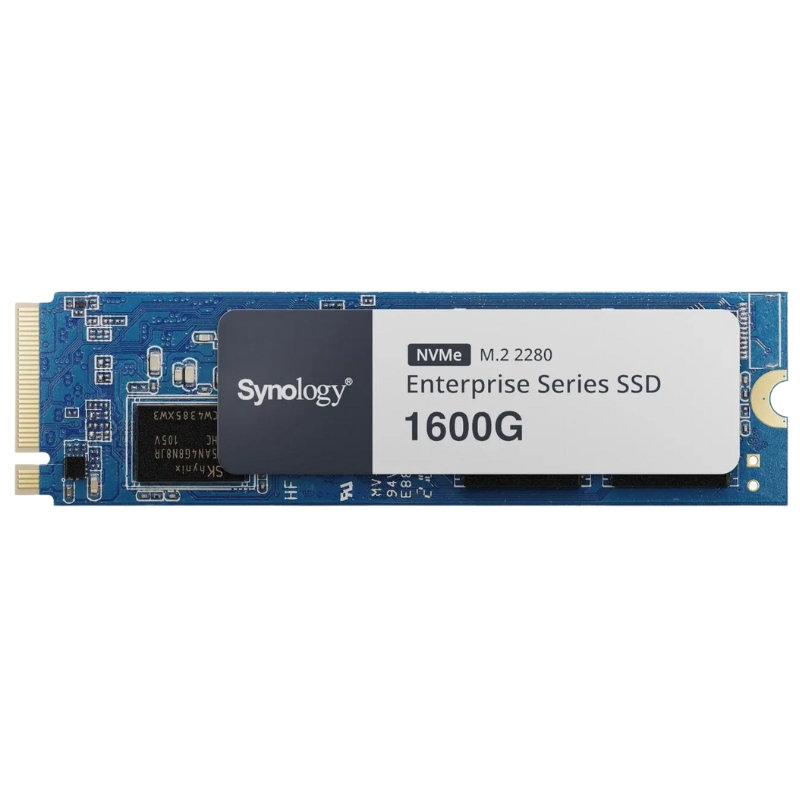


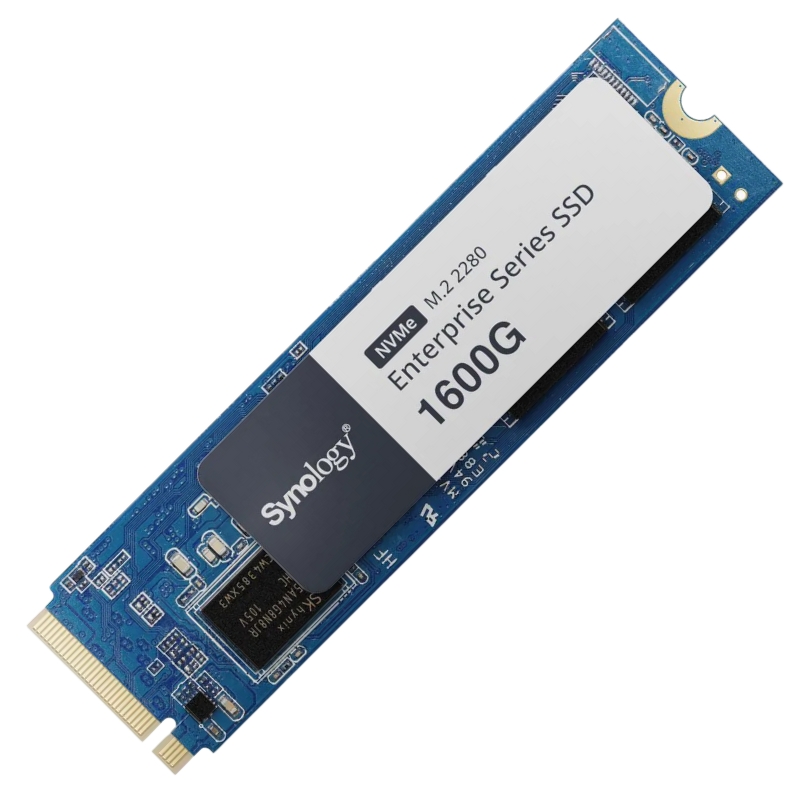
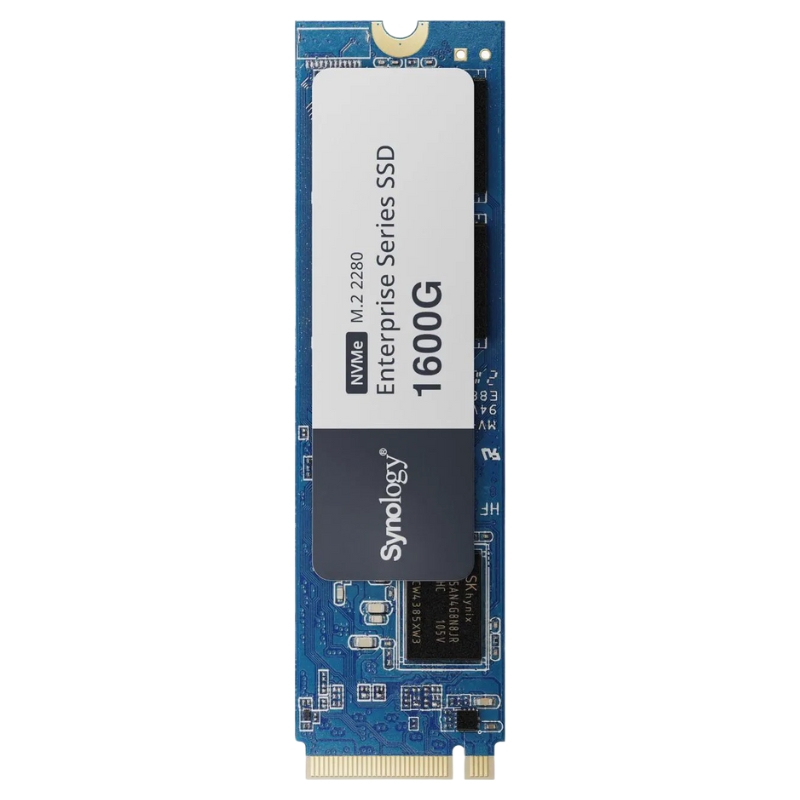
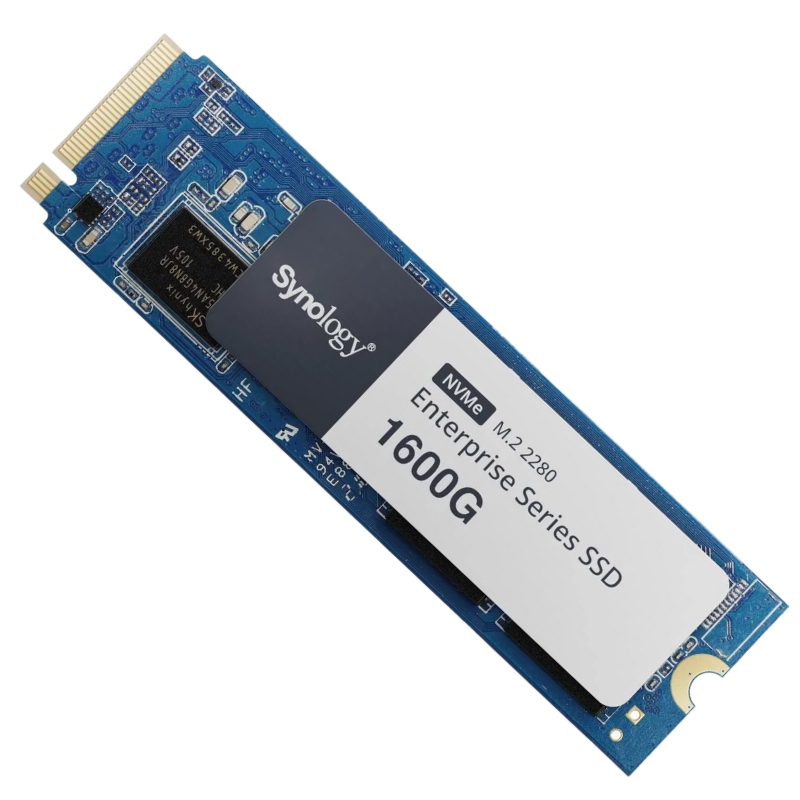
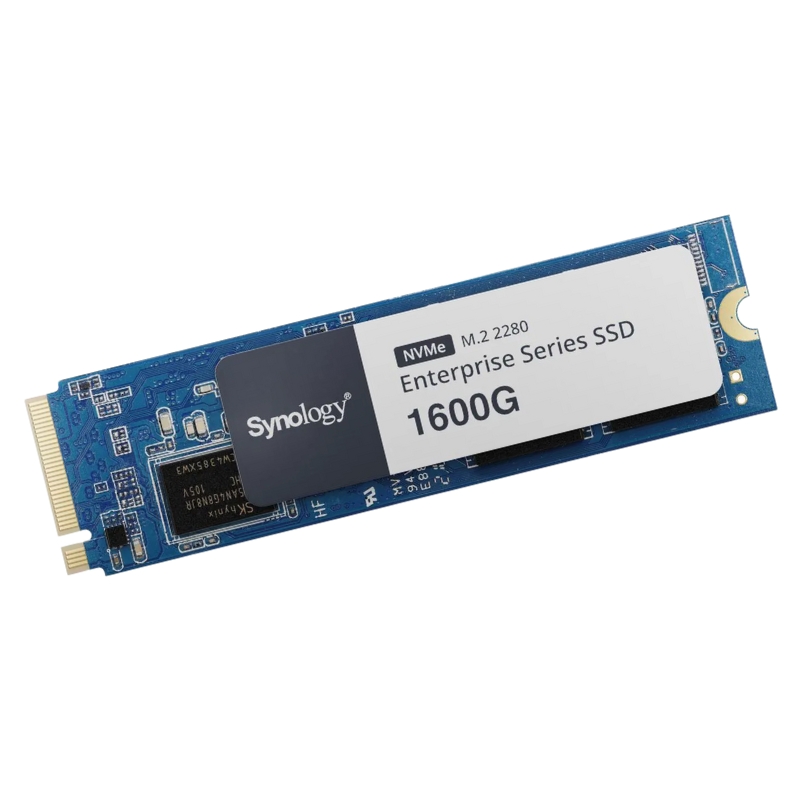
Synology SNV5420-1600G 1600GB M.2 2280 PCIe NVMe SSD. New Sealed in Box (NIB) with 3 years Warranty
Explore the high-performance specifications of the SYNOLOGY SNV5420-1600G, an internal solid-state drive engineered for demanding enterprise environments.
Synology SNV5420-1600G 1600GB M.2 2280 PCIe NVMe SSD — High-Performance NVMe Storage for NAS
The Synology SNV5420-1600G 1600GB M.2 2280 PCIe NVMe SSD is built to bring enterprise-level endurance, low latency, and consistent throughput to NAS arrays, virtualization hosts, and edge servers. Designed for Synology systems but compatible with a broad range of M.2 2280 PCIe NVMe-capable devices, this SSD offers a balance of capacity, performance, and reliability that makes it ideal for cache acceleration, hot data storage, and high IOPS applications. Below you'll find an in-depth continuous category description that explores technical specifications, real-world use cases, installation and compatibility considerations, performance tuning tips, endurance metrics, and purchasing guidance — all optimized for search engine visibility and structured for easy on-page scanning.
The SNV5420-1600G uses the M.2 2280 form factor and connects via PCIe NVMe, leveraging the NVMe protocol to reduce command overhead and maximize data throughput. M.2 2280 (22mm x 80mm) is now standard among modern NAS expansion slots and workstation motherboards. Using PCIe lanes and NVMe provides significantly lower latency and higher parallelism compared with SATA SSDs, enabling the SNV5420 to excel in read/write-intensive workloads and mixed I/O scenarios.
With 1600GB of usable capacity, the SNV5420 sits between typical consumer drives and high-capacity enterprise modules. This size is well-suited for cache-tier deployment on Synology NAS devices where hot blocks are staged to NVMe for fast access, or as storage for frequently accessed VM images, databases, and media editing scratch spaces. In clustered or virtualized environments, the 1.6TB capacity reduces the need for external cache pools while providing adequate space for persistent critical workloads.
The Synology SNV5420 series emphasizes steady-state performance and low-latency characteristics. Measured in sustained sequential read/write and random IOPS, these drives are tuned for enterprise-style workloads. Expect high sequential throughput in multi-threaded transfers and strong random IOPS performance for small-block database and virtualization operations. These metrics matter when sizing storage tiers: higher IOPS translates directly to snappier VM boot times, faster database query responses, and smoother multi-user access to shared NAS files.
Endurance is critical for drives used in caching or write-heavy environments. The SNV5420-1600G is specified with a high write endurance figure, commonly expressed as Total Bytes Written (TBW), and backed by Synology’s testing and QA processes. High TBW ratings mean the drive can handle intensive write cycles over the warranty period without early failure, which is essential for 24/7 NAS systems and mission-critical deployments.
Many enterprise-lean NVMe drives, including Synology’s SNV series, integrate firmware-level safeguards and power-loss protection mechanisms to preserve data integrity during unexpected shutdowns. These features buffer in-flight data and maintain metadata consistency, reducing the risk of corruption for write caches and journaled filesystems. When deploying the SNV5420 in a Synology NAS as a cache or primary store, these protections increase reliability under realistic operating conditions.
One common role for the SNV5420 is as an SSD cache tier. In Synology DSM, NVMe drives can be configured for read-only cache, read-write cache, or combined strategies. Read-only cache accelerates frequently read blocks without risking additional write amplification; read-write cache speeds both read and write operations but requires careful endurance planning because it increases total write workload. For environments with heavy random reads—media streaming libraries, web content, and frequently-used project files—read caching often yields the widest benefit with minimal TBW impact.
For advanced deployments, pair the SNV5420 with larger HDD volumes or SATA SSDs to create tiered storage. Frequently accessed data migrates to the NVMe tier while colder datasets remain on cost-efficient HDDs. This strategy provides an optimal balance between performance per dollar and long-term capacity planning. Define data placement policies around access frequency, file type (small file metadata vs large sequential media files), and application requirements to extract maximum value from the SNV5420’s performance characteristics.
The SNV5420 family is tailored for Synology hardware and should be recognized automatically by DiskStation Manager (DSM) when installed in supported models. DSM utilities provide disk health monitoring, S.M.A.R.T. reporting, and cache configuration wizards that streamline deployment. Always confirm the Synology compatibility list for your specific NAS model and DSM version before purchasing to ensure full functionality.
Although optimized for Synology, the SNV5420 uses standard NVMe protocols and M.2 physical form factors, enabling compatibility with other NAS vendors, workstation motherboards, and servers that accept M.2 NVMe devices. Test compatibility in testbeds when using the drive outside Synology platforms, as vendor-specific firmware or thermal considerations may alter behavior.
Choose filesystems that match your workload. In Synology environments, Btrfs offers snapshots and advanced data integrity features while EXT4 may provide slightly lower overhead. Allocation unit or block size selection impacts small-file performance significantly; for database-heavy workloads, aligning allocation size to expected I/O (e.g., 4K) yields better IOPS and reduces internal fragmentation.
Over-provisioning reserves a portion of the drive for controller-managed garbage collection and wear leveling, improving sustained write performance and increasing lifespan. If the SNV5420 is used intensively for write caching, consider leaving a small percentage of the drive unallocated or using vendor tools to adjust over-provisioning settings if supported.
Leverage DSM’s health monitoring plus S.M.A.R.T. attributes to detect early signs of wear or failure. Key metrics to monitor include media wearout indicator, percentage used, error rates, and reallocation counts. Set alert thresholds and schedule periodic health scans; early detection of anomalies reduces the risk of data loss and helps plan proactive replacements before warranty expiration or TBW limits are reached.
When securing sensitive data, use full-disk encryption supported by DSM or the host OS. If repurposing or decommissioning drives, perform vendor-recommended secure erase or cryptographic erase procedures to ensure data is unrecoverable. Note that secure erase procedures can be destructive and should be used only after data is backed up or when drive decommissioning is intended.
Use SSD caching in combination with RAID arrays carefully. While NVMe read caches introduce minimal risk, read-write caches require coherency safeguards and synchronization policies. Ensure backup and snapshot strategies remain intact and consider journaling or write barriers when implementing write caches to protect against sudden power loss or node failures.
Compared to mainstream consumer NVMe SSDs, the SNV5420-1600G places extra emphasis on endurance, firmware stability, and predictable sustained performance rather than peak benchmark numbers. Consumer drives often spike higher in short sequential transfers but lack the long-term durability and power-loss protection features that enterprise-lean drives provide. Choose the SNV5420 when longevity, consistent latency, and data integrity matter more than burst-centric peak throughput.
U.2 and Add-in Card (AIC) NVMe solutions can offer larger capacities and advanced cooling but require different chassis and connectors. The M.2 2280 SNV5420 excels in compact NAS platforms and systems with integrated M.2 slots, delivering enterprise-grade characteristics in a small form factor. For rack-scale deployments seeking hot-swappable bays and massive parallelism, U.2 or AIC drives may be more appropriate, but for dense NAS and edge servers, M.2 is often the better fit.
Consider TCO beyond initial purchase price: include drive endurance (TBW), warranty length, expected replacement cycles, and the value of decreased downtime and faster application performance. The SNV5420-1600G’s higher endurance typically reduces replacement frequency and associated labor costs, which often justifies a premium purchase price in enterprise and SMB environments.
Use the exact product phrase Synology SNV5420-1600G 1600GB M.2 2280 PCIe NVMe SSD strategically in headings and the main description. Complement the primary keyword with semantically related terms (LSI) like "NVMe cache SSD," "M.2 2280 NAS drive," "SSD endurance TBW," "Synology SSD cache," and "low-latency NVMe for virtualization" to improve topical relevance and capture diverse search queries.


 Contact Us
 Information
 Catalog
 Solid State Drives (SSD)
 Network Switches
 Hard Disk Drives
 HBA & Controllers
 PC & Servers
 PC & Server Memory
 CPU & Processors
 Network Routers
 Power Supplies
 Tape Drives & Libraries
 Network Devices
 Computer & Network Cables