(7% discount is applied at checkout)
Cart is empty
Your go-to destination for cutting-edge server products
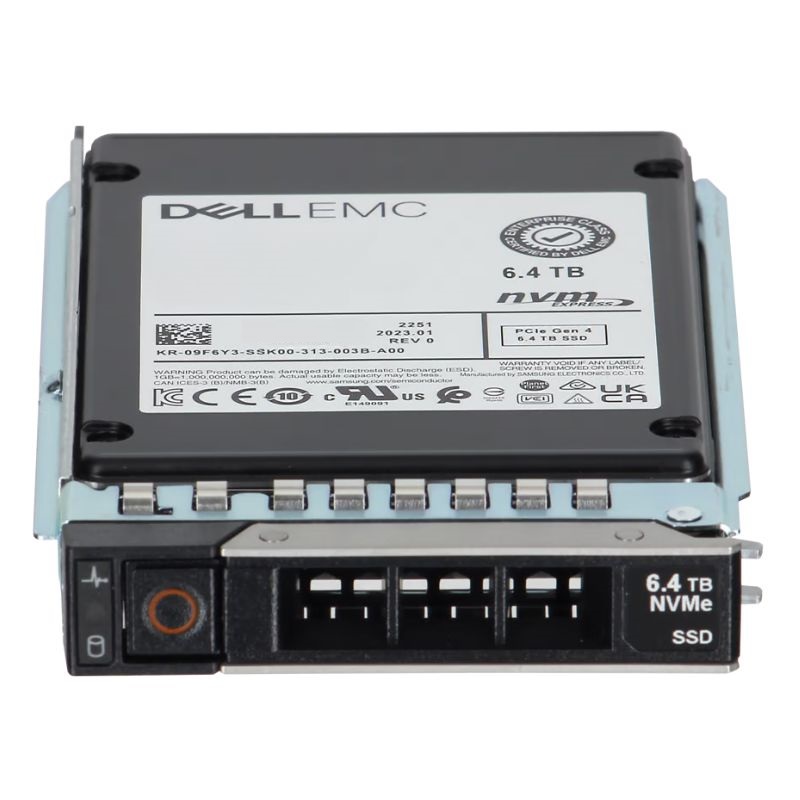


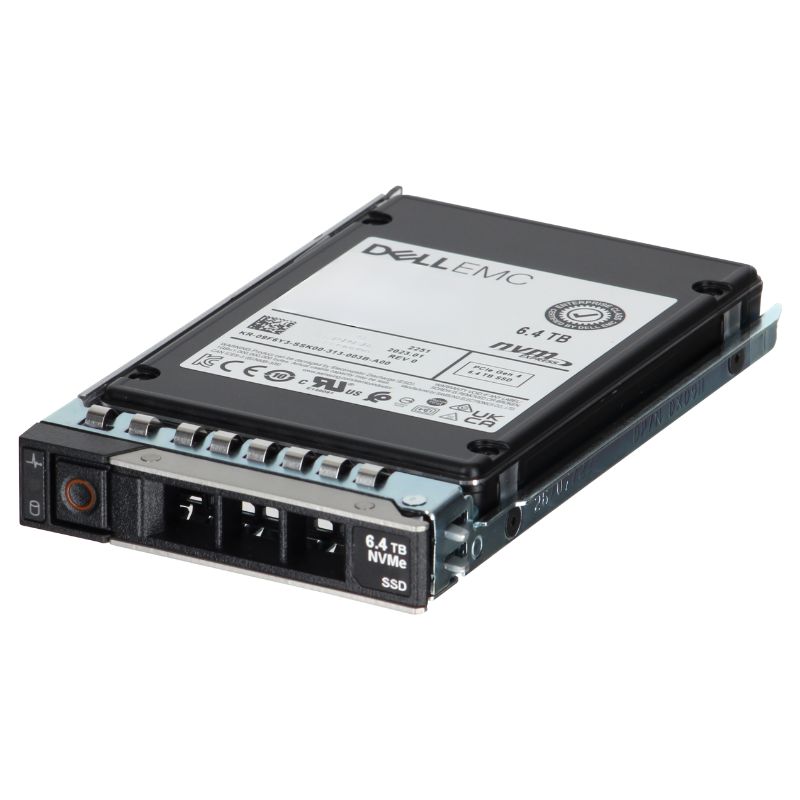
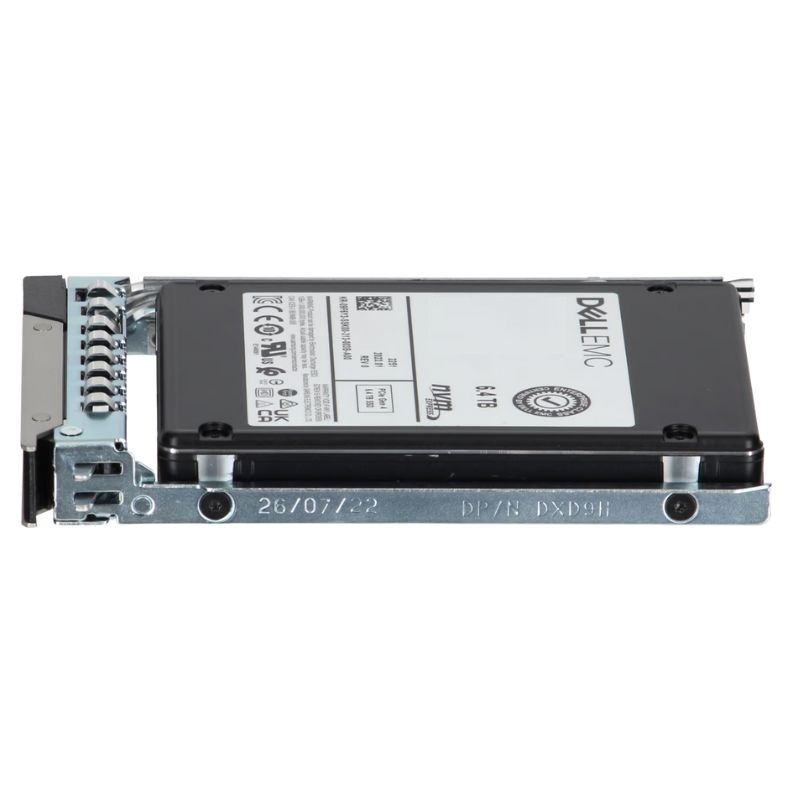
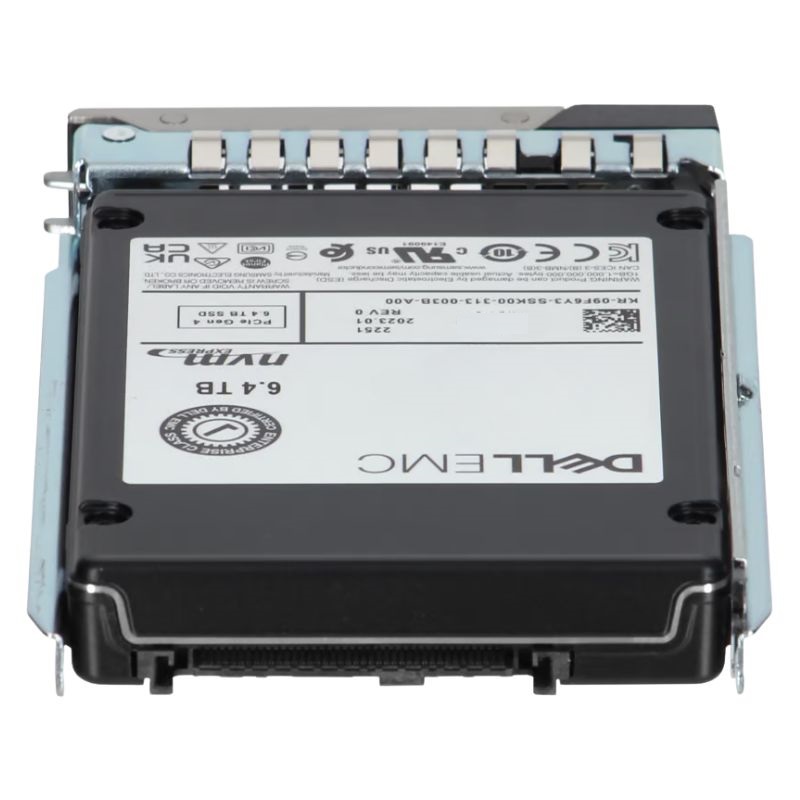
Dell GP2CP 6.4 TB NVMe Mixed Use Express 2.5 Inch Sff Flash Solid State Drive. New Sealed in Box (NIB) with 1 year Warranty - Call
This enterprise-grade storage unit is engineered for high-performance computing environments. It delivers remarkable speed and reliability for data-intensive operations.
This flash drive is validated and certified for operation within the following Dell 14th generation (14G) server series:
The Dell GP2CP 6.4 TB NVMe Mixed Use Express 2.5-inch SFF Flash Solid State Drive with Carrier is designed to deliver enterprise-class NVMe performance and endurance for modern data centers, especially when deployed in Dell PowerEdge 14G servers. This category — high-capacity NVMe mixed-use enterprise SSDs with server carriers — occupies a critical niche for organizations that require a blend of high IOPS, low latency, predictable QoS, and long-term reliability for mixed read/write workloads.
The drive adheres to the 2.5-inch small form factor (SFF) NVMe profile and ships with a carrier designed for insertion into Dell PowerEdge 14G systems. That carrier ensures mechanical compatibility with drive bays, proper drive bay LEDs, and hot-swap capability when supported by the host chassis.
“Mixed use” is a class of SSDs designed to manage a balance of read- and write-heavy operations. Unlike read-optimized drives that maximize read IOPS at lower endurance, mixed-use NVMe SSDs offer higher write endurance while maintaining strong random and sequential read performance. This makes them ideal for:
NVMe architecture minimizes protocol overhead and enables significantly lower latency compared with SATA/SAS SSDs. In practice, mixed-use NVMe drives deliver sub-millisecond latencies under typical enterprise loads and high random IOPS at small block sizes — a critical metric for application responsiveness.
Mixed-use SSDs are engineered with higher program/erase cycle tolerance than read-optimized models. Endurance is often expressed in drive writes per day (DWPD) or total terabytes written (TBW) over warranty. For an enterprise 6.4 TB mixed-use drive, administrators should expect a DWPD rating that supports steady production-level writes for several years.
Deploy these drives where low latency and high random I/O are essential — OLTP databases, multi-node clustered databases, and distributed transaction processing. The mixed-use profile supports both sustained write activity and read-dominant bursts.
VDI environments have unpredictable mixed-read/write patterns (boot storms, user operations, profile writes). Mixed-use NVMe SSDs are an excellent choice for the storage tier that hosts virtual machine disks, giving predictable latency and consistent user experience.
Containers performing varied small I/O operations benefit from NVMe’s low queuing latency. High-density PowerEdge deployments using these drives yield compact, performant compute-plus-storage nodes for container orchestration clusters.
Use these NVMe drives as a high-speed caching tier in front of larger, denser HDD or capacity SSD tiers. For hybrid tiers, NVMe mixed-use drives dramatically improve read cache hit rates and absorb write bursts to protect downstream storage.
Keep drive firmware current to benefit from bug fixes, performance improvements, and compatibility updates released by the manufacturer. Firmware updates should be planned as part of maintenance windows and validated in staging environments before production rollout.
Leverage SMART attributes, NVMe controller telemetry, and Dell OEM management tools (iDRAC, OpenManage) to monitor drive health metrics such as bad block counts, media wear indicators, power cycles, temperature, and performance counters. Proactive monitoring enables replacement before failures impact workloads.
NVMe SSDs can run warmer than SATA/SAS drives under sustained high-throughput workloads. Ensure adequate front-to-back airflow in PowerEdge enclosures, maintain recommended ambient temperatures, and avoid overpopulating adjacent bays without proper airflow planning.
Be mindful of server power draw budgets when populating multiple high-density NVMe drives. Use iDRAC and power capping features if needed to prevent exceeding rack-level power constraints.
Many enterprise NVMe SSDs support hardware-based encryption (SED: Self-Encrypting Drive) and secure-erase capabilities. Use FIPS-compliant policies where required, and adopt secure erase/crypto-erase workflows when decommissioning drives to meet regulatory requirements.
Cost of ownership for NVMe mixed-use drives is affected by initial unit price, expected endurance (and therefore replacement frequency), firmware/support, and cooling/power infrastructure. While NVMe units are costlier per GB than high-capacity HDDs, their performance gains often justify higher costs in transactional or latency-sensitive environments.
Evaluate ROI through metrics such as reduced query latency, increased VM density, faster application response times, and lower software licensing costs enabled by improved performance. Faster workloads may reduce the number of servers required, offsetting higher per-drive prices.
Follow Dell’s RMA process for drive replacement. For service-level continuity, maintain spare units of the same family and firmware generation to minimize compatibility surprises during emergency swaps.
Ensure that storage management software, backup solutions, and monitoring stacks recognize NVMe drives and can parse NVMe SMART and telemetry. Some legacy backup or management tools may require updates to fully support NVMe-native semantics.
Use industry-standard tools (FIO, vdbench, or vendor-provided benchmarking utilities) to measure random IOPS, sequential throughput, and latency under representative mixed workloads. Test with realistic queue depths and multi-threaded client scenarios to reflect production conditions.
Confirm the drive’s compliance with regional regulations and data center environmental guidelines (RoHS, WEEE, etc.). For organizations with environmental reporting, account for SSD lifecycle and end-of-life recycling processes.
Plan for a predictable lifecycle: track TBW or DWPD thresholds, and schedule replacements before drives approach end-of-life to maintain performance and avoid unplanned failures. Maintain documentation of drive serial numbers, firmware revisions, and deployment dates for auditability.
The Dell GP2CP 6.4 TB NVMe Mixed Use Express drive with carrier represents a pragmatic balance of capacity, endurance, and enterprise NVMe performance tailored for Dell PowerEdge 14G servers. When deployed following best practices for firmware, cooling, driver compatibility, and monitoring, it delivers a reliable storage building block for a wide range of modern datacenter workloads. Proper planning — including workload profiling, validation testing, and lifecycle monitoring — will maximize the value and longevity of these drives in production environments.


 Contact Us
 Information
 Catalog
 Solid State Drives (SSD)
 Network Switches
 Hard Disk Drives
 HBA & Controllers
 PC & Servers
 PC & Server Memory
 CPU & Processors
 Network Routers
 Power Supplies
 Tape Drives & Libraries
 Network Devices
 Computer & Network Cables