(7% discount is applied at checkout)
Cart is empty
Your go-to destination for cutting-edge server products
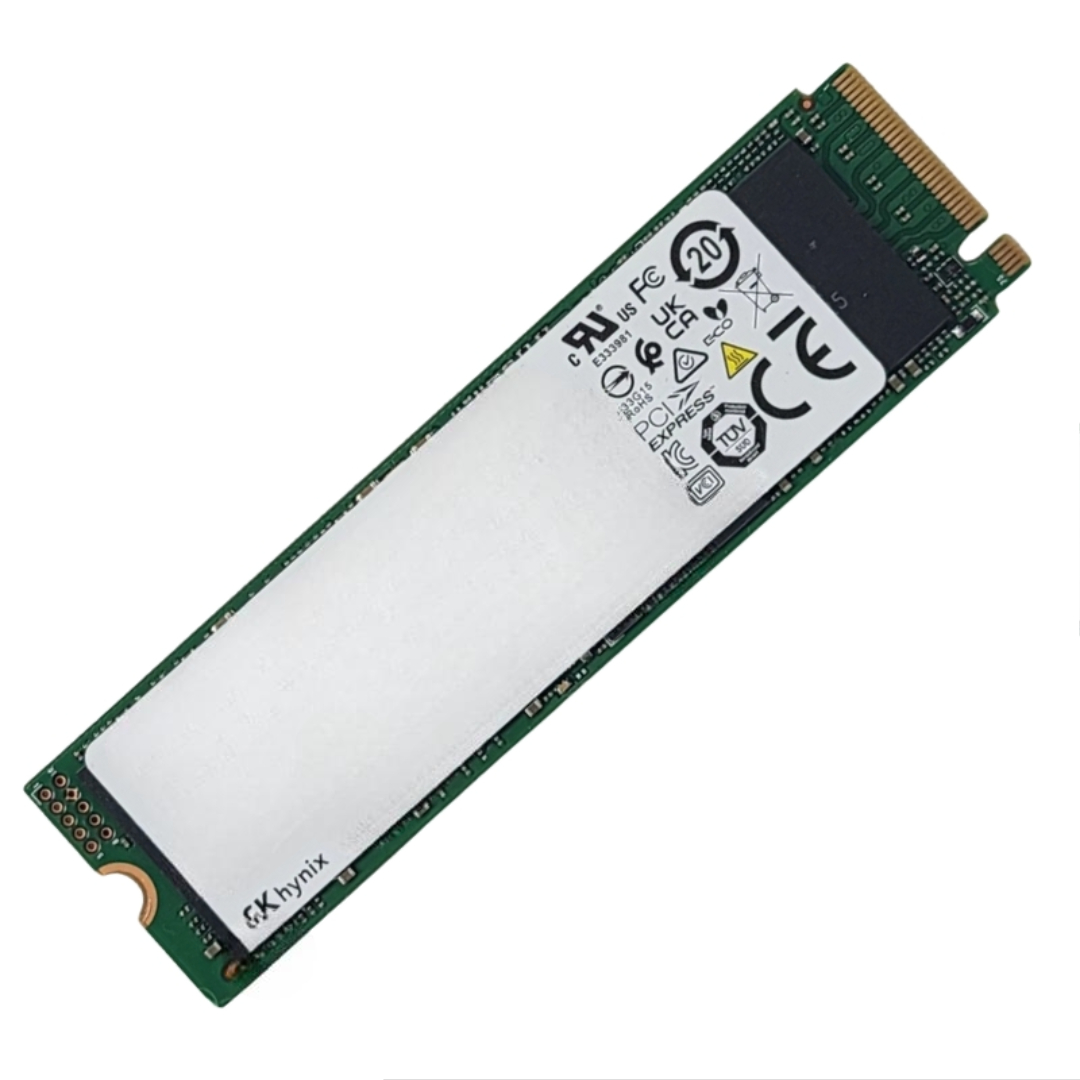


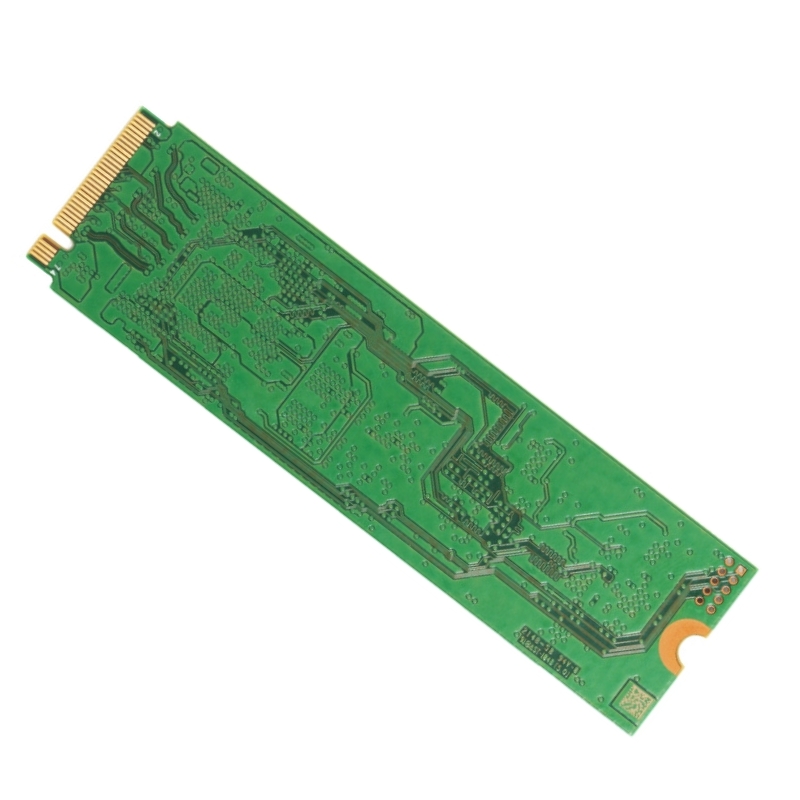
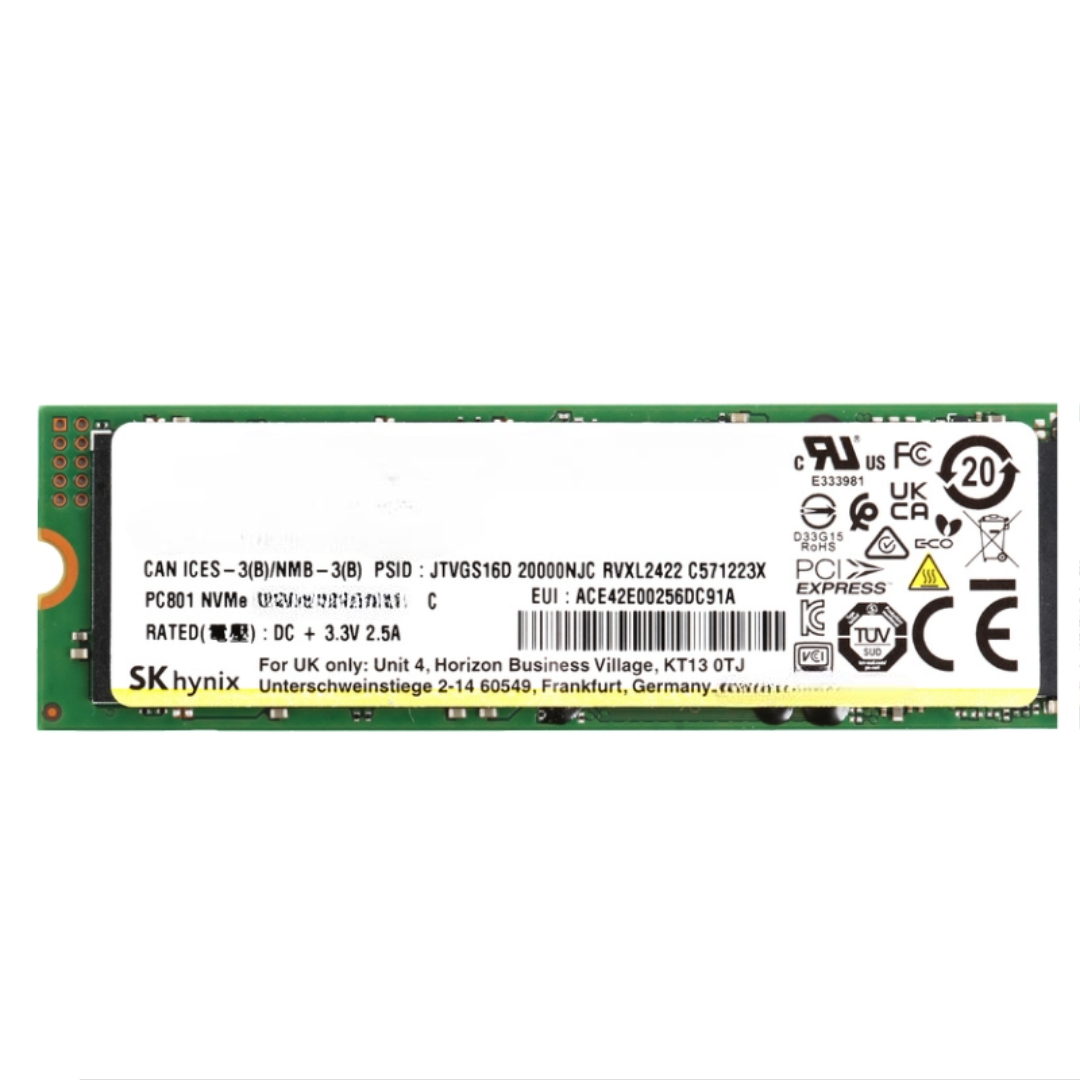
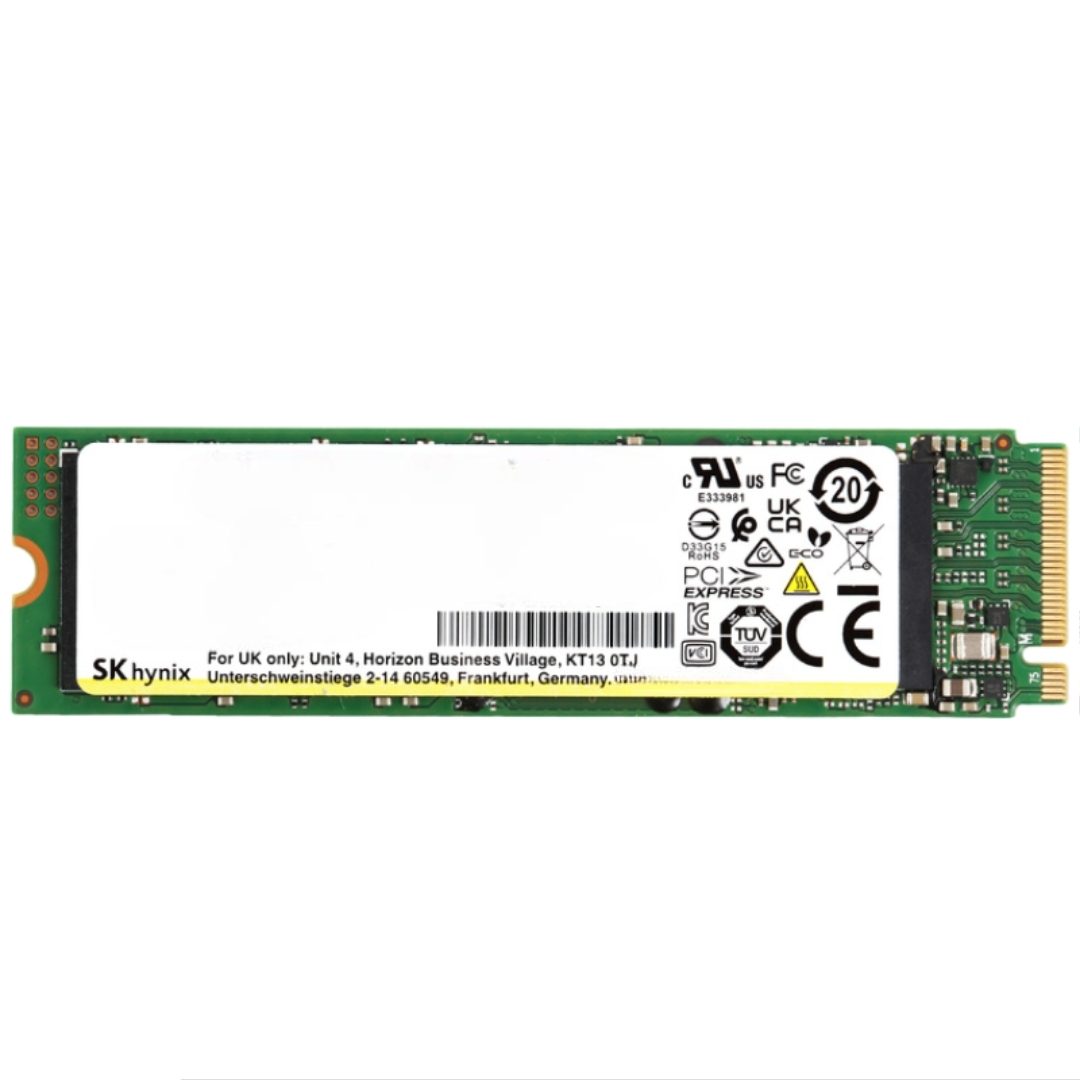
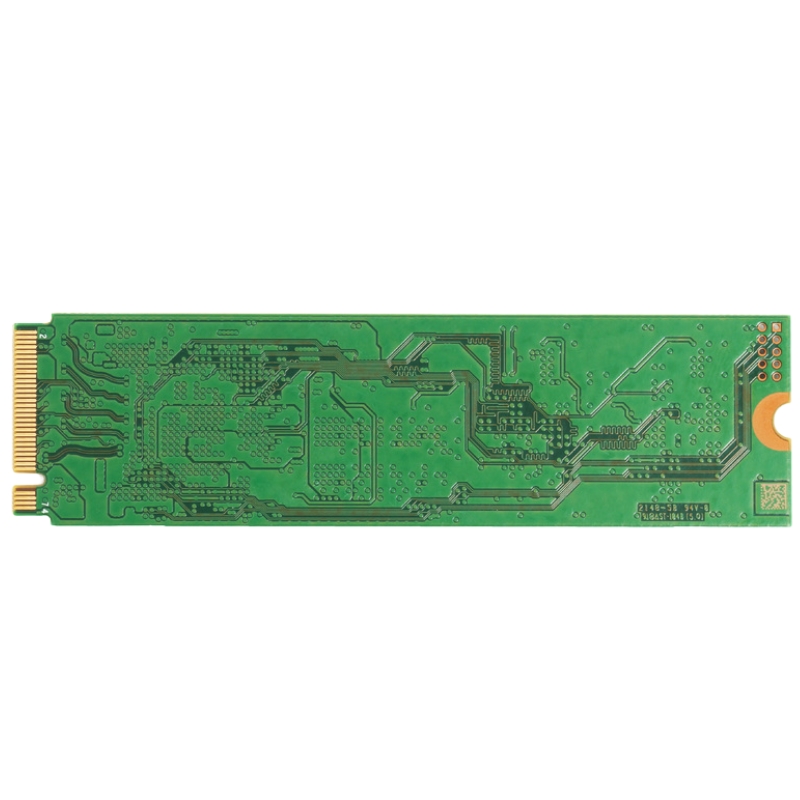
Hynix HFS1T9GDE0X088N 1.92TB Pe8110 Series PCIe Gen3 X4 NVMe M.2 22110 Read Intensive Internal Enterprise SSD. Excellent Refurbished with 1 year replacement warranty. Dell Version
The SK Hynix HFS1T9GDE0X088N 1.92TB PE8110 Series PCIe Gen3 x4 NVMe M.2 22110 Read-Intensive Internal Enterprise SSD is engineered for reliability, efficiency, and high performance. As a refurbished Dell OEM component, it combines enterprise-class endurance with cutting-edge storage speed, making it suitable for data centers and mission-critical workloads.
With a 1 DWPD endurance rating, the SK Hynix PE8110 1.92TB SSD ensures stability in read-intensive applications, supporting consistent workloads and minimizing downtime in enterprise environments.
Fast sequential read speeds of 2700 MB/s and efficient random read capabilities make this drive an excellent option for handling databases, virtualization, and other data-intensive processes.
The M.2 22110 form factor provides a slim, lightweight build that conserves space in server infrastructures while offering robust enterprise-level storage capacity.
With moderate power consumption levels, this SSD balances energy savings with high operational throughput, making it an optimal choice for data centers aiming for efficiency.
Ideal for enterprise servers, virtual machines, and scalable IT infrastructure requiring consistent read performance.
Perfect for storage arrays where reliability and cost-effectiveness matter most.
Supports demanding workloads with balanced endurance and fast IOPS, suitable for database indexing, analytics, and cloud storage optimization.
Hynix designed the Pe8110 series to sit between consumer NVMe modules and heavy-duty mixed-use enterprise SSDs. The principal differentiators are:
The drive uses the M.2 22110 mechanical standard: 22mm width and 110mm length. This elongated M.2 variant permits more NAND and controller real estate than shorter cards, allowing higher capacities such as 1.92TB in a single-sided or double-sided layout depending on board design. The electrical interface is PCIe Gen3 x4, providing up to 32 Gbit/s raw link bandwidth and exposing the NVMe protocol for efficient command submission and completion handling.
While Hynix typically employs its own controller and DRAM/NAND ecosystem, the Pe8110 series is optimized around high-density TLC or comparable planar/3D NAND die configurations. The controller implements NVMe feature sets and advanced error correction algorithms to maximize effective capacity while minimizing uncorrectable error rates. This results in durable, predictable reads even as NAND program/erase (P/E) cycles progress.
The HFS1T9GDE0X088N arrives in a 1.92TB nominal capacity which is presented to the host as usable space after drive metadata, spare area and firmware overhead are allocated. Enterprise deployments often reserve additional logical over-provisioning (OP) on top of the factory spare area to enhance write amplification management and to extend usable life under specific workload patterns.
Performance on read-optimized SSDs is expressed in several dimensions:
For services such as search, metadata lookups, and content delivery, a few microseconds of additional latency per I/O can compound into significant response delays at scale. Drives built for read-intensive workloads generally prioritize predictable latencies over peak raw throughput to preserve application-level quality of service.
This model excels in the following scenarios:
Because the Pe8110 series is read-intensive by design, it may not be the best fit for write-heavy transactional logging, heavy database OLTP write bursts, or intensive virtualization environments where write amplification and endurance are critical. For those use cases, mixed-use or write-optimized enterprise drives should be considered instead.
Common deployment options include individual M.2 slots on server motherboards, M.2 adapter cards for legacy systems, or within ultra-dense storage enclosures specifically designed to accept 22110 modules. When deployed across a cluster, these drives often form the hot or warm tier paired with high-capacity HDDs or cloud object storage for cold data.
Hynix specifies endurance in drive writes per day (DWPD) or total terabytes written (TBW) metrics for the warranty period. Read-intensive drives have lower program/erase allowance than write-optimized counterparts, but the controller and firmware combine to deliver an efficient write path. For long-life applications, calculate expected TBW based on your write amplification factor and the daily write volume to ensure the SSD meets lifecycle and warranty needs.
Enterprise-class features built into the Pe8110 series typically include:
Integrating SSD telemetry into monitoring systems (Prometheus, Nagios, commercial APMs) allows proactive replacement workflows before drives reach critical wear thresholds. Smart alerts on rising uncorrectable error rates or sudden temperature spikes are essential for enterprise reliability.
The extended M.2 22110 form factor provides additional surface area but also concentrates components in a narrow profile. Thermal throttling is implemented in firmware to prevent overheating under sustained high-read activity. When planning dense node designs, consider airflow, heat sinks, or conduction paths to nearby chassis components to maintain rated performance.
Read-intensive drives like the Pe8110 balance steady-state power use with peak bursts. Idle and low-activity power states reduce consumption in large fleets. For battery-backed or energy-sensitive deployments, verify the platform’s NVMe power management support to preserve both performance and energy efficiency.
NVMe is a standardized protocol across modern operating systems. The Hynix drive will be recognized by Linux (kernel NVMe driver), recent Windows Server editions with native NVMe support, and hypervisors such as VMware ESXi and KVM. Always confirm your hypervisor and OS version for the most up-to-date NVMe driver and hotplug behavior.
Verify motherboard and server vendor guidance for support of M.2 22110 modules. Some systems may only validate M.2 2280 or 2242 modules — in such cases, adapter cards or vendor-approved carrier boards are required. Additionally, ensure the platform firmware supports NVMe boot if you intend to use the drive as a system/boot device.
Choosing the correct filesystem and mount options can amplify the benefits of a read-optimized SSD. For Linux, consider modern filesystems that handle metadata efficiently and support discard/TRIM semantics when reclaiming space. In databases, tune buffer pool sizes and read-ahead settings to match the drive's low-latency characteristics.
NVMe exposes multiple submission and completion queues that can be exploited by multi-threaded applications. Aligning application thread counts with available NVMe queue resources reduces contention and improves sustained IOPS. Namespace management — partitioning the drive logically — can be used to segregate workloads and apply different QoS or monitoring policies.
Keep firmware current: Hynix periodically releases updates that improve performance, compatibility or fix corner-case issues. Apply firmware updates during maintenance windows and validate them on a small test set before rolling out to production fleets.
A portion of nominal capacity is reserved for firmware, spare area and over-provisioning. Additionally, drive formatting and filesystem overhead will reduce the usable capacity reported by an operating system. Check device metadata and SMART attributes to confirm the drive’s raw capacity and health.
Performance degradation can stem from thermal throttling, power constraints, firmware throttles, or host-side queueing bottlenecks. Mitigations include improving airflow, updating firmware, tuning NVMe queue settings, and balancing workload across multiple devices to reduce localized stress.


 Contact Us
 Information
 Catalog
 Solid State Drives (SSD)
 Network Switches
 Hard Disk Drives
 HBA & Controllers
 PC & Servers
 PC & Server Memory
 CPU & Processors
 Network Routers
 Power Supplies
 Tape Drives & Libraries
 Network Devices
 Computer & Network Cables