(7% discount is applied at checkout)
Cart is empty
Your go-to destination for cutting-edge server products
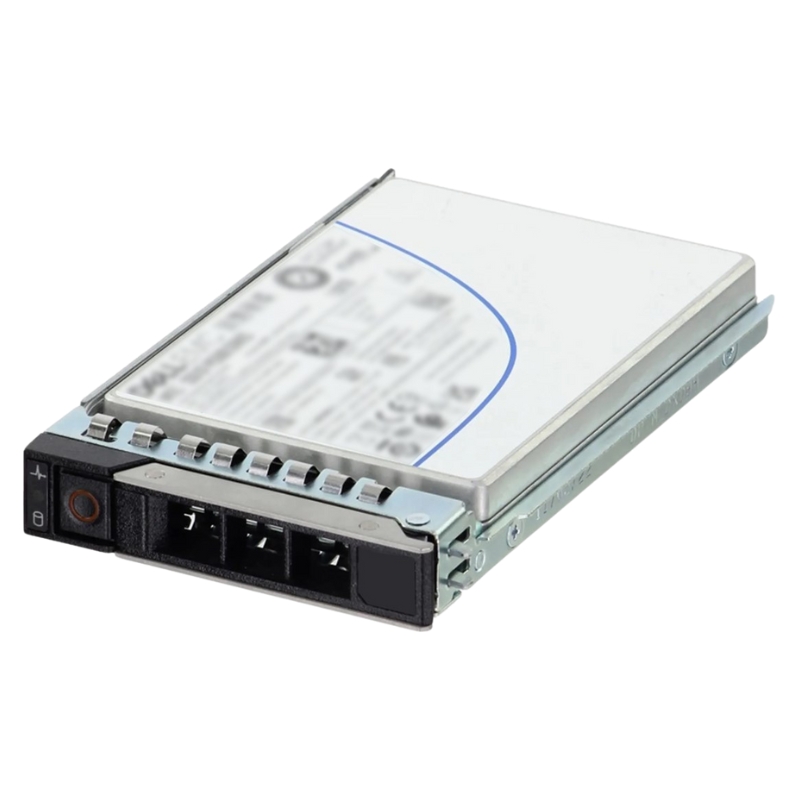


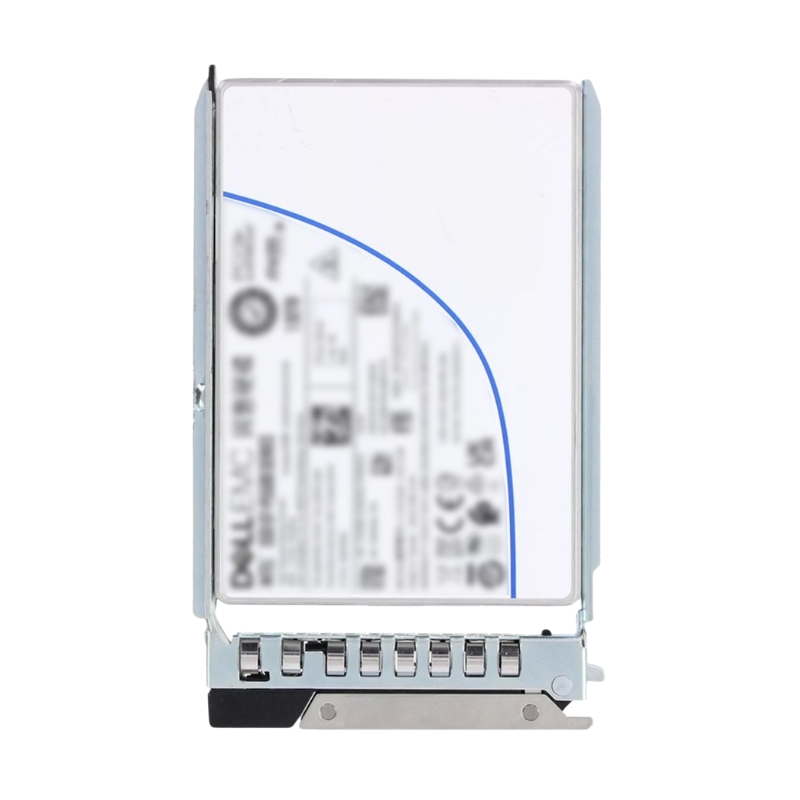
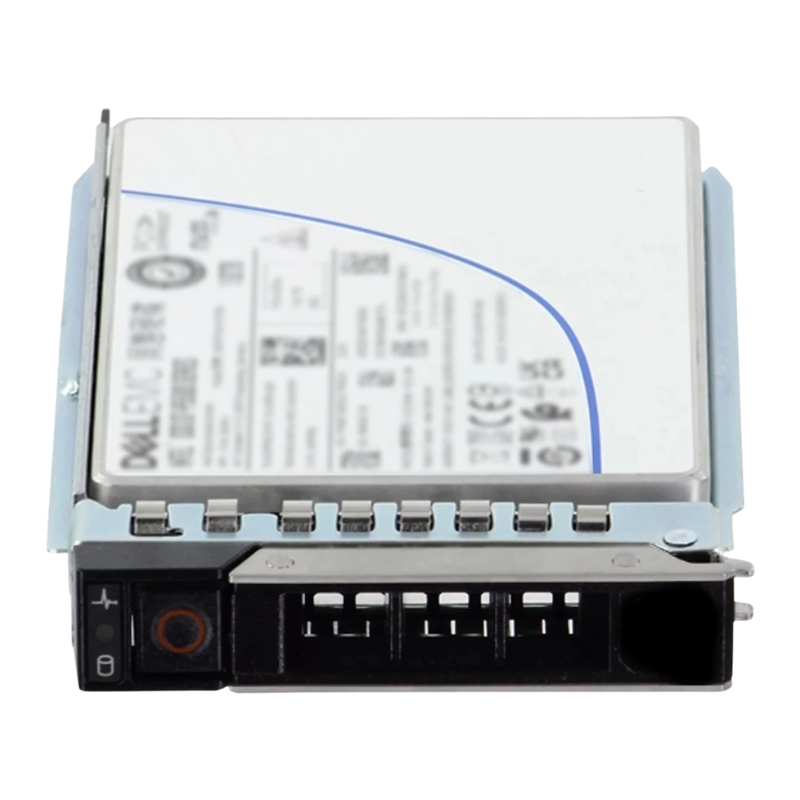
Dell 400-BSKK 61.44TB PCI-E Gen4 NVMe U.2 2.5 Inch Small Form Factor Enterprise Solid State Drive With Tray. New Sealed in Box (NIB) with 1 year Warranty. Call
The Dell 400-BSKK 61.44TB PCIe Gen4 NVMe U.2 2.5-inch Small Form Factor (SFF) Solid State Drive is designed for demanding enterprise workloads. With its cutting-edge 192-layer QLC 3D NAND flash technology, this drive provides massive storage, reliable endurance, and exceptional speed for data-intensive applications. Built for Dell PowerEdge servers of the 14G, 15G, 16G, and 17G generations, it ensures seamless compatibility and uncompromising reliability.
This high-capacity solid state drive allows IT departments to scale storage without compromising on speed or efficiency. The compact 2.5-inch format ensures compatibility with dense server environments, delivering a significant reduction in physical footprint compared to legacy storage options.
From artificial intelligence workloads and real-time analytics to cloud storage and virtualization, the Dell 61.44TB PCIe Gen4 NVMe SSD accelerates performance where it matters most. Its remarkable IOPS and bandwidth ensure fast response times, minimal latency, and smooth handling of large transaction volumes.
Compared to traditional spinning disks, this SSD significantly reduces energy consumption and cooling requirements. Enterprises benefit from lower operational expenses and improved sustainability without compromising on capacity or reliability.
The drive is built to handle environments where large-scale data processing is critical. This includes artificial intelligence, big data analytics, machine learning, and scientific research.
Perfectly suited for large-scale cloud deployments, this SSD enables businesses to maximize VM density and streamline storage resources across virtualized infrastructures.
With extremely high endurance ratings and robust fault tolerance, it supports enterprise tasks such as transactional databases, ERP systems, and financial applications that require consistent uptime.
As enterprises generate and process ever-larger datasets, investing in high-density SSD solutions like the Dell 61.44TB PCIe Gen4 NVMe U.2 drive ensures organizations are prepared for upcoming workloads. With unmatched performance, massive storage, and reliability, it is a critical asset for businesses focused on growth, digital transformation, and competitive advantage.
The Dell 400-BSKK is a purpose-built enterprise storage component: a high-capacity, high-density 61.44TB NVMe solid state drive in a 2.5-inch small form factor with a U.2 connector and carrier tray. Designed for modern PowerEdge servers and storage arrays, this drive combines the low latency of NVMe over PCI Express with the rack-friendly 2.5" U.2 package and an enterprise-grade NAND implementation to deliver a reliable building block for database servers, virtualization platforms, software-defined storage and other I/O-intensive workloads. :contentReference[oaicite:0]{index=0}
These attributes make the Dell 400-BSKK an option when density and cost-per-terabyte matter while still retaining NVMe performance characteristics required by modern storage stacks. :contentReference[oaicite:1]{index=1}
When designing systems for large datasets, backup pools, or archival and hot/cold tier mixes, the ability to pack large amounts of capacity into compact drive bays is valuable. A 61.44TB 2.5" NVMe drive allows system architects to maximize usable terabytes per rack-unit when compared to many traditional HDDs or smaller SFF SSDs. This density reduces the number of servers and chassis required, which lowers power, cooling and floor-space costs while simplifying cabling and management.
PCIe Gen4 x4 NVMe provides substantially higher IOPS and bandwidth than SATA and prior-generation PCIe links for small random I/O and large sequential transfers respectively. For latency-sensitive database transactions, virtual machine boot storms, containerized microservices, and high-concurrency read/write tasks, NVMe's protocol efficiency and parallelism reduce application response time and increase throughput per server. NVMe over U.2 also simplifies deployment: the 2.5" U.2 form fits standard server bays and leverages existing hot-swap trays and backplanes. :contentReference[oaicite:2]{index=2}
Enterprise NVMe drives like the 400-BSKK typically include features that go beyond consumer SSDs: power-loss protection, thermal throttling and monitoring, SMART and NVMe telemetry reporting, enterprise firmware that manages wear leveling and reserved spare area, and support for common server management tools. These features enable system administrators to integrate drive health data into monitoring systems and perform preemptive replacement before failures become critical.
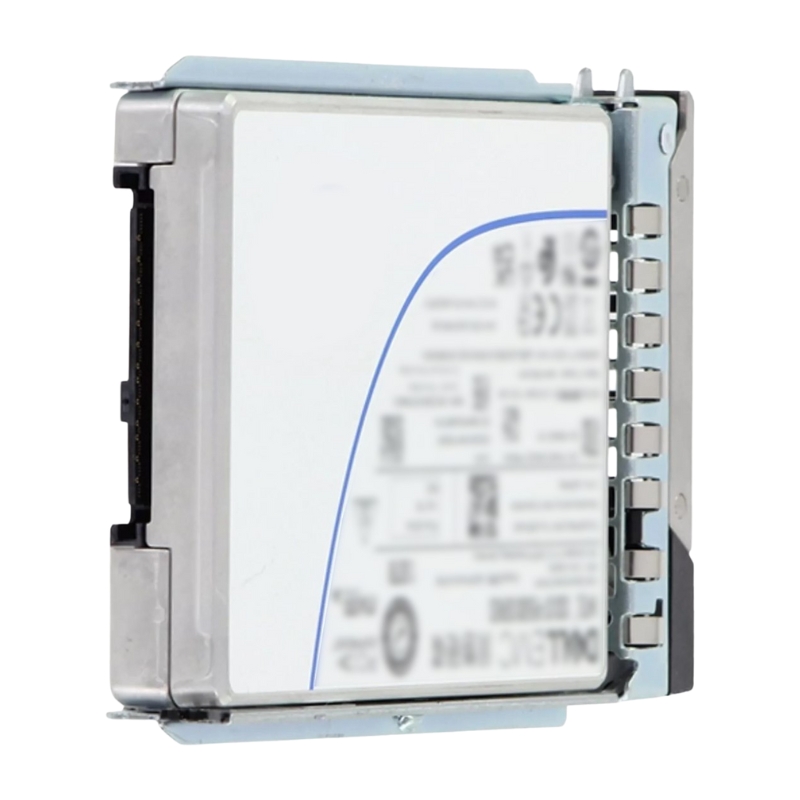
The U.2 (SFF-8639) connector used by this 2.5" drive is engineered for enterprise server backplanes and drive sleds. The drive ships with a tray/carrier that aligns with Dell PowerEdge hot-swap bays, enabling tool-less insertion/removal in compatible chassis. Because it's a standard 2.5" SFF device, it fits in the same physical bay as many SAS/SATA drives while offering NVMe electrical performance — a convenient mix of form factor familiarity and modern interface speed. :contentReference[oaicite:3]{index=3}
PCIe Gen4 provides double the per-lane throughput of Gen3, enabling much higher aggregate bandwidth when paired with an NVMe controller and optimized firmware. In practical terms, the Gen4 x4 link reduces bottlenecks for sequential reads and writes and allows internal controllers to service a large number of parallel queues efficiently — important for multi-tenant virtualized environments and scale-out storage nodes.
High-density enterprise SSDs often use QLC or highly stacked TLC/3D NAND in combination with sophisticated controllers and firmware that apply over-provisioning, SLC caching, and background data relocation to achieve the balance of capacity, endurance and predictable performance. For deployments where write-amplification and endurance are concerns (heavy database logging, write-intensive caching), administrators should plan endurance budgets and consider mixed-tier strategies (e.g., mix higher-endurance NVMe drives with these high-density drives) to match workload profiles.
Large-capacity NVMe drives can dissipate more heat under sustained workloads. The provided drive tray and carrier are designed to maximize airflow across the drive body when mounted in supported Dell chassis. When populating servers with multiple high-density NVMe drives, ensure the server's recommended cooling options (fans, airflow baffles, and placement) are followed to maintain sustained performance and long-term reliability.
This high-capacity NVMe drive may not be the best fit for workloads that are extremely write-heavy with tight endurance requirements (e.g., intensive OLTP logging without write amplification mitigation). In such cases, consider drives marketed explicitly for high-endurance (enterprise SLC/TLC with higher DWPD ratings) or deploy mixed-tier caching where a small number of ultra-endurance drives absorb heavy writes while the large capacity drives store colder data.
Performance for enterprise NVMe drives depends on many factors: controller/firmware tuning, host CPU and PCIe lanes, driver stack, queue depth, and workload mix (random small I/O vs sequential large I/O). While synthetic benchmarks offer useful comparative data points, real-world application-level testing (e.g., database OLTP measurements, VDI boot storms, container startup patterns) provides the most actionable signal for provisioning. For architects evaluating these drives, test them under representative concurrency and data patterns rather than relying solely on peak throughput numbers.
Storage reviewers and enterprise testers emphasize that raw throughput is only part of the story; consistent tail-latency, QoS and predictable performance under sustained activity are crucial metrics for production systems. Planning should include headroom for QoS requirements and consideration for workload shaping where necessary. :contentReference[oaicite:4]{index=4}
The drive is typically sold and validated for Dell PowerEdge server lines (including 14G–17G generations) and is intended to be used in systems with U.2 backplanes and appropriate NVMe passthrough or RAID controllers that support NVMe drives. When integrating into a server fleet, confirm firmware compatibility (BIOS/UEFI, system firmware and NVMe driver versions) and the server vendor's compatibility matrix to ensure full support for monitoring and hot-swap behavior. :contentReference[oaicite:5]{index=5}
Some server RAID controllers do not natively manage NVMe devices in the same way they do SATA/SAS drives; instead, NVMe offers direct host communication. If your environment relies on hardware RAID features, ensure the controller supports NVMe in the desired configuration (or plan for software-defined storage or NVMe-capable RAID appliances). Additionally, check that OS-level NVMe drivers and vendor management tools are installed to collect telemetry and apply firmware updates when required.
Enterprise SSDs receive periodic firmware updates to improve reliability, performance and address edge-case behaviors. Implement a maintenance plan to test and deploy vendor-supplied firmware updates during scheduled windows; maintain inventory tracking (serial numbers, part numbers) and align firmware baselines across systems to simplify troubleshooting.
High-density NVMe drives are often positioned to optimize cost-per-GB while accepting tradeoffs in endurance relative to smaller, higher-cost-per-GB NVMe SKUs. Create a cost model that includes device price, expected lifetime write volume (TBW), and expected replacement cadence; this will let you compare total cost of ownership (TCO) across drive tiers more accurately than sticker price alone.
Many enterprise SSDs support hardware-based encryption (e.g., TCG Opal or native controller encryption). If data-at-rest encryption is required for compliance or security policy, confirm the drive's encryption capabilities, key management compatibility and whether your ecosystem supports out-of-band key management or self-encrypting drive (SED) workflows. For drives used in shared or multi-tenant environments, encryption and secure erase procedures should be part of the lifecycle policy to ensure data is unrecoverable when drives are repurposed or decommissioned.
If your priority is endurance over capacity, consider enterprise NVMe drives with higher DWPD ratings (TLC or SLC-based enterprise models). If raw cost-per-GB is paramount but NVMe is optional, dense SATA SSDs may offer lower cost while sacrificing latency and IOPS. Emerging PCIe Gen5 NVMe drives present future-proofing options with even greater bandwidth — however, Gen5 requires compatible host hardware to unlock the benefits.
The Dell 400-BSKK positions itself as a high-capacity NVMe building block suitable for density-optimized deployments in the PowerEdge ecosystem. Its value proposition is clearly in the TB-per-drive metric and U.2 compatibility with existing server trays and management systems; deciding whether it is the right choice depends on workload endurance needs and whether your servers can feed the drives with sufficient PCIe bandwidth. :contentReference[oaicite:6]{index=6}
One effective design is to layer storage tiers: a small pool of low-latency, high-endurance NVMe drives for write-heavy, latency-sensitive workloads, backed by a larger pool of high-density NVMe (like the 61.44TB drives) for bulk capacity, snapshots and historical data. This pattern preserves responsiveness for hot data while benefiting from the lower cost-per-TB of density-optimized drives.
Using a caching layer (software or hardware) in front of high-density drives can improve perceived endurance and performance. Cache controllers can absorb short-term write bursts and coalesce small writes into larger sequential patterns that are friendlier to QLC/3D NAND, reducing write amplification on the backend drives.


 Contact Us
 Information
 Catalog
 Solid State Drives (SSD)
 Network Switches
 Hard Disk Drives
 HBA & Controllers
 PC & Servers
 PC & Server Memory
 CPU & Processors
 Network Routers
 Power Supplies
 Tape Drives & Libraries
 Network Devices
 Computer & Network Cables