(7% discount is applied at checkout)
Cart is empty
Your go-to destination for cutting-edge server products
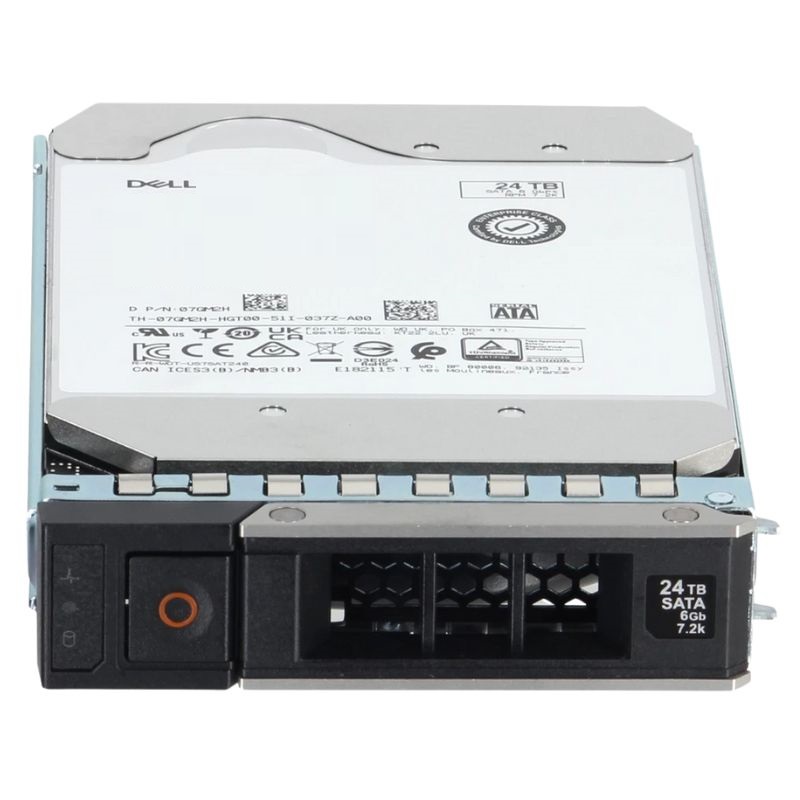


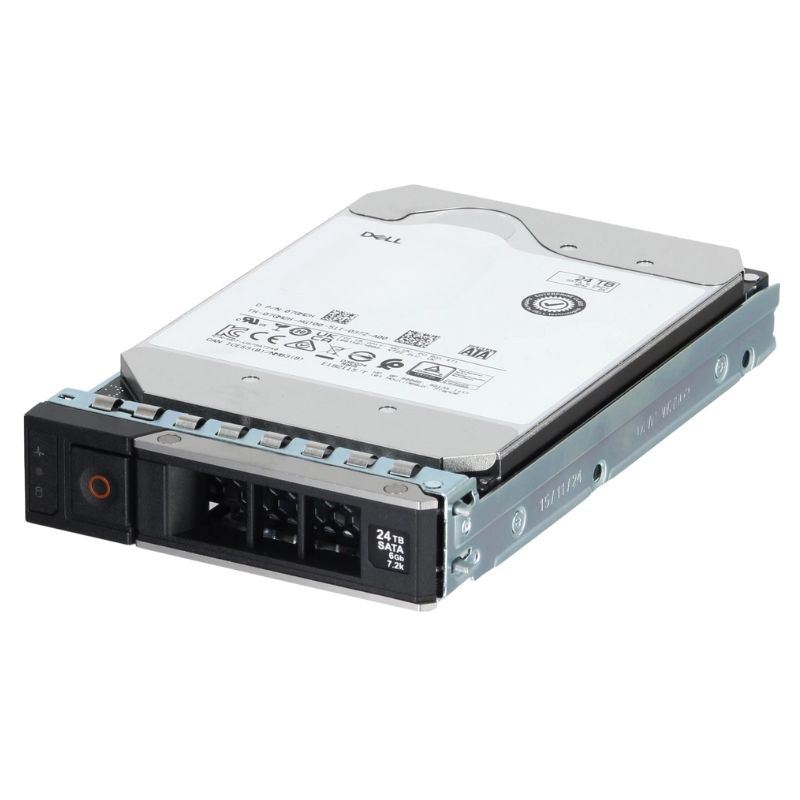
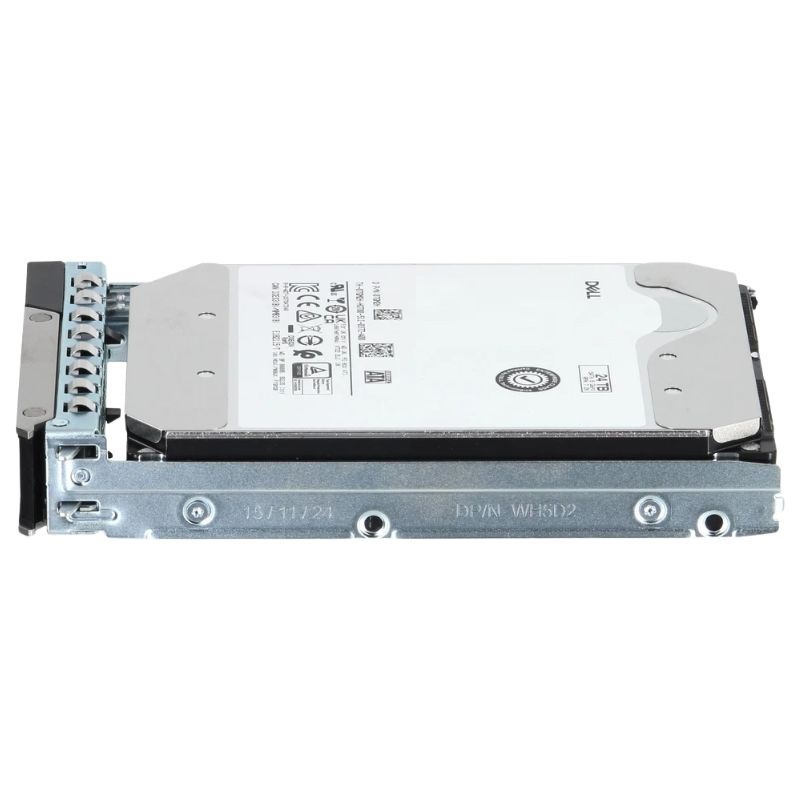
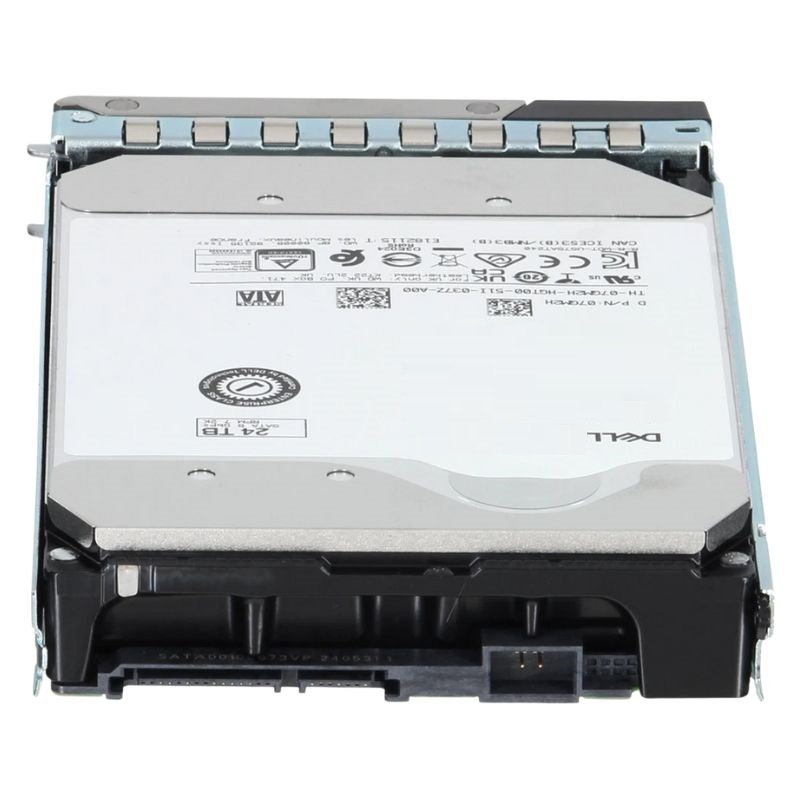
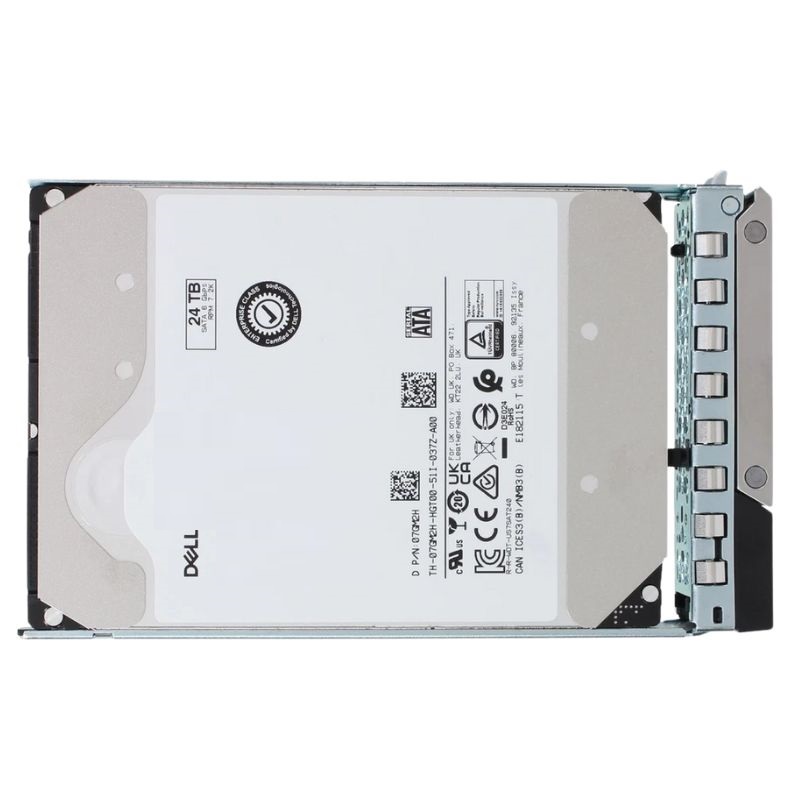
Dell 7GM2H 24 TB 7.2K RPM SATA 6 GBPS 512e 512MB Buffer 3.5 Inch Hot-plug Hard Disk Drive. Excellent Refurbished with 1 year Replacement Warranty
This high-capacity storage unit is engineered for demanding server applications, delivering exceptional reliability and performance.
Designed for high-duty cycles, this drive offers a robust set of performance characteristics suitable for data-intensive tasks.
This enterprise-grade hard drive is optimized for a vast array of modern computing environments.
This hard disk drive is certified for seamless integration with the following Dell PowerEdge generations:
This category centers on the Dell 7GM2H 24 TB 7.2K RPM SATA 6 Gbps 512e 512MB Buffer 3.5" Hot-plug Hard Disk Drive with Tray, a high-capacity, enterprise-class storage unit designed specifically for Dell PowerEdge 14G, 15G and 16G server platforms. It belongs to a family of mechanical SATA drives optimized for large-scale data stores where cost-per-terabyte, compatibility with existing server backplanes, and robust hot-swap capability are priority buying criteria. The collection emphasizes genuine OEM parts, verified compatibility, and the trays and carrier assemblies required for tool-less serviceability in modern rack and tower server architectures.
These 24 TB 7.2K SATA drives are commonly deployed in the following use cases:
A 24 TB platter set in a 3.5-inch form factor offers one of the highest single-drive capacities available for SATA enterprise lineups. Using higher-density recording technologies and multiple platters, such a drive reduces rack space utilization by delivering more terabytes per bay versus smaller-capacity spindles.
7.2K RPM class drives strike a balance between sustained sequential throughput, power consumption, heat generation, and reliability. While slower than 10K/15K enterprise spindles in random IOPS, 7.2K drives deliver excellent sequential MB/s rates and better cost/GB metrics — ideal for capacity-first workloads.
The SATA 6 Gbps interface ensures broad compatibility with RAID controllers and server backplanes found across Dell PowerEdge models. Although a single drive rarely saturates the 6 Gbps bus, the interface compatibility simplifies replacement and upgrades and supports hot-plug protocols used by Dell carriers.
512e (512-byte emulated sectors) preserves compatibility with older OSes, legacy RAID metadata layouts, and management tools that expect 512-byte sector sizes, while internally the drive uses larger physical sectors to increase density and efficiency. This hybrid approach maximizes interoperability with a wide range of software-defined storage solutions and hypervisors.
A large 512 MB DRAM buffer improves streaming and sequential write coherency. For large, contiguous file writes — common in backups and archiving — the cache can absorb bursts and reduce write amplification, leading to more consistent throughput across long operations.
Genuine Dell-labeled drives, such as the 7GM2H, include firmware optimizations and the correct carrier/tray mounting features to integrate seamlessly with PowerEdge server management frameworks — iDRAC, Lifecycle Controller and the server's backplane presence detection. Choosing OEM or Dell-qualified parts reduces the risk of drive rejections, false predictive failure reporting, or warranty complications.
This drive and tray assembly are specified for Dell PowerEdge 14th, 15th and 16th generation servers. These server families share similar backplane designs and drive carrier mechanics, enabling tool-less swaps and predictable hot-swap behavior. Always confirm chassis and backplane revision compatibility before purchase (especially for older or heavily customized racks).
Expect strong sustained sequential throughput, particularly when streaming large files or executing backup window operations. Random IOPS per drive will be lower than enterprise SAS 10K/15K drives or NVMe SSDs; however, in RAID groups or distributed object stores, the aggregate IOPS can deliver acceptable response times for read-mostly or write-once-read-rarely patterns.
High-capacity 3.5" spindles typically draw more power than 2.5" equivalents, especially during spin-up. The 7.2K speed mitigates peak rotational current compared to faster spindles but still requires consideration in dense drive enclosures. Best practice: verify chassis power and cooling margins and stagger spin-up where possible to avoid inrush current issues.
Enterprise nearline drives are engineered for continuous operation and high duty cycles. While specific MTBF and workload rating depend on the exact OEM spec sheet, buyers should expect:
Modern enterprise drives expose SMART attributes and telemetry that integrate with server management tools (iDRAC, OMSA) to present pre-failure warnings and health metrics. Use these signals in proactive replace-on-failure policies and to maintain predictable RPOs/RTOs.
When deploying 24 TB spindles, consider RAID level selection carefully:
Large-capacity drives increase rebuild windows; a single-drive failure in a large RAID set can result in prolonged degraded operation. Mitigation strategies include:
The drive ships with a Dell-compatible tray/carrier that secures the drive into the server's backplane and provides the tactile ejection latch required for hot-swap maintenance. Using the correct carrier ensures drive presence is detected properly by chassis backplane sensors and avoids issues like false offline states or incorrect LED behavior.
OEM firmware for Dell-labeled drives often contains compatibility tweaks for specific PowerEdge firmware stacks. When available, apply firmware updates from Dell or the drive OEM to resolve known issues, improve stability, or enable new features. Always test firmware changes in a non-production environment when possible and follow vendor change control procedures.
iDRAC, OpenManage, and other server management suites will report drive health, temperature, and SMART attributes. Configure alerts and thresholds to align with operational policies — for example, generating non-disruptive warnings at elevated temperature and immediate alerts for reallocated sector counts that trend upward.
While non-OEM or aftermarket drives can reduce initial spend, OEM components preserve warranty alignment, firmware compatibility, and predictable field behavior. Purchasing genuine Dell 7GM2H units ensures the tray matches the server chassis latching mechanism and reduces the administrative complexity of cross-vendor support.
When calculating total cost of ownership (TCO), include:
Large-capacity spindles often reduce rack-space and management overhead but may increase rebuild-related risk. For capacity-centric workloads, these drives frequently offer compelling cost-per-TB advantages versus small-capacity high-speed alternatives.
Some OEM enterprise drives provide hardware encryption or support TCG Opal standards via the drive firmware. If encryption is a requirement, verify the specific 7GM2H SKU supports hardware encryption or whether you should employ controller-based encryption solutions. Ensure key management aligns with organizational security policies.
When decommissioning drives, adhere to regulatory and organizational data sanitization standards: secure erase, multiple-pass overwrites, or physical destruction depending on sensitivity. Maintain chain-of-custody documentation for drives removed from service in regulated industries.
Enterprise drives are rated for the thermal envelope found in typical data centers. However, dense drive arrays or non-standard airflow can expose drives to elevated temperatures. Maintain recommended inlet temperatures, ensure unobstructed airflow across drive bays, and monitor environmental sensors to prolong drive life.
High-density enclosures increase vibration exposure; enterprise drives include design mitigations, but for heavily populated chassis, verify vendor vibration tolerance and consider workload balancing to reduce concurrent drive stress.
If a newly inserted drive is not detected:
Rising reallocated sector counts or other predictive SMART warnings should trigger immediate monitoring and, depending on trend, a proactive replacement policy. Use vendor tools to extract full SMART logs and coordinate RMA if OEM thresholds are exceeded.


 Contact Us
 Information
 Catalog
 Solid State Drives (SSD)
 Network Switches
 Hard Disk Drives
 HBA & Controllers
 PC & Servers
 PC & Server Memory
 CPU & Processors
 Network Routers
 Power Supplies
 Tape Drives & Libraries
 Network Devices
 Computer & Network Cables