(7% discount is applied at checkout)
Cart is empty
Your go-to destination for cutting-edge server products
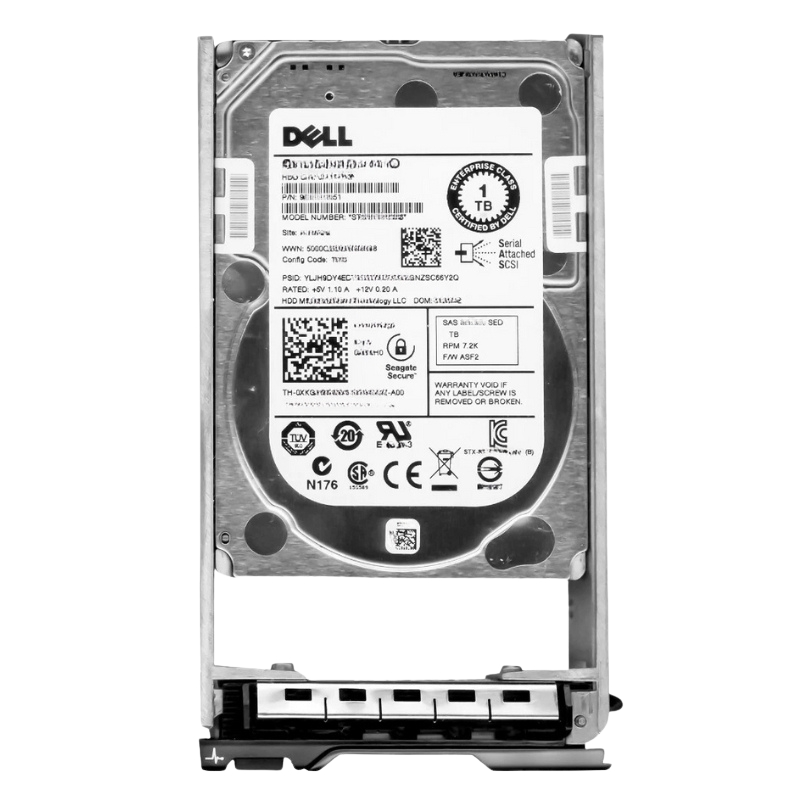


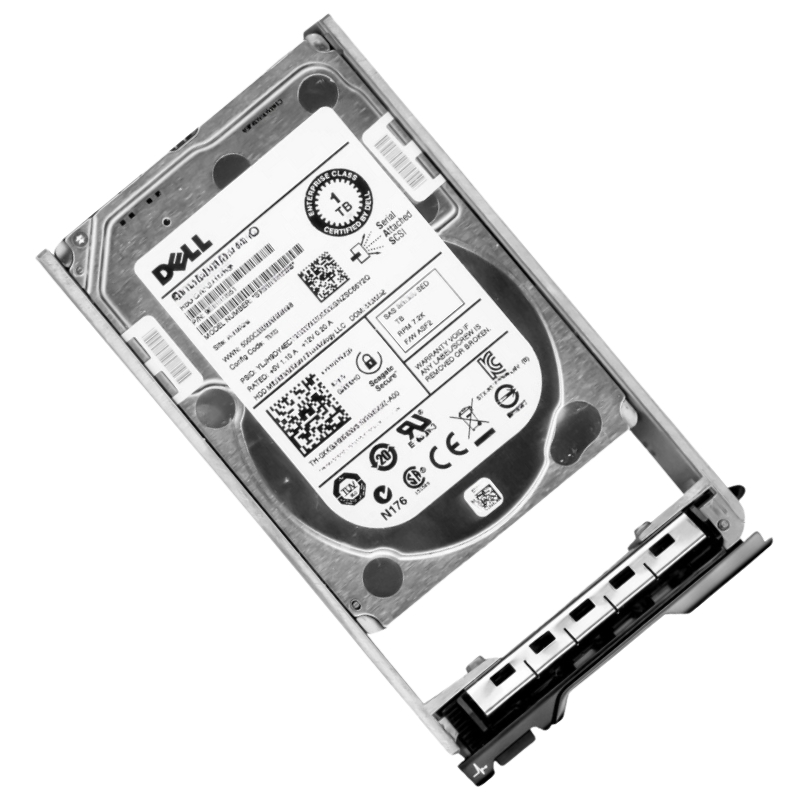
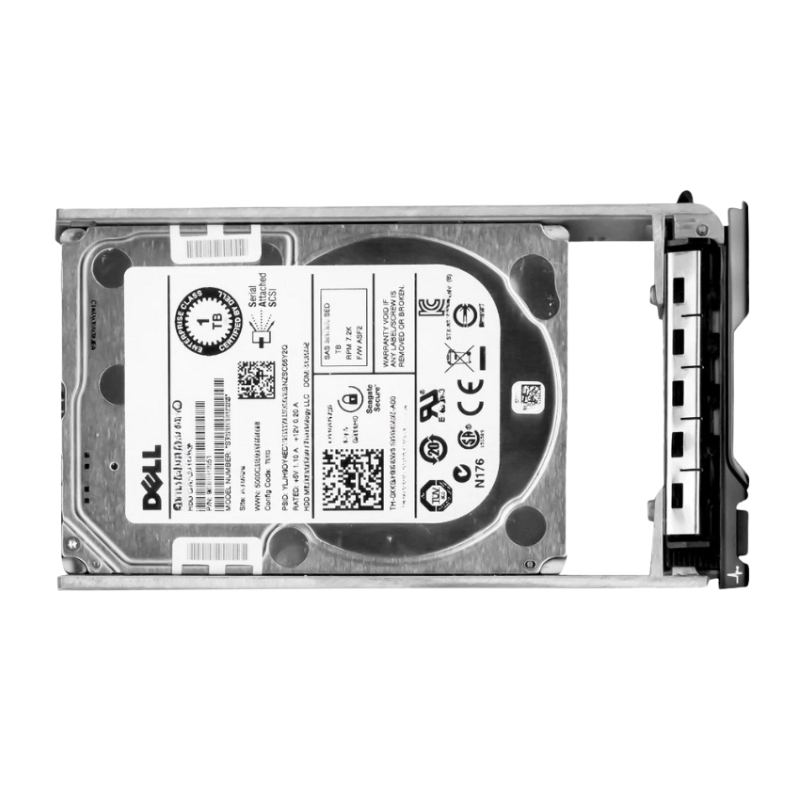
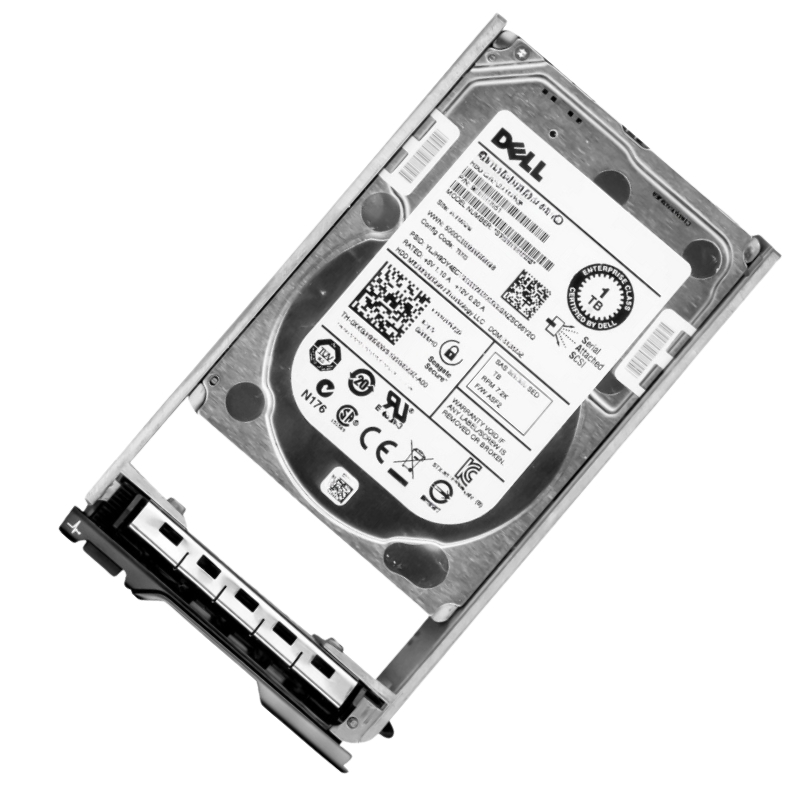
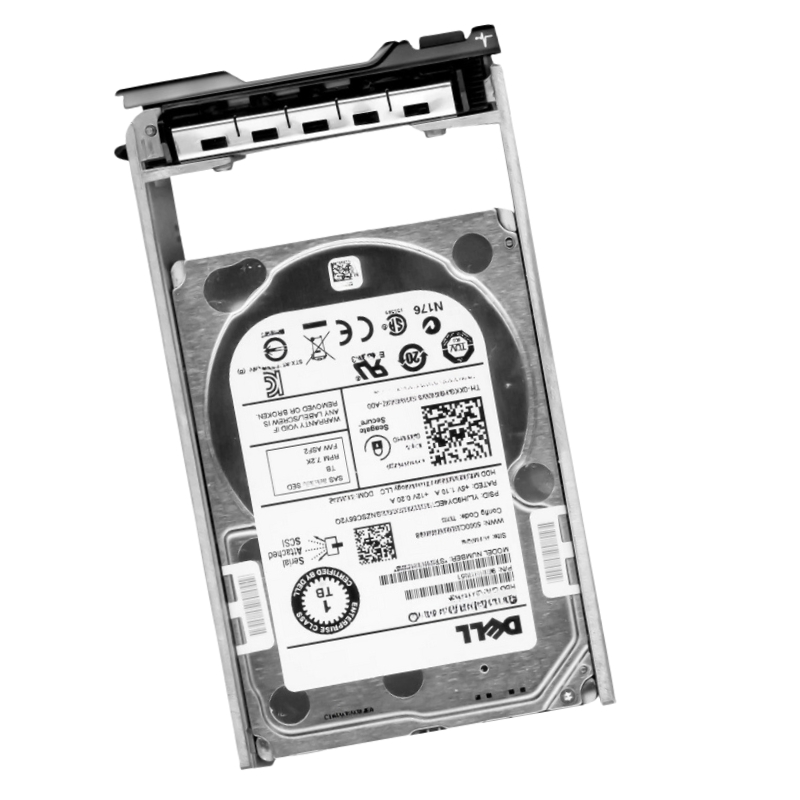
Dell 400-ALQF 1TB 7200RPM SAS 12GBPS Near Line 3.5Inch Form Factor With Tray HDD. Excellent Refurbished with 1 year replacement warranty
The Dell 400-ALQF 1TB Near-Line SAS 12Gbps Hard Drive is a reliable internal storage solution designed for enterprise-grade Dell PowerEdge servers. Built for durability and consistent performance, this 3.5-inch HDD is ideal for nearline workloads, backup storage, and data center environments requiring stable and efficient storage expansion.
The Dell 400-ALQF 1TB Near-Line SAS hard drive is designed for enterprise environments that require reliable storage performance, stable long term operation, and cost efficient infrastructure scalability within Dell PowerEdge server systems. Built with a 3.5-inch form factor, 7200RPM rotational speed, SAS 12Gbps interface, and enterprise grade firmware, this drive delivers balanced performance for backup workloads, archival storage, virtualization environments, and general enterprise applications. It is widely used in data centers where predictable performance, data integrity, and continuous availability are essential for business operations.
The 1TB storage capacity of the Dell 400-ALQF is optimized for environments that require reliable yet compact storage allocation. It is suitable for small to medium enterprise workloads, departmental servers, backup nodes, and application-specific storage systems. This capacity allows organizations to efficiently manage data while maintaining cost control and operational simplicity. It also supports scalable infrastructure deployment where multiple drives can be combined for larger storage pools.
Enterprise server systems require efficient utilization of available storage resources to maintain performance and cost balance. The Dell 400-ALQF enables optimal storage usage within Dell PowerEdge infrastructures. This improves system organization and reduces unnecessary overhead. Efficient utilization supports enterprise operational efficiency and infrastructure planning.
The Dell 400-ALQF provides balanced capacity suitable for small and medium enterprise workloads. It supports file storage, backup tasks, and application data management. This ensures consistent performance without over-provisioning storage resources. Balanced capacity improves infrastructure cost efficiency and scalability.
The 7200RPM spindle speed of the Dell 400-ALQF is optimized for near-line storage workloads where capacity and reliability are prioritized over high transactional performance. It delivers stable throughput for backup systems, archival storage, and general enterprise operations. This ensures consistent operation under continuous workload conditions while maintaining energy efficiency.
Business critical applications require stable throughput to maintain predictable performance. The Dell 400-ALQF ensures consistent data transfer rates suitable for enterprise environments. This improves system responsiveness and reduces operational variability. Stable throughput supports enterprise continuity and efficiency.
The Dell 400-ALQF delivers balanced performance across read and write operations required for daily enterprise workloads. This improves data handling efficiency and reduces processing delays. Balanced performance supports smooth application operation and system stability. It is suitable for general enterprise data processing needs.
The Dell 400-ALQF is engineered with mechanical stability to ensure continuous operation in enterprise environments. It maintains consistent performance under sustained workloads and reduces operational risks. This enhances system reliability and supports long term infrastructure stability. Mechanical durability is essential for enterprise storage reliability.
Enterprise systems often operate under continuous workloads requiring consistent performance. The Dell 400-ALQF maintains stable operation under extended usage cycles. This ensures reduced downtime and improved reliability. Continuous performance supports enterprise service availability.
The Dell 400-ALQF efficiently handles mixed workloads including sequential and random data operations. This ensures optimized performance across enterprise applications. Efficient workload management improves system balance and reduces bottlenecks. This supports enterprise storage optimization strategies.
Virtualized environments require storage systems capable of supporting multiple virtual machines simultaneously. The Dell 400-ALQF provides stable performance for virtualization workloads within enterprise infrastructures. This ensures consistent operation and resource allocation across virtual systems. It is suitable for enterprise virtualization deployments requiring reliable storage performance.
Virtual machines require consistent storage performance to ensure reliable execution. The Dell 400-ALQF delivers stable storage support for VM environments across enterprise systems. This improves workload efficiency and reduces latency. Stable VM storage supports virtualization reliability and scalability.
Virtualized infrastructures require efficient allocation of storage resources across multiple workloads. The Dell 400-ALQF supports optimized resource distribution for virtualization platforms. This improves system performance and scalability. Optimized allocation enhances enterprise virtualization efficiency.
The SAS 12Gbps interface integrated into the Dell 400-ALQF provides high speed connectivity designed for enterprise storage environments. It enables efficient communication between storage devices and server systems, reducing latency and improving data transfer efficiency. This interface is widely used in enterprise infrastructures due to its reliability, scalability, and strong performance characteristics.
The SAS 12Gbps interface supports high bandwidth data transfers required for modern enterprise workloads. The Dell 400-ALQF ensures consistent performance for large data operations. This improves system responsiveness and reduces processing delays. High bandwidth transfer supports enterprise storage optimization.
Reliable communication between servers and storage systems is essential for enterprise stability. The Dell 400-ALQF ensures consistent data transmission across infrastructure components. This reduces system errors and enhances operational reliability. Reliable communication supports enterprise continuity.
Enterprise environments require scalable storage infrastructure to accommodate increasing data demands. The Dell 400-ALQF supports scalable SAS connectivity for system expansion. This ensures flexibility for future growth. Scalable infrastructure supports long term enterprise planning.
Data integrity is critical in enterprise environments where accuracy and reliability are essential. The Dell 400-ALQF ensures stable and secure data transmission across workloads. This reduces corruption risks and enhances system trustworthiness. Enterprise grade reliability supports mission critical operations.
Critical business applications require secure storage systems capable of maintaining data integrity. The Dell 400-ALQF ensures safe handling of enterprise data across workloads. This improves system reliability and operational confidence. Secure handling supports enterprise governance frameworks.
Distributed storage architectures require consistent performance across multiple nodes. The Dell 400-ALQF ensures stable operation in distributed environments. This improves workload balancing and system efficiency. Reliable operation supports scalable enterprise infrastructure designs.
The Dell 400-ALQF features a 3.5-inch hot plug design with tray support for seamless integration into Dell PowerEdge server systems. This allows drives to be installed or replaced without shutting down servers, ensuring continuous operation. The tray ensures secure mounting and alignment within server chassis, improving stability and performance reliability.
Hot swap functionality allows drives to be replaced without interrupting server operations. The Dell 400-ALQF supports this feature to minimize downtime in enterprise environments. This ensures continuous availability of critical systems. Reduced downtime improves business continuity and operational efficiency.
Data center maintenance requires efficient workflows to minimize disruption. The Dell 400-ALQF simplifies maintenance through hot plug architecture. This improves administrative efficiency and reduces operational delays. Efficient workflows support enterprise reliability and service continuity.
The tray system ensures secure installation within server environments. The Dell 400-ALQF maintains stable performance and reduces vibration effects during continuous operation. This enhances durability and system reliability. Secure installation supports enterprise infrastructure stability.
The Dell 400-ALQF is engineered for enterprise reliability, ensuring stable performance under continuous workloads. It is designed for environments where uptime, data integrity, and operational consistency are critical. This makes it suitable for backup systems, file storage, virtualization, and enterprise applications requiring dependable storage infrastructure.
The drive is built with durable engineering designed for long term enterprise usage. The Dell 400-ALQF maintains consistent performance under sustained workloads. This reduces maintenance requirements and operational risks. Durable engineering supports infrastructure longevity and efficiency.
Business continuity depends on reliable access to stored data. The Dell 400-ALQF ensures stable and consistent availability of enterprise information. This supports uninterrupted operations and improved productivity. Stable access enhances enterprise resilience and reliability.
The Dell 400-ALQF delivers long term value through reliable performance and efficient storage operation. It reduces total cost of ownership by minimizing downtime and maintenance requirements. This improves infrastructure investment efficiency. Long term value supports enterprise growth strategies.
The Dell 400-ALQF is optimized for backup and archival storage environments where reliability and capacity balance are essential. It supports enterprise data protection strategies and long term retention systems. This makes it a key component in enterprise storage infrastructure design and disaster recovery planning.
Backup systems are essential for protecting enterprise data and ensuring recovery from disruptions. The Dell 400-ALQF provides reliable storage capacity for backup workloads. This ensures fast recovery and operational continuity. Backup optimization strengthens enterprise resilience.
Many industries require long term data retention for regulatory compliance. The Dell 400-ALQF supports archival storage requirements by providing stable and reliable capacity. This ensures secure preservation of historical data. Archival storage supports governance frameworks and compliance readiness.
The Dell 400-ALQF ensures secure storage of critical enterprise information assets. It supports long term preservation of business records and datasets. This improves data protection and organizational reliability. Secure preservation enhances enterprise continuity and operational resilience.


 Contact Us
 Information
 Catalog
 Solid State Drives (SSD)
 Network Switches
 Hard Disk Drives
 HBA & Controllers
 PC & Servers
 PC & Server Memory
 CPU & Processors
 Network Routers
 Power Supplies
 Tape Drives & Libraries
 Network Devices
 Computer & Network Cables