(7% discount is applied at checkout)
Cart is empty
Your go-to destination for cutting-edge server products
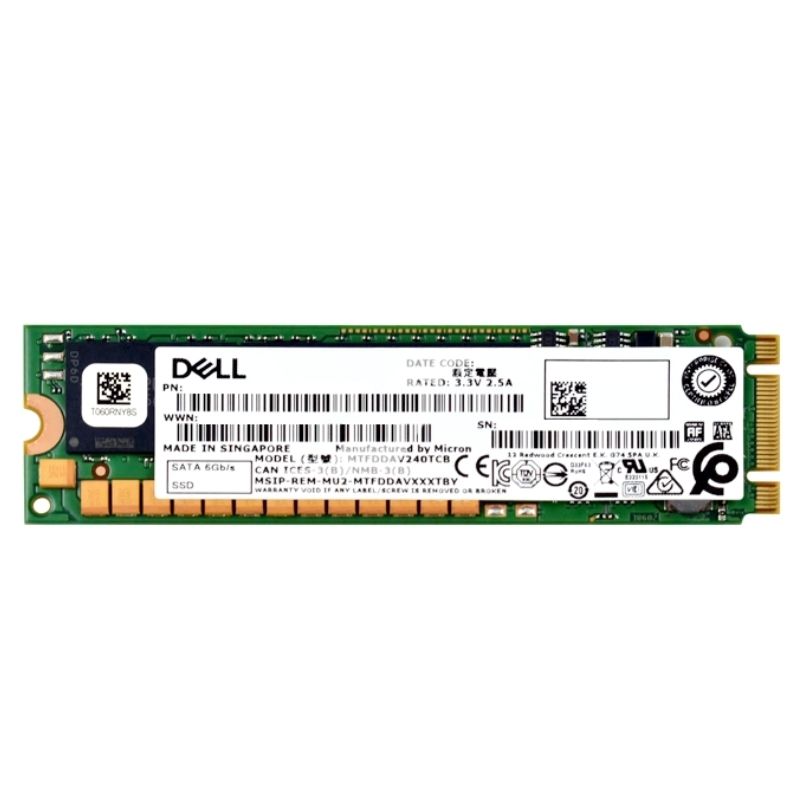


Outline of 345-BLBR 240GB SATA 6GB Enterprise-Class SSD
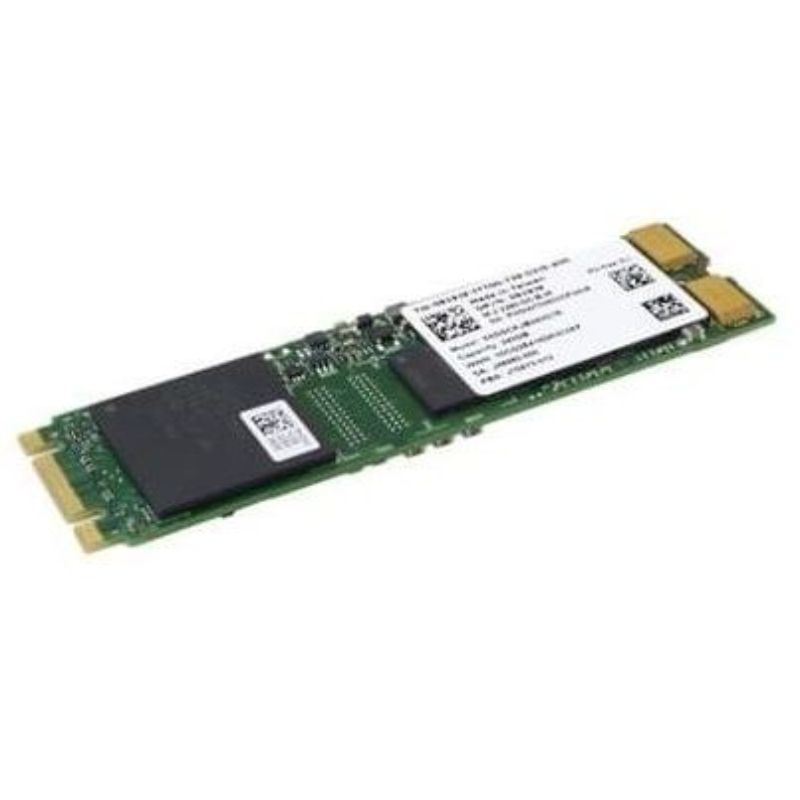
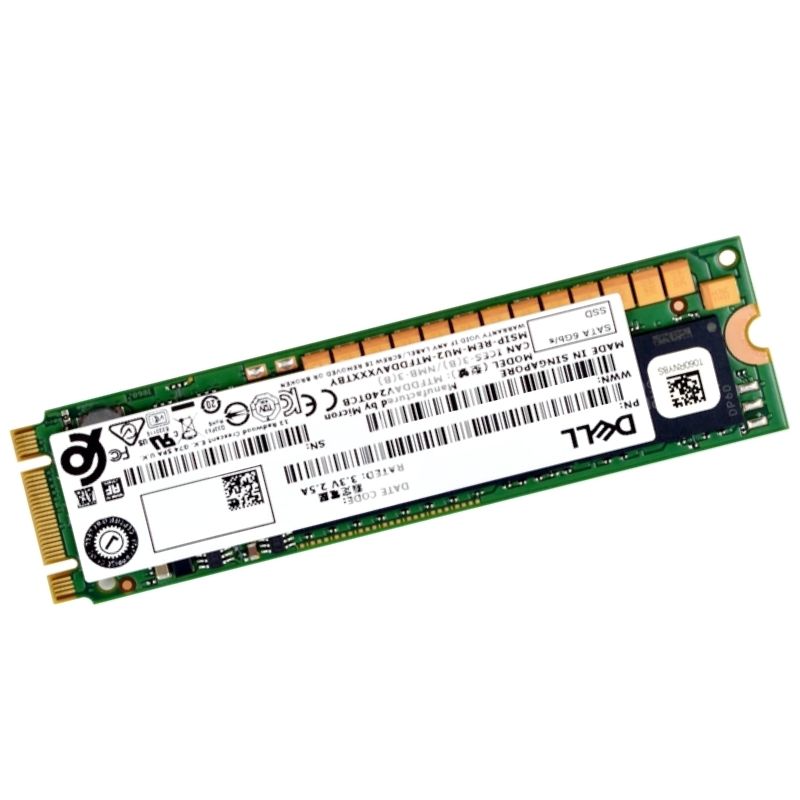
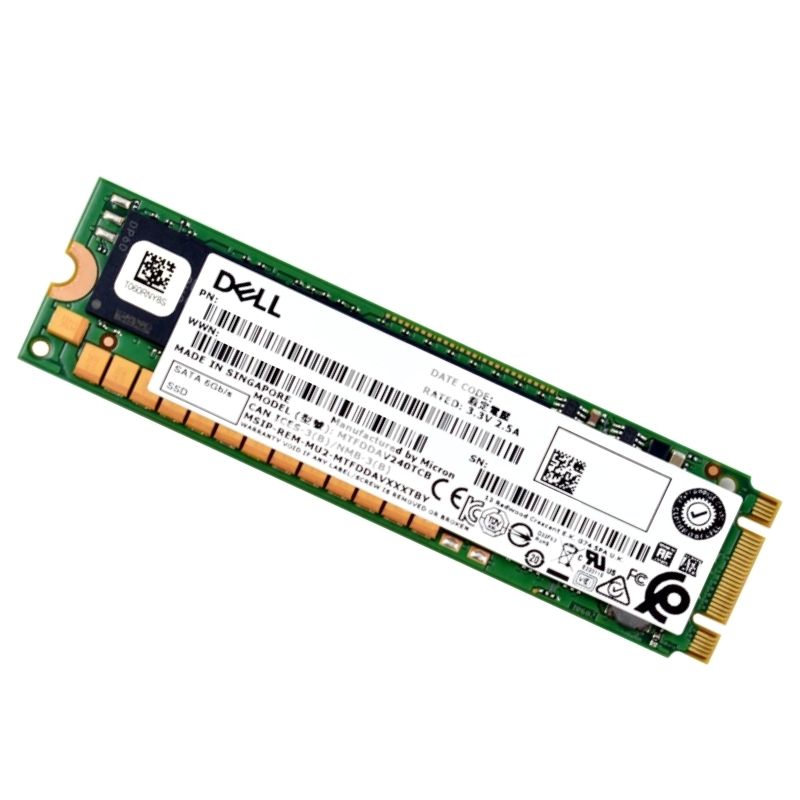
The DELL 345-BLBR 240GB SATA-6Gbps M.2 2280 SSD is a high-performance, enterprise-grade storage drive engineered for DELL PowerEdge Servers. Built with cutting-edge 64-layer Triple Level Cell (TLC) 3D NAND flash technology, this storage device ensures reliable data handling, exceptional endurance, and outstanding read/write speeds to support mission-critical workloads.
The Dell 345-BLBR 240GB SATA-6Gbps M.2 2280 category groups compact, enterprise-oriented solid state drives (SSDs) built for server-grade storage expansion via Dell BOSS (Boot Optimized Storage Solution) cards and similar controller platforms. These M.2 2280 drives use the SATA III (6 Gbps) protocol and 64-layer Triple Level Cell (TLC) 3D NAND to deliver a balance of performance, cost efficiency and endurance for read-intensive and mixed I/O workloads. The category emphasizes reliability, compatibility with Dell enterprise platforms, and the small M.2 2280 form factor that fits directly into motherboard or adapter slots.
The drives use the SATA III (6 Gbps) interface over the M.2 physical form factor (2280 length — 22 mm wide, 80 mm long). As a SATA-based M.2 device, throughput is bound by SATA III bandwidth (theoretical maximum ~600 MB/s), which remains suitable for many enterprise boot and capacity use cases. The M.2 2280 specification enables easy installation on BOSS adapters, mini-ITX and server motherboards with M.2 slots, and on NVMe adapters that provide SATA pass-through where supported.
M.2 SATA drives use the B+M or B key (depending on vendor) and require a host socket that supports SATA signaling over the M.2 interface. On Dell systems, compatibility is typically documented for specific BOSS versions and BIOS revisions — when deploying at scale, confirm compatibility lists and firmware matrixes for targeted server models.
The use of 64-layer Triple Level Cell (TLC) 3D NAND is a cost-effective approach to increase capacity while maintaining acceptable endurance and power efficiency. TLC stores three bits per cell and, when combined with enterprise-grade controllers and firmware optimizations, can provide strong performance for boot and mixed workloads. 3D stacking increases density and improves retention and endurance compared to legacy planar NAND.
Enterprise-class drives in this category are paired with controllers tuned for consistent latency, power management in server environments, and robust error correction (LDPC or similar). Firmware plays a pivotal role in wear leveling, garbage collection, background diagnostics, and host commands for secure erase and SMART telemetry. Vendors supply firmware updates that may improve compatibility with Dell BOSS cards and address edge cases; administrators should follow vendor release notes when updating production systems.
SATA-based M.2 SSDs typically deliver sequential read speeds close to the SATA III ceiling, with sequential write speeds varying by model and internal caching behavior. Random IOPS (4K read/write) are what most enterprise workloads — such as OS boot, small database queries, and VM orchestration — depend on. The 64-layer TLC architecture combined with intelligent caching algorithms (SLC cache or dynamic over-provisioning) helps sustain reasonable random IOPS for general-purpose enterprise tasks.
Instead of focusing solely on peak synthetic numbers, plan deployments around consistency metrics: sustained throughput under mixed read/write patterns, latency percentiles (e.g., 99th percentile), and behavior under full-drive or heavy-write conditions. Drives intended for Dell BOSS applications are optimized to behave predictably as boot and system volumes.
M.2 SSDs offer low power draw compared to spinning disks, which reduces thermal load and improves data center energy efficiency. However, in dense server configurations or when multiple M.2 devices are consolidated on a single adapter, adequate airflow and thermal monitoring are essential to avoid thermal throttling. Enterprise firmware typically includes thermal throttling thresholds to protect NAND and controller health.
Endurance is commonly expressed as TBW (terabytes written) or DWPD (drive writes per day). TLC NAND provides a balance between cost and endurance; enterprise implementations increase longevity via over-provisioning, enhanced error correction, and wear-leveling algorithms. For critical systems, choose drives with endurance ratings aligned to your expected write workload and include redundancy (RAID or mirrored boot configurations) for fault tolerance.
Enterprise-grade SSDs expose SMART attributes and vendor-specific telemetry that help administrators monitor drive health, reallocated sectors, power-on hours, and endurance remaining. Integrating these metrics into server monitoring stacks enables proactive replacement before failure and avoids unexpected downtime.
Many drives support secure erase, crypto-erase, or sanitize commands that conform to standards for secure data removal. When decommissioning or repurposing drives, follow security policies that match regulatory requirements — especially in environments handling sensitive or regulated data.
Dell BOSS cards are designed to host two M.2 drives and provide RAID-1 boot redundancy and management via the system BIOS. Installing a Dell 345-BLBR 240GB M.2 on a BOSS adapter typically involves:
Always reference server-specific installation manuals for standoff placement and torque specifications to avoid damage.
While M.2 2280 is common, not all M.2 sockets support SATA signaling — some are NVMe-only. Ensure the target socket or adapter supports SATA M.2 drives. When using third-party adapters or riser cards, verify that the adapter preserves SATA pins and does not convert to NVMe-only lanes.
Modern server operating systems (Linux distributions, Windows Server variants) natively support SATA M.2 drives. For RAID or boot redundancy on BOSS cards, vendor drivers or firmware-level RAID firmware may be required for advanced features. Confirm compatibility of OS kernel versions, driver stacks, and management tools before large-scale rollouts.
Using a reliable M.2 SATA drive as the server boot device reduces power and improves boot times compared to HDDs. Mirrored M.2 configurations on BOSS cards offer redundancy for system volumes, essential for minimizing downtime in enterprise environments.
When hosting hypervisors like VMware ESXi, Hyper-V or KVM, these M.2 drives are well-suited for storing hypervisor images and frequently accessed small files. For production VM storage, layering with higher-endurance NVMe arrays or using networked SAN/NAS is common, but local M.2 storage provides fast hypervisor boot and housekeeping performance.
The small M.2 2280 form factor makes these SSDs ideal for edge servers, single-socket appliances, embedded systems and ultra-compact workstations where 2.5" drives are infeasible. Combined with low power consumption and rugged design, they support remote and difficult-to-service locations.
NVMe drives offer substantially higher bandwidth and lower latency than SATA-based M.2 SSDs and are preferred for write-heavy, latency-critical databases or high-performance compute. However, SATA M.2 SSDs still excel where server platforms only expose SATA lanes, or where cost-per-GB and compatibility with existing RAID/management tools are primary concerns.
Choose capacity not just for current storage needs but for over-provisioning headroom. A 240GB drive is typically used for OS and system partitions rather than bulk data. For write-heavy workloads, evaluate drives with higher TBW ratings or choose models featuring enterprise-grade NAND and controller features. When in doubt, consider a larger capacity model in the same family to gain endurance and performance headroom from increased over-provisioning.
TLC 3D NAND offers a competitive price-to-capacity ratio compared to SLC or MLC, making the 240GB TLC-based drives cost-effective for many enterprise roles. For mission-critical write-intensive tasks, the upfront cost of higher-endurance media may be justified by reduced replacement frequency and higher predictable performance.
When procuring drives for enterprise environments, review vendor warranty terms, RMA procedures, and multi-drive deployment support. Many enterprise drives are backed by multi-year warranties and include advanced replacement options. Additionally, ensure firmware compatibility with Dell BOSS card firmware releases and check vendor advisories for known issues.


 Contact Us
 Information
 Catalog
 Solid State Drives (SSD)
 Network Switches
 Hard Disk Drives
 HBA & Controllers
 PC & Servers
 PC & Server Memory
 CPU & Processors
 Network Routers
 Power Supplies
 Tape Drives & Libraries
 Network Devices
 Computer & Network Cables