(7% discount is applied at checkout)
Cart is empty
Your go-to destination for cutting-edge server products
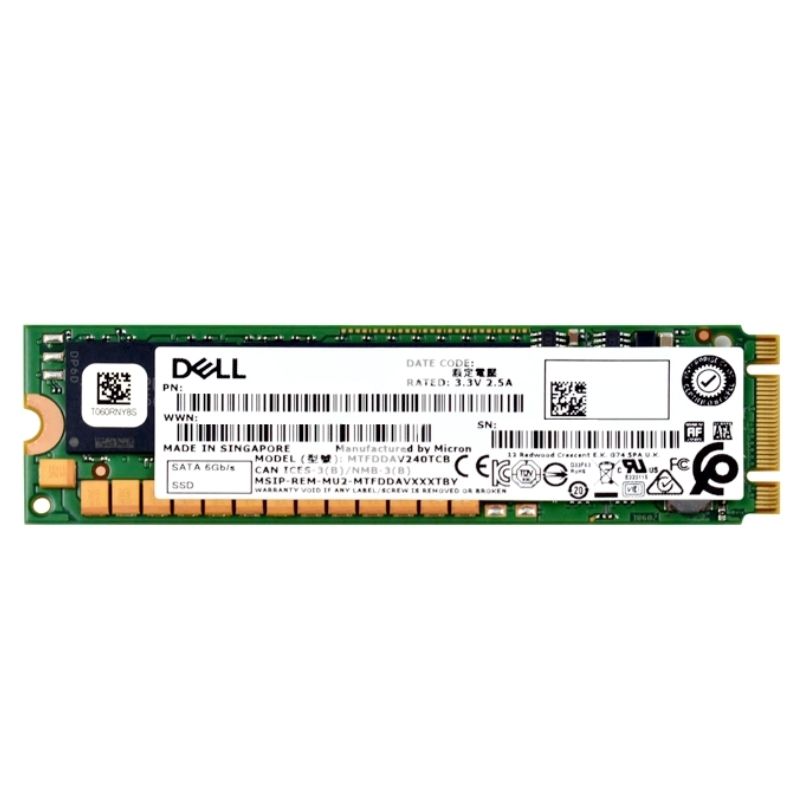


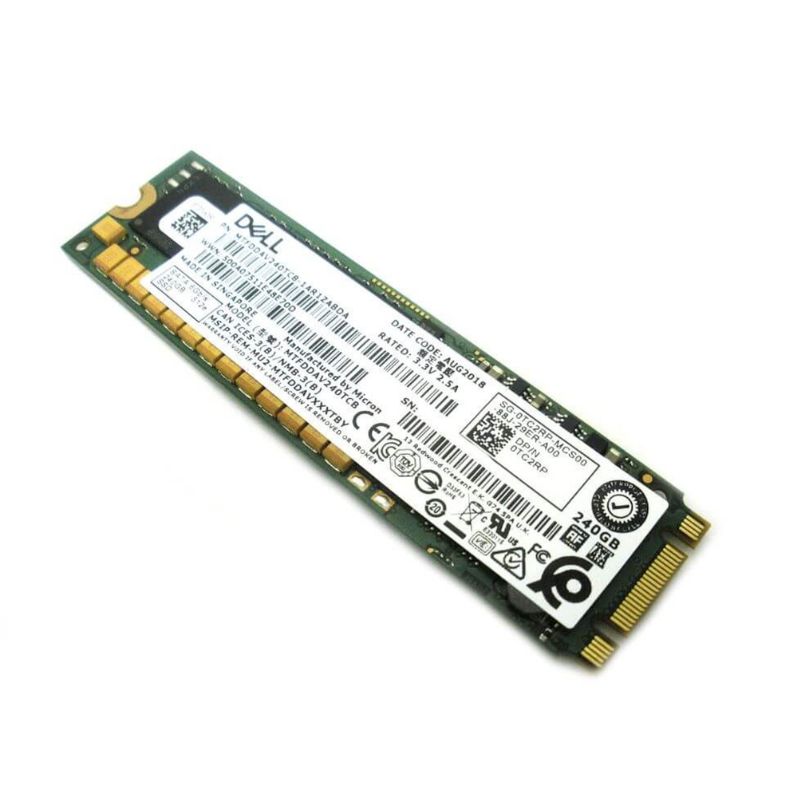
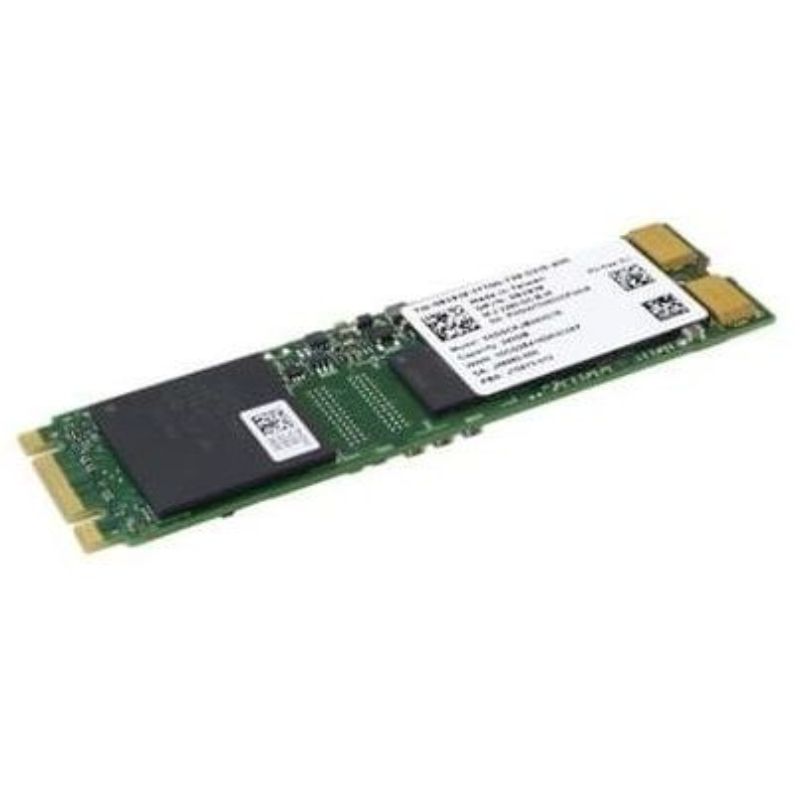
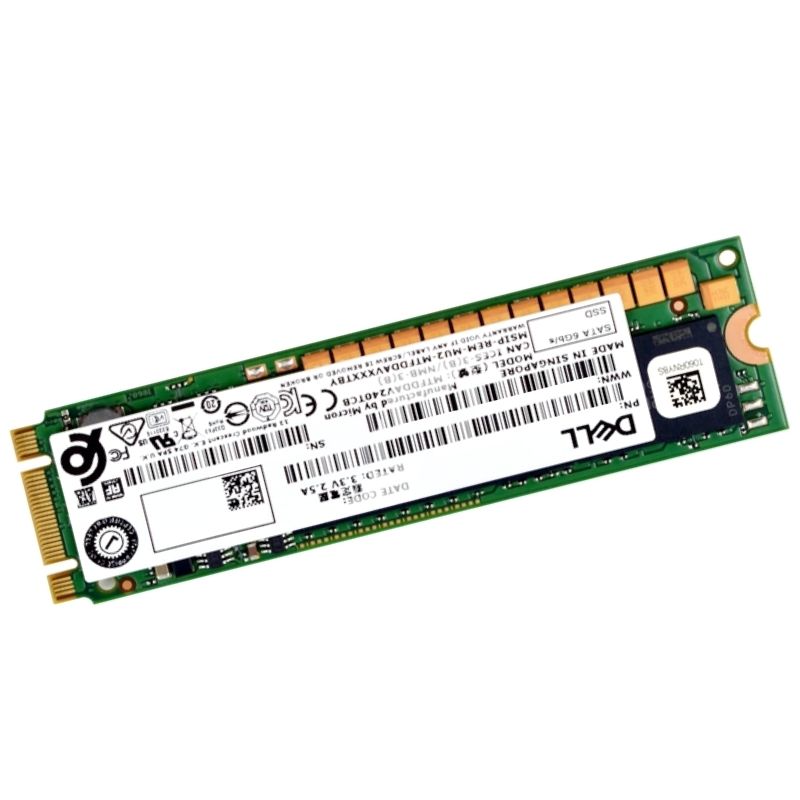
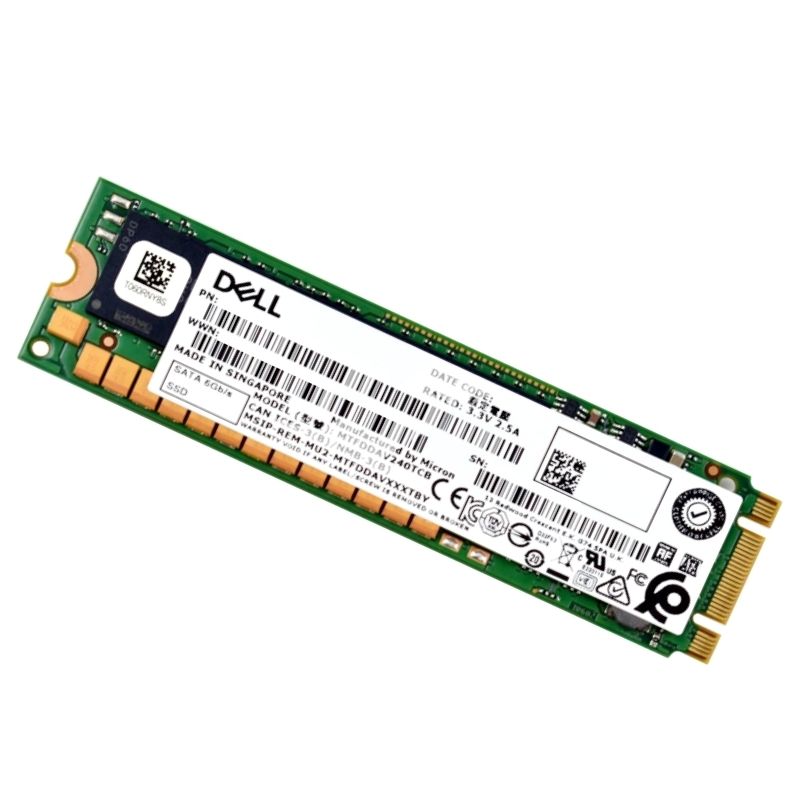
Dell 345-BLCP 240GB SATA 6GBPS M.2 Enterprise Class 64-layer Triple Level Cell SSD for Boss Card. Excellent Refurbished with 1 year replacement warranty
The Dell 345-BLCP 240GB SATA 6Gbps M.2 2280 Solid State Drive represents a next-generation storage innovation designed for Dell PowerEdge servers. Engineered with enterprise-class endurance, reliability, and performance, this SSD delivers rapid data access, low latency, and efficient throughput for read-intensive and mixed workloads. Featuring advanced 64-layer Triple Level Cell (TLC) 3D NAND flash technology, it ensures stable, consistent performance even under heavy server operations.
The Dell 345-BLCP 240GB SATA 6GB/s M.2 Enterprise Class SSD is a purpose-built storage module engineered for server and data center deployments where reliability, predictable performance, and lifecycle management are critical. Marketed as an enterprise-class M.2 drive, this model combines a 240GB capacity with SATA III (6Gb/s) interface compatibility and a 64-layer Triple Level Cell (TLC) NAND configuration. Designed to be used as part of a BOSS (Boot Optimized Storage Solution) card in compatible Dell PowerEdge systems, the SSD is optimized for OS boot volumes, system logs, and read-centric workloads that require endurance above consumer-grade drives.
Understanding the technical specifications of the Dell 345-BLCP helps IT architects and procurement teams determine where this SSD fits in the storage hierarchy. Below are the most relevant technical aspects:
The drive uses the SATA III protocol over an M.2 connector. While M.2 is often associated with NVMe drives using PCIe lanes, M.2 is a physical form factor that supports both SATA and NVMe protocol types. SATA M.2 offers broad compatibility with legacy SATA controllers and with BOSS cards specifically designed to present SATA devices to the host. Compared with NVMe PCIe SSDs, SATA M.2 drives typically have lower peak throughput but provide sufficient and consistent performance for boot volumes and light I/O server tasks.
SATA-based M.2 SSDs like the 345-BLCP are commonly used on vendor-supplied boot cards (e.g., Dell BOSS) because they provide a stable, standardized interface for boot firmware and system management controllers. This simplifies firmware validation, reduces the number of required firmware and driver combinations, and is often more power- and cost-efficient for dedicated boot storage.
64-layer Triple Level Cell NAND stores three bits per cell and represents a balance between affordability and performance. Compared to older planar MLC or SLC NAND, TLC increases density and lowers cost per GB while maintaining acceptable endurance for many enterprise workloads when properly managed by enterprise firmware.
The 64-layer TLC 3D NAND used in the 345-BLCP balances storage density and cost. TLC stores three bits per memory cell, which increases capacity per die and lowers cost per GB compared with SLC/MLC options. The 3D (stacked) architecture further increases density and improves endurance characteristics per dollar compared to older planar NAND generations. For enterprise deployments where capacity and price point are key — especially for boot and read-mostly workloads — a 64-layer TLC SSD is often the most pragmatic choice.
OEM Dell drives typically ship with controller and firmware tuned for server use — power-loss protections, enterprise-level wear-leveling and SMART telemetry integration — which helps them behave predictably in automated server environments and during system-wide firmware and OS updates. Using a Dell-labeled drive also preserves OEM support paths and firmware compatibility for integrated management tools.
The phrase “for BOSS Card” indicates the drive is intended to be installed in Dell's BOSS (Boot Optimized Storage Solution) controller, a small RAID or software-managed storage adapter that accepts two M.2 SATA modules to provide mirrored boot devices or other optimized OS boot topologies. The 345-BLCP is marketed specifically as the M.2 SATA option that pairs with that Dell hardware.
Dell’s official BOSS documentation notes that certain BOSS controllers are tested and validated only with the M.2 drives shipped with the controller. While many users have successfully run third-party M.2 SATA drives on BOSS cards, the vendor caution is important for production environments: if you need supported, certified hardware to preserve Dell support, use the drives Dell specifies. For customization or lab use, other SATA M.2 modules may work, but Dell support may be limited.
Although SATA M.2 does not match NVMe’s peak throughput or low-latency characteristics, an enterprise SATA M.2 drive such as the 345-BLCP still delivers significantly better response times and random I/O performance compared with mechanical boot volumes. Typical deployments include:
Enterprise-class SSDs are designed around predictable behavior over lifetime: consistent performance under sustained workloads, firmware features to handle power events gracefully, and SMART information to give administrators advance warning of problems. While TLC-based parts have lower raw endurance than SLC/MLC alternatives, enterprise firmware, over-provisioning and conservative write amplification control can produce lifetime behavior adequate for boot and read-focused workloads typical of BOSS card usage.
Enterprise SSDs typically include features such as power-loss protection (PLP) logic, robust ECC, and secure erase support. While specific hardware-level protections vary by vendor and model, the Dell 345-BLCP is marketed as an enterprise component, so expect firmware features that prioritize data integrity in server environments. Always validate the presence of any required cryptographic erase or encryption features prior to relying on them for compliance workloads.
If encryption-at-rest is required in your environment, determine whether the drive supports TCG Opal or controller-based encryption; otherwise, implement host-side encryption using your OS or management tools. For secure decommissioning, use vendor-recommended secure erase workflows and document the process to meet audit requirements.
OEM Dell modules such as the 345-BLCP are convenient because they often ship with Dell-specific firmware signatures and are cataloged for support. Third-party M.2 SATA modules may function identically in practice but could lack compatibility guarantees; if you operate under strict support SLAs, OEM drives reduce the risk of unsupported configurations.
The 345-BLCP is a SATA-based M.2 drive. SATA M.2 is generally limited to ≈600 MB/s theoretical throughput due to the SATA interface; NVMe (PCIe) drives offer several times higher throughput and much lower latency. Choose SATA where budget and OEM compatibility matter more than raw throughput — for example, boot volumes and low-to-moderate I/O system partitions — and NVMe when high transaction rates or data-plane throughput are required.


 Contact Us
 Information
 Catalog
 Solid State Drives (SSD)
 Network Switches
 Hard Disk Drives
 HBA & Controllers
 PC & Servers
 PC & Server Memory
 CPU & Processors
 Network Routers
 Power Supplies
 Tape Drives & Libraries
 Network Devices
 Computer & Network Cables