(7% discount is applied at checkout)
Cart is empty
Your go-to destination for cutting-edge server products
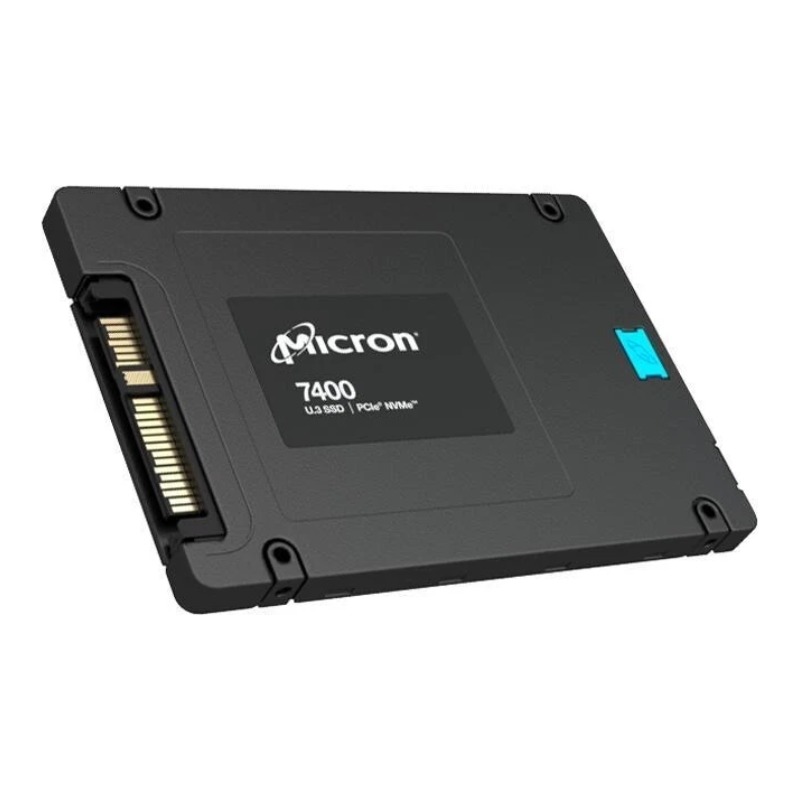


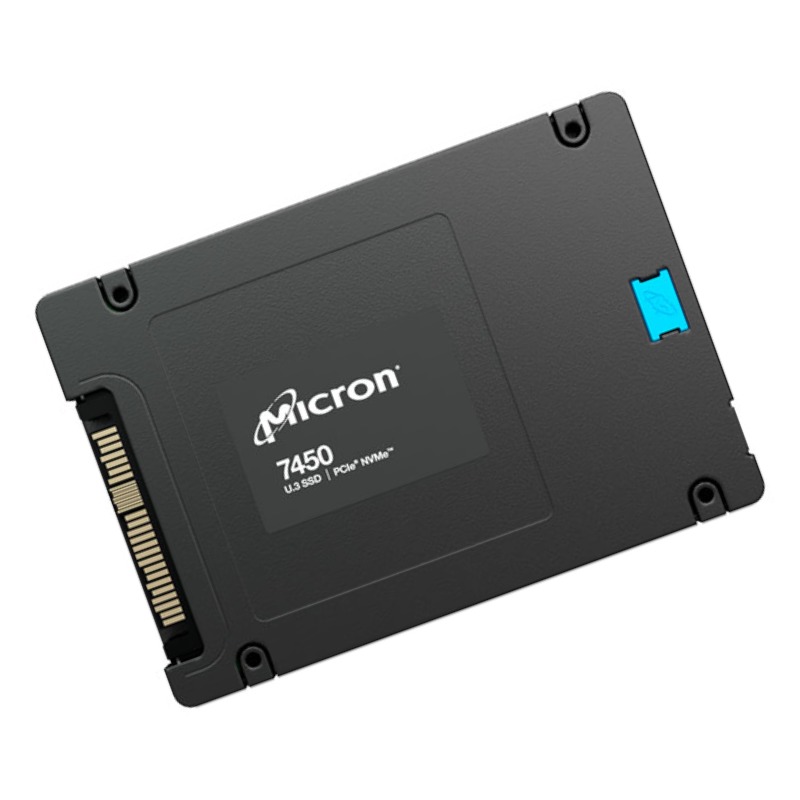
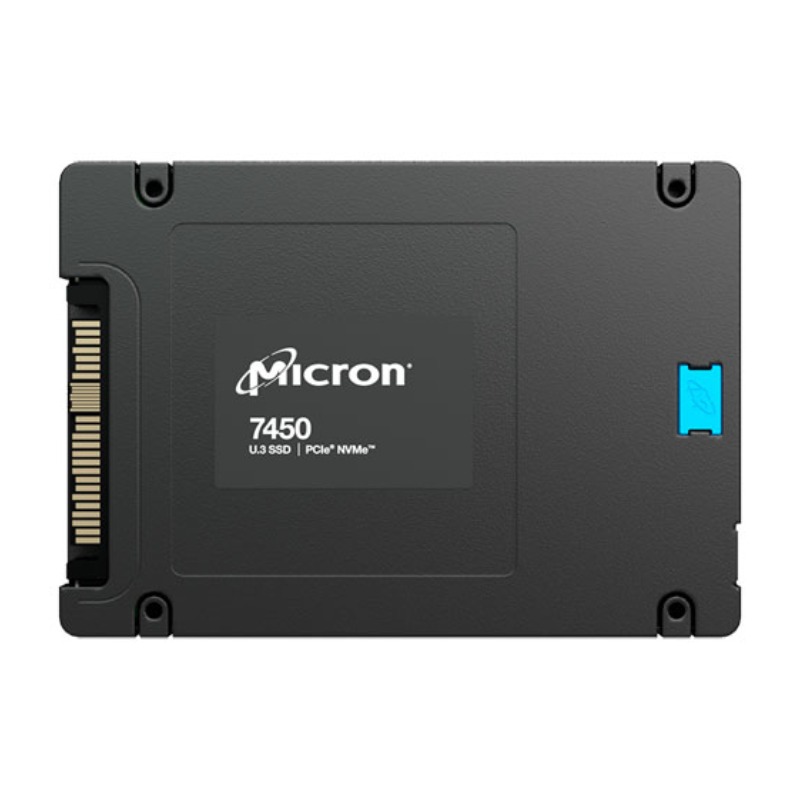
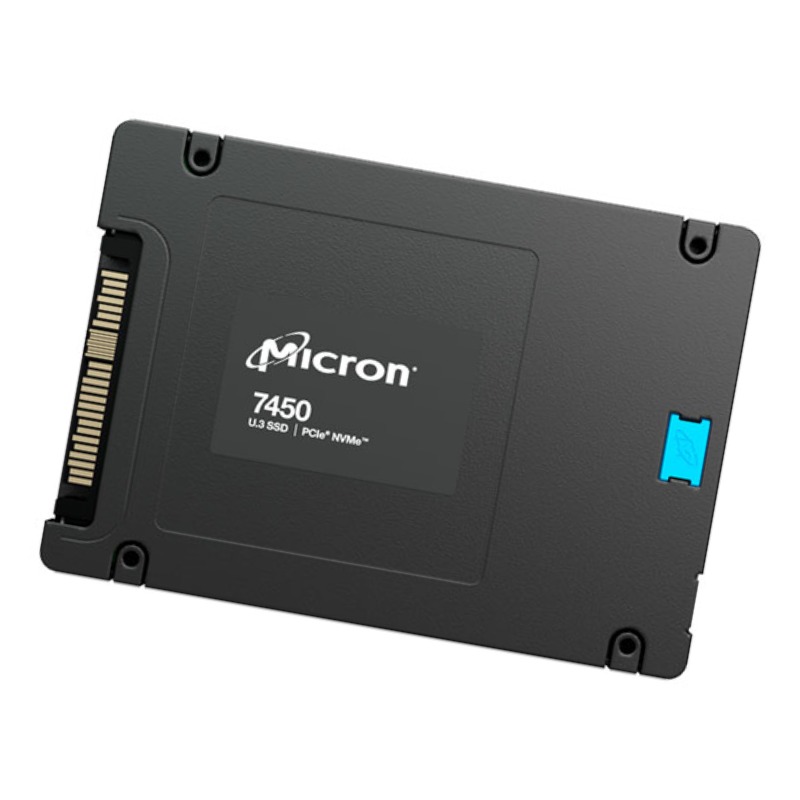
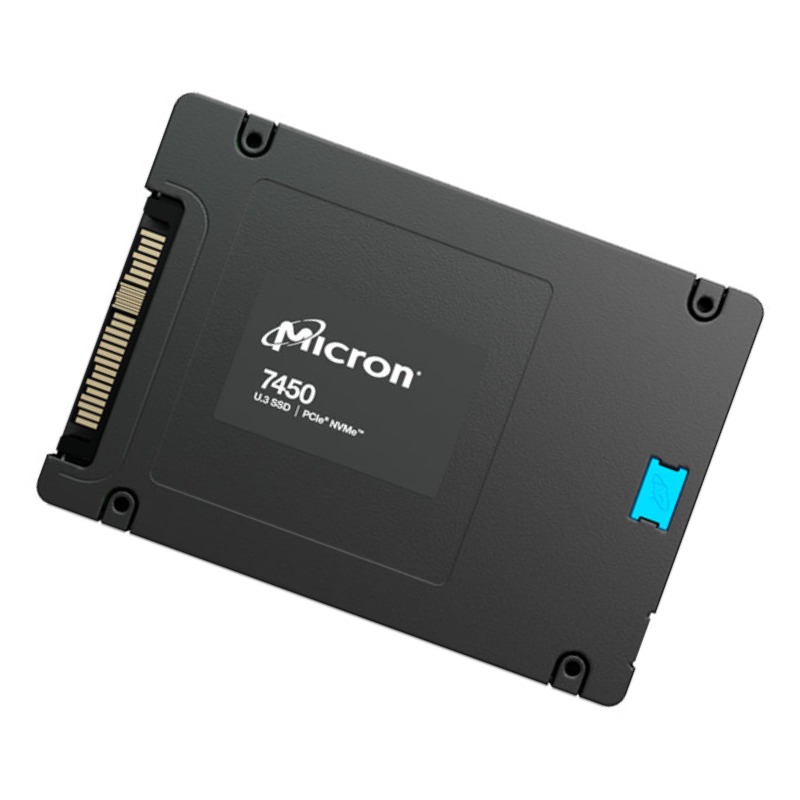
Micron MTFDKCB960TDZ-1AZ1ZABYY 960GB 7400 PRO U.3 7mm NVMe Gen4 DWPD 1 SSD with Tray. New Sealed in Box (NIB) with 3 years Replacement Warranty
The Micron MTFDKCB960TDZ-1AZ1ZABYY is a high-performance enterprise-grade SSD in the 7400 PRO series, featuring 960 GB capacity in a U.3, 7 mm form factor designed for NVMe Gen4 environments. Built for demanding workloads, this drive offers DWPD (Drive Writes Per Day) of 1, making it suitable for read-intensive applications, caching, and hot data processing tiers. The tray-mounted version ensures compatibility and ease of deployment in server systems with backplanes. This category page highlights the Micron 7400 PRO U.3 series, its technical attributes, deployment scenarios, performance benchmarks, reliability features, compatibility considerations, and comparison with other enterprise NVMe SSDs.
Product Details
The Micron 7400 PRO 960GB U.3 SSD seamlessly integrates with multiple servers and storage arrays supporting the U.3 interface. It’s fully compatible with Gen4 NVMe infrastructure, ensuring optimal performance in hybrid and virtualized environments.
Underlying the Micron MTFDKCB960TDZ model is a sophisticated SSD architecture optimized for high throughput, low latency, and endurance. The drive supports the PCIe Gen4 ×4 interface and NVMe 1.4 protocol, delivering a theoretical peak bandwidth of 8 GT/s per lane. With full Gen4 support, the MTFDKCB960TDZ can exceed 6 GB/s sequential throughput in optimal host platforms. Internally, Micron leverages its high-density 3D NAND flash technology (such as 176-layer or more) and a robust controller to manage error correction, wear leveling, and background tasks.
The 7 mm height specification ensures broad compatibility in server trays and chassis that support U.3 drives. The U.3 connector combines support for NVMe and SAS/SATA backplanes, making this drive usable in mixed protocols environments if the backplane infrastructure matches. The tray is typically a metal or aluminum carrier that securely fits into a 2.5-inch bay and aligns the drive to backplane connectors.
In best-case scenarios with PCIe Gen4 support and host tuning, the 7400 PRO U.3 SSD can deliver sequential read speeds up to 7-8 GB/s and sequential writes in the range of 3-5 GB/s depending on workload and capacity tier. The 960 GB model often hits upward of 6.8 GB/s read and 3.8 GB/s write under ideal conditions.
The random 4K read and write IOPS performance is equally important for server workloads. This model typically delivers hundreds of thousands of IOPS (for example, 600k–1M random read IOPS) and somewhat lower random write IOPS depending on queue depth and host configuration. Latency is minimized through efficient NVMe queuing and controller optimizations.
One of the hallmarks of enterprise SSDs is consistent performance under sustained load. The 7400 PRO line is engineered to maintain performance even under extended I/O pressure, thanks to overprovisioning, background garbage collection, and balanced wear leveling. Quality of Service (QoS) metrics ensure that tail latencies remain low — typically measured in single-digit microseconds for reads under common loads.
Endurance for SSDs is often expressed in DWPD (Drive Writes Per Day), meaning how many times the full drive capacity may be written per day over its warranty period. The MTFDKCB960TDZ offers 1 DWPD, which is sufficient for read-centric and caching workloads but modest compared to heavier write workloads. The drive typically carries a warranty or service life expectation in the range of 5 years or a petabyte-level write limit (e.g., PBW).
To ensure data integrity and reliability, the SSD implements internal ECC (e.g. LDPC), end-to-end data path protection, power loss protection capacitors, and bad block management. These features help guard against data corruption, bit errors, and unexpected power interruptions. Micron’s firmware is tuned for enterprise usage, ensuring that write amplification is kept in check and wear leveling is distributed evenly across the NAND media.
The MTFDKCB960TDZ-1AZ1ZABYY is best suited for enterprise and data center applications that demand high read throughput, low latency, and reliable operation in a server environment. Typical use cases include:
Because this is a 1 DWPD drive, it is less optimal for write-intensive workloads such as heavy OLTP, real-time analytics with constant writes, or write caching layers that exceed endurance margins. For those, higher DWPD models in the Micron SSD portfolio or alternative high-endurance NVMe drives may be more appropriate.
The U.3 form factor is an evolution over U.2 and EDSFF, combining hot-swap capabilities, backplane support, and protocol flexibility. Systems that support U.3 backplanes can use this drive interchangeably with SAS or SATA drives in the same slot — provided the drive type is compatible and the backplane supports NVMe mode.
Because the drive is 7 mm thick, it fits in standard 2.5-inch hot-swap bays and servers that support 7 mm drives (many accept up to 9.5 mm, so 7 mm is well within spec). Electrical compatibility with PCIe Gen4 x4 is critical for full performance — systems limited to Gen3 will bottleneck the drive's peak throughput.
To leverage full performance, the host system must include a PCIe Gen4 slot or backplane, NVMe driver support (e.g. NVMe SSD driver stack in Linux, Windows Server, VMware), and firmware settings to enable features such as PCIe bifurcation, SRIOV, or NVMe multisubmission queueing. CPU, memory, and queue depths should be sized to match high bandwidths. Proper cooling and airflow are also essential — the drive may generate moderate heat under heavy sustained transfer.
High performance SSDs generate heat under heavy load; the Micron 7400 PRO U.3 model is no exception. System design should ensure adequate airflow over the drive area and possibly support for per-drive thermal throttling thresholds. The drive’s firmware typically includes thermal monitoring and may throttle performance to protect against overheating.
Power consumption is another factor — the drive may draw several watts under active load and somewhat lower in idle or low power states. When designing systems with many drives in close proximity, consider cumulative power draw, heat dissipation, and power supply headroom.
Micron provides firmware updates and management tools for the 7400 PRO family. These tools facilitate features like secure erase, SMART monitoring, health monitoring, and FW upgrades. Administrators can monitor critical metrics such as media wear, spare capacity, error counts, temperature, and usage patterns via standard NVMe log pages.
Some firmware releases may also support features like namespace management, host-initiated secure erase, namespace security, and enhanced error recovery. The presence of multiple namespaces allows partitioning of the SSD into isolated volumes for multi-tenant or multi-application scenarios, enhancing security and workflow isolation.
This product belongs to the broader enterprise NVMe SSD category, specifically the Micron 7400 PRO series. On this category page, visitors will find a range of capacities (e.g., 480 GB, 960 GB, 1.92 TB, 3.84 TB, etc.), various endurance ratings (1 DWPD, 3 DWPD, or higher), and different form factors (U.3, U.2, E1.S, E3, etc.). The 7400 PRO line is designed to span from read-centric to mixed-use workload profiles, offering strong performance, enterprise reliability, and flexibility.
Within the 7400 PRO series, Micron offers multiple capacity and endurance configurations. Lower capacity variants are ideal when fewer TB are required but with similar latency and functionality. Higher capacities allow for more overprovisioning and sustained writes. Some variants support higher DWPD (e.g. 3 DWPD), better suited for more write-intensive environments.
Customers selecting drives from this category should consider capacity, endurance (DWPD), performance scaling, cost per TB, and workload type. Mixed workload variants may offer more balanced read/write performance, while read-optimized variants provide best read throughput for caching or cold data access.
The 7400 PRO line is available in U.3 (2.5-inch, 7 mm), U.2 (older generation), E1.S (single-sided, compact), and possibly E3 or E3.L form factors for next-generation platforms. Each form factor suits different server architectures: U.3 and U.2 are preferred in traditional SFF server bays, while E1.S is more common in dense, front-facing modular systems.
Choosing the right form factor involves checking server tray dimensions, backplane connectors, airflow constraints, and system compatibility. For front access, E1.S may offer improved density; for legacy systems U.3 remains widely supported.
While this drive uses PCIe Gen4 ×4 NVMe, the broader category includes drives optimized for PCIe Gen5, PCIe Gen4 ×2, or hybrid PCIe/SAS architectures in some environments. Protocol support may also differ (NVMe 1.4, NVMe 2.0), which can affect advanced features such as zoned namespaces or computational storage offload.
When browsing this category, users can filter by interface generation, protocol version, and backwards compatibility (some Gen4 drives operate in Gen3 mode with reduced performance).
Start by verifying system compatibility: backplane supports U.3, adapter cages if necessary, PCIe Gen4 support, and correct driver or firmware that supports NVMe. Confirm there’s sufficient cooling and power capacity per drive. Plan for firmware updates, SMART log monitoring, and maintenance windows. Use ESD precautions and grounded installation tools.
Place the drive in airflow paths, avoid obstructed slots, use thermal conductive interposers or heat sinks if supported, and maintain ambient temperature within the recommended range (often 0–70 °C or higher for enterprise models). Monitor drive temperature logs post installation to check for thermal throttling events.
Always verify the drive’s firmware revision upon initial deployment. Use vendor-provided tools or UEFI/BIOS utilities to update firmware if newer versions address performance, stability, or security fixes. Maintain firmware version logs for all drives and manage upgrades in maintenance windows. Test firmware updates on a subset before rolling out to production.
Use NVMe standard log pages (e.g. SMART/Health, error log, endurance log) to monitor metrics such as media health, available spare, unsafe shutdown count, temperature, critical warnings, and blocks retired. Set alert thresholds for early intervention. Automate periodic health audits and data migrations if a drive approaches end-of-life indicators.
Leave spare space for overprovisioning (e.g. reserve 10 % extra capacity if allowable) to improve endurance, reduce write amplification, and yield more consistent performance. Avoid filling the drive to 100 % utilization; maintain headroom to allow garbage collection and background tasks to run effectively.
The 7400 PRO line is read-performance oriented with moderate endurance. In contrast, Micron’s 7400 MAX or 7450 models may deliver higher DWPD and better write throughput. Users needing heavier writes might prefer MAX or mixed-use models; those focused primarily on reads or caching use PRO variants. The PRO variant tends to offer a better $/GB ratio for read workloads.


 Contact Us
 Information
 Catalog
 Solid State Drives (SSD)
 Network Switches
 Hard Disk Drives
 HBA & Controllers
 PC & Servers
 PC & Server Memory
 CPU & Processors
 Network Routers
 Power Supplies
 Tape Drives & Libraries
 Network Devices
 Computer & Network Cables