(7% discount is applied at checkout)
Cart is empty
Your go-to destination for cutting-edge server products
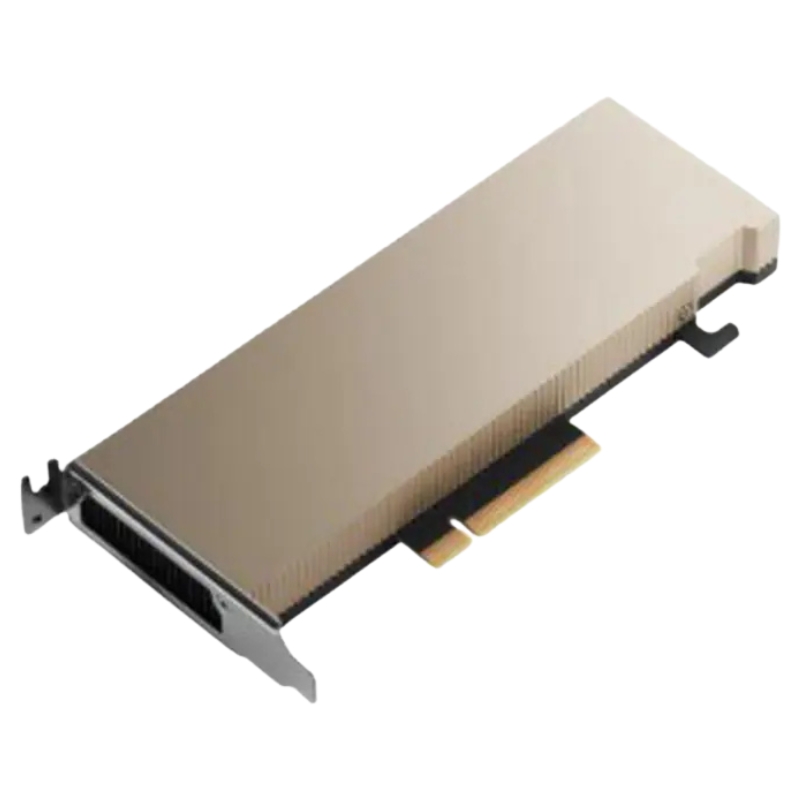


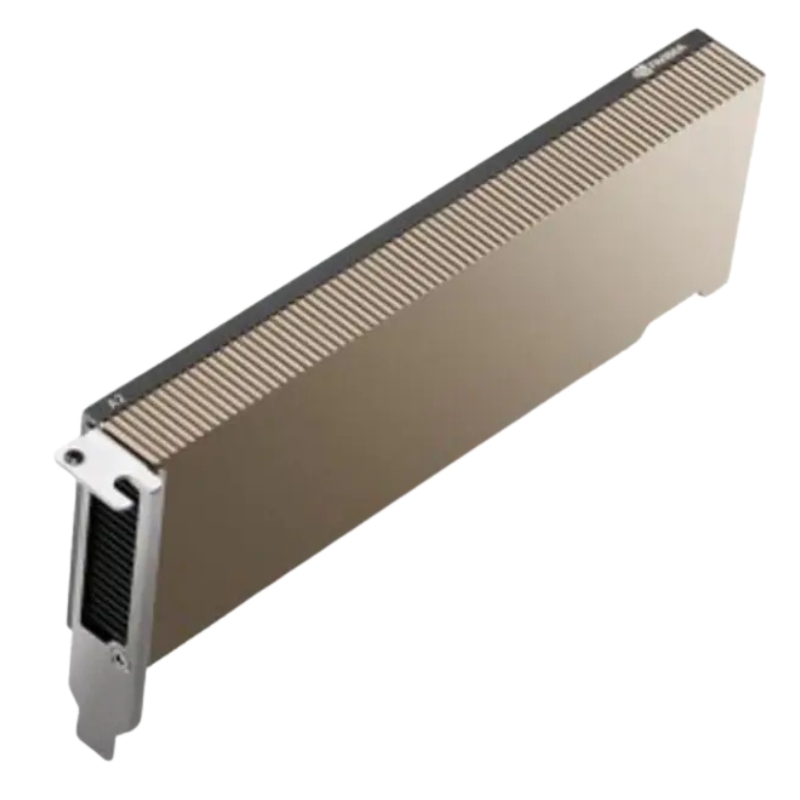
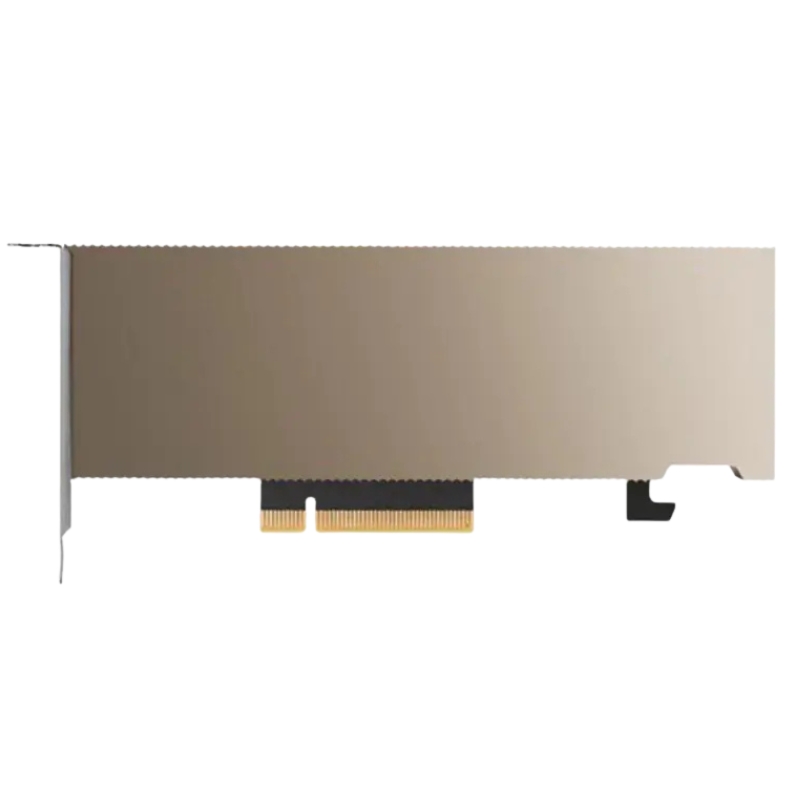
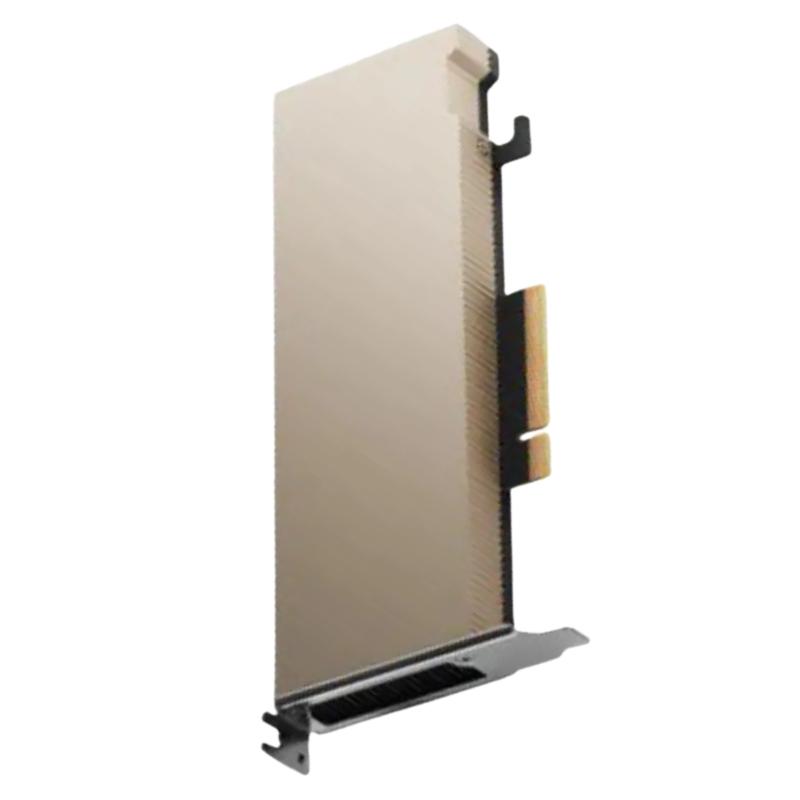
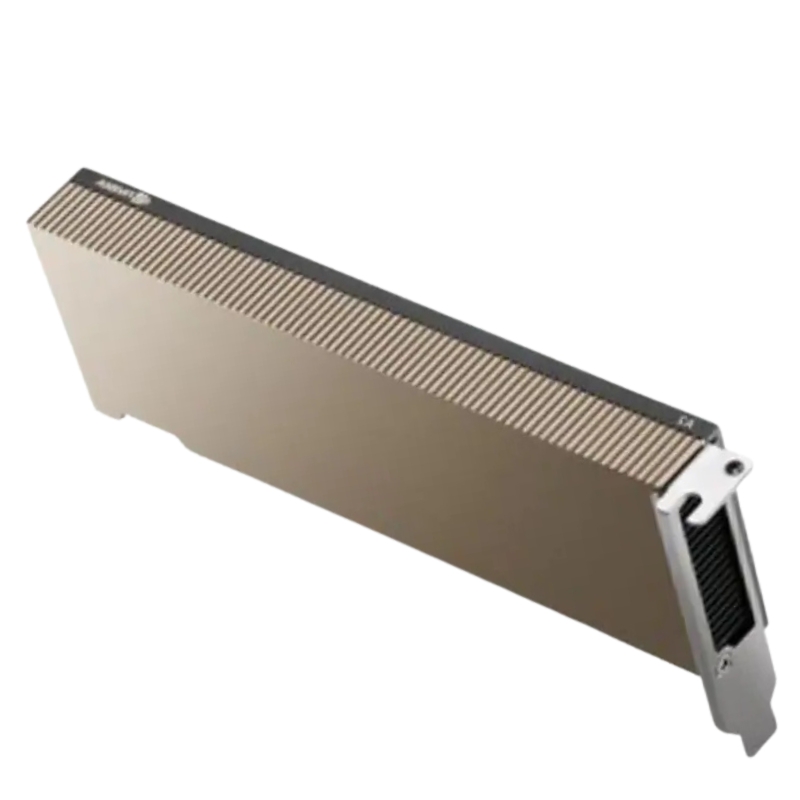
Nvidia 900-2G179-2720-101 16G A2 PCIe Computing Card Deep Learning AI FH Ampere Tesla Graphics. New Sealed in Box (NIB) with 3 Years Warranty. Call(eta 2-3 Weeks).
Unlock high-performance computing with the Nvidia 900-2G179-2720-101 — a cutting-edge 16GB A2 PCIe graphics module engineered for deep learning, artificial intelligence, and data-intensive workloads.
The Nvidia 900-2G179-2720-101 16G A2 PCIe Computing Card Deep Learning AI FH Ampere Tesla Graphics category groups a highly-specialized class of server and workstation GPUs intended for modern AI inference, small-to-medium model training, accelerated data pipelines, and graphics-accelerated virtualization. This category name reflects a compact, data-center-ready form factor: the A2 class GPU with 16GB of graphics memory, PCIe interface, and design cues associated with the Ampere architecture. The category includes cards built to fit full-height (FH) server slots and target workloads where efficiency, density, and low-profile power consumption are priorities.
This category is ideal for systems architects, DevOps and MLOps engineers, enterprise IT teams, and GPU-accelerated application developers who need predictable inference throughput, reduced power draw, and the ability to deploy multiple GPU-accelerated containers or virtual desktops per server. It is also relevant for startups and labs that require a balance between cost, memory capacity (16GB), and compatibility with mainstream AI frameworks.
The cards in this category are characterized by a PCIe connection for easy integration into a wide range of servers and workstations, a 16GB memory configuration to host reasonably large models and datasets in-device, and a full-height (FH) bracket suitable for standard rack servers. The Ampere-generation design principles emphasize improved performance per watt, enhanced tensor compute efficiency, and compatibility with the Nvidia software stack used by enterprises and researchers alike.
With 16GB of onboard memory, these cards comfortably support many inference workloads and medium-sized model fine-tuning. Memory capacity impacts your ability to run high-resolution vision models, larger language model variants, and multi-stream video analytics without frequent CPU–GPU memory transfers. When planning deployments, consider memory bandwidth and how memory size interacts with batch size and concurrency—two important levers for achieving target inference latency and throughput.
Sixteen gigabytes is a sweet spot for operators who need the headroom to host transformer-based models at reduced batch sizes or to run several lightweight models concurrently. It allows for reasonable batch sizes when serving vision transformers or medium-sized GPT-style language models and reduces the need to offload tensors to system memory, which can hurt latency.
The PCIe interface ensures broad compatibility across server and workstation platforms, allowing integration into standard x86 systems and many ARM-based servers designed for AI. Whether you slot the card into a PCIe x8 or x16 lane will influence available throughput for very bandwidth-sensitive workloads; for most inference and many training tasks, PCIe provides ample connectivity.
Confirm the server’s BIOS/firmware supports the card model and any required UEFI settings for GPU enumeration.
Leave adjacent slot clearance for airflow when using passive-cooled variants in dense server chassis.
Balance PCIe lane allocation when pairing multiple accelerator cards in a single server to avoid bottlenecks.
Cards in the Nvidia A2 family are optimized for a balance of performance and efficiency. Inference performance typically scales with batch size and model type; latency-sensitive services will prioritize small batch sizes and single-stream latency, while throughput-oriented services will increase batch size to maximize utilization. Expect improvements in tensor operation efficiency relative to older architectures, especially when leveraging optimized libraries such as cuDNN, TensorRT, and CUDA graph features.
If your workload is dominated by inference, focus on model optimization techniques: quantization, pruning, TensorRT compilation, and batching strategies that exploit the card's tensor cores and INT8/FP16 acceleration paths. For training or fine-tuning, monitor memory usage and be prepared to use gradient-accumulation, mixed-precision training, or offloading strategies when models approach or exceed device memory.
Use the Nvidia software ecosystem for best results: the CUDA toolkit, cuDNN for deep learning primitives, TensorRT for inference optimization, and containerized Nvidia drivers (NVIDIA Container Toolkit) for simplified deployment. Framework integrations for PyTorch, TensorFlow, and ONNX Runtime are mature and benefit from vendor-optimized kernels available in the ecosystem.
The category supports a variety of deployment patterns from single-GPU developer machines to multi-GPU inference servers, clustered microservices, and GPU-accelerated virtualization nodes. A2-class cards are often used in dense inference racks, edge compute nodes, and VDI farms because of their favorable power envelope and the ability to host many independent workloads.
Containerizing GPU workloads is standard practice for portability and reproducibility. Use the NVIDIA Container Toolkit to expose GPUs to containers and Kubernetes device plugins or NVIDIA's GPU Operator for automated driver and runtime lifecycle management. When orchestrating at scale, pay attention to node labeling, resource requests/limits for GPU resources, and affinity rules to collocate GPUs with high-throughput network or storage resources.
For multi-tenant deployments, enable GPU partitioning or use virtual GPU (vGPU) solutions when supported by the platform. This category's form factor and memory size make it suitable for VDI deployments hosting many smaller virtual desktops or application-specific containers. Evaluate licensing, driver compatibility, and guest OS support when planning vGPU.
Thermal management and power planning are essential for continuous, high-uptime deployments. Full-height (FH) cards fit standard rack servers but may come in different cooling variants (passive heatsink for high-airflow chassis or active single-fan designs for workstations). Plan rack airflow, ensure adequate chassis ventilation, and confirm power connectors (if applicable) match your server’s available power headers.
These cards are engineered for an efficient power-performance curve. When deploying multiple cards per chassis, calculate total thermal dissipation and maintain recommended intake and exhaust flows. Passive-cooled variants require chassis-level airflow; active-cooled variants need clearance for fan intake and may affect adjacent slot temperatures.
Deploy cards in chassis with at least N+1 cooling redundancy for critical workloads.
Keep PCIe slot population balanced between CPU sockets in dual-socket servers to maintain NUMA locality.
Monitor inlet/exhaust temperatures and use telemetry to detect thermal throttling early.
Enterprises should align GPU driver upgrades with their maintenance windows. Nvidia publishes driver release notes and compatibility matrices—review these to confirm support for your chosen OS and frameworks. Consider Long-Term Support (LTS) driver releases where available for stability-focused environments.
Within the broad Nvidia ecosystem, the 16GB A2-class PCIe cards sit between low-power edge accelerators and higher-tier data-center GPUs. They are defined by their focus on efficient inference and modest training workloads rather than the raw multi-GPU scale of larger data-center GPUs. When choosing between cards, weigh memory size, form factor, power consumption, and software feature set against project budgets and deployment goals.


 Contact Us
 Information
 Catalog
 Solid State Drives (SSD)
 Network Switches
 Hard Disk Drives
 HBA & Controllers
 PC & Servers
 PC & Server Memory
 CPU & Processors
 Network Routers
 Power Supplies
 Tape Drives & Libraries
 Network Devices
 Computer & Network Cables