(7% discount is applied at checkout)
Cart is empty
Your go-to destination for cutting-edge server products
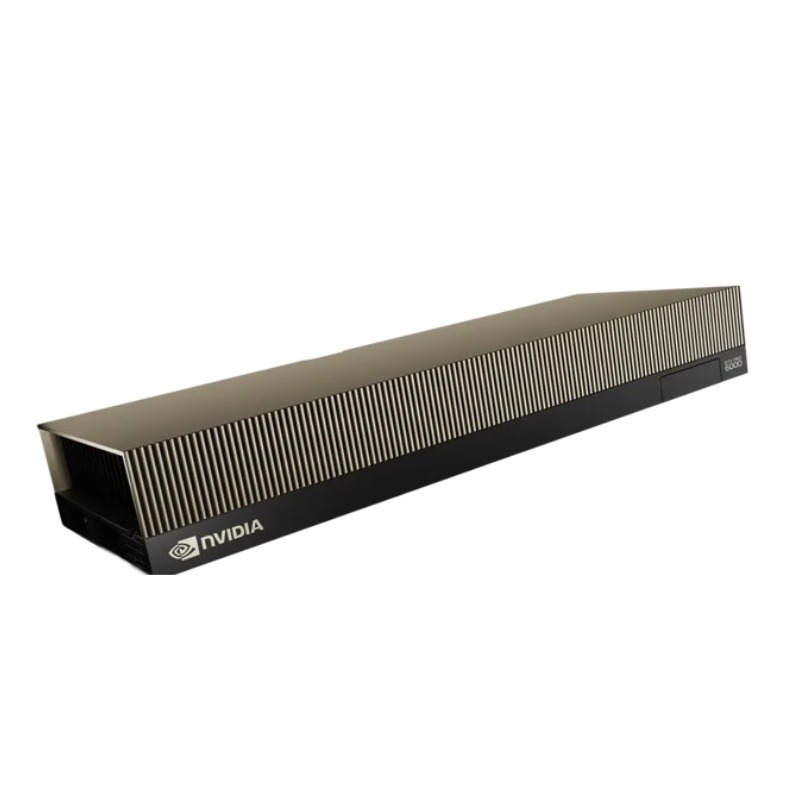


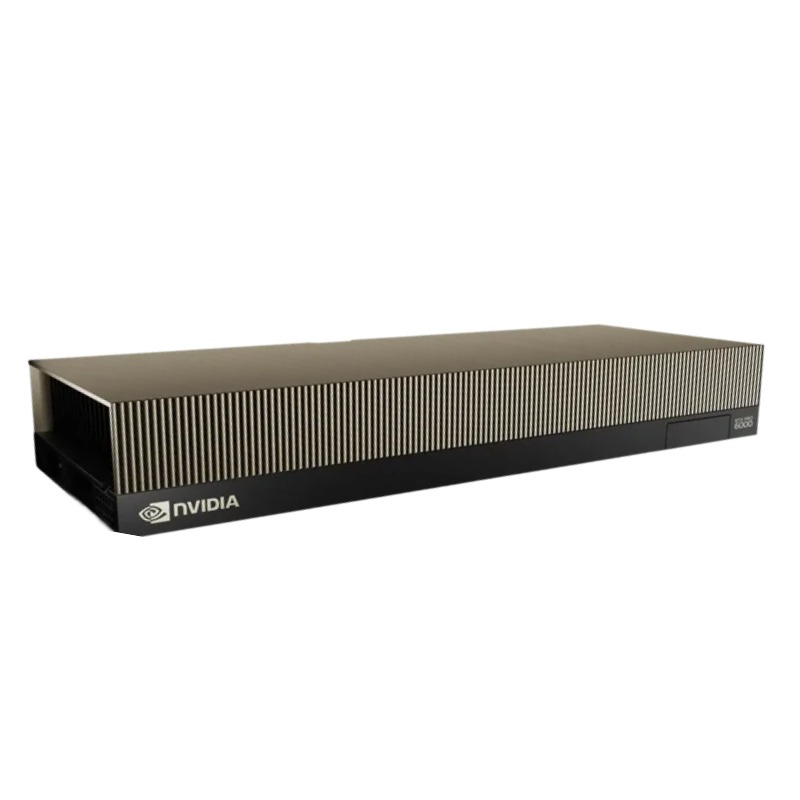
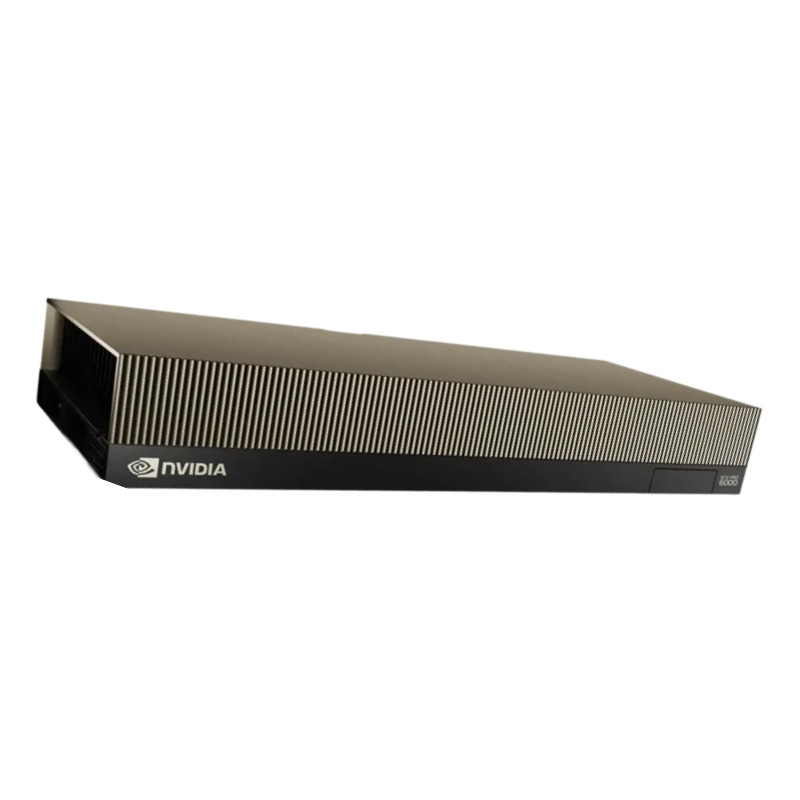
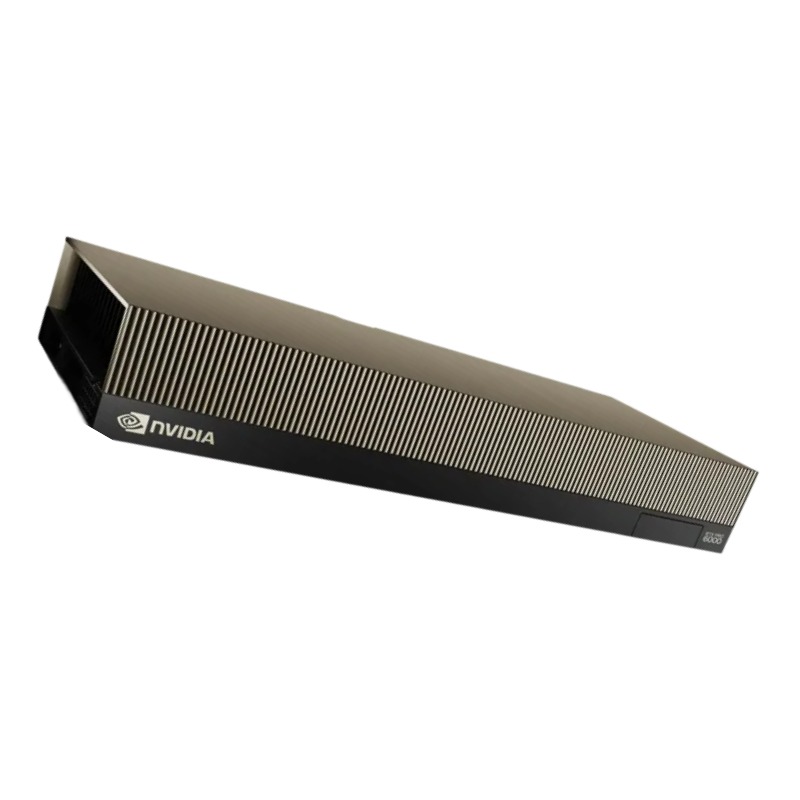
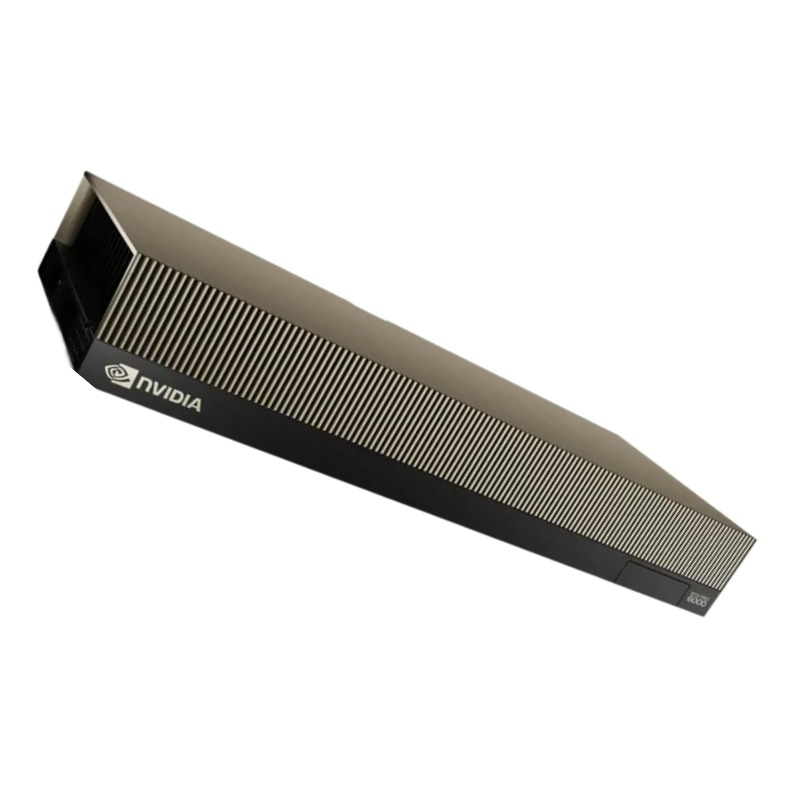
Nvidia RTXPRO6000SE RTX PRO 6000 Blackwell Server Edition Graphic Card. New Sealed in Box (NIB) with 3 years Warranty - (ETA 2-3 Weeks). Call. No Cancel No Return
Main Information
The Nvidia RTX PRO 6000 SE, also known as the Blackwell Server Edition, is a highly specialized GPU series engineered for data centers, professional rendering systems, AI workloads, simulation servers, and high-performance compute deployments. Under this category, you will find multiple product variants and complementary accessories tailored for reliability, scalability, and performance. The subcategories may include RTX PRO 6000 SE (standard), RTX PRO 6000 SE with enhanced cooling, dual-GPU server modules, workstation-class server kits, and supporting modules such as NVLink bridges, server rails, redundant power options, and monitoring solutions.
The core of the RTX PRO 6000 SE is the Blackwell GPU architecture, delivering advanced performance improvements over prior generations. Expect enhanced tensor cores, RT cores, and CUDA cores optimized for high throughput and mixed precision workloads. Key features that define this category include:
Under this category, each variant is often shipped with different thermal designs, such as blower-style coolers, passive heat sinks for external airflow, or liquid-cooling ready cold plates. You may also find models with factory-fitted fans or models with pre-attached heatsink blocks.
GPUs in this category target users requiring consistent, predictable performance in server environments. Use-cases include:
The air-cooled standard models are often fully enclosed in a server-friendly half-height or full-height form factor, using blower-style fans or dual axial fans. These designs are optimized for chassis airflow—typically front-to-back. They are well-suited for large rack servers, blade servers, or GPU enclosures where the chassis supplies the airflow.
For server rooms or clusters with liquid cooling infrastructure, this subcategory offers models with integrated cold plates or baseplate mounting points. These allow direct coupling to water loops or chilled fluid systems. These variants reduce thermal stress and permit higher sustained clocks under load.
Some listings under this category may be dual-GPU modules or server blades housing two or more RTX PRO 6000 SE units on a single board. These modules often share a unified cooling system and are optimized for maximum density in GPU racks. They might come with custom backplanes, power distribution, or shared VRMs to deliver stable power in high-density clusters.
Evaluate your working dataset size and memory bandwidth needs. If your model training or rendering tasks demand very large memory footprints, choose a SKU with higher memory capacity. If bandwidth is the bottleneck, review the memory architecture and interconnects of each variant.
For AI and HPC workloads using mixed precision (FP16 / BF16 / TensorFloat), look at the tensor core enhancements. For simulation workloads relying on FP64 or double precision, ensure the SKU offers strong double-precision performance. Some variants may offer higher double-precision throughput at the tradeoff of FP32 frequency.
If you plan to cluster or tie GPUs together, consider whether you need NVLink bridges, PCIe interconnect modes, or custom backplanes. Some variants in this category have built-in high-bandwidth interconnects optimized for multi-GPU scaling across a server chassis.
Check that your servers or racks can deliver enough stable power. A typical RTX PRO 6000 SE may draw 400W–600W or more. Ensure your power supply, cabling, and redundancy support that draw. Efficiency is also important: some SKUs may be bin-optimized for lower voltage, improving watts per TFLOP under load.
Many product pages in this category provide benchmark results such as TFLOPS at FP32 / FP64 / INT8 / Tensor throughput. These help buyers compare different SKUs or confirm performance gains over prior-gen GPUs. Look for sustained throughput rather than peak bursts, as server workloads often run continuously.
Check compatibility with your server chassis: does it support full-height or half-height cards, GPU riser cards, blade modules, or mezzanine slots? Some variants plug directly into server backplanes rather than standard PCIe slots. Ensure mechanical clearance for power connectors and cooling shrouds.
This category typically includes SKUs certified for enterprise software stacks—such as CUDA drivers, NVIDIA AI Enterprise, virtualization tools (e.g. vGPU, NGC), and enterprise OS platforms. Some listings bundle firmware-level retention or remote management compatibility for server management (IPMI, BMC).
In high-density deployments, coordinate GPU heat output with rack cooling design. For example, liquid-cooled variants may require coolant loop headers, tubing paths, manifold planning, and safety margins for pressure and coolant types. Air-cooled variants demand sufficient chassis airflow and dust management.
Plan power delivery with proper gauge wiring, connectors, and line redundancy. Many GPU racks use redundant PSUs, power distribution units (PDUs), or DC-to-DC modules. Some SKUs in this category support cold-swap power modules or hot-pluggable adopters to minimize downtime.
The non-SE (standard) RTX PRO 6000 series is targeted more at workstation and desktop use, with thermal designs suited for office environments, consumer cooling, and less stringent continuous operation. In contrast, the SE / Server Edition is hardened for data center conditions, higher reliability, and typically uses passive or server-friendly cooling.
While adjacent categories like Nvidia’s H100 or GH200 are optimized for AI and HPC acceleration, the RTX PRO 6000 SE might offer more balanced performance for mixed workloads, or greater memory capacity at a relatively lower cost. Buyers often compare these lines by metrics like memory size, interconnect bandwidth (NVLink / SXM), and total cost of operation.
Workstation GPUs address professional creators, CAD, and design workloads, with features fine-tuned for graphics tasks. The server edition in this category shifts focus to scalability, reliability, computational throughput, and cluster deployment, though many hardware underpinnings remain common.
Keep the GPU firmware up-to-date, especially for server-grade variants. Official updates may fix stability issues, memory timing enhancements, or compatibility patches with new server motherboards or OS kernels. Always review release notes before updating to avoid version mismatches with your host system.
In critical deployments, plan for GPU redundancy. Some server configurations allow hot-swap GPU modules or standby units. Ensure that the system supports power isolation and safe detachment of GPUs without impacting system uptime.
Use comparison tables to contrast memory, bandwidth, TDP, cooling, interconnects, and price. Pay special attention to sustained performance metrics and thermal limits, not just peak specs. Buyer decision should weigh total cost of ownership including power, cooling, and maintenance overhead.
When constructing the category page layout, after the descriptive section, include product grids with variant thumbnails and brief specs. Use hover or expand overlays showing key differentiators (cooling type, memory, form factor). Incorporate calls to action such as “Compare variants”, “See benchmark results”, or “Request datasheet”.
Underneath each product preview, add “Related Accessories” such as NVLink bridges, mounting kits, thermal interface materials, or extended warranties. This cross-promotion helps increase average order value.
Include internal cross-links from this category to higher-level GPU categories (e.g. “See all professional server GPUs”) and to adjacent lines (e.g. “Other Blackwell server GPUs, RTX PRO 8000 SE, or data center accelerators”).
Whenever a new SKU or cooling variant is introduced (e.g. upgraded memory, enhanced cooling, new factory OC model, collaboration variant), append a “New Arrival” subsection or call-out block in this category. This signals freshness to both users and search engines. Include brief highlights and link directly to the new SKU page.


 Contact Us
 Information
 Catalog
 Solid State Drives (SSD)
 Network Switches
 Hard Disk Drives
 HBA & Controllers
 PC & Servers
 PC & Server Memory
 CPU & Processors
 Network Routers
 Power Supplies
 Tape Drives & Libraries
 Network Devices
 Computer & Network Cables