(7% discount is applied at checkout)
Cart is empty
Your go-to destination for cutting-edge server products
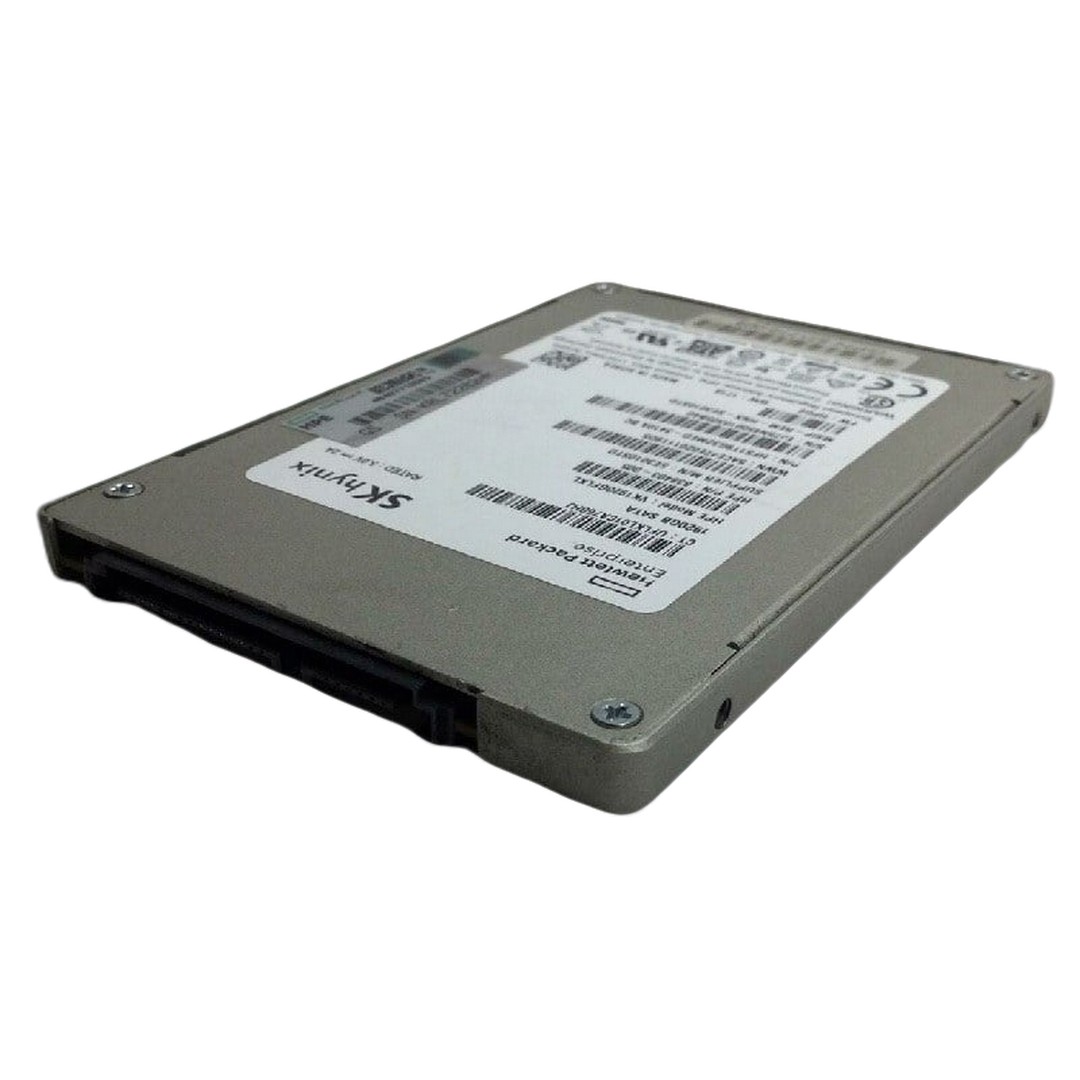


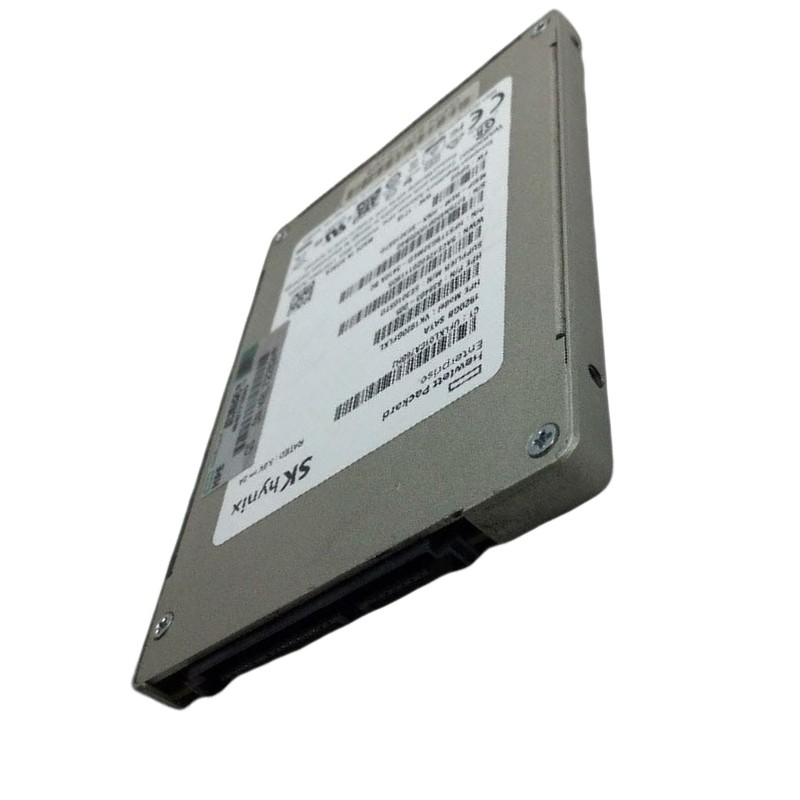
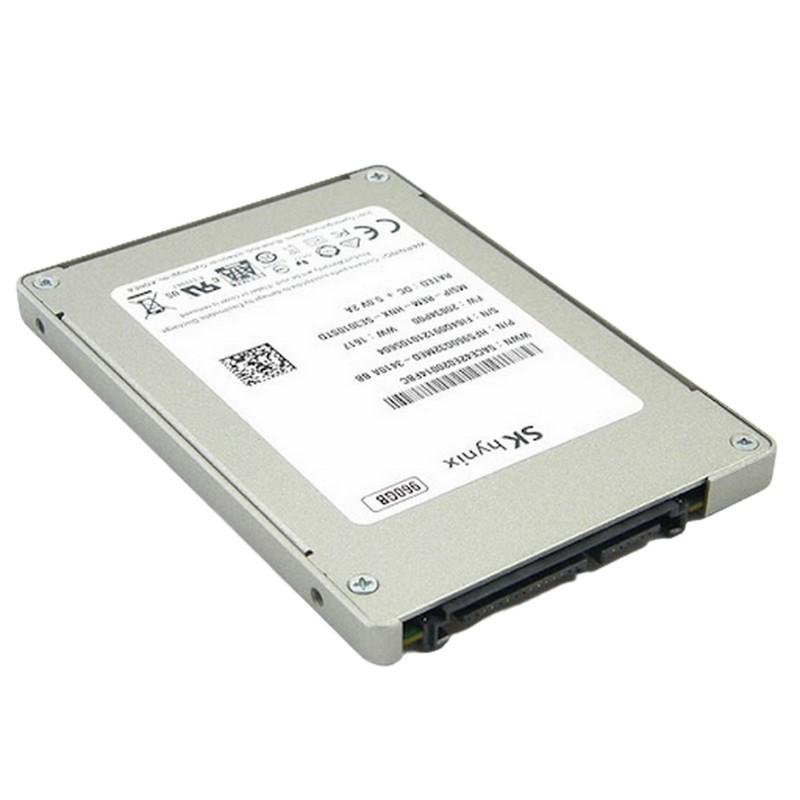
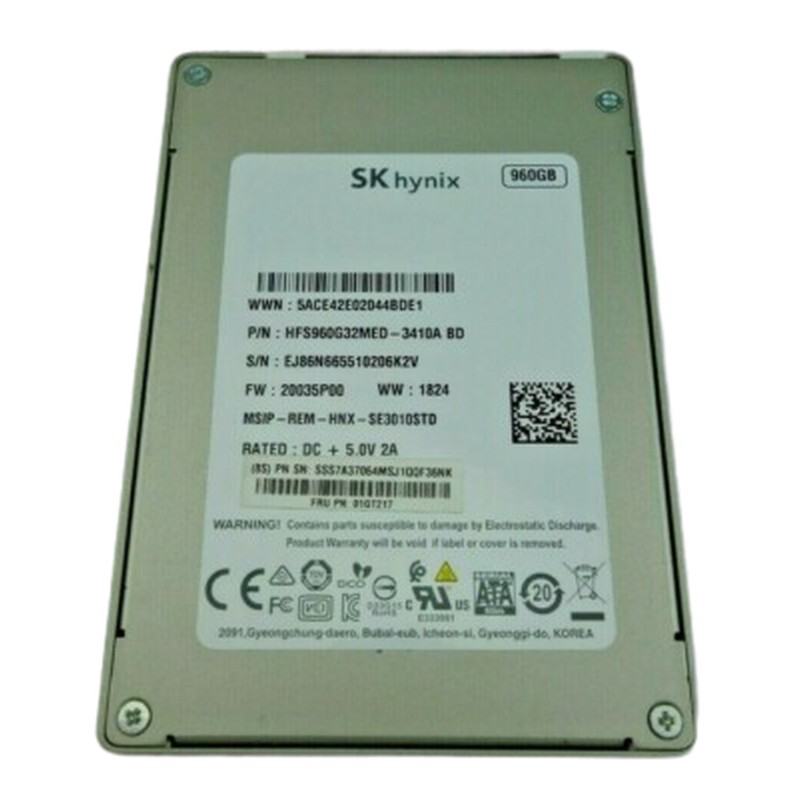
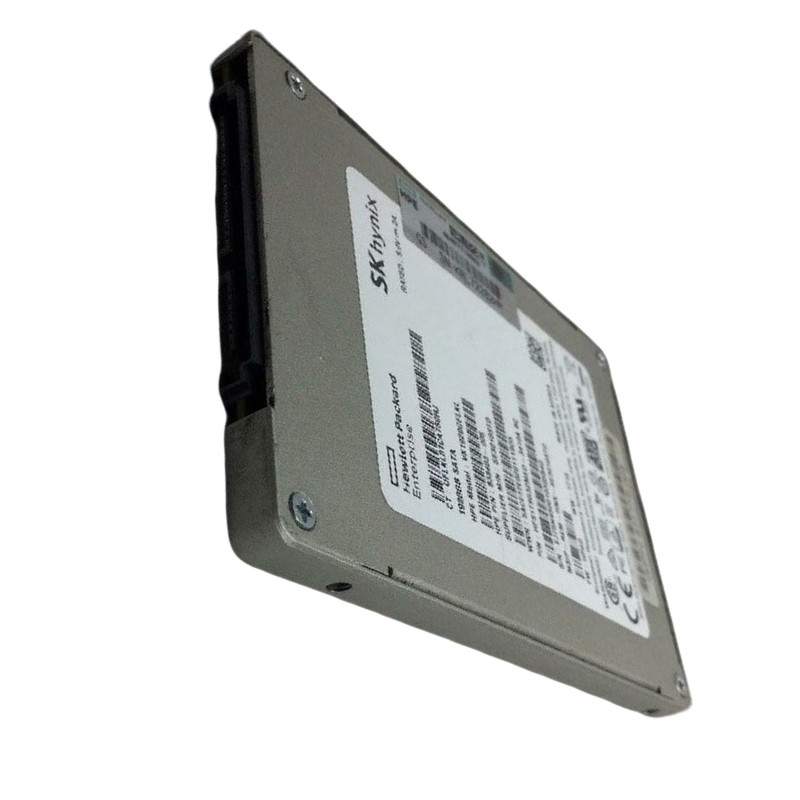
SK Hynix HFS960GEETX099N 960GB NVME PCI-E Gen4 X4 Read Intensive 2.5inch U.2 Enterprise Solid State Drive. Excellent Refurbished with 1 year replacement warranty - Dell Version
Designed for data-intensive environments, the SK Hynix HFS960GEETX099N is a refurbished Dell OEM solid-state drive that combines reliable performance with efficient power usage. Featuring PCIe Gen4 x4 connectivity and a 2.5-inch U.2 form factor, this drive is tailored for read-heavy workloads in enterprise systems.
INTEL P4326 15.36TB NVMe RULER (SSDPEXNV153T8D) — category overview and strategic position
The INTEL P4326 15.36TB NVMe RULER (SSDPEXNV153T8D) belongs to a purpose-built class of ultra-dense, capacity-optimized NVMe solid-state drives that prioritize terabytes-per-slot and watts-per-TB over peak small-random IOPS. These “ruler” or EDSFF-style devices are designed for warm/nearline tiers—object payloads, data-lake bodies, snapshot/restore pools and other workloads where fast NVMe access reduces recovery time and metadata lookup latency compared to HDD-only tiers. Architecturally, the P4326 family uses high-density NAND and firmware tuned to steady-state read throughput, offering a way to compress petabytes into fewer U while retaining NVMe protocol benefits such as low CPU overhead and deep queue parallelism.
Enterprises and hyperscalers adopt ruler NVMe drives to lower the operational surface area required for large-capacity deployments. The key business advantages are straightforward: fewer drive slots and controllers to manage, reduced cabling and backplane complexity, and improved watts-per-terabyte when chassis are designed for the elongated form factor. Because restores and large sequential reads occur far faster on NVMe than on HDDs, ruler drives also materially shorten RTO for many backup and archive use cases, making them attractive where SLAs penalize slow restores.
Ruler drives spread NAND packages along an elongated PCB—commonly an EDSFF E1.L or vendor sled variant—so thermal design and airflow are first-class engineering considerations. When integrated correctly, the extended surface area simplifies heat spreading and lets chassis designers create ducts that bathe the entire module with consistent CFM. However, the same density that enables 15.36TB per module increases sensitivity to recirculation and duct blockage; proper baffles, fan curves and intake/exhaust management are mandatory to avoid thermal throttling. Validation of sled latch mechanics, connector depth, and backplane mapping should be performed prior to procurement.
Execute sustained-load thermal profiles (idle, burst, sustained sequential reads/writes) and log thermistor readings for each slot. Establish automatic alerts for rising delta-T and plan seasonal revalidation to account for HVAC/ambient changes. Where possible, validate that firmware thermal thresholds and performance scaling are acceptable under degraded ambient conditions.
To deliver 15.36TB in a single module the P4326 family uses high-density QLC/TLC NAND stacks paired with controllers that emphasize steadiness and data integrity over aggressive small-block write endurance. Firmware implements SLC caching, prioritized background GC tuned for read-dominant patterns, and power-loss protection for metadata integrity. The tradeoff is lower DWPD/TBW compared with write-intensive enterprise drives, so planners must model expected write volumes, write amplification from erasure coding and rebuild activities before determining refresh cadence.
Synthetic burst numbers can be misleading due to large SLC caches on these drives. Always run steady-state tests that exceed SLC cache windows and measure p50/p95/p99/p99.9 latencies. Use representative trace replay from production where possible; steady-state results, not peak bursts, will determine real operational suitability.
These drives excel as the payload tier in S3-compatible object stores. Keep metadata and small objects on a mixed-use tier and place large object bodies on P4326 modules. Use erasure coding to tune usable capacity vs rebuild cost—wider stripes increase efficiency but lengthen rebuilds if network/CPU resources are constrained. The NVMe-based payload tier significantly reduces GET latencies and accelerates large object streaming compared to HDD pools.
When quick restores are required, NVMe capacity nodes reduce time-to-first-byte and accelerate sequential restores from snapshots and backups. Paired with deduplication and compression appliances, the effective protected data per TB increases, letting rulers serve as pragmatic targets for disaster recovery appliances.
Large-block scans (Parquet/ORC) and parallelized map-reduce jobs benefit from ruler drives’ high sustained sequential throughput. For interactive queries that demand low latency on indexes, combine the capacity tier with a smaller, latency-optimized NVMe cache to protect tail latency.
Tune NVMe submission and completion queue depths to reflect your application concurrency; bind IO threads to local NUMA nodes to reduce cross-node penalty. While increasing queue depth can raise throughput, it can also increase tail latency—monitor percentiles carefully and measure CPU cycles per IO to find the operational sweet spot.
Choose filesystems that perform well with NVMe at scale (XFS or tuned ext4). For applications that manage their own buffering, consider O_DIRECT to avoid double caching. Align partition and stripe sizes to expected IO patterns to minimize read amplification during erasure decode or rebuild.
Where regulation demands encryption at rest, procure SED variants and integrate device keys with a centralized KMS (KMIP or cloud KMS). Standardize key rotation and secure-erase workflows for decommissioning and RMA.
Collect SMART and vendor telemetry centrally, trend percent-used, spare block counts and temperature, and trigger replacement well before end-of-warranty to reduce urgent site visits. Integrating these signals into automated ticketing reduces MTTR and keeps clusters healthy at scale.
Compare ruler NVMe against many smaller SSDs or large numbers of HDDs using an “all-in” TCO model: rack cost, backplane and cabling cost, power and cooling, spare inventory and the manpower to service many devices. Often, ruler NVMe wins on operational simplicity and faster recovery, even if raw $/TB looks higher. For large purchases, negotiate RMA and firmware support terms and confirm EOL / successor SKUs to avoid surprises.
Plan refreshes based on endurance headroom and warranty coverage rather than purely performance. Maintain a rolling replacement schedule that ensures erasure-coding quorums remain healthy and avoids correlated risk during large fleet upgrades.
The SK Hynix HFS960GEETX099N is a 960GB enterprise NVMe drive positioned in the U.2 2.5-inch, PCIe Gen4 x4 form factor and commonly classified as a Read-Intensive (RI) data-center SSD. It targets service providers, CDN/edge nodes, virtualization hosts and database replicas where high read throughput, low latency and hot-swap serviceability are more important than the very highest DWPD write endurance. In practical deployments this SKU appears under OEM labels (Dell/PE8110/PE8010 families) and is widely used as a mid-capacity enterprise NVMe building block for mixed-read, read-dominant workloads.
At roughly 1TB capacity, U.2 2.5-inch Gen4 NVMe modules strike a balance between serviceability (front-bay hot-swap) and performance (Gen4 bandwidth). The RI class is tuned to give excellent read IOPS and sequential throughput while sizing over-provisioning and endurance for typical CDN, caching and replica roles—delivering strong price-performance for read-heavy enterprise workloads. For environments that require front-accessible drives and predictable rebuild/replace behavior, a 960GB U.2 Gen4 RI drive is often the sweet spot.
Gen4 x4 NVMe gives substantial headroom for sequential and parallel reads. Vendor listings for HFS960GEETX099N report sequential read speeds up to ~6,000 MB/s and sustained write rates in the 1,400–1,600 MB/s range depending on firmware—and read IOPS capability often quoted up to ~500K read IOPS at certain queue depths. As a read-intensive SKU, its endurance will be modest relative to write-intensive models but aligned with RI use cases (often ~1 DWPD or manufacturer TBW stated in the spec). Validate exact values against the seller datasheet for the specific OEM/batch before purchase.
The 2.5-inch U.2 format offers hot-swap front access, simple mechanical insertion and firm backplane compatibility across a wide range of enterprise servers. This simplifies field replacements relative to M.2 modules which are generally not hot-swappable. U.2 also supports thicker 15mm variants for higher NAND counts and capacities while retaining a familiar bay/caddy ecosystem in enterprise racks.
Edge caches need to serve many small reads concurrently; Gen4 x4 drives like the HFS960GEETX099N keep tail latency low while feeding NICs and application threads. Because these drives are hot-swappable and commonly available through OEM channels, they are convenient to service in distributed PoPs.
Replicas that handle heavy read traffic benefit from the drive’s low read latency and high read IOPS. Use mixed-use drives for log and journal volumes if write intensity is higher; place read replicas on RI drives when read throughput and $/GB are important.
For hosts that store many read-heavy VM images, 960GB drives balance capacity and cost. For VDI boot storms, pair nodes with enough network and CPU to manage high parallelism and tune host scheduling and queue depths for predictable tail latencies.
Run sustained read and mixed workloads reflecting production duty cycles to capture thermal curves and endurance consumption. Confirm whether the drive thermally throttles under your peak traffic patterns and monitor media wear during pilot windows to estimate refresh timing.
For CDN or edge deployments, maintain a small per-site spare pool and keep replacement firmware images on a USB or management server. For data centers, size spare pools according to expected failure rates and rebuild windows so that you never run short when multiple failures coincide.
Confirm whether the specific OEM SKU supports self-encrypting drive (SED) features and integrate with your key management policies. For compliance, practice secure-erase or crypto-erase before returning or repurposing drives and document the process for audit trails.
Track serial numbers and firmware versions in your CMDB. When acquiring many drives, insist on consistent firmware baselines to avoid cross-fleet variance. Validate updates in staging and maintain rollback images in case of regressions.
Retail/OEM prices vary by region and warranty options; always cross-check TBW and DWPD claims on the vendor datasheet for the exact SKU. Negotiate RMA and firmware support for large buys and require clear EOL / successor guidance if long-term availability matters. Consider total cost including operational hours for replacements and rebuild network overhead.
Compared with M.2 Gen4 modules, a U.2 2.5-inch drive offers hot-swap convenience and easy field replacement; versus larger capacity rulers, a 960GB U.2 delivers better serviceability and often higher per-drive IOPS at the expense of TB/U density. Choose based on whether serviceability (U.2) or density (ruler) is the primary objective in your architecture.
A practical multi-tier NVMe architecture often combines dense ruler modules for bulk capacity with Gen4 U.2 or M.2 modules for hot data, boot volumes and caches. A recommended pattern is:
In an object storage cluster, place small objects and metadata on Tier A/B and store large blobs on Tier C. During ingest, use a mixed-use tier to absorb writes and destage to the P4326 capacity nodes during low-load windows. Monitor telemetry to trigger proactive rebuilds and replacements—this minimizes surprise outages and keeps tail latencies bounded while maximizing storage efficiency.


 Contact Us
 Information
 Catalog
 Solid State Drives (SSD)
 Network Switches
 Hard Disk Drives
 HBA & Controllers
 PC & Servers
 PC & Server Memory
 CPU & Processors
 Network Routers
 Power Supplies
 Tape Drives & Libraries
 Network Devices
 Computer & Network Cables