(7% discount is applied at checkout)
Cart is empty
Your go-to destination for cutting-edge server products
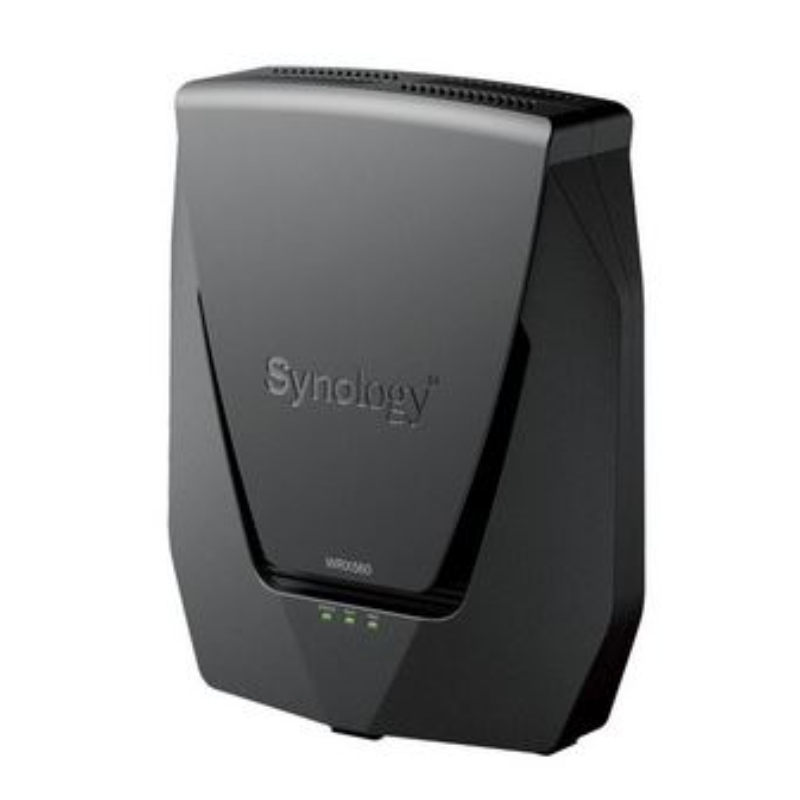


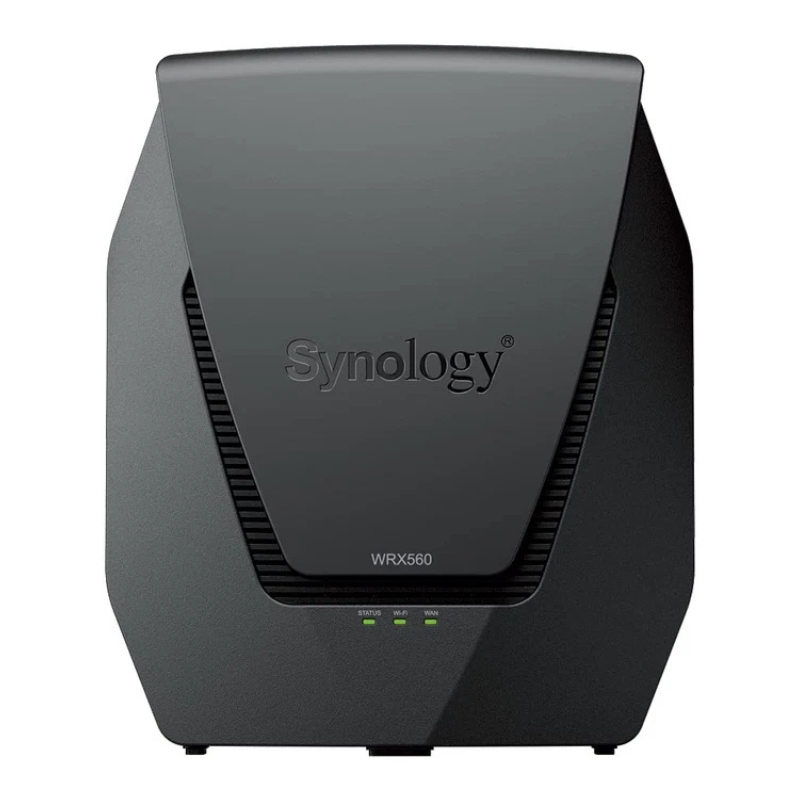
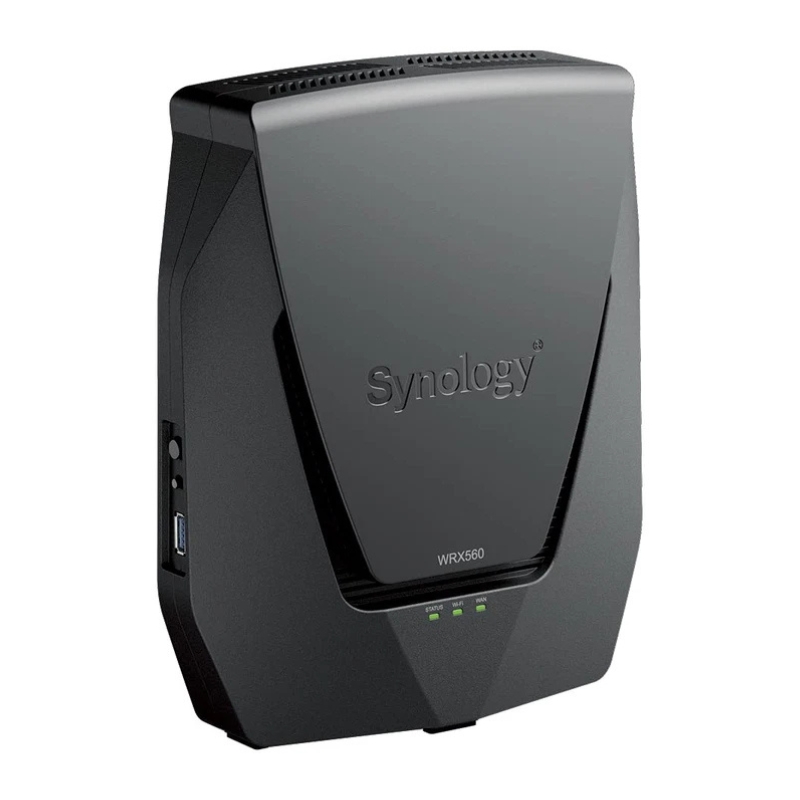
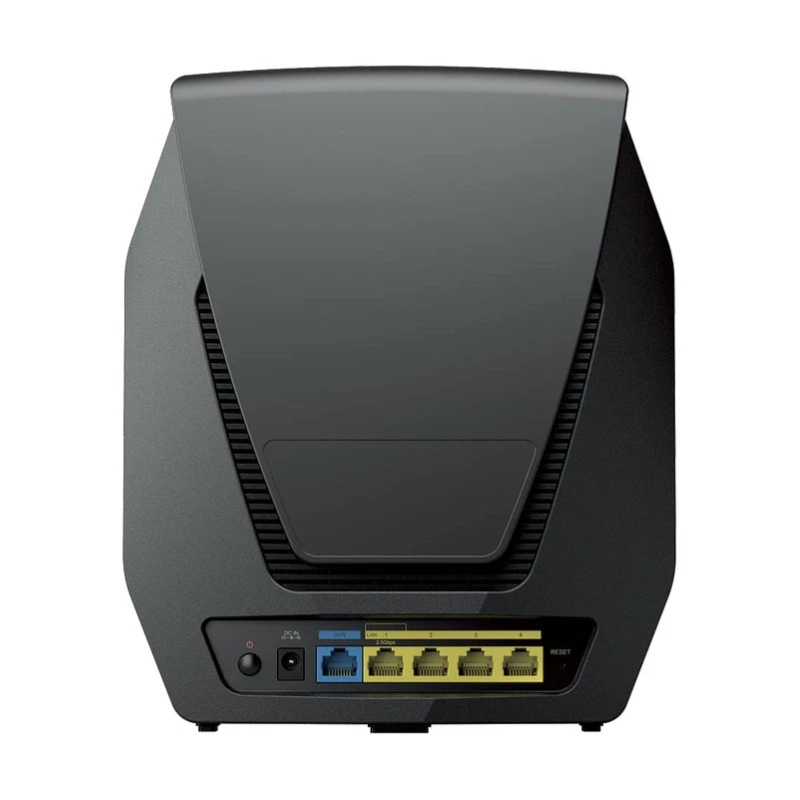
Synology WRX560 Dual-Band WI-FI 6 Gigabit Router with WI-FI 6 Technology. Factory-Sealed New in Original Box (FSB) with 3-Years Warranty
The WRX560 Synology Dual-Band Wi-Fi 6 Gigabit Router represents a modern approach to home and small business networking, combining high-speed wireless connectivity, intelligent traffic management, and enterprise-grade software features in a compact and efficient device. Designed to meet the growing demand for stable, high-bandwidth connections, this router leverages the latest Wi-Fi 6 (802.11ax) technology to deliver faster speeds, improved capacity, and reduced latency across multiple connected devices.
As internet usage evolves, households and workplaces increasingly rely on seamless connectivity for streaming, gaming, video conferencing, smart home systems, and cloud-based applications. The WRX560 is engineered to handle these diverse workloads without compromising performance. Its dual-band architecture ensures optimal allocation of wireless resources, while advanced hardware components and intelligent firmware provide consistent and reliable operation.
Wi-Fi 6 technology introduces significant improvements over previous wireless standards, and the WRX560 fully utilizes these advancements to deliver enhanced performance. With higher data rates, improved efficiency, and better handling of dense device environments, Wi-Fi 6 ensures that users experience smoother and faster connectivity even in busy networks.
One of the key features of Wi-Fi 6 is Orthogonal Frequency Division Multiple Access (OFDMA), which allows multiple devices to share the same transmission channel simultaneously. This reduces latency and increases overall network efficiency, especially in environments where numerous devices are connected. Additionally, the router supports Multi-User Multiple Input Multiple Output (MU-MIMO), enabling it to communicate with multiple devices at once rather than sequentially.
The WRX560 also benefits from improved power efficiency, ensuring that connected devices such as smartphones, tablets, and laptops consume less energy during data transmission. This not only extends battery life but also contributes to a more efficient and sustainable networking environment.
The dual-band configuration of the WRX560 operates on both 2.4GHz and 5GHz frequencies, allowing users to distribute their devices across different bands based on performance requirements. The 2.4GHz band offers wider coverage and better penetration through walls and obstacles, making it ideal for basic tasks such as browsing and IoT connectivity. On the other hand, the 5GHz band provides higher speeds and lower interference, making it suitable for bandwidth-intensive activities such as streaming high-definition content and online gaming.
Intelligent band steering automatically directs devices to the most appropriate frequency band, ensuring optimal performance without requiring manual intervention. This feature is particularly useful in environments with multiple users and varying connectivity needs.
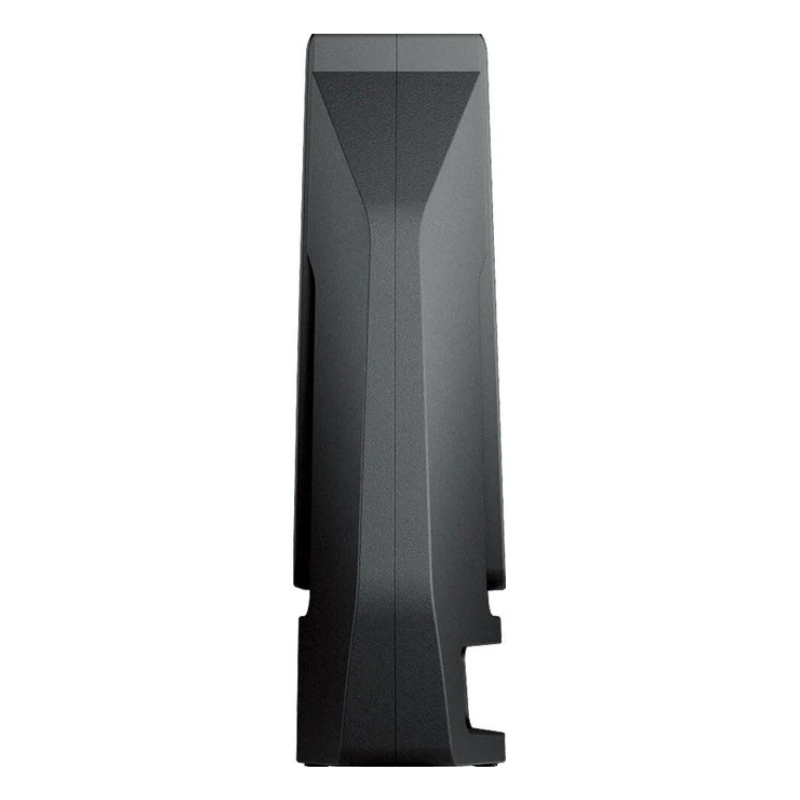
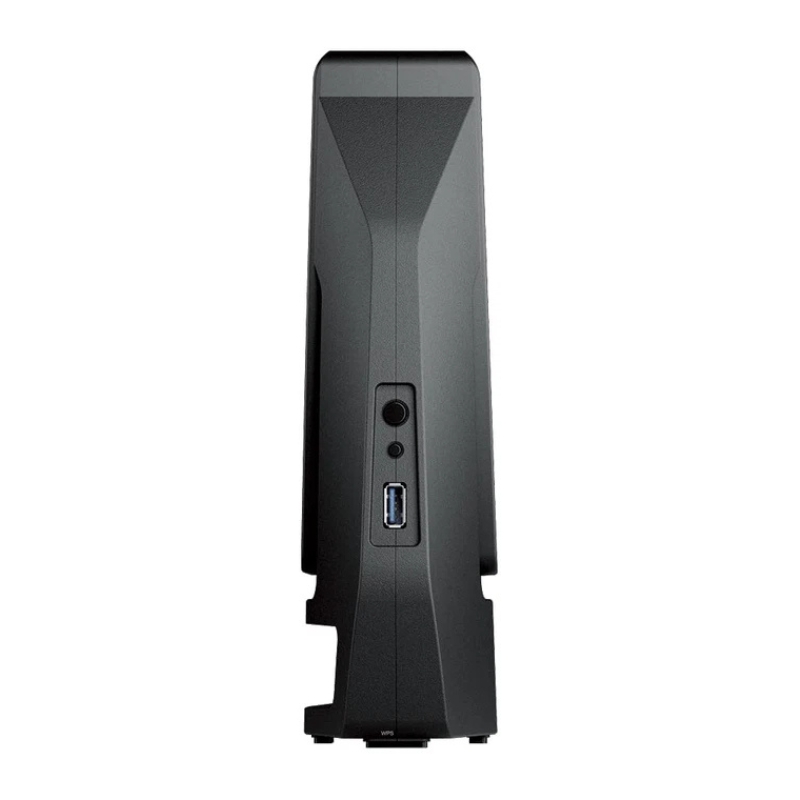
The WRX560 router is designed with both aesthetics and functionality in mind. Its compact form factor allows for easy placement in various environments, whether on a desk, shelf, or mounted on a wall. The minimalist design blends seamlessly with modern interiors, while strategically placed ventilation ensures efficient heat dissipation during prolonged operation.
Internally, the router is equipped with a powerful processor and ample memory to handle complex networking tasks and maintain consistent performance. High-gain antennas are integrated into the design to maximize signal strength and coverage, ensuring that users experience reliable connectivity throughout their space.
In addition to wireless capabilities, the WRX560 features multiple Gigabit Ethernet ports, providing high-speed wired connections for devices that require stable and low-latency networking. These ports are ideal for desktop computers, gaming consoles, smart TVs, and network-attached storage systems.
The inclusion of Gigabit Ethernet ensures that users can take full advantage of high-speed internet connections without bottlenecks. Wired connections also offer enhanced reliability and security, making them suitable for critical applications such as business operations and data transfers.
One of the standout aspects of the WRX560 router is its advanced software ecosystem, which provides users with comprehensive control over their network. The intuitive interface allows for easy setup and management, making it accessible to both beginners and experienced users.
Users can monitor network activity in real time, manage connected devices, and configure various settings to optimize performance. The router also supports automatic firmware updates, ensuring that it remains secure and up to date with the latest features and improvements.
The WRX560 includes robust parental control features that enable users to manage internet access for different devices and users. These controls allow for the creation of profiles, scheduling of internet usage, and filtering of inappropriate content. Parents can ensure a safe online environment for their children while maintaining flexibility and control over network access.
Content filtering can be customized based on categories, allowing users to block specific types of websites or restrict access during certain times. This feature is particularly useful in households with children or shared environments where responsible internet usage is essential.
Quality of Service (QoS) functionality enables the WRX560 to prioritize network traffic based on user-defined preferences. This ensures that critical applications such as video conferencing, online gaming, and streaming receive the necessary bandwidth for optimal performance.
By allocating resources efficiently, the router minimizes buffering, lag, and interruptions, providing a smooth and consistent user experience. QoS settings can be adjusted to suit individual needs, allowing users to customize their network according to specific usage patterns.
Security is a crucial aspect of modern networking, and the WRX560 is equipped with a range of features designed to protect users and their data. Built-in security protocols safeguard against unauthorized access, malware, and other online threats.
The router supports advanced encryption standards, ensuring that data transmitted over the network remains secure. Firewall capabilities provide an additional layer of protection by monitoring incoming and outgoing traffic and blocking suspicious activity.
The guest network feature allows users to create a separate network for visitors, ensuring that primary network resources remain secure. Guests can access the internet without gaining access to sensitive data or connected devices.
Access control settings enable users to manage which devices can connect to the network, providing an additional level of security. This is particularly useful in environments where network access needs to be restricted or monitored.
The WRX560 is designed to support scalable networking solutions, making it suitable for expanding environments. Users can integrate additional compatible devices to create a mesh network, extending coverage and eliminating dead zones.
Mesh networking allows multiple nodes to work together seamlessly, providing consistent connectivity throughout larger spaces. This ensures that users can enjoy uninterrupted internet access regardless of their location within the network.
Seamless roaming ensures that devices automatically connect to the strongest signal as users move throughout the coverage area. This eliminates the need for manual switching between networks and provides a smooth and uninterrupted experience.
Coverage optimization features analyze network conditions and adjust settings dynamically to maintain optimal performance. This ensures that users receive the best possible connectivity at all times.
The WRX560 router is suitable for a wide range of applications, from residential use to small business environments. Its versatility and advanced features make it an ideal choice for users who require reliable and high-performance networking.
In residential settings, the router supports streaming, gaming, and smart home devices, providing a seamless and connected experience. In small business environments, it enables efficient communication, data sharing, and cloud-based operations.
With the increasing adoption of smart home devices, the WRX560 provides the necessary infrastructure to support connected ecosystems. From smart lighting and security systems to voice assistants and appliances, the router ensures reliable connectivity for all devices.
Its ability to handle multiple connections simultaneously makes it well-suited for smart homes with numerous IoT devices, ensuring consistent performance and responsiveness.
The rise of remote work and online learning has highlighted the importance of reliable internet connectivity. The WRX560 delivers the performance and stability required for video conferencing, virtual collaboration, and online education.
By minimizing latency and ensuring consistent bandwidth, the router enhances productivity and enables users to stay connected without interruptions.
The WRX560 is designed with energy efficiency in mind, incorporating features that reduce power consumption without compromising performance. This not only lowers operational costs but also contributes to environmental sustainability.
Efficient hardware components and intelligent power management ensure that the router operates optimally while minimizing energy usage. This makes it a responsible choice for environmentally conscious users.


 Contact Us
 Information
 Catalog
 Solid State Drives (SSD)
 Network Switches
 Hard Disk Drives
 HBA & Controllers
 PC & Servers
 PC & Server Memory
 CPU & Processors
 Network Routers
 Power Supplies
 Tape Drives & Libraries
 Network Devices
 Computer & Network Cables