(7% discount is applied at checkout)
Cart is empty
Your go-to destination for cutting-edge server products
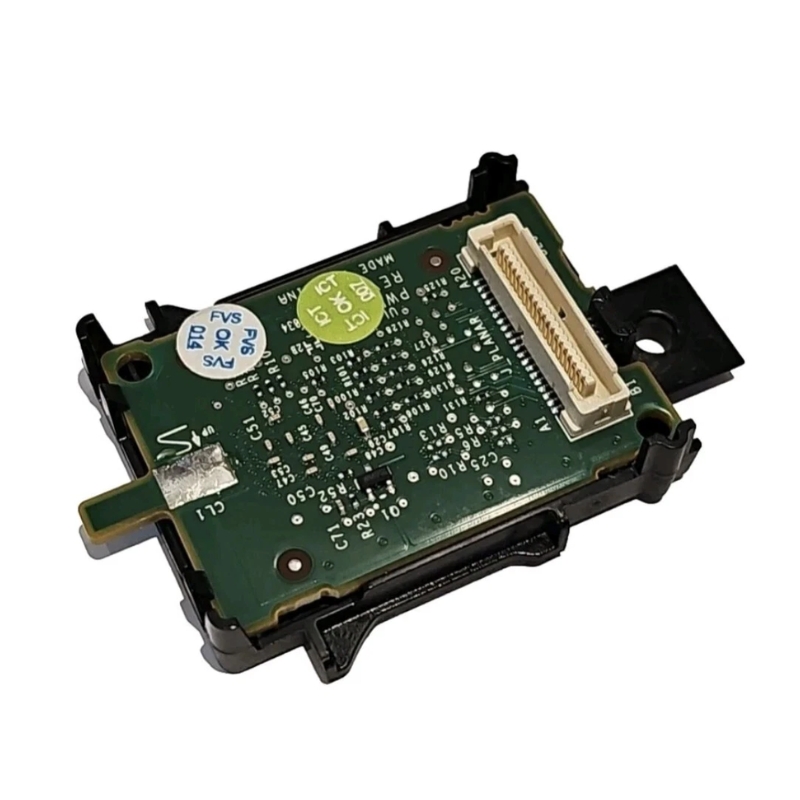


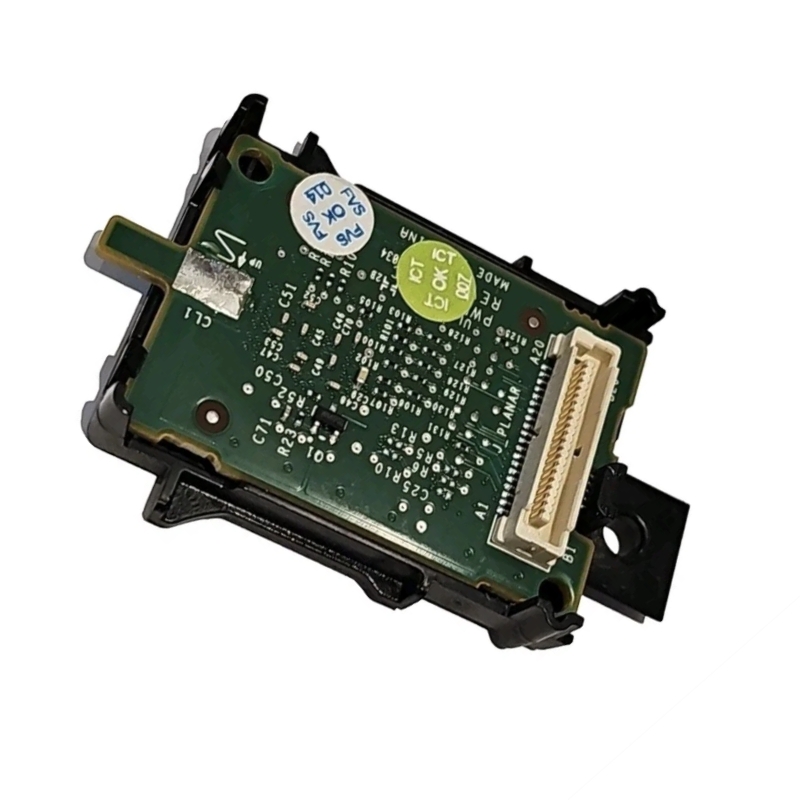
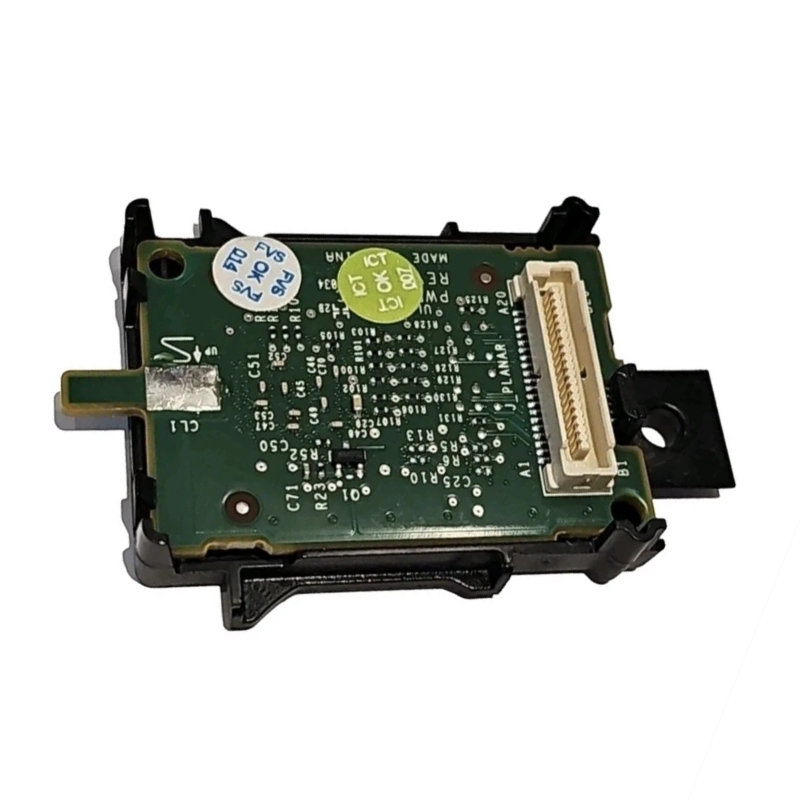
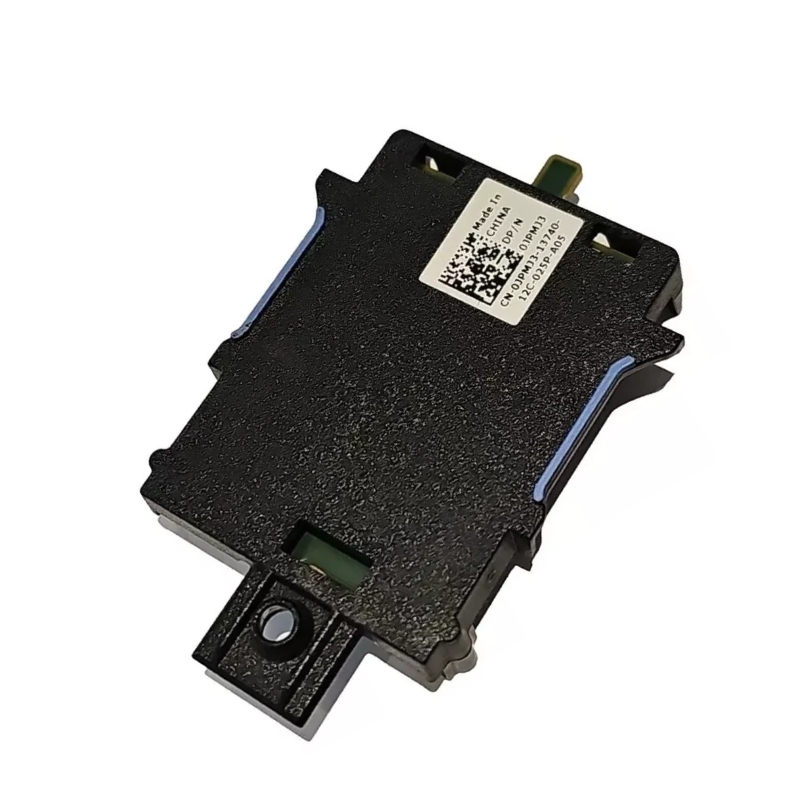
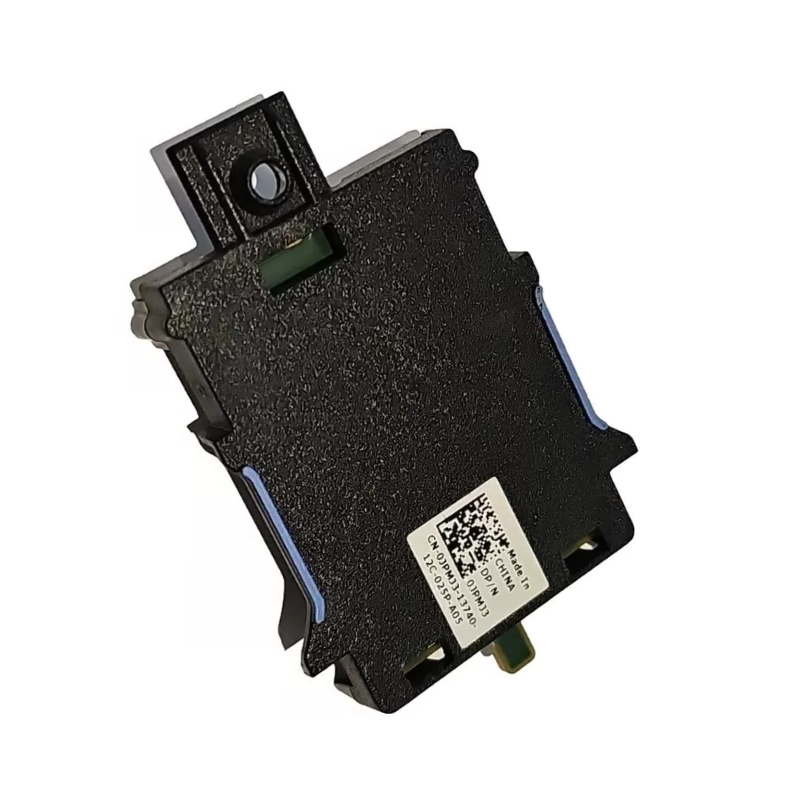
Dell JPMJ3 IDRAC6 Express Remote Access Management Adapter Card. Excellent Refurbished with 1 year replacement warranty
The is a reliable server management solution designed to simplify remote administration of compatible Dell PowerEdge and Power Vault systems. Featuring the Integrated Dell Remote Access Controller 6 (iDRAC6) Express platform, this proprietary mezzanine adapter enables IT administrators to monitor server health, perform remote power operations, and manage hardware efficiently without requiring direct physical access.
The Dell JPMJ3 IDRAC6 Express Remote Access Management Adapter Card represents a specialized solution designed to enhance server management capabilities. This adapter card integrates seamlessly into Dell PowerEdge systems, offering administrators advanced remote access features that streamline monitoring, troubleshooting, and overall infrastructure control. By leveraging this technology, IT departments can reduce downtime, improve efficiency, and maintain secure oversight of critical hardware resources.
The primary advantage of the Dell JPMJ3 IDRAC6 Express Remote Access Management Adapter Card lies in its ability to provide administrators with secure remote access. This functionality ensures that even if a server is powered down or experiencing operating system issues, administrators can still connect, diagnose, and resolve problems without requiring physical presence in the data center. This capability is invaluable for organizations managing multiple servers across different locations.
Designed specifically for Dell PowerEdge systems, the JPMJ3 IDRAC6 Express card integrates smoothly into existing infrastructure. This compatibility ensures that businesses can deploy the card without extensive modifications or additional hardware investments. The integration also guarantees optimized performance, as the card is engineered to work in harmony with Dell’s server architecture.
Security is a critical concern in modern IT environments, and the Dell JPMJ3 IDRAC6 Express addresses this need with robust encryption and authentication protocols. Administrators can confidently manage servers remotely, knowing that sensitive data and access credentials are protected against unauthorized intrusion. This focus on security makes the card suitable for industries with strict compliance requirements, such as finance, healthcare, and government.
The Dell JPMJ3 IDRAC6 Express Remote Access Management Adapter Card is engineered with precision hardware components that ensure reliability and durability. Its compact design allows for easy installation within Dell PowerEdge servers, while its robust build quality ensures long-term performance under demanding workloads. The card is designed to handle continuous operation, making it ideal for enterprise environments where uptime is critical.
Performance is a key consideration for any management adapter, and the JPMJ3 IDRAC6 Express excels in this area. It provides fast response times, enabling administrators to quickly access server consoles, monitor system health, and execute commands. This responsiveness reduces the time required to resolve issues, thereby minimizing downtime and improving overall operational efficiency.
The Dell JPMJ3 IDRAC6 Express is compatible with a wide range of Dell PowerEdge servers, making it a versatile solution for businesses with diverse infrastructure needs. Its scalability ensures that organizations can deploy the card across multiple servers, creating a unified management system that simplifies oversight and control. This scalability is particularly beneficial for growing businesses that anticipate expanding their server infrastructure in the future.
One of the most significant benefits of the Dell JPMJ3 IDRAC6 Express Remote Access Management Adapter Card is its ability to reduce downtime. By enabling administrators to remotely diagnose and resolve issues, the card eliminates the need for physical intervention in many cases. This capability ensures that servers can be restored to full functionality more quickly, minimizing disruptions to business operations.
Efficiency is a cornerstone of effective IT management, and the JPMJ3 IDRAC6 Express contributes to this goal by streamlining administrative tasks. Remote access allows administrators to manage multiple servers simultaneously, reducing the time and effort required to maintain infrastructure. This efficiency translates into cost savings, as fewer resources are needed to achieve optimal performance.
In addition to improving efficiency, the Dell JPMJ3 IDRAC6 Express enhances security and compliance. Its advanced encryption protocols protect sensitive data, while its authentication mechanisms ensure that only authorized personnel can access server consoles. These features make the card an ideal solution for organizations that must adhere to strict regulatory standards.
Enterprise data centers benefit significantly from the Dell JPMJ3 IDRAC6 Express Remote Access Management Adapter Card. Its remote access capabilities allow administrators to manage large-scale server deployments efficiently, reducing the need for on-site personnel. This capability is particularly valuable for organizations with global operations, as it enables centralized management of distributed infrastructure.
Small and medium-sized businesses also find value in the JPMJ3 IDRAC6 Express. Its cost-effective design makes it accessible to organizations with limited budgets, while its scalability ensures that it can grow alongside the business. By implementing the card, SMBs can achieve enterprise-level management capabilities without incurring significant expenses.
In today’s increasingly remote work environment, the Dell JPMJ3 IDRAC6 Express provides critical support for distributed teams. Administrators can manage servers from any location, ensuring that infrastructure remains secure and operational even when staff are working remotely. This capability supports business continuity and resilience in the face of changing work dynamics.
Compared to standard remote access tools, the Dell JPMJ3 IDRAC6 Express offers superior functionality and security. While basic tools may provide limited access to server consoles, the JPMJ3 IDRAC6 Express delivers comprehensive management capabilities that extend beyond simple monitoring. This distinction makes it a more robust solution for organizations with complex infrastructure needs.
When compared to advanced management cards, the Dell JPMJ3 IDRAC6 Express holds its own by offering a balance of performance, security, and cost-effectiveness. While some advanced cards may provide additional features, they often come at a higher price point. The JPMJ3 IDRAC6 Express delivers essential functionality at a more accessible cost, making it an attractive option for many businesses.
The Dell JPMJ3 IDRAC6 Express Remote Access Management Adapter Card is designed with adaptability in mind. As business needs evolve, the card’s scalability ensures that it can continue to provide value. Whether an organization is expanding its server infrastructure or adopting new technologies, the JPMJ3 IDRAC6 Express remains a reliable management solution.
Emerging technologies such as cloud computing and virtualization place new demands on server infrastructure. The Dell JPMJ3 IDRAC6 Express is equipped to support these technologies by providing administrators with the tools needed to manage complex environments. This capability ensures that organizations can embrace innovation without compromising on management efficiency.
Within the IDRAC6 family, the Express edition offers a streamlined set of features that balance functionality and affordability. While the Enterprise edition may provide additional capabilities such as virtual media and advanced console redirection, the Express edition delivers core remote access features that meet the needs of most organizations. This distinction allows businesses to choose the edition that best aligns with their requirements and budget.
Installing the Dell JPMJ3 IDRAC6 Express Remote Access Management Adapter Card begins with proper preparation. Administrators must ensure that the server is powered down and that all necessary tools are available. This step minimizes the risk of damage during installation and ensures a smooth process.
The installation process involves inserting the adapter card into the designated slot within the Dell PowerEdge server. Once securely in place, administrators can power on the server and configure the card through the system BIOS. This straightforward process ensures that the card is ready for use with minimal effort.


 Contact Us
 Information
 Catalog
 Solid State Drives (SSD)
 Network Switches
 Hard Disk Drives
 HBA & Controllers
 PC & Servers
 PC & Server Memory
 CPU & Processors
 Network Routers
 Power Supplies
 Tape Drives & Libraries
 Network Devices
 Computer & Network Cables