(7% discount is applied at checkout)
Cart is empty
Your go-to destination for cutting-edge server products
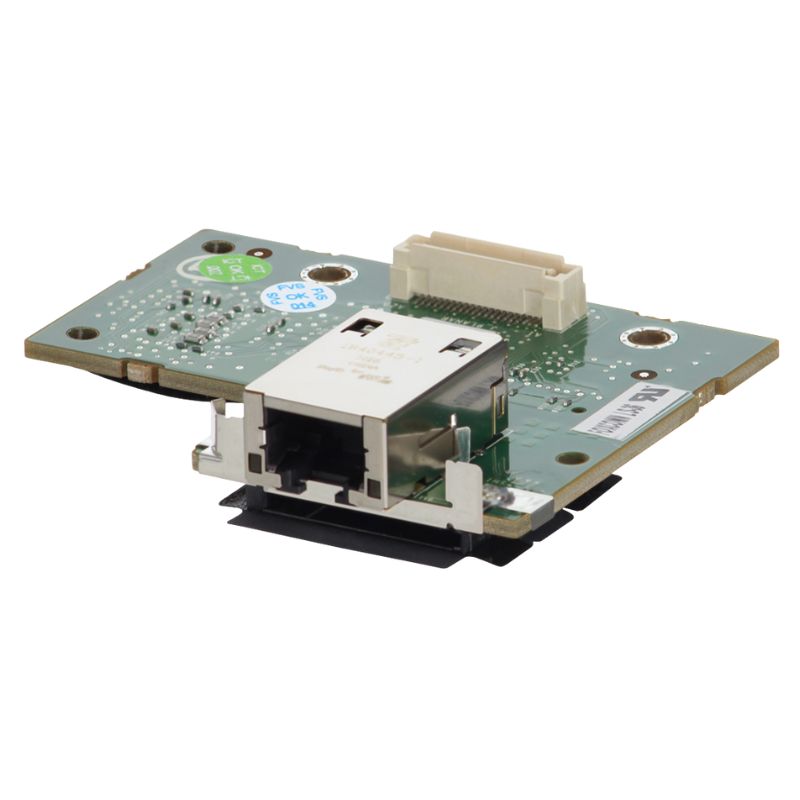


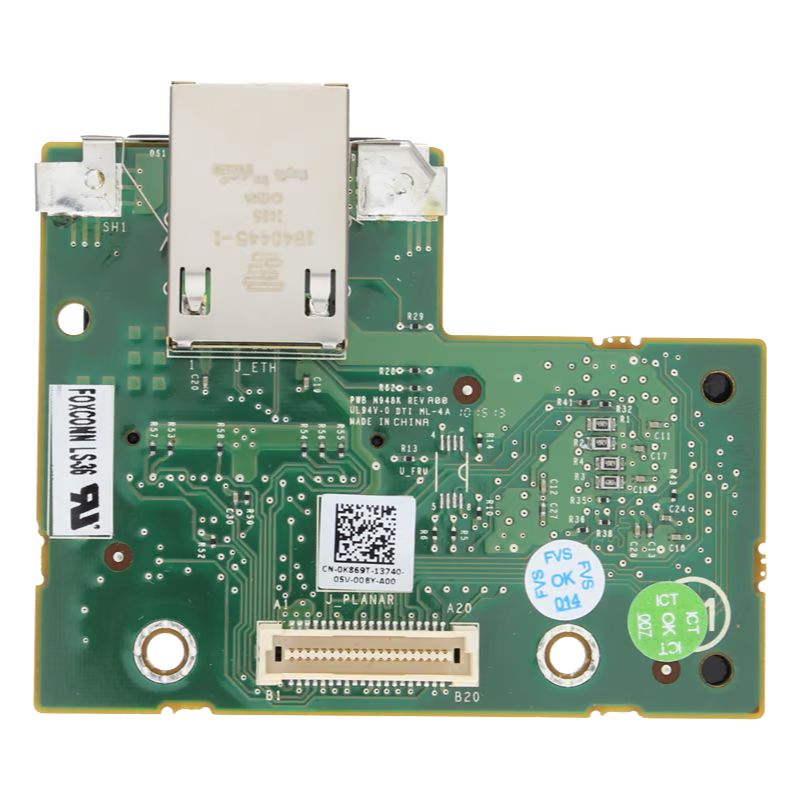
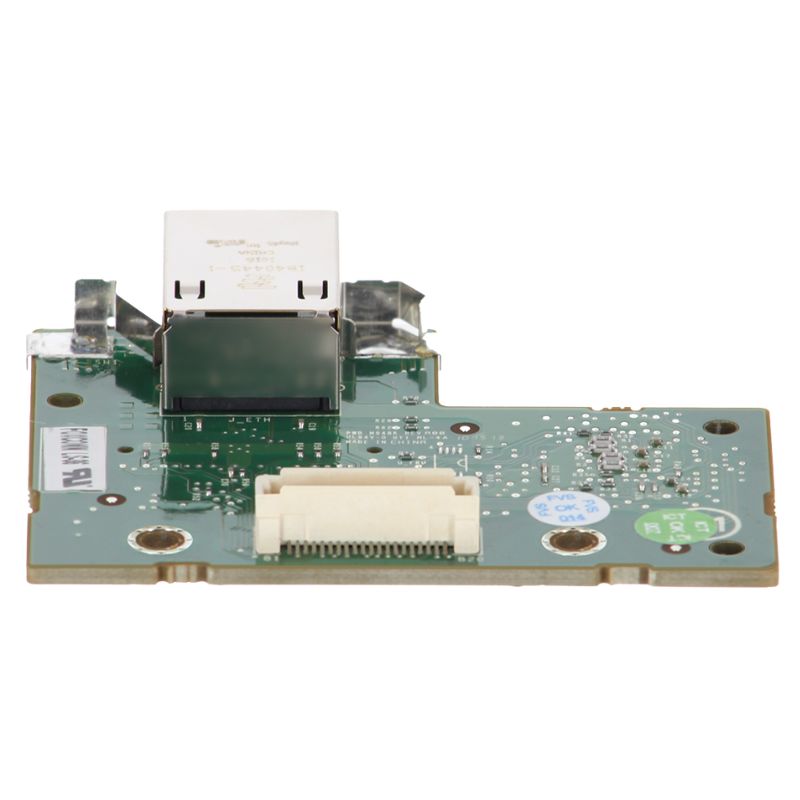
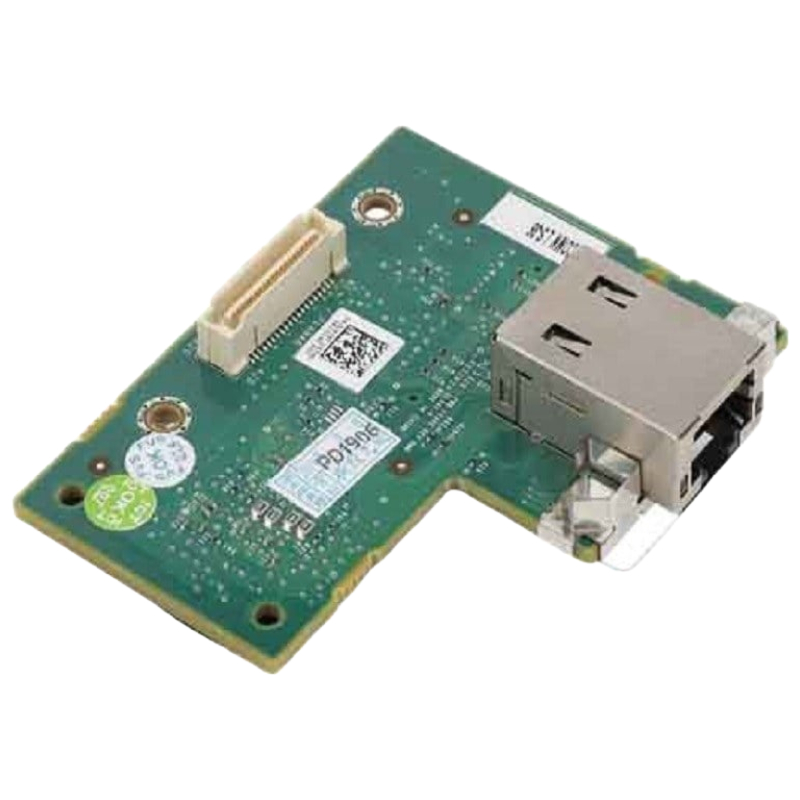
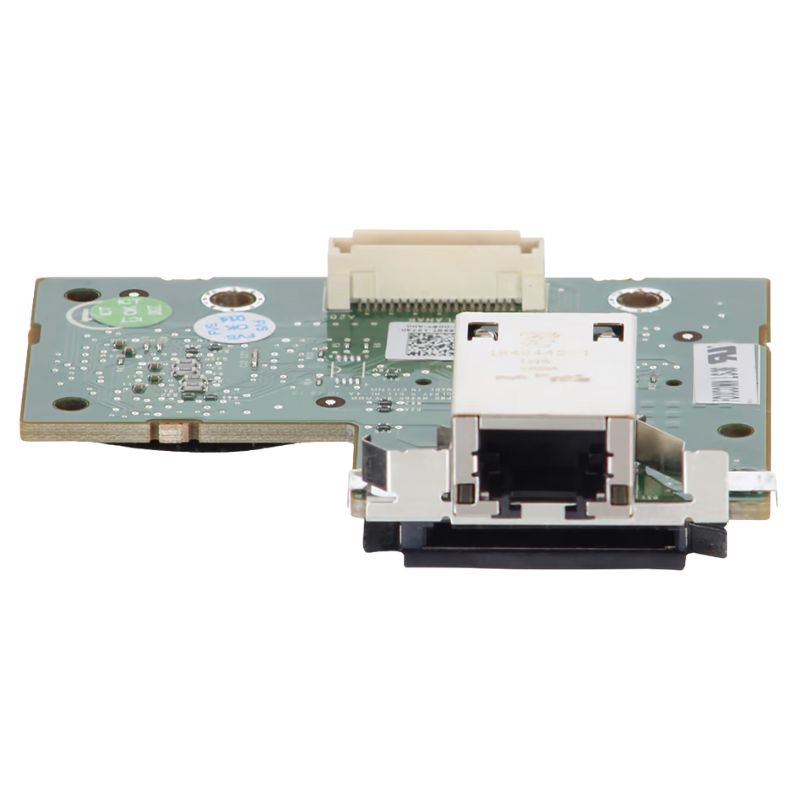
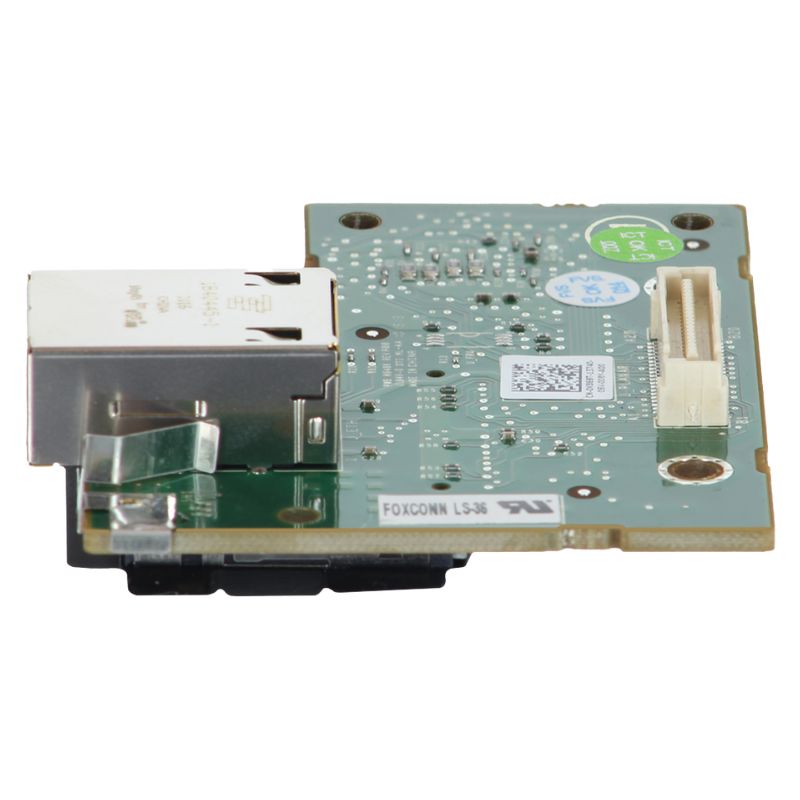
Dell J499P iDRAC6 Enterprise Remote Access Card for PowerEdge R610 Server. Excellent Refurbished with 1 year replacement warranty
The J499P Dell iDRAC6 Enterprise Remote Access Management Adapter Card is a high-performance embedded systems management solution designed for Dell PowerEdge servers, enabling advanced out-of-band management capabilities. This enterprise-grade remote access controller is engineered to provide IT administrators with complete control over server hardware regardless of operating system state, power condition, or network availability. It plays a critical role in modern data center operations by ensuring uninterrupted monitoring, diagnostics, and remote troubleshooting.
Technical Specifications
Server Compatibility
Built on Dell’s Integrated Dell Remote Access Controller (iDRAC) architecture, the iDRAC6 Enterprise version significantly enhances server manageability through features such as virtual console access, virtual media mounting, hardware health monitoring, and secure remote power control. The J499P adapter card is widely used in enterprise environments where uptime, security, and remote administration efficiency are essential.
The Dell J499P iDRAC6 Enterprise adapter delivers a comprehensive set of management functionalities designed for mission-critical infrastructure. These capabilities allow administrators to manage servers remotely with precision and reliability.
One of the primary advantages of the iDRAC6 Enterprise card is its ability to provide out-of-band (OOB) management. This means administrators can access and control the server even when the operating system is unresponsive or the system is powered off. By utilizing a dedicated management channel, the J499P ensures that system recovery, configuration, and diagnostics remain possible at all times.
The integrated KVM-over-IP functionality allows administrators to remotely interact with the server as if they were physically present. This includes full keyboard, video, and mouse control through a secure web interface. The feature is essential for troubleshooting BIOS-level issues, OS installations, and system recovery tasks.
The iDRAC6 Enterprise card supports virtual media functionality, enabling remote mounting of ISO images, USB drives, and optical media. This capability simplifies operating system deployment, firmware updates, and software installations without requiring physical access to the server hardware.
The J499P module continuously monitors critical hardware components such as CPU status, memory utilization, fan speeds, temperature sensors, and power supply health. It generates real-time alerts and notifications in case of anomalies, allowing proactive maintenance and minimizing system downtime.
The architectural design of the iDRAC6 Enterprise J499P module is optimized for seamless integration with Dell PowerEdge server platforms. It operates independently of the server’s operating system, relying on a dedicated management processor that ensures continuous availability.
At the core of the module is a dedicated embedded controller responsible for handling all remote management tasks. This processor operates independently of the main CPU, ensuring that system management functions remain operational even during system crashes or OS failures.
The card utilizes a secure Ethernet-based management interface that connects to the server’s dedicated management port. This separation from production network traffic enhances security and reduces the risk of interference or congestion affecting management operations.
The iDRAC6 Enterprise firmware layer provides a stable and secure environment for executing management operations. Firmware updates can be applied remotely, ensuring that the system remains up to date with the latest security patches and feature enhancements.
Security is a critical component of enterprise server management, and the J499P Dell iDRAC6 Enterprise adapter incorporates multiple layers of protection to safeguard remote access operations.
The system supports role-based access control (RBAC), allowing administrators to define user roles with specific permissions. This ensures that only authorized personnel can perform sensitive operations such as firmware updates or power cycling.
All communication between the management interface and client systems is encrypted using industry-standard protocols such as SSL/TLS. This prevents unauthorized interception or manipulation of management data.
The module supports multiple authentication methods, including local user databases and directory services integration such as LDAP and Active Directory. These authentication mechanisms ensure secure identity verification before granting access.
The Dell J499P iDRAC6 Enterprise card provides an extensive range of remote system management features designed to streamline IT operations and reduce the need for physical intervention.
Administrators can remotely power on, power off, or reset servers using the iDRAC interface. This capability is particularly useful in data center environments where physical access may be limited or time-consuming.
The integrated system event log (SEL) captures detailed records of hardware and system events. These logs are essential for troubleshooting failures, identifying recurring issues, and maintaining compliance with IT governance policies.
The module allows administrators to configure BIOS settings remotely, eliminating the need for manual system access. Firmware updates for system components can also be deployed through the iDRAC interface, ensuring systems remain current and stable.
Virtual console redirection provides a graphical interface for managing servers remotely. This feature supports pre-boot environments, enabling troubleshooting and configuration before the operating system loads.
The J499P iDRAC6 Enterprise adapter is widely used across various enterprise environments where remote server management is essential. Its flexibility and reliability make it suitable for multiple IT scenarios.
In large-scale data centers, administrators rely on iDRAC6 Enterprise to manage hundreds or thousands of servers efficiently. The ability to perform bulk updates, monitor hardware health, and execute remote diagnostics significantly reduces operational overhead.
Cloud service providers utilize iDRAC6 Enterprise features to maintain high availability and automate server management tasks. The remote access capabilities enable rapid provisioning and recovery of virtualized environments.
IT support teams benefit from the ability to troubleshoot and resolve server issues remotely. This reduces downtime and eliminates the need for costly on-site visits in many scenarios.
During disaster recovery events, the iDRAC6 Enterprise module allows administrators to restore system functionality even when primary systems are compromised. Remote access ensures continuity of operations during critical incidents.
The J499P Dell iDRAC6 Enterprise adapter contributes significantly to system performance optimization by reducing downtime and enabling proactive maintenance strategies.
Continuous hardware monitoring enables early detection of potential failures, allowing IT teams to address issues before they escalate into critical system outages.
By minimizing the need for on-site maintenance, organizations can reduce operational costs and improve overall efficiency. Remote troubleshooting ensures faster resolution of technical issues.
Automated alerting mechanisms notify administrators of system anomalies in real time, ensuring rapid response to potential threats or failures.
The iDRAC6 Enterprise J499P card is specifically designed for seamless integration with Dell PowerEdge server platforms. This ensures compatibility with a wide range of enterprise hardware configurations.
The module supports various Dell PowerEdge generations, enabling consistent management experiences across different server deployments. This compatibility simplifies IT infrastructure standardization.
Dell provides a unified management interface that consolidates multiple administrative functions into a single platform. This reduces complexity and improves operational efficiency.
The J499P module integrates with Dell lifecycle management tools, allowing automated provisioning, updates, and configuration management across the server environment.
The adoption of the iDRAC6 Enterprise J499P card provides several strategic advantages for enterprise IT infrastructure.
By enabling continuous monitoring and remote recovery capabilities, the module helps maintain high system availability and reduces downtime incidents.
Remote management capabilities reduce the need for physical interventions, lowering travel expenses and on-site maintenance costs.
IT administrators can manage multiple servers simultaneously from a centralized location, improving workflow efficiency and productivity.
The solution scales effectively across small, medium, and large enterprise environments, supporting evolving IT infrastructure needs.


 Contact Us
 Information
 Catalog
 Solid State Drives (SSD)
 Network Switches
 Hard Disk Drives
 HBA & Controllers
 PC & Servers
 PC & Server Memory
 CPU & Processors
 Network Routers
 Power Supplies
 Tape Drives & Libraries
 Network Devices
 Computer & Network Cables