(7% discount is applied at checkout)
Cart is empty
Your go-to destination for cutting-edge server products
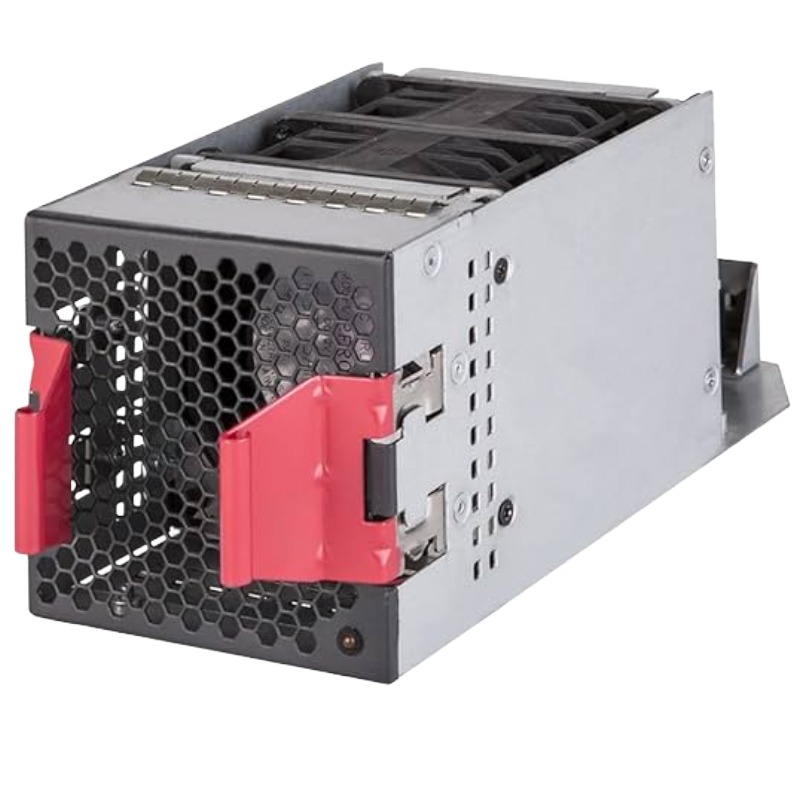


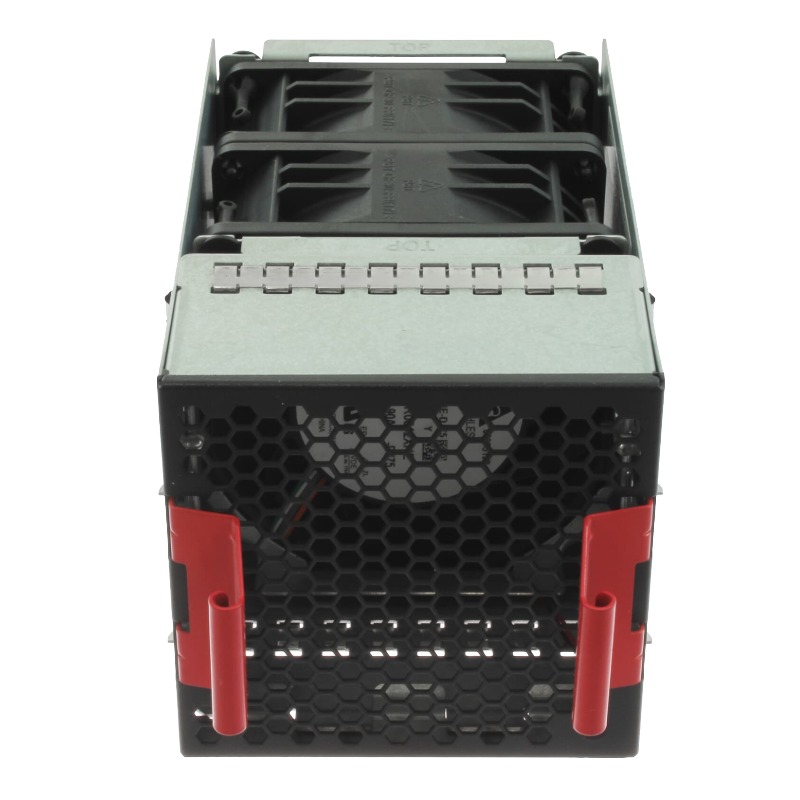
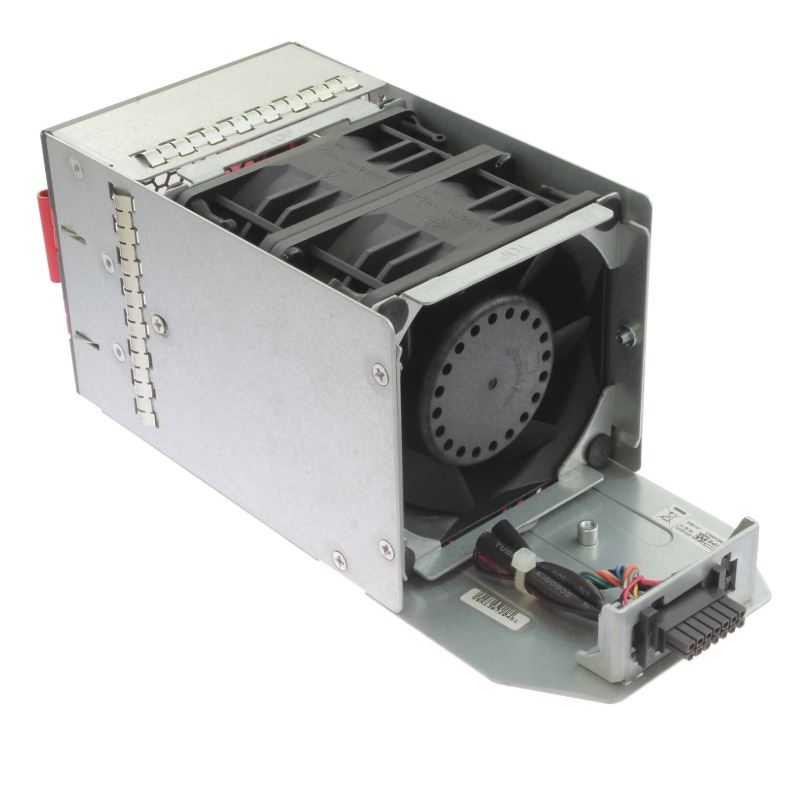
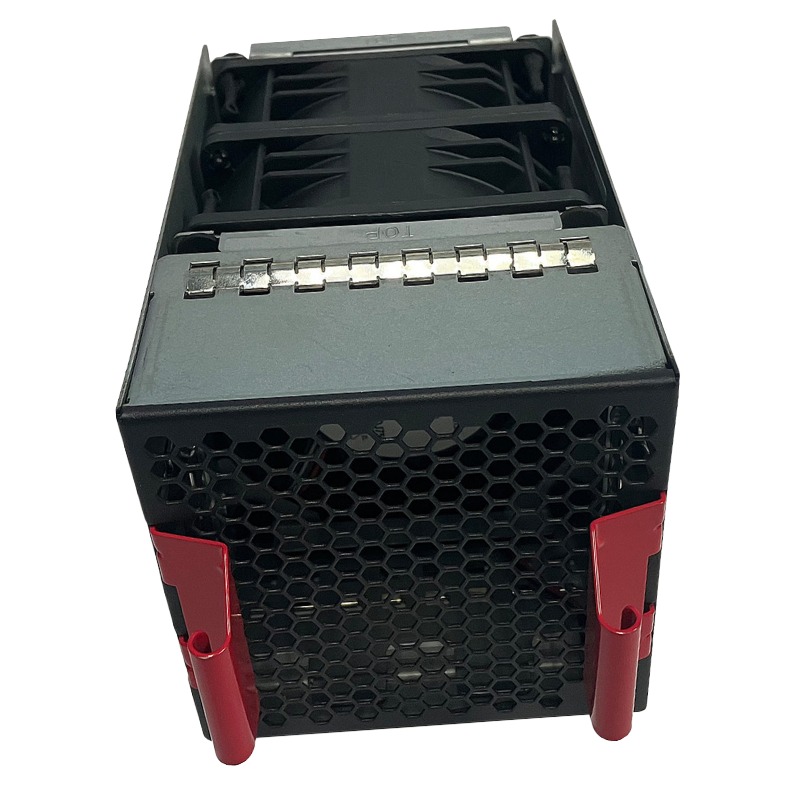
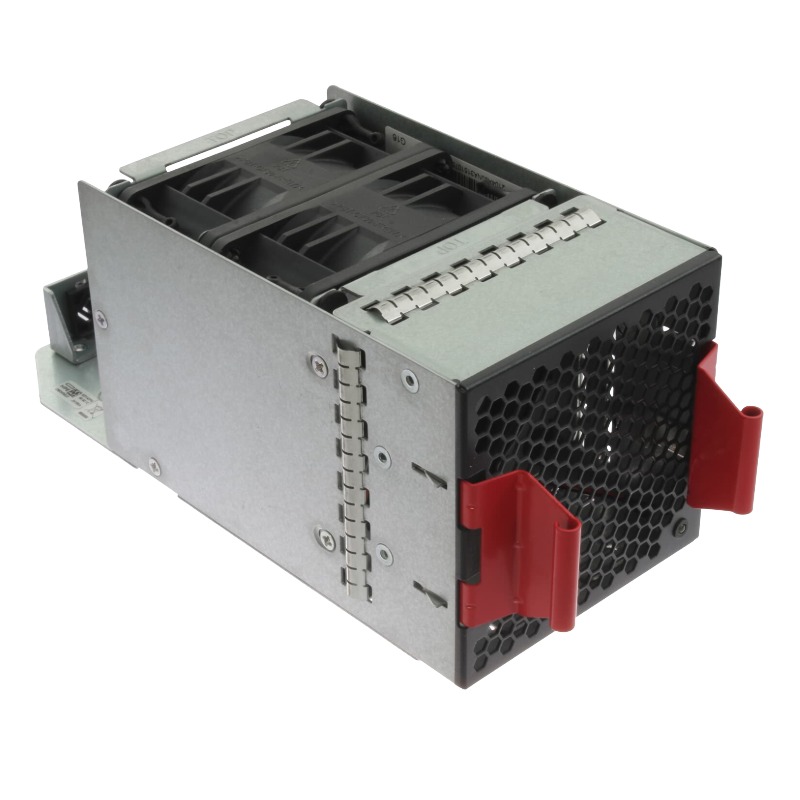
HPE JH186A 5930-4Slot Front (Port Side) to Back (Power Side) Airflow Fan Tray. Excellent Refurbished with 1-Year Replacement Warranty
The JH186A HPE 5930-4Slot Front to Back Airflow Fan Tray is a vital cooling accessory engineered to maintain optimal airflow within enterprise-grade networking equipment. This component ensures consistent ventilation, efficient cooling, and extended hardware longevity in high-performance environments.
The airflow tray is designed to regulate equipment temperature by drawing cool air from the front and discharging warm air toward the back. This directional cooling guarantees that heat is consistently moved away from vital system parts, preventing thermal stress and ensuring stable operation.
Constructed with robust materials, the JH186A fan tray is built for durability and reliability. Its high-quality fan blades deliver long-term operation, minimizing the need for frequent replacements and ensuring efficient cooling cycles.
Selecting this airflow fan tray ensures your networking equipment remains protected against overheating risks while maintaining top performance. By providing precise front-to-back airflow, it aligns with modern rack cooling designs.
In modern rack-based data centers and wiring closets, the direction of airflow is crucial for predictable thermal mapping. The JH186A fan tray enforces a front-to-back airflow paradigm, which aligns with most rack cooling layouts where cool air is delivered from the front of the chassis and warm air is exhausted toward the rear. This orientation matches raised-floor cold-aisle containment systems and reduces recirculation of hot exhaust into intake areas. For organizations optimizing hot-aisle / cold-aisle segregation, the JH186A simplifies thermal engineering and helps equipment run within recommended thermal envelopes.
The fan tray is manufactured from durable plastics and metal reinforcements to resist deformation under heavy rack loads and repeated servicing. Vibration-damping gaskets and balanced impeller assemblies reduce mechanical noise and extend bearing life. Connectors and guide rails are positioned to allow straightforward insertion and extraction while protecting mating connectors on the chassis.
Enterprise-class fan assemblies balance airflow with acoustic output. The JH186A is designed to operate quietly relative to its airflow capacity, using optimized blade geometry and matched RPM curves to minimize tonal noise while maintaining required cubic feet per minute (CFM) throughput. In noise-sensitive environments (e.g., telco edge rooms or small enterprise closets), consider placing the chassis in a dedicated cabinet or remote room to reduce ambient sound exposure.
Network switches generate concentrated heat where ASICs, power supplies and dense port arrays are located. The JH186A fan tray is designed to draw cool air across the front-facing port plane and channel warm air out the rear, maintaining a forced convection path across high-power modules. This forced convection reduces component temperature rise, extends life expectancy, and allows denser port populations or higher-speed optics to operate reliably.
Most enterprise fan trays implement multiple fans so that a single fan failure does not immediately jeopardize cooling. The JH186A typically communicates health status to the switch management plane so administrators can be alerted to degraded cooling and dispatch maintenance. For mission-critical installations, adopt an N+1 or N+2 spare policy so that component replacement can occur during scheduled windows without risking thermal incidents.
In campus environments where HPE 5930 chassis may be used for aggregation, the JH186A ensures predictable cooling across dense port arrays and uplink modules. The front-to-back airflow helps when chassis are installed in cabinets that conform to standard hot/cold aisle configurations.
For leaf and aggregation switches deployed in data centers, the fan tray’s thermal behaviour supports high-throughput optics and small-form-factor transceivers that can increase thermal density. Integration with the chassis’ thermal management allows for dynamic fan speed control under variable load.
In smaller branch installations where ambient temperature control may be limited, ensuring the correct airflow orientation and reliable fan modules is important to extend equipment lifetime and prevent unexpected failures during peak loads.
Fan trays contain plastics, metals, and electronic components. Dispose and recycle according to local e-waste and hazardous materials regulations. Use certified e-waste recyclers to ensure compliance with environmental directives and to recover valuable materials.
Confirm compliance with regional directives (e.g., RoHS) when procuring third-party replacements. OEM units typically ship with regulatory declarations; request compliance documentation from resellers when necessary.


 Contact Us
 Information
 Catalog
 Solid State Drives (SSD)
 Network Switches
 Hard Disk Drives
 HBA & Controllers
 PC & Servers
 PC & Server Memory
 CPU & Processors
 Network Routers
 Power Supplies
 Tape Drives & Libraries
 Network Devices
 Computer & Network Cables