(7% discount is applied at checkout)
Cart is empty
Your go-to destination for cutting-edge server products
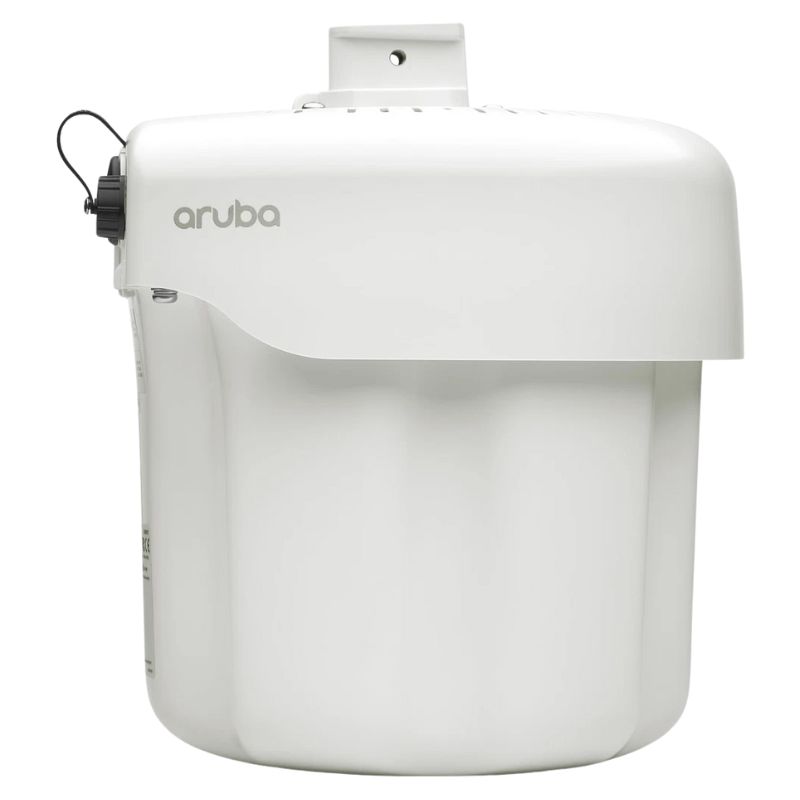


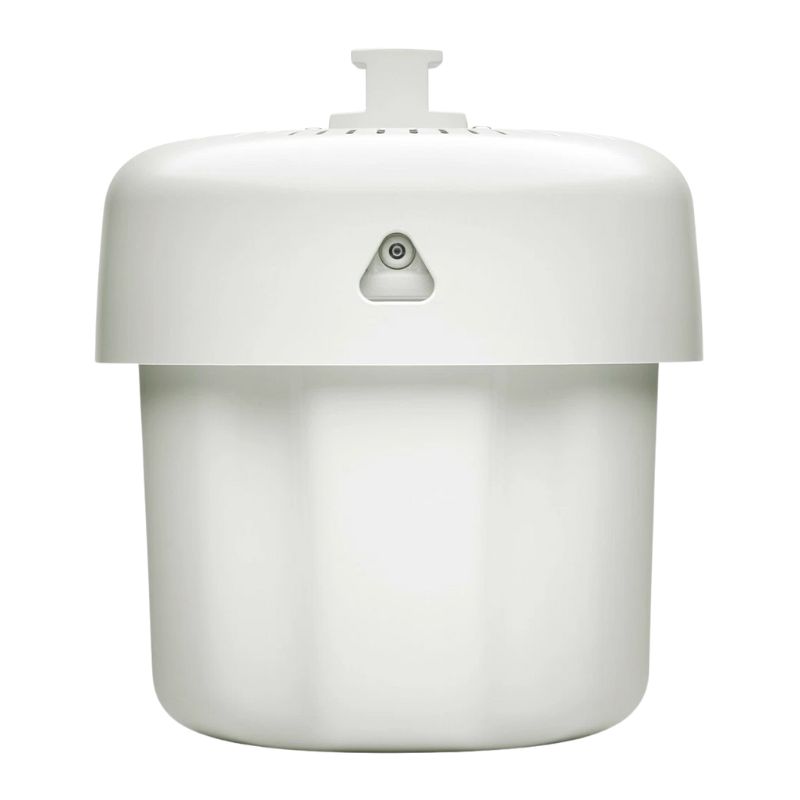
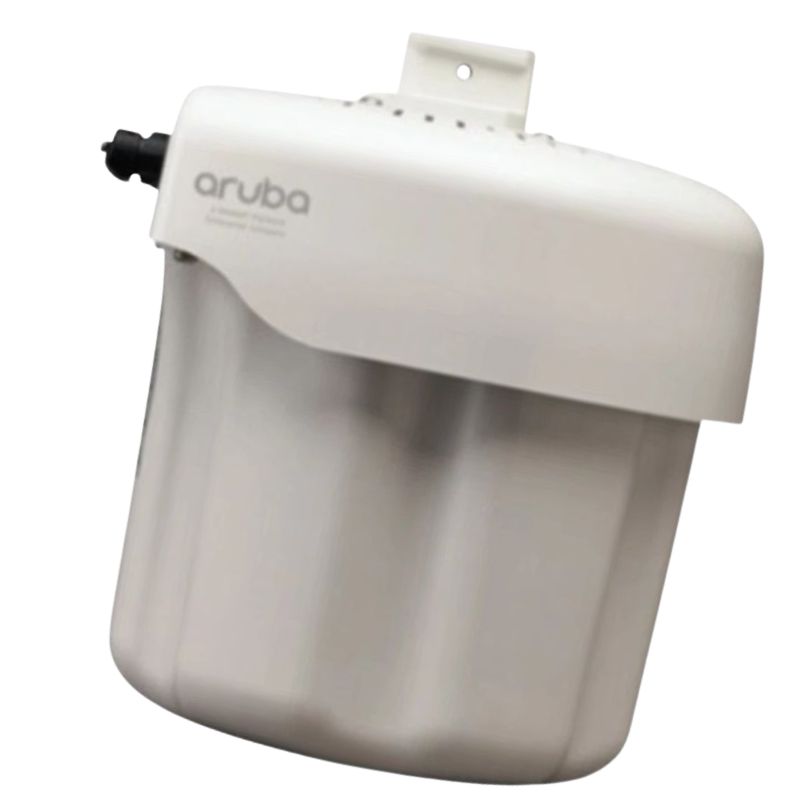
HPE JZ172A Aruba AP-375 (RW) 802.11n/ac 2Gbps Radio Integrated Omni Antenna Outdoor Access Point. New Sealed with 1-Year Replacement Warranty
The JZ172A HPE Aruba AP-375 (RW) is a ruggedized outdoor wireless access point engineered for high-capacity, mission-critical environments. Built around the 802.11n/ac family and delivering up to 2 Gbps aggregated throughput, this access point combines powerful radio hardware, integrated omni-directional antennas and enterprise management features to provide reliable, high-performance Wi-Fi for outdoor venues, campuses and industrial sites.
The AP-375 supports concurrent operation on both 5 GHz and 2.4 GHz bands, allowing networks to steer high-throughput clients onto 5 GHz while preserving legacy device compatibility on 2.4 GHz. That dual-band flexibility maximizes spectral efficiency and increases total user capacity.
Multi-Input Multi-Output (MIMO) and beamforming technologies enable the AP-375 to maintain higher data rates at greater distances by focusing RF energy and supporting multiple spatial streams. This results in improved real-world throughput and reduced airtime contention in crowded outdoor deployments.
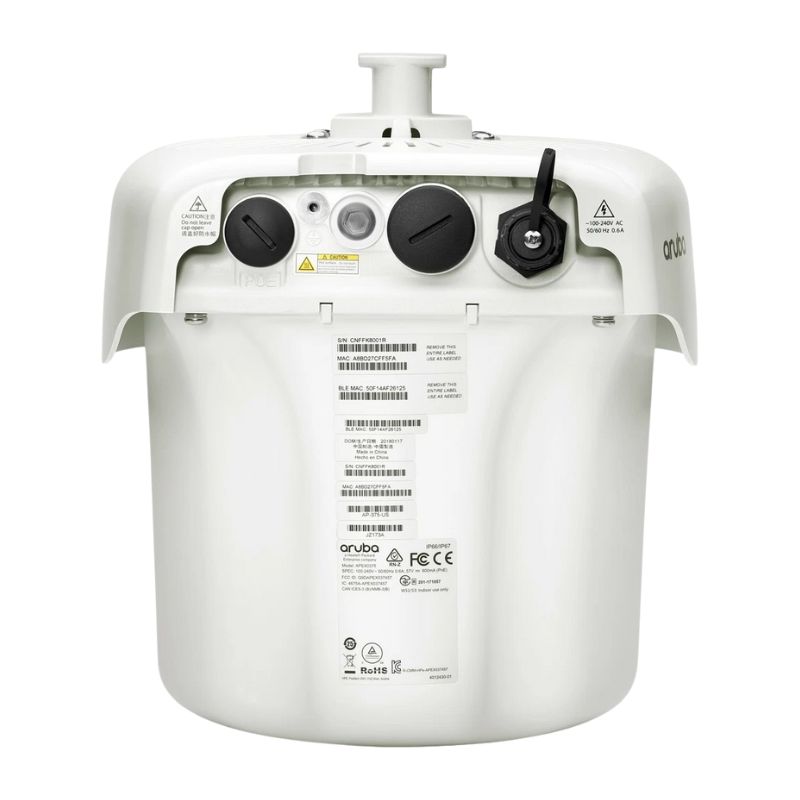
The AP ships with a Gigabit Ethernet (RJ-45) interface which supports PoE PD (Power over Ethernet — Powered Device). PoE simplifies installations by carrying both data and power over a single cable — especially useful for outdoor poles, masts and wall mounts where AC power is impractical.
Outdoor-rated APs such as the AP-375 are built to withstand temperature extremes, moisture and dust. They include integrated antennas and rugged enclosures, trading some aesthetics and internal antenna flexibility for hardened reliability and simplified outdoor mounting.
For site surveys, coverage maps or capacity planning using the AP-375, collect expected user density, mounting heights and interference sources—these inputs allow a consultant or network team to optimize placement and quantity for predictable Wi-Fi experience.
The AP-375 implements 802.11ac Wave 2 technologies to increase spectral efficiency and client density. It supports up to four spatial streams (4SS) in some variants and 2x2/4x4 radio configurations across the 5 GHz and 2.4 GHz bands depending on the SKU and regulatory domain. Wave 2 features such as MU-MIMO and optional 160 MHz channel bandwidth (VHT160) enable higher per-client throughput and superior aggregate capacity—especially beneficial in outdoor hotspots, stadium concourses, and transit hubs where dozens or hundreds of devices contend for spectrum.
Realistic aggregate peak data rates for the AP-375 are commonly described as approximately 2.0 Gbps total (1,733 Mbps in the 5 GHz radio plus 300 Mbps in the 2.4 GHz radio). This headroom allows the AP to serve a mix of high-bandwidth mobile devices, IoT sensors, and backhaul traffic while maintaining low latency for time-sensitive services. For backhaul and uplink, the AP supports gigabit Ethernet interfaces and optional SFP ports to integrate with fiber uplinks or hardened switch infrastructure.
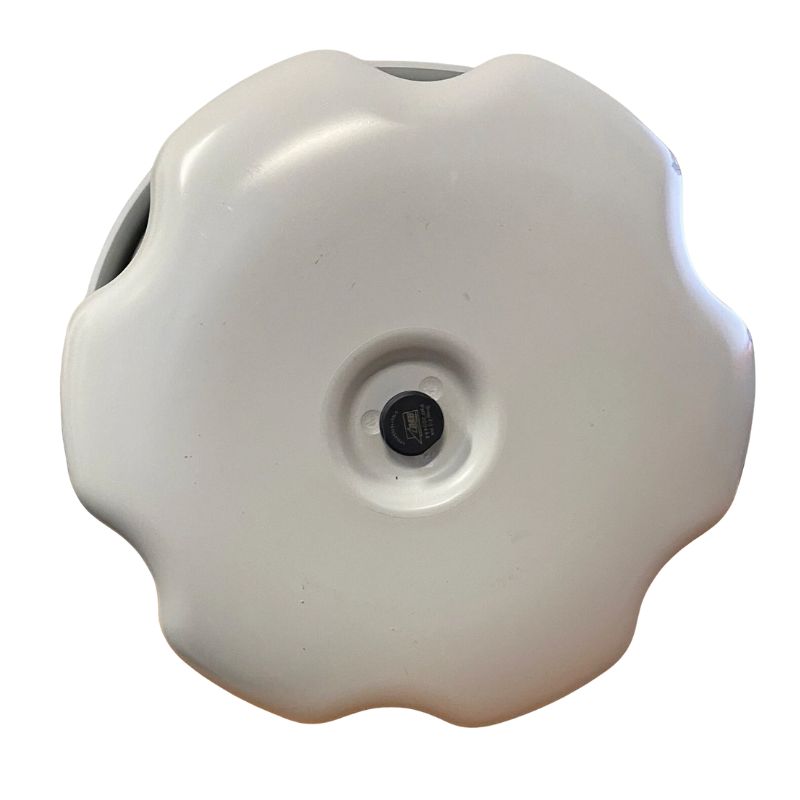
Designed as an outdoor-rated enclosure, the Aruba AP-375 features weatherproof and temperature-hardened construction to withstand UV exposure, precipitation, salt spray (in coastal deployments), dust and wide thermal swings. This rugged shell makes it suitable for rooftop, pole, façade, parking lot, and roadside deployments. The device's robust mechanical design reduces the need for protective housings and simplifies field installation while maintaining long-term reliability in exposed environments.
The JZ172A SKU features integrated omnidirectional antennas that provide broad area coverage suitable for general-purpose outdoor deployments. Integrated antenna designs simplify installation and reduce external antenna exposure to the elements, lowering the number of connection points susceptible to moisture ingress. For projects needing directional or sectorized coverage, Aruba offers alternative SKUs or external antenna connectors in other AP models, and RF planning should choose the correct antenna pattern to minimize interference and maximize usable signal footprint.
The Aruba AP-375 includes versatile uplink options—typically a 10/100/1000Base-T RJ-45 port and a 1000Base-X SFP (mini-GBIC) slot—allowing administrators to choose copper or fiber uplinks based on network architecture and distance requirements. Powering is commonly achieved through Power over Ethernet (PoE) to enable simplified installations without local AC power. Maximum operational power consumption is modest (commonly under ~25 W depending on radio activity), which aligns with PoE+ or required PoE budgets on outdoor switches or midspan injectors.
When designing power for outdoor APs, account for worst-case power draw including full transmit duty cycles, additional accessory loads (e.g., external radios or sensors), and the voltage drop over long cable runs. Use appropriately rated PoE switches or industrial-grade injectors, and ensure surge protection and proper grounding for lightning-prone areas.
Aruba APs, including the AP-375, support the gamut of enterprise wireless security technologies: WPA2/WPA3 transitional mode (where supported in firmware), 802.1X authentication with RADIUS backends, role-based access control (RBAC), guest onboarding portals, and granular firewalling policies applied at the user or SSID level. These controls help segment traffic—separating guest access, operational IoT, and corporate users—while enforcing encryption and authentication standards appropriate to the sensitivity of transmitted data.
Many 370 Series APs include built-in Bluetooth Low Energy (BLE) radios that enable Aruba location and asset-tracking services—useful for proximity-based notifications, location analytics, and integration with third-party location-aware applications. BLE also supports modern onboarding flows and context-aware security policies when combined with Aruba’s management plane.
Cities and municipalities deploy AP-375 units to provide ubiquitous Wi-Fi across parks, plazas, transit shelters, and downtown corridors. The device's weather-hardened profile and omnidirectional coverage make it a practical building block for public hotspots, digital signage backhaul, and citizen connectivity programs.
Resorts, outdoor dining districts, shopping promenades and event venues benefit from the AP’s high throughput and density handling. Use cases include secure guest Wi-Fi, point-of-sale connectivity for outdoor kiosks, and temporary deployments for festivals and concerts where rapid provisioning and robust coverage are essential.
Manufacturing yards, distribution centers and university campuses often rely on outdoor APs for campus roaming, video surveillance backhaul, vehicle telemetry, and connected infrastructure. The rugged build and optional fiber uplinks make the AP-375 suitable for long-term, harsh-environment installations.
Proper planning requires a balance between coverage and client density. Start by classifying client types (low-bandwidth IoT vs. high-bandwidth mobile video), estimating concurrent active clients per square meter, and then choosing a target per-AP saturation metric (e.g., 25–75 active clients per AP depending on expected usage). Add capacity headroom for future growth and peak events.
Outdoor RF is frequently impacted by other installations, radar and co-channel interference. Adopt a channel reuse plan that minimizes adjacency overlap for 5 GHz channels and constrain 2.4 GHz usage to critical legacy clients only. Where regulatory domains permit, consider dynamic channel selection combined with predictive planning tools to improve long-term stability.
The Aruba AP-375 (JZ172A) presents a compelling mix of rugged hardware, Wave 2 performance, integrated BLE, and flexible uplink options (including SFP) that together reduce bill-of-materials complexity and installation time for outdoor coverage projects. Its peak aggregated throughput and MU-MIMO capabilities allow it to serve as a cornerstone for high-density outdoor Wi-Fi fabric deployed across municipal, enterprise, or hospitality footprints.
While outdoor APs carry a premium over indoor units, the AP-375’s integrated antenna design, simplified mounting, and resiliency reduce ancillary costs—less need for specialized housings, fewer field service calls, and a simplified inventory for spares. Factor in licensing—controller or cloud subscriptions—and planned maintenance windows to evaluate multi-year TCO.
Aruba outdoor APs are often released with region-specific SKUs (for example: RW, US, JP, EG, etc.) that reflect regulatory compliance, frequency tuning and certification differences across markets. Ensure procurement teams select the SKU matched to the deployment country to avoid regulatory noncompliance and to guarantee proper transmit power and channel availability. Price lists and authorized reseller catalogs commonly list product codes and variant details for each region.


 Contact Us
 Information
 Catalog
 Solid State Drives (SSD)
 Network Switches
 Hard Disk Drives
 HBA & Controllers
 PC & Servers
 PC & Server Memory
 CPU & Processors
 Network Routers
 Power Supplies
 Tape Drives & Libraries
 Network Devices
 Computer & Network Cables